
FS25 Maps

Buckeye Ridge v1.0.0.0

Buckeye Ridge v1.0.0.0

Buckeye Ridge v1.0.0.0

Buckeye Ridge v1.0.0.0

Buckeye Ridge v1.0.0.0

Buckeye Ridge v1.0.0.0

Buckeye Ridge v1.0.0.0

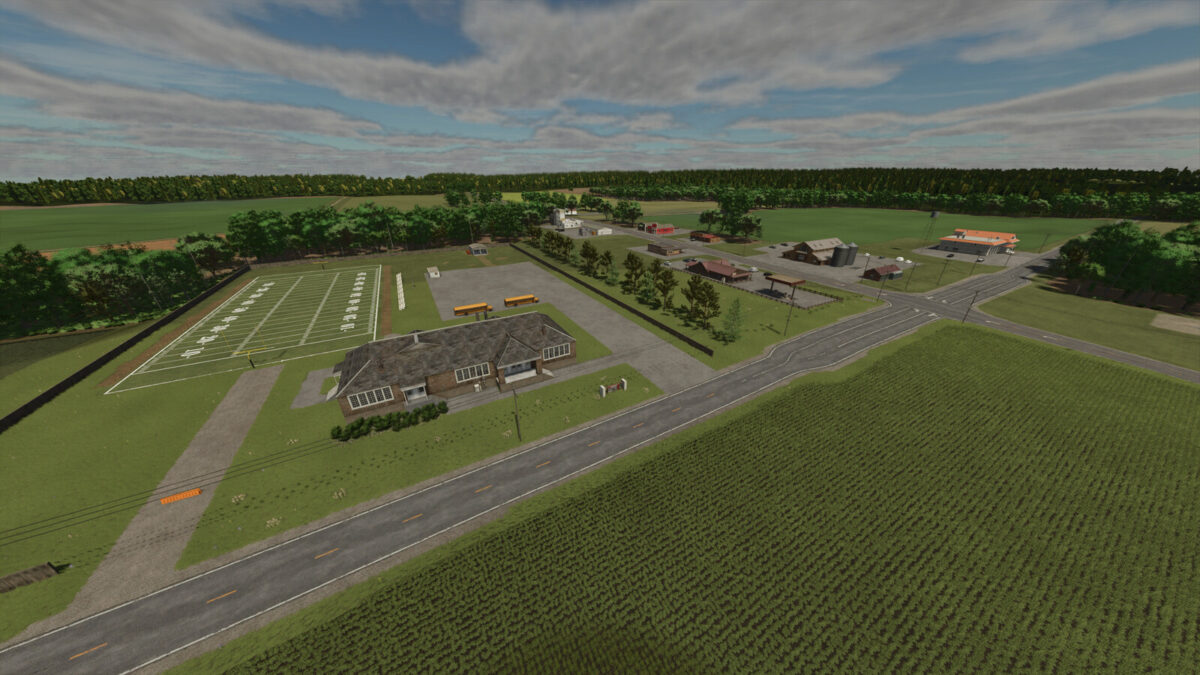
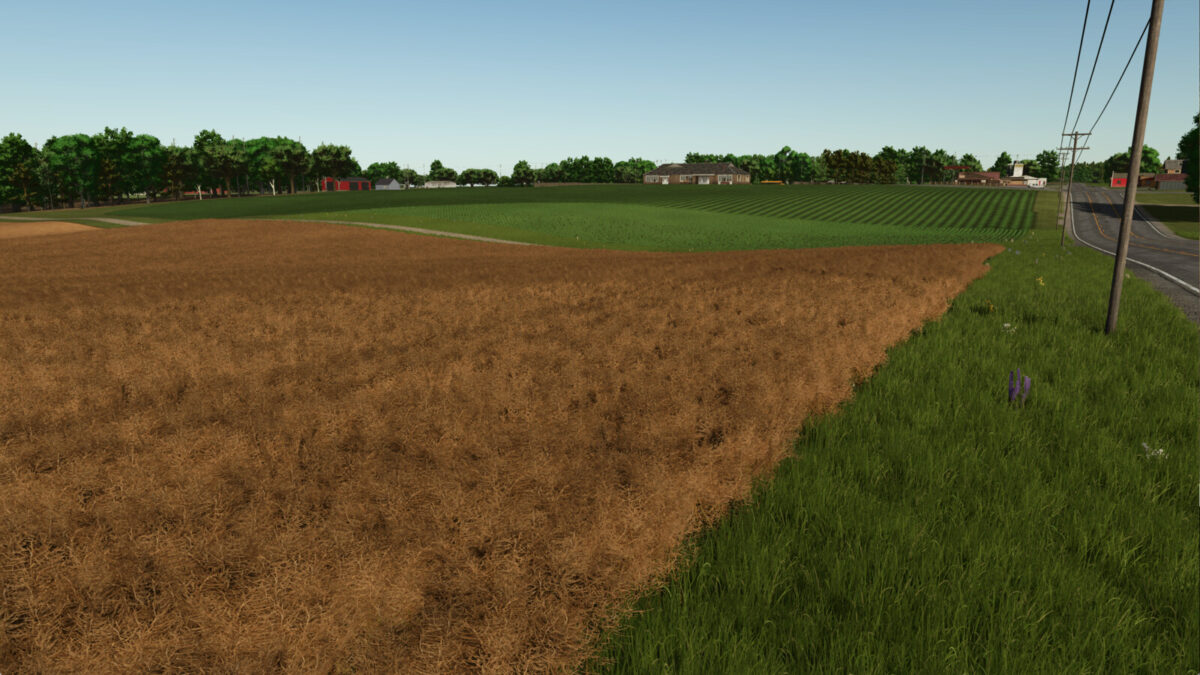
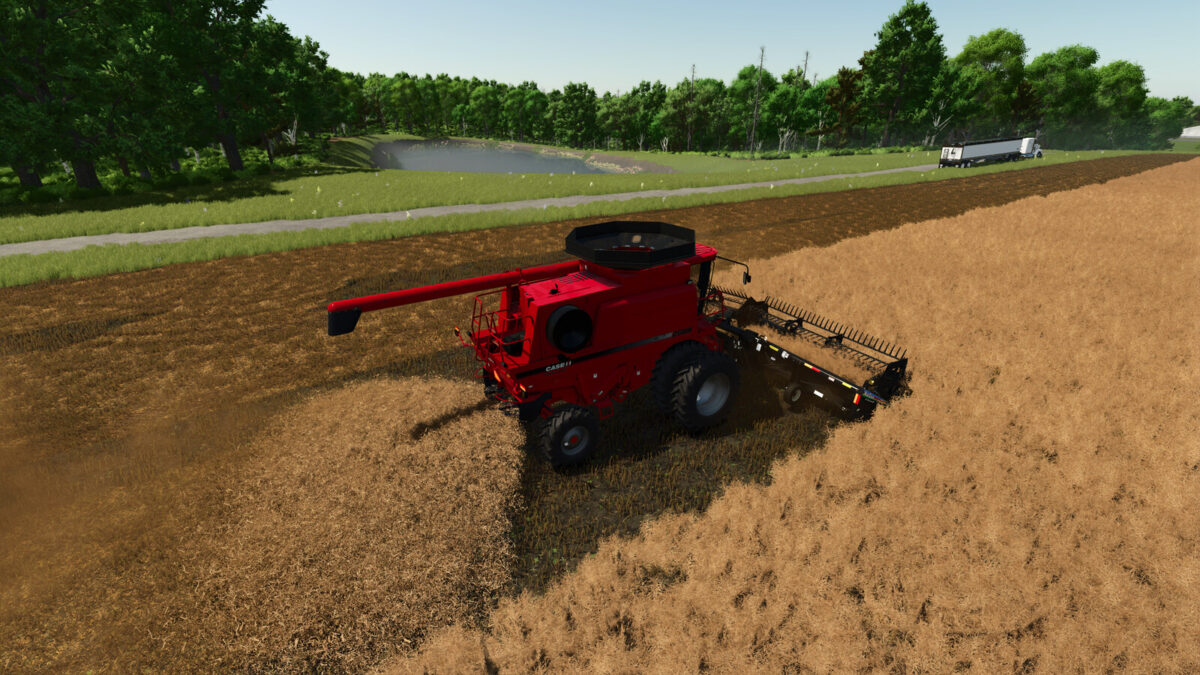
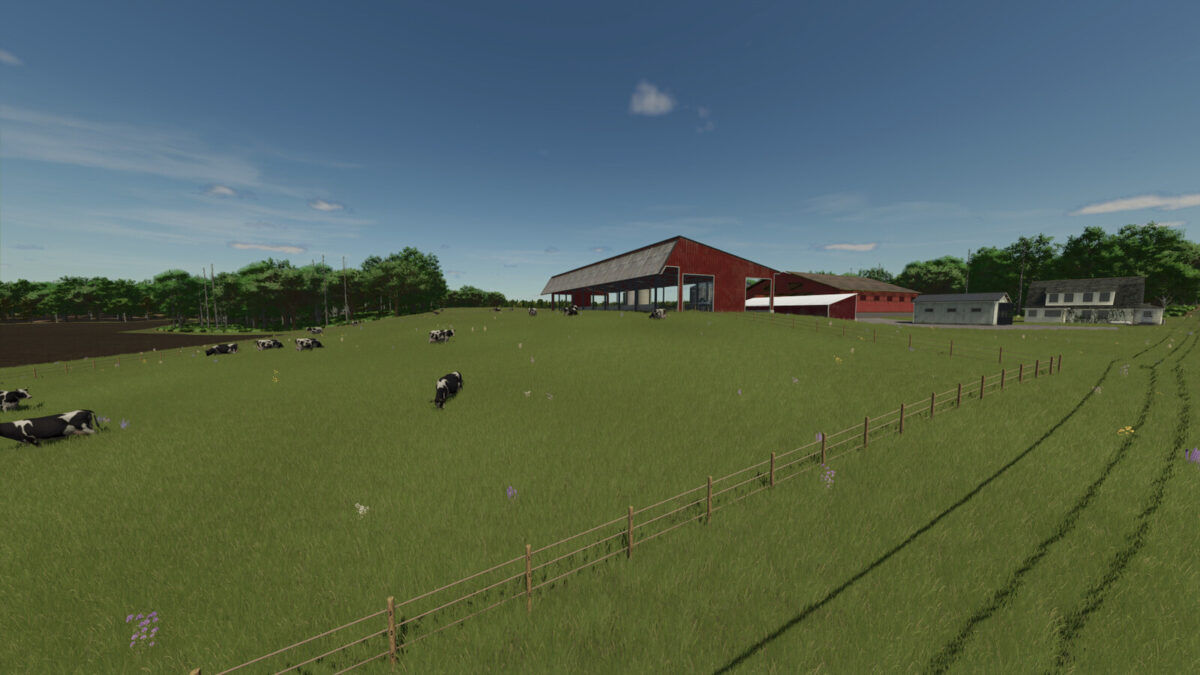
Take a trip to the heart of fictional Ohio and experience the rolling countryside of Buckeye Ridge. Built with a focus on traditional Midwestern farming, this map offers a mix of open farmland, smaller fields, and rural scenery to build your farming operation around.
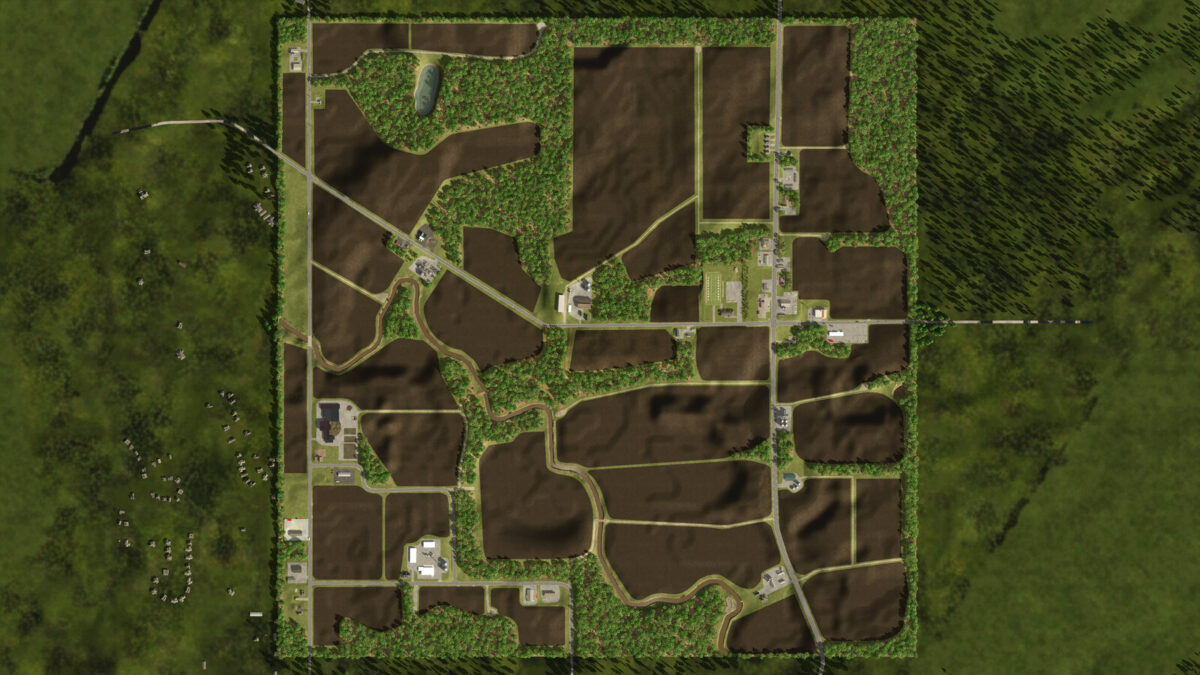
– 35 fields
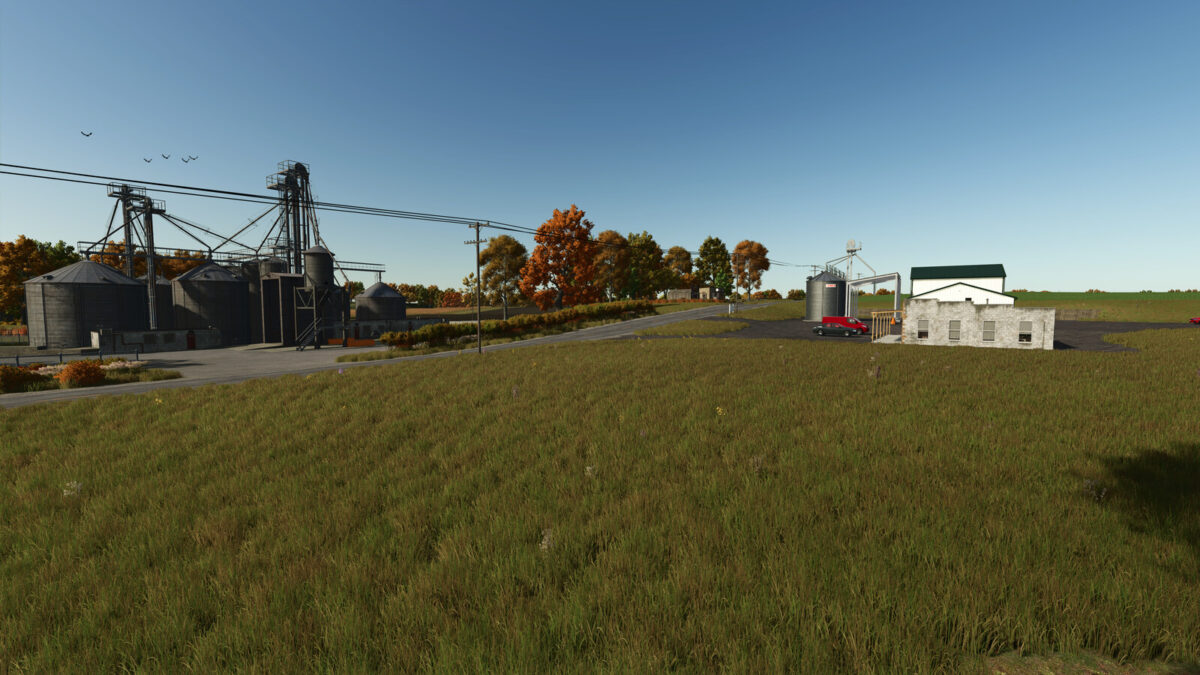
– 4 prebuilt farm yards, all buildings on the farm yards should be able to be sold
– Custom map template from Weekend Farmer including New crops: silage maize, alfalfa
– Miscanthus (Provided by Antler22) added as a crop that can be mowed or foraged a massive amount of straw
– More paintable textures added
– Changed lime texture

Credits:

tonymif/Schultz Modding

How to install FS25 Maps?
Firstly find a mod which you like and want to download. Then download a mod to your PC. Mods are usually in .zip format file. But sometimes it can be in .rar. If a mod file is a .zip format no needed additional actions. If a file is in .rar, then you must unarchive mod with software like WinRar or Zip7. Windows 10 users no need to use software for archives, Win10 itself has a feature to unarchive files.
The next step is to find mods folder in your PC. Usually, it is in Documents/My Games/Farming Simulator 25/2025. Open the "mods" folder and put downloaded .zip archive or unarchived .rar file to this folder.
Last step. Enjoy of FS25 mods!

Leave a Reply

Your email address will not be published. Required fields are marked *