


Disable GPS (By Year) v1.2.0.0


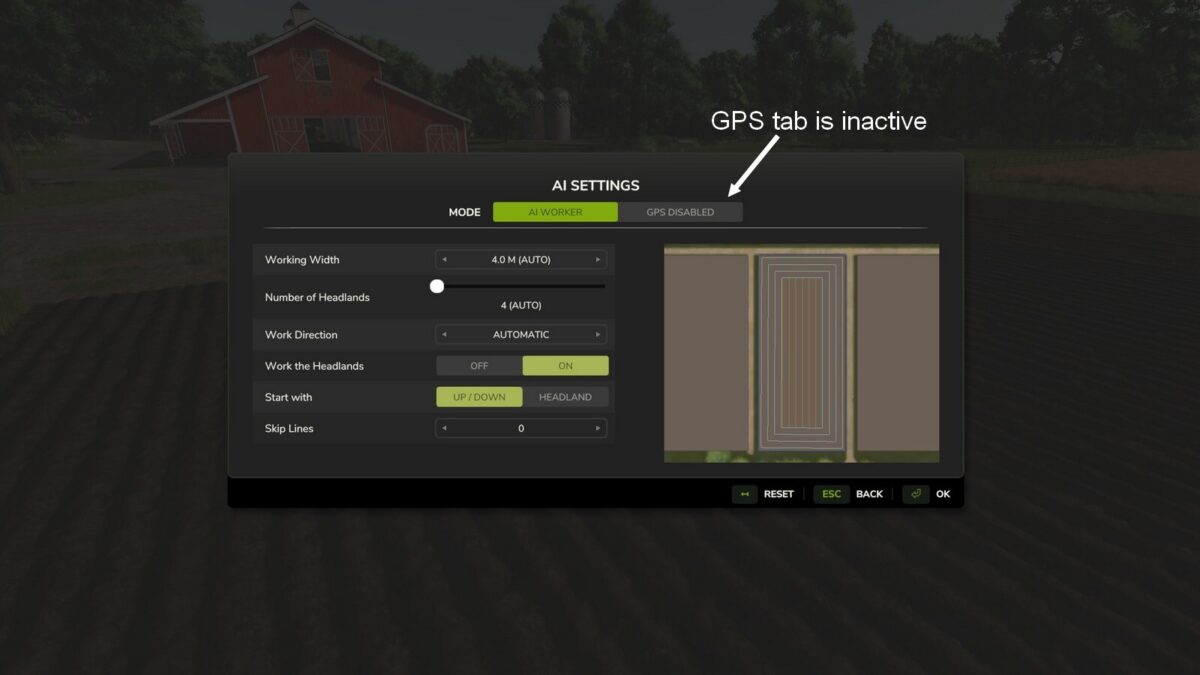
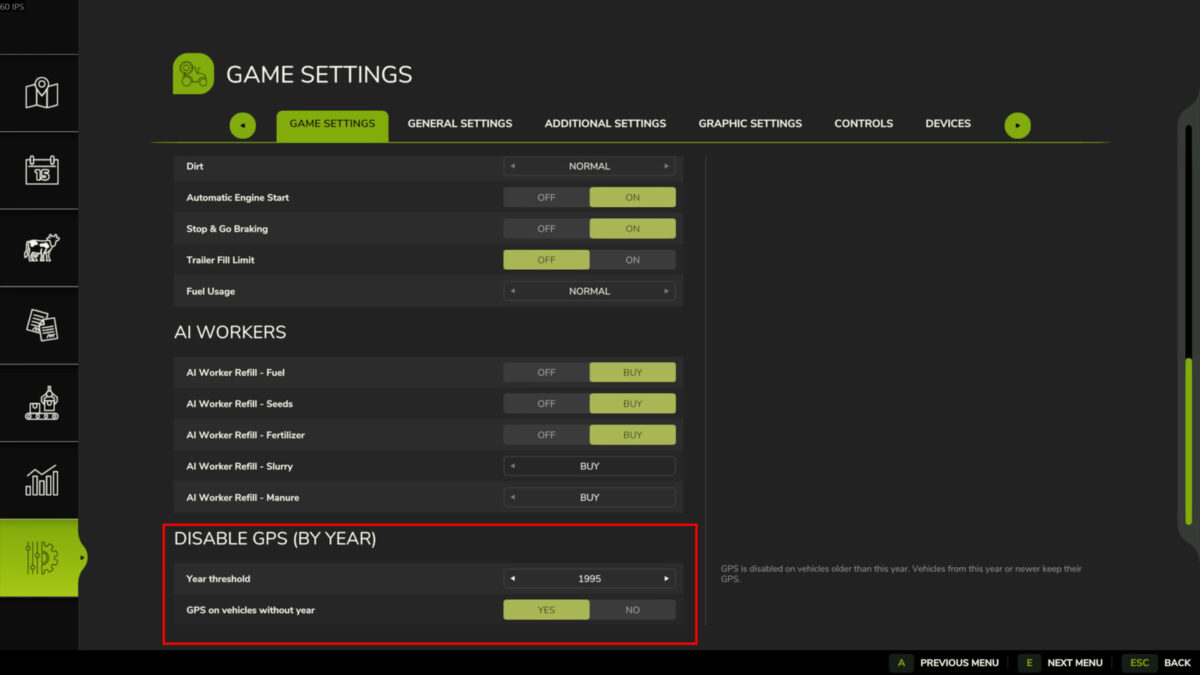
Disables the GPS for vehicles older than a configurable year (default: 1995). Vehicles from the configured year or newer keep their GPS. The year threshold can be adjusted in the in-game settings. A toggle option lets you choose whether GPS stays active on vehicles without year data. Requires the “Vehicle Years” mod by Thalley.
Changelog:
1.2.0.0
– GPS is now blocked on the vehicle itself (AI key, mode switching), not only in the AI dialog
– Raising the year threshold immediately turns off active GPS and switches the vehicle back to Worker
– Settings are now saved with the savegame
– Multiplayer: settings synchronised for all players, only admins can change them
– “Yes/No” toggle now follows the game convention (No on the left)
– Performance and stability improvements
1.1.0.0
– Fixed GPS detection when implements are attached
Credits:
JulLeBarge


