

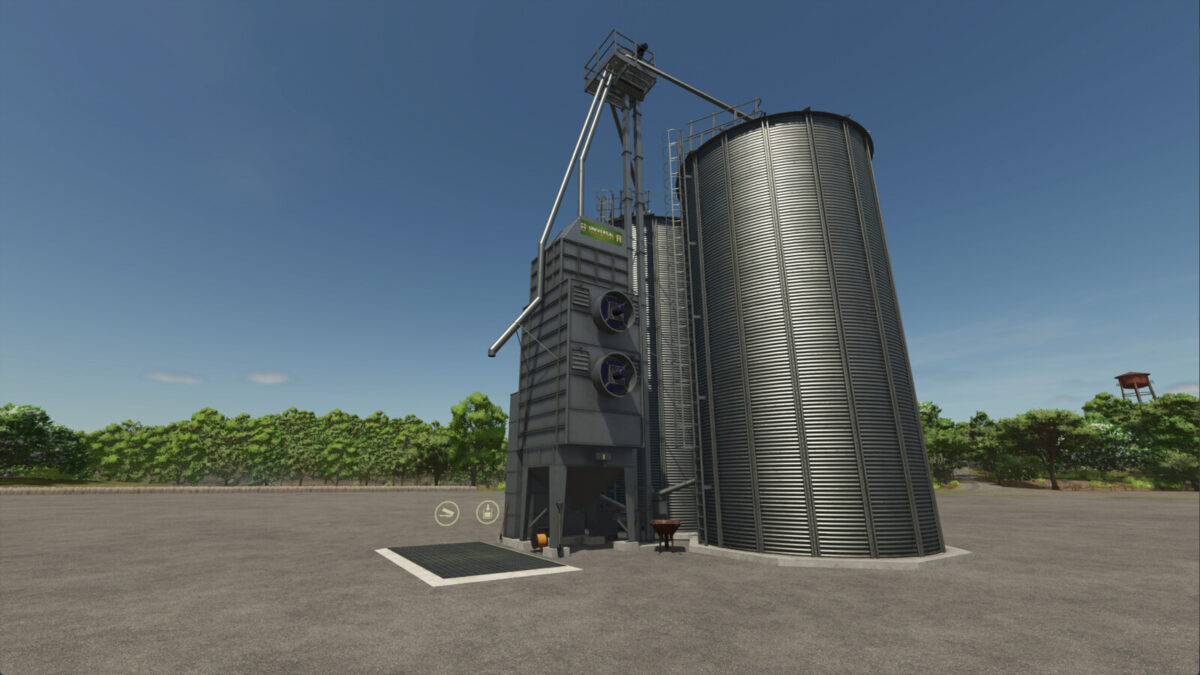
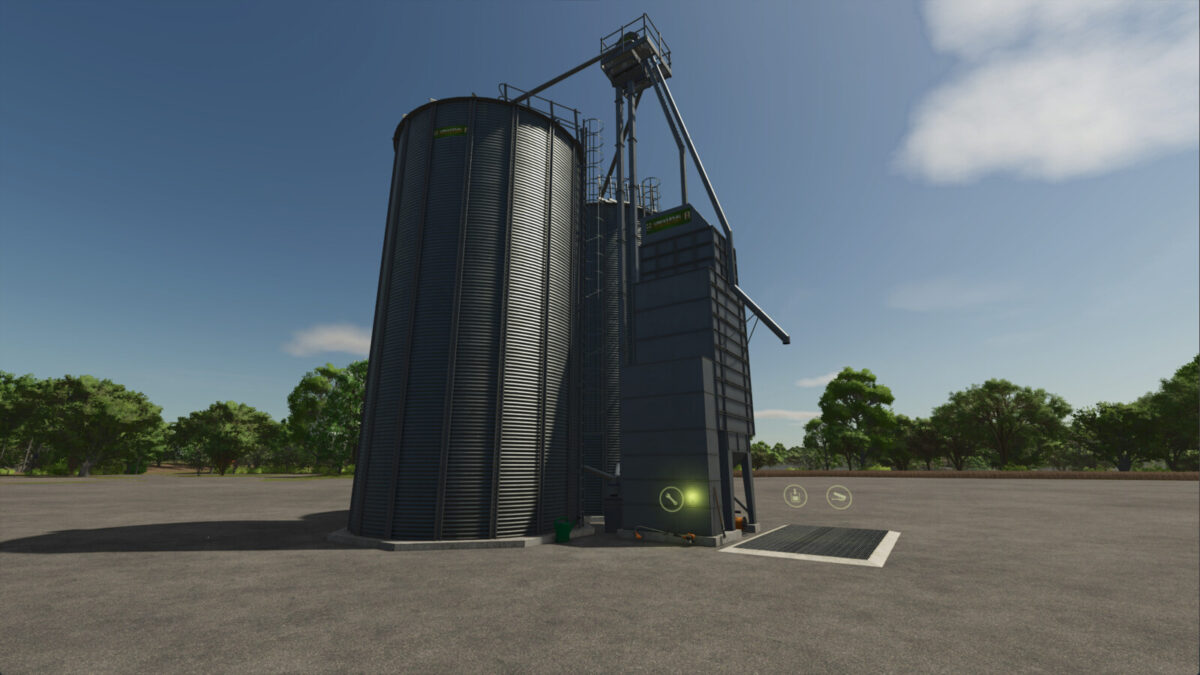
Universal Feed Factory v1.0.0.0


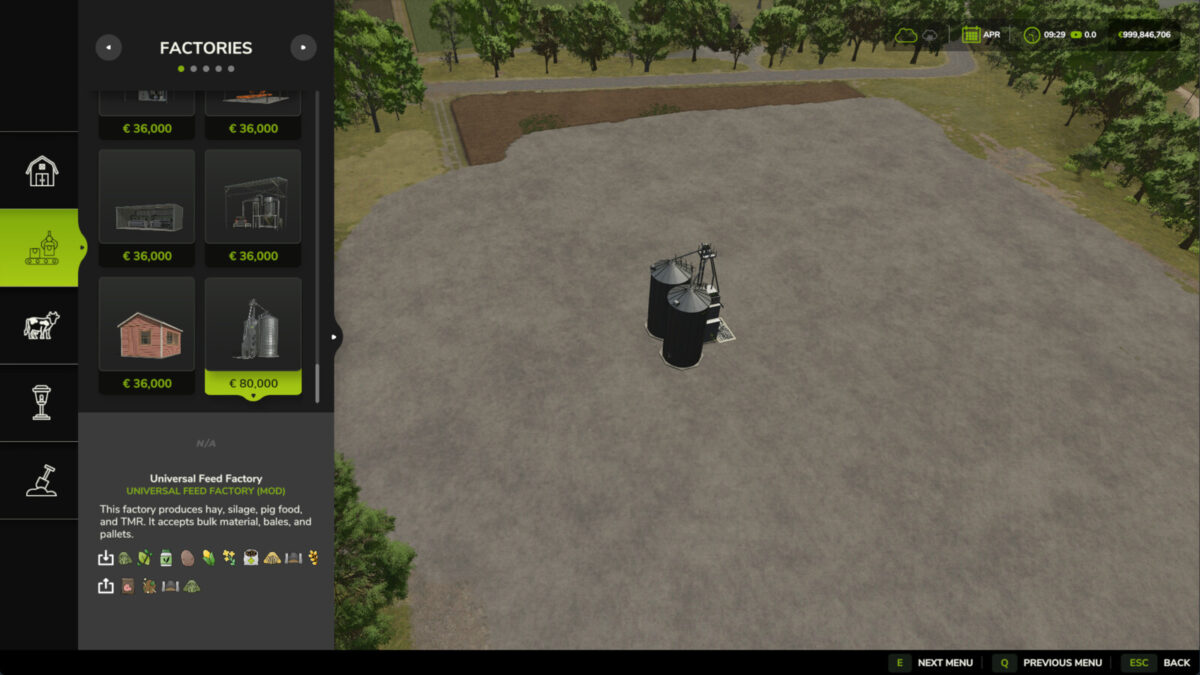
This mod adds a Universal Feed Factory to the game, making all types of fodder production easier on your farm.
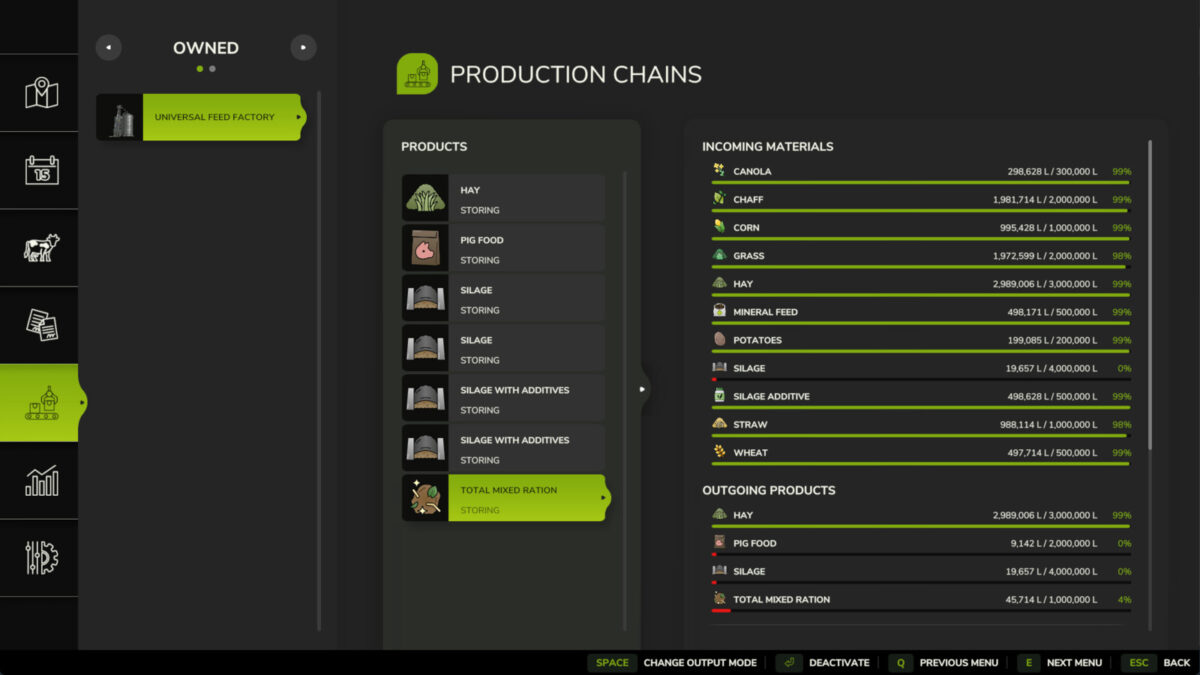
The factory ferments grass and chaff into silage, dries fresh grass into hay, and also mixes both Pig Food and TMR (Total Mixed Ration).
Important: The facility accepts not only bulk material but also bales and pallets!
Automatic ingredient conversion (Substitutes):
This means you don’t always need to provide exactly wheat or canola. If you run out of canola, you can simply dump in soybeans or sunflowers, and the factory will automatically convert them for you!
• Sorghum -> Maize
• Barley -> Wheat
• Soybean, Sunflower, Beans, Peas -> Canola
• Sugarbeet, Carrot, Parsnip, Beetroot -> Potato
Details:
Price: $80,000
Daily Upkeep: $140
Category: Factories
Recipes:
100 Grass = 80 Hay
100 Grass / Chaff = 80 Silage
100 Grass / Chaff + 5 Silage Additive = 95 Silage -> Faster production & higher yield!
100 Maize + 50 Wheat + 30 Canola + 20 Potato = 200 Pig Food
200 Hay + 150 Silage + 130 Straw + 20 Mineral Feed = 500 TMR (Total Mixed Ration)
Credits:
Vider


