

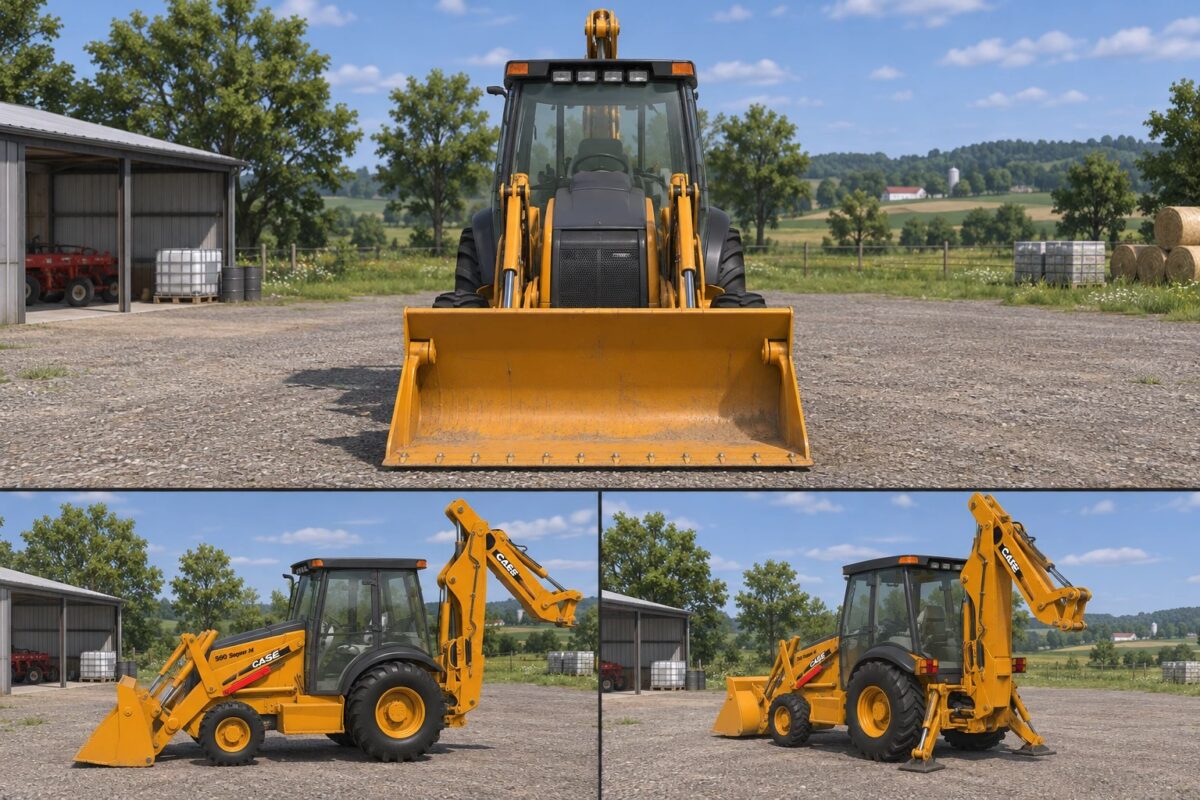
Case 580 Super M v1.0


Bring versatile equipment to your farm with the CASE 580 Super M for Farming Simulator 25. Combining a front loader with a rear backhoe, this machine is a practical addition for material handling and construction-themed gameplay.
The package includes three rear bucket sizes—18, 30, and 48 inches—allowing you to choose an attachment for different tasks. Its enclosed cab, classic CASE yellow finish, and reverse-driving controls complete the setup.
Features:
Front loader with bucket and rear backhoe arm.
Three included backhoe attachments: 18-inch, 30-inch, and 48-inch buckets.
Interior and exterior camera views.
Reverse-driving controls.
In-game specifications:
Power: 175 hp.
Maximum speed: 42 km/h.
Base price: 31,200.
Bucket price: 3,000 each.
Credits:
Tri State Crew


