
FS25 Misc

Minimap Plus v1.0.2.0

Minimap Plus v1.0.2.0

Minimap Plus v1.0.2.0

Minimap Plus v1.0.2.0

Minimap Plus v1.0.2.0

Minimap Plus v1.0.2.0

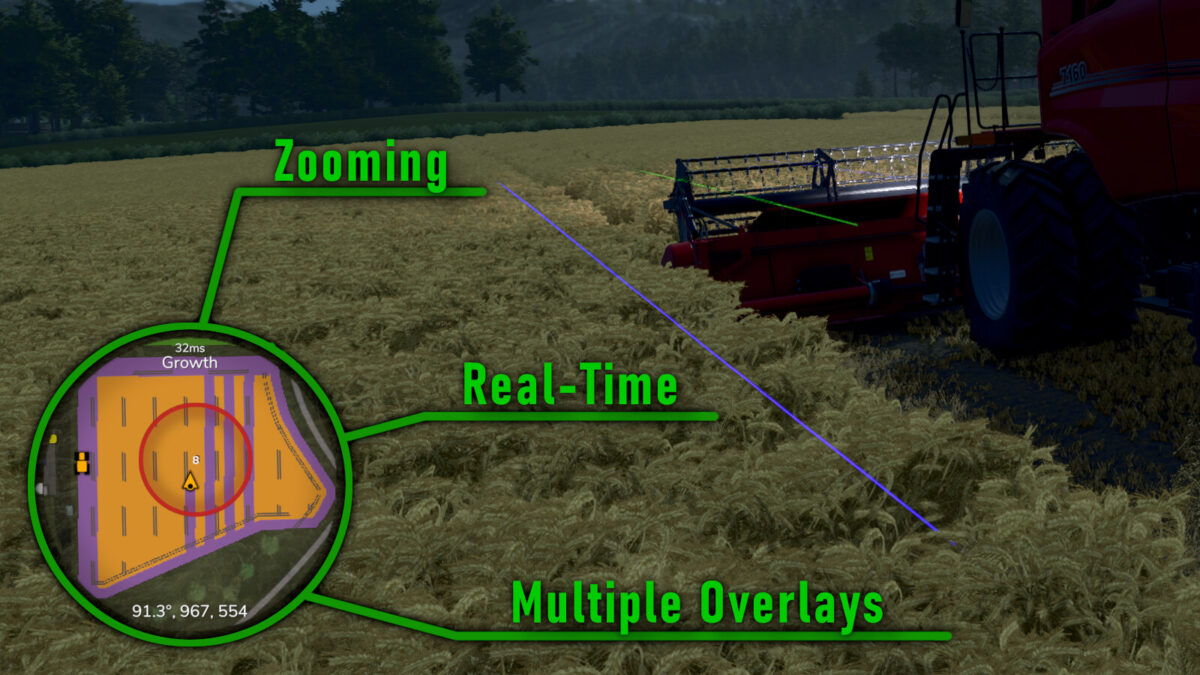
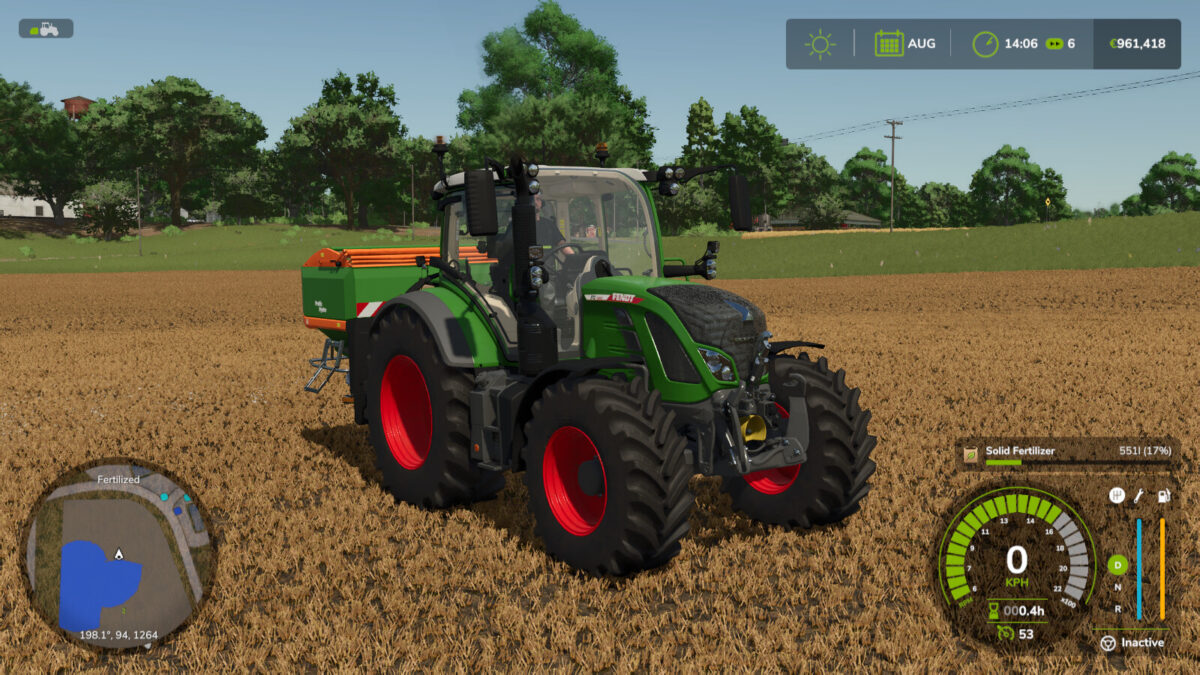
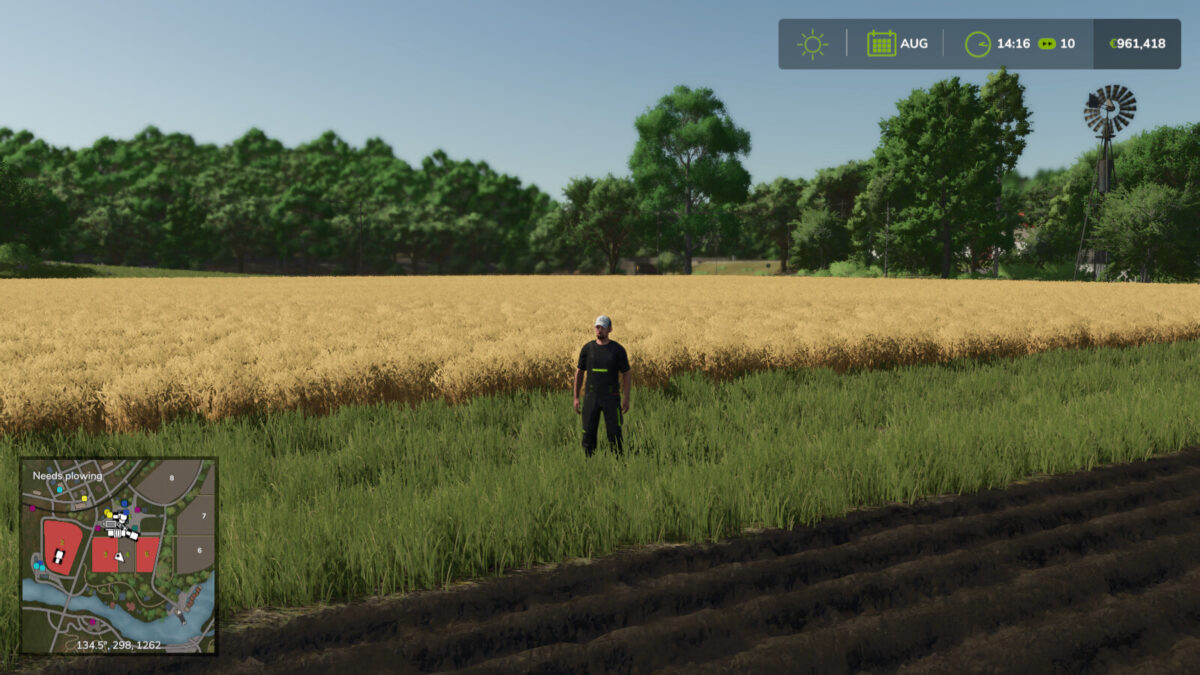
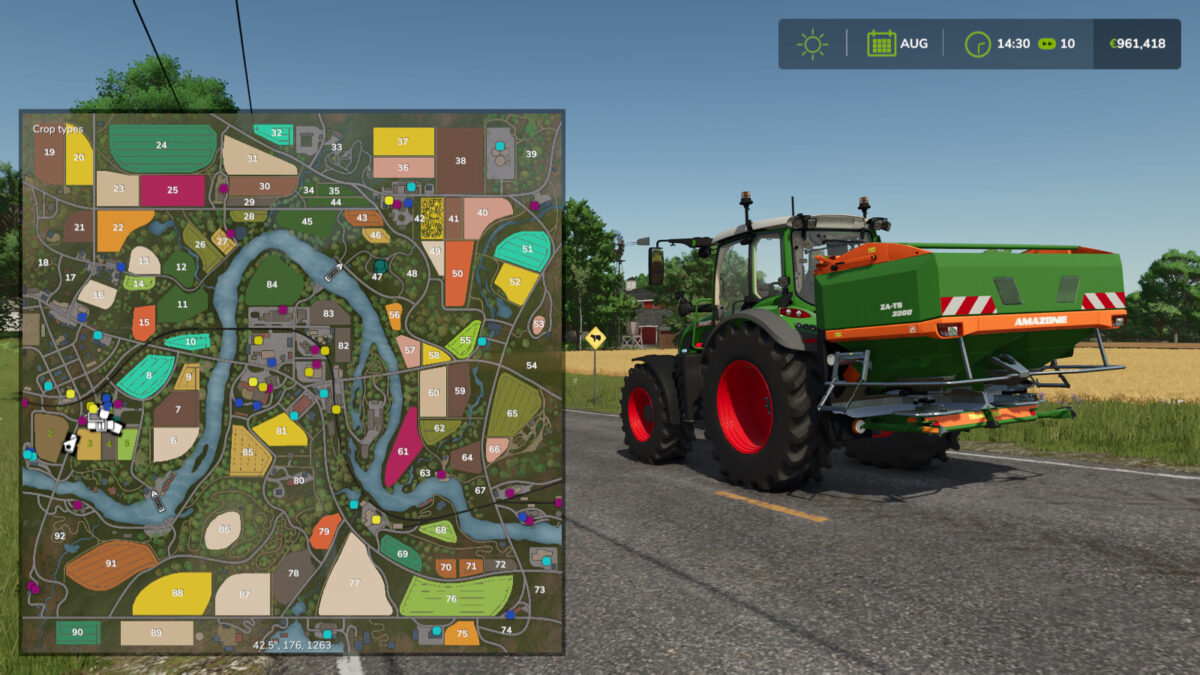
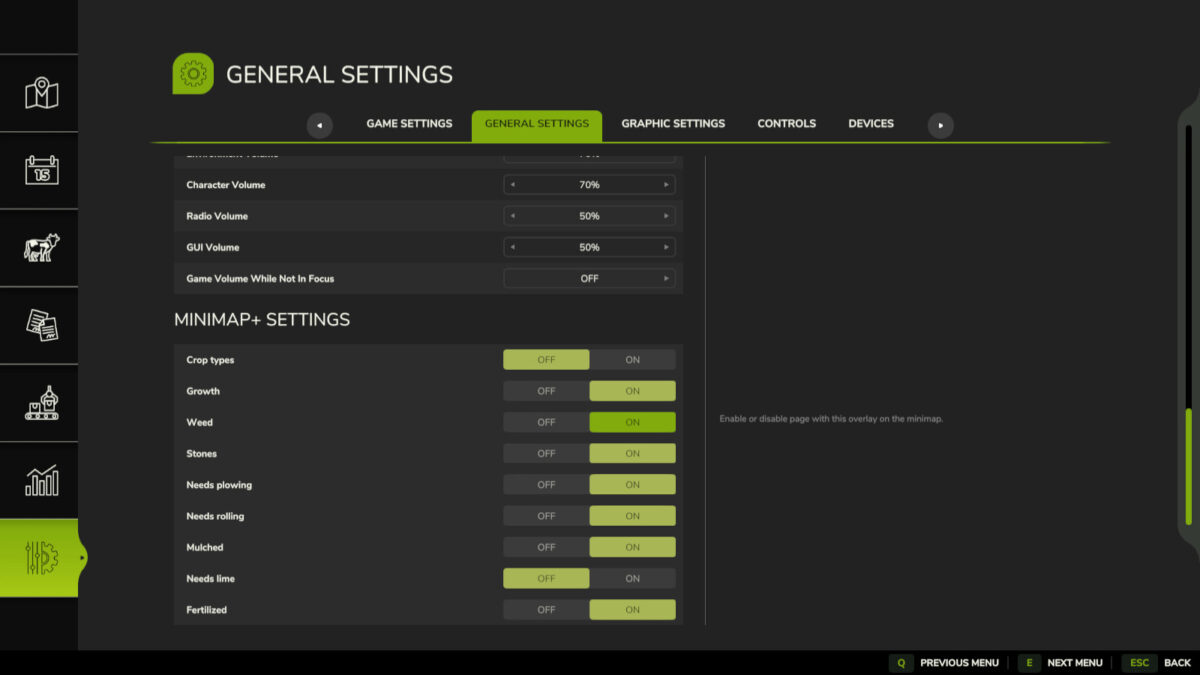
Enhanced minimap functionality with additional overlay options, zoom and more.
Features added in version 1.0:
– All in game overlays supported on the minimap (Alt + 9 to cycle forward, Ctrl + 9 to cycle backward)
– Settings for disabling specific overlays on the minimap
– Zoom functionality for round and square minimap (Shift + 9 to toggle zoom)
– Supports all minimap modes (round, square, big)
– Supports PrecisionFarming overlays
– Supports multiplayer
Changelog for 1.0.2.0:
– Added support for Beans and Alpacas Pack (fungicide map overlay)
Changelog for 1.0.1.0:
– Added support for persistent saving of currently selected overlay and zoom state across game sessions
– Fixed PrecisionFarming sampling overlays not showing up on the minimap
Changelog for 1.0.0.1:
– Added compatibility with Courseplay’s HUD map

Credits:

50keda

How to install FS25 Misc?
Firstly find a mod which you like and want to download. Then download a mod to your PC. Mods are usually in .zip format file. But sometimes it can be in .rar. If a mod file is a .zip format no needed additional actions. If a file is in .rar, then you must unarchive mod with software like WinRar or Zip7. Windows 10 users no need to use software for archives, Win10 itself has a feature to unarchive files.
The next step is to find mods folder in your PC. Usually, it is in Documents/My Games/Farming Simulator 25/2025. Open the "mods" folder and put downloaded .zip archive or unarchived .rar file to this folder.
Last step. Enjoy of FS25 mods!

Leave a Reply

Your email address will not be published. Required fields are marked *