FS25 Misc

Real Power Harrow v1.0.0.0

Real Power Harrow v1.0.0.0

Real Power Harrow v1.0.0.0

Real Power Harrow v1.0.0.0

Real Power Harrow v1.0.0.0

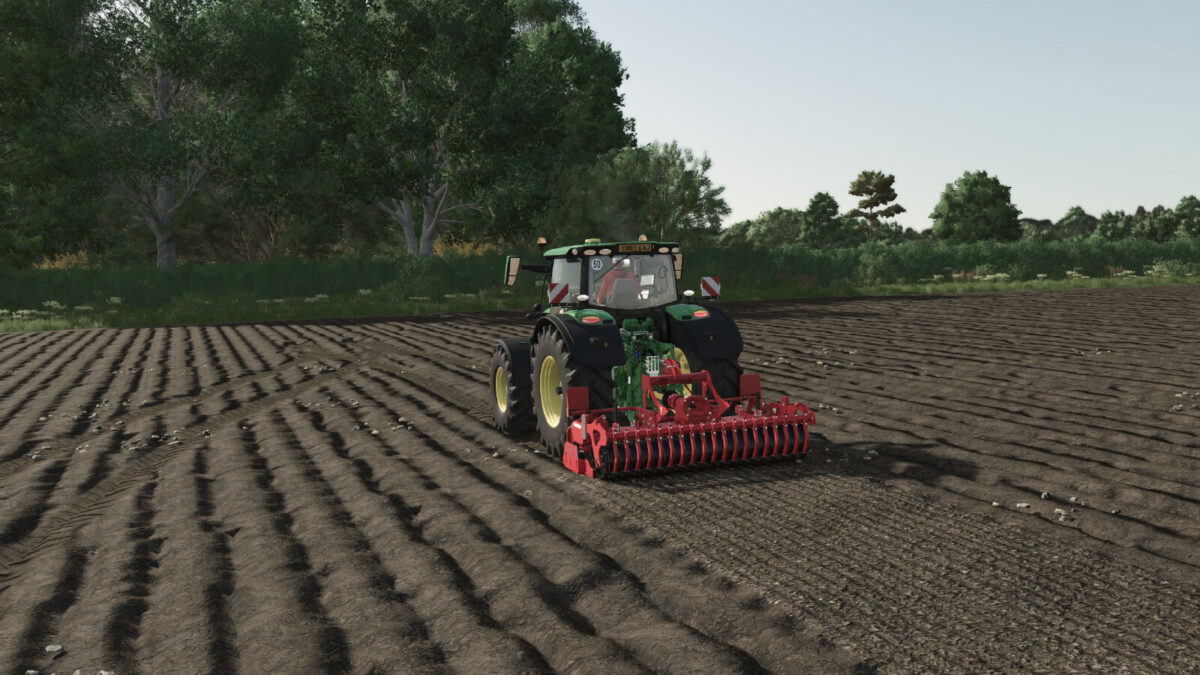
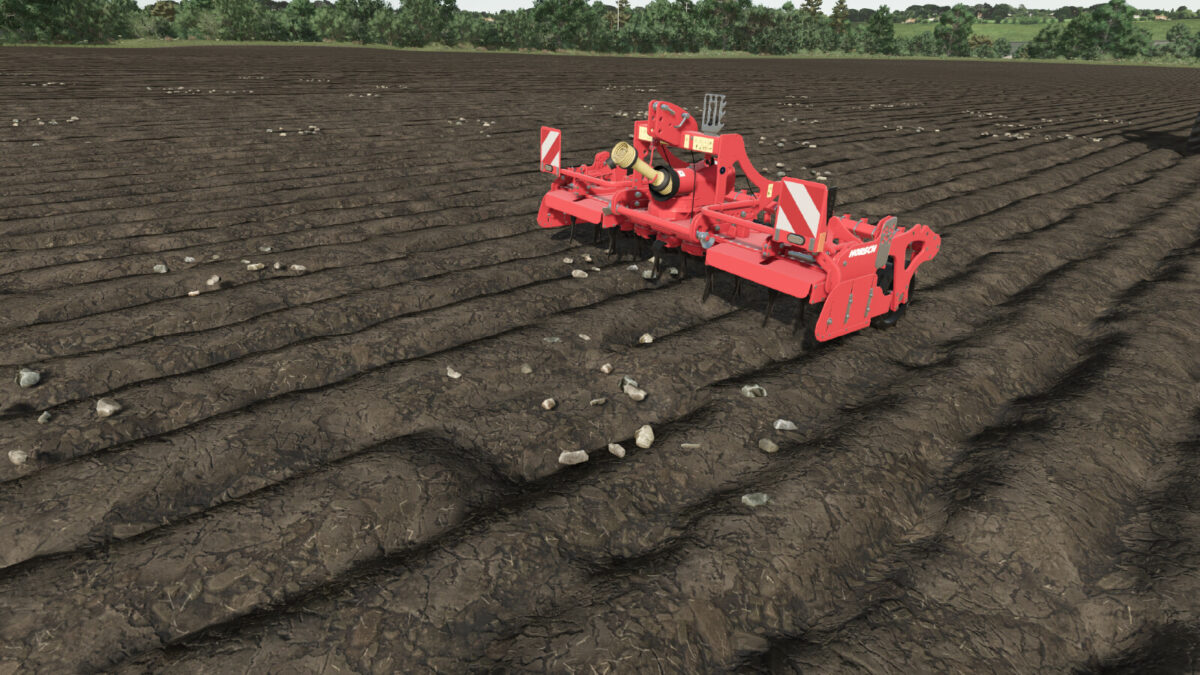
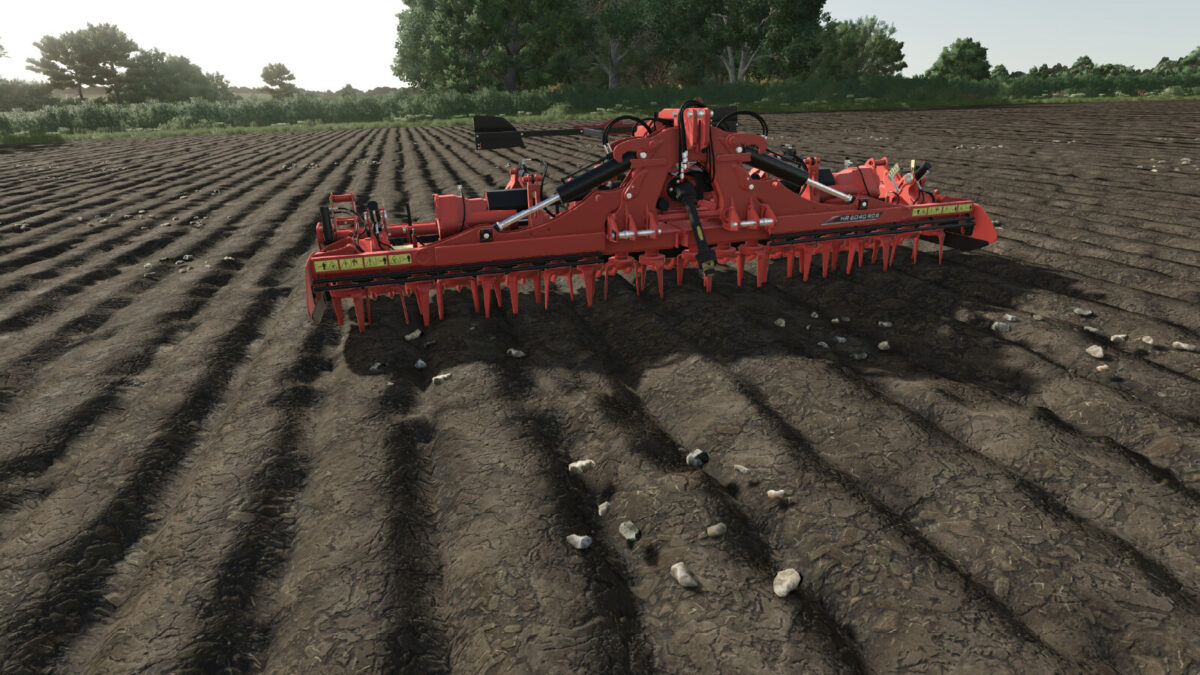
Power harrows prepare the seedbed by breaking up soil clods, loosening and mixing the upper soil layer. The rear packer helps consolidate and level the prepared soil.
Real Power Harrow brings more realistic stone handling to Farming Simulator 25.
During fieldwork, small and medium stones are incorporated into the soil, while large stones remain on the surface for collection with a stone picker.
The mod automatically detects compatible equipment and applies the effect during fieldwork.
Features:
– Small and medium stones are incorporated into the soil
– Large stones remain available for stone picking
– Automatic detection of compatible equipment
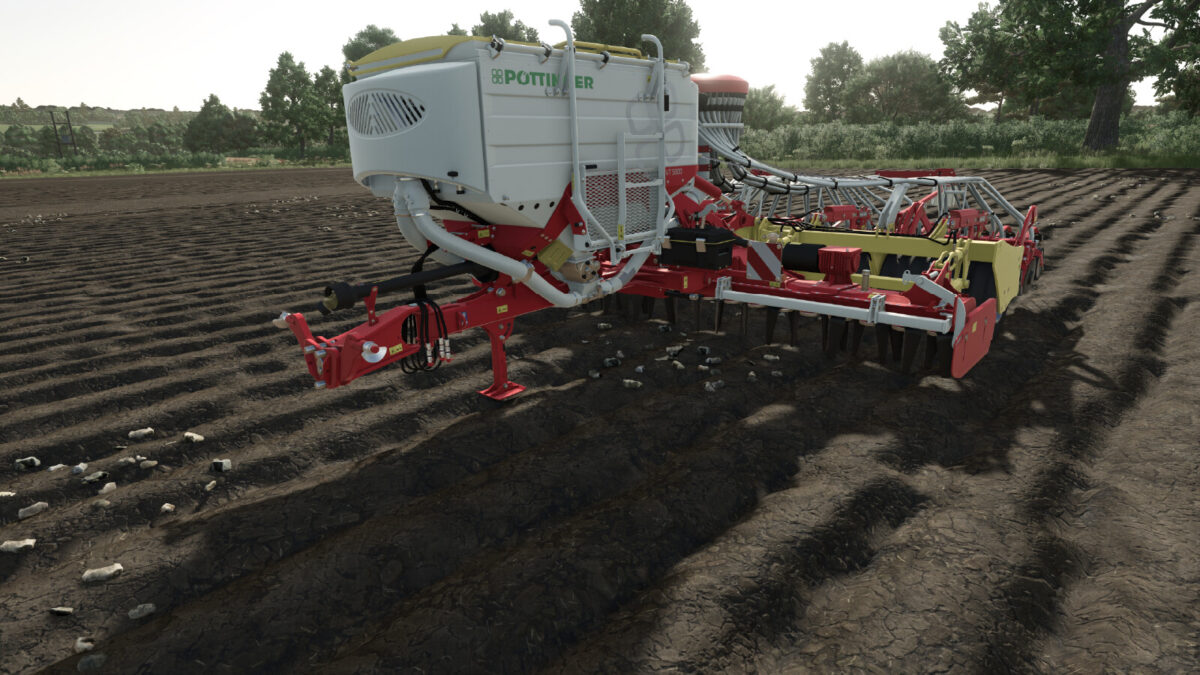
– Supports compatible base-game and modded equipment
– Multiplayer compatible
No additional configuration or key bindings are required.

Credits:

Finnish Farmer

How to install FS25 Misc?
Firstly find a mod which you like and want to download. Then download a mod to your PC. Mods are usually in .zip format file. But sometimes it can be in .rar. If a mod file is a .zip format no needed additional actions. If a file is in .rar, then you must unarchive mod with software like WinRar or Zip7. Windows 10 users no need to use software for archives, Win10 itself has a feature to unarchive files.
The next step is to find mods folder in your PC. Usually, it is in Documents/My Games/Farming Simulator 25/2025. Open the "mods" folder and put downloaded .zip archive or unarchived .rar file to this folder.
Last step. Enjoy of FS25 mods!

Leave a Reply

Your email address will not be published. Required fields are marked *