

Deep Tillage: No Weeds After Sowing v1.0.0.1


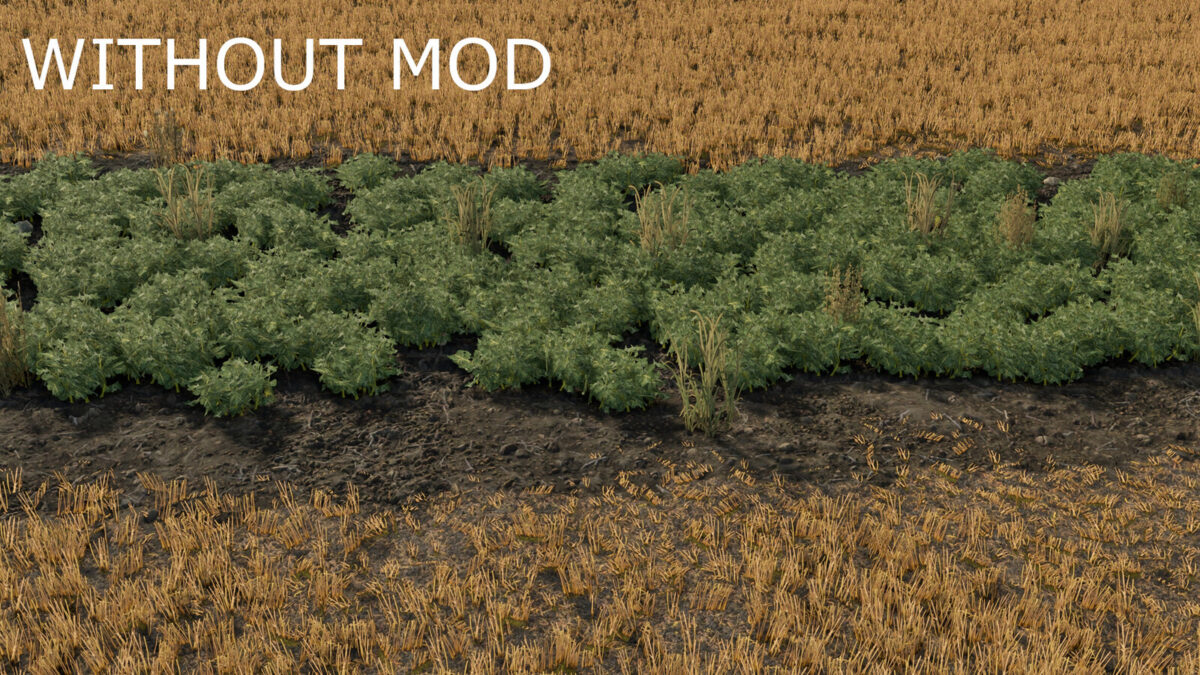
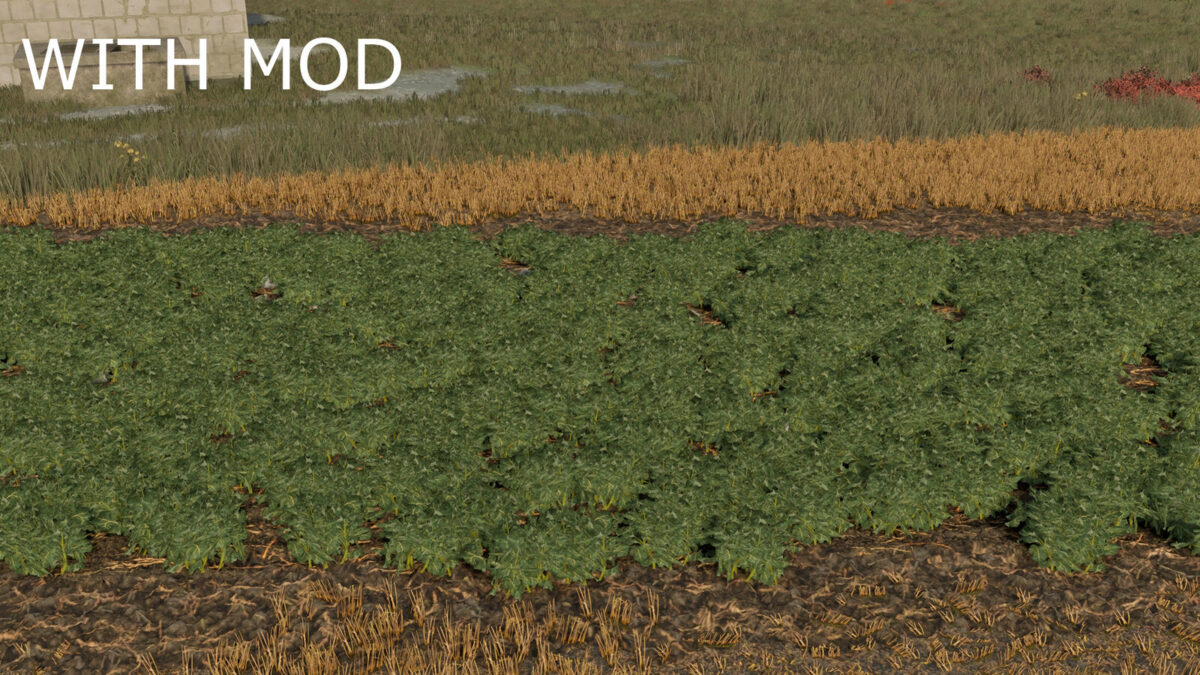
After sowing a field whose ground state is “Cultivated” (the same field-info layer shown in the base game and in Precision Farming), weeds no longer appear – exactly like on plowed fields, where the game already skips them.
How it works: the mod reads the game’s own ground-type layer at the moment of sowing. Wherever that layer says “Cultivated”, the weeds the game normally plants at sowing are removed right after. Nothing needs to be marked or saved separately – this is the game’s own field state, so it works after any tool that leaves a field Cultivated (subsoiler, deep-mode cultivator, and so on), survives saving/loading automatically, and needs no extra files.
Fields with “Stubble cultivated” ground state (disc-harrow mode) are not affected, matching the distinction the game itself makes. Compatible with Precision Farming.
Multiplayer compatible: all logic runs on the server/host only, so every client sees the same result via the game’s normal field-state sync. No installation needed on client machines to see the effect, but the server (host or dedicated server) needs it installed.
Credits:
Śmiechu Modding


