


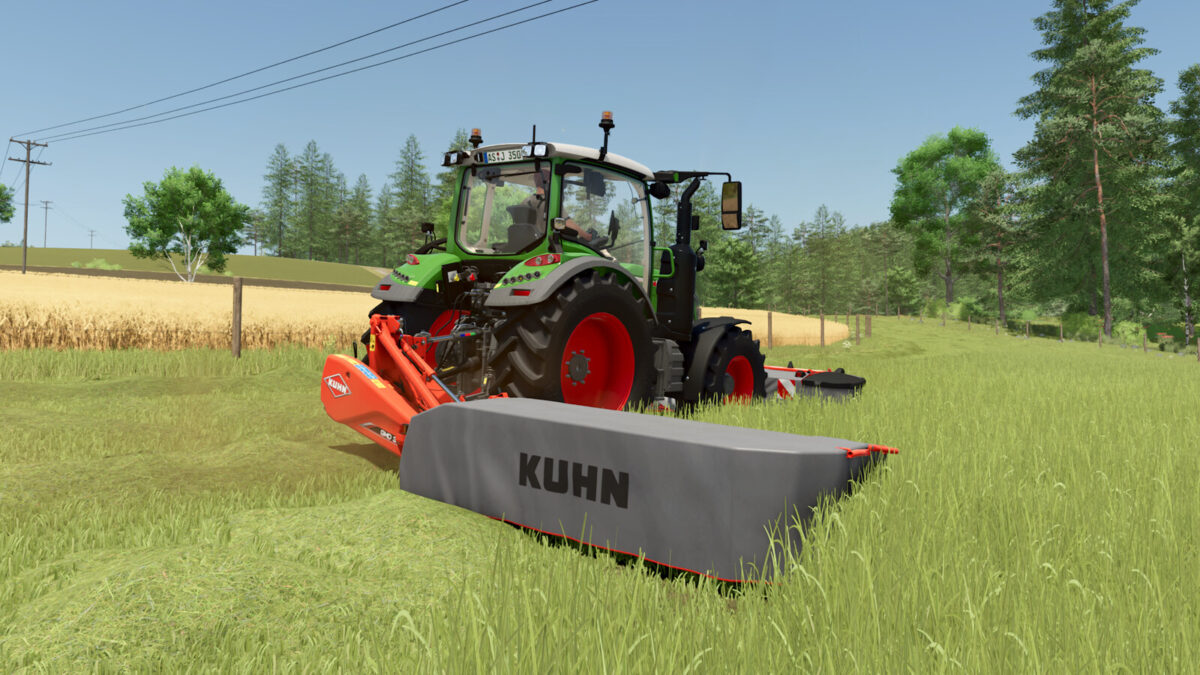
Kuhn GMD 100 Pack v1.1.0.0


Kuhn GMD 100 Pack
Consists:
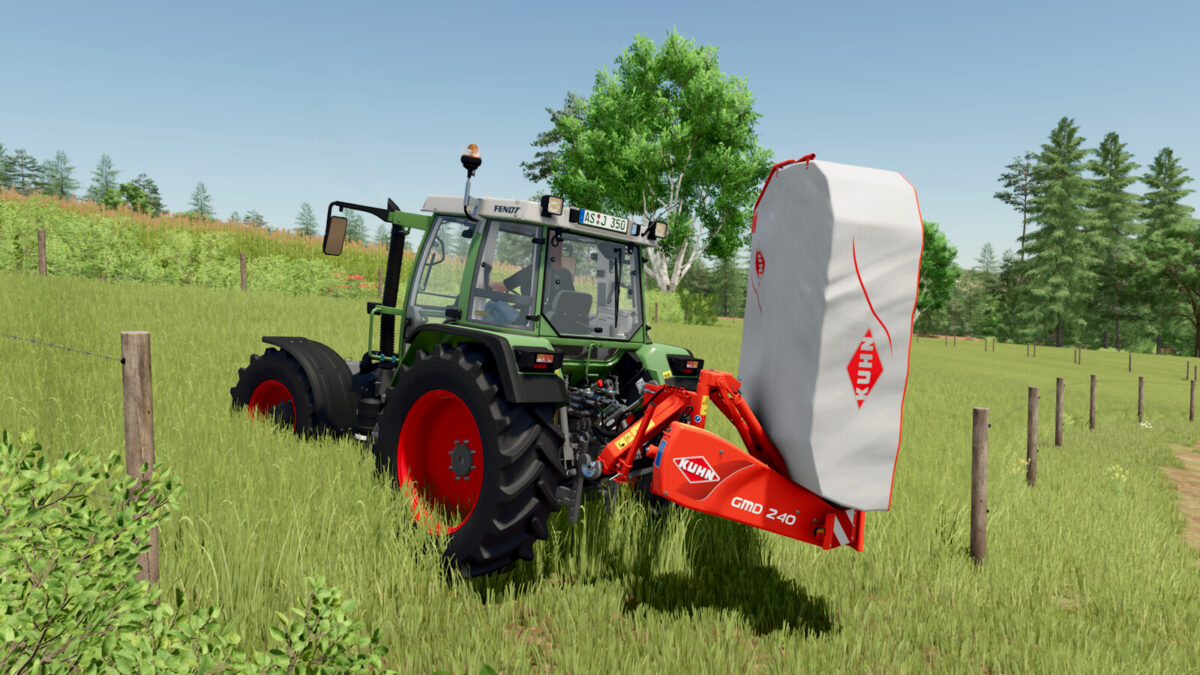
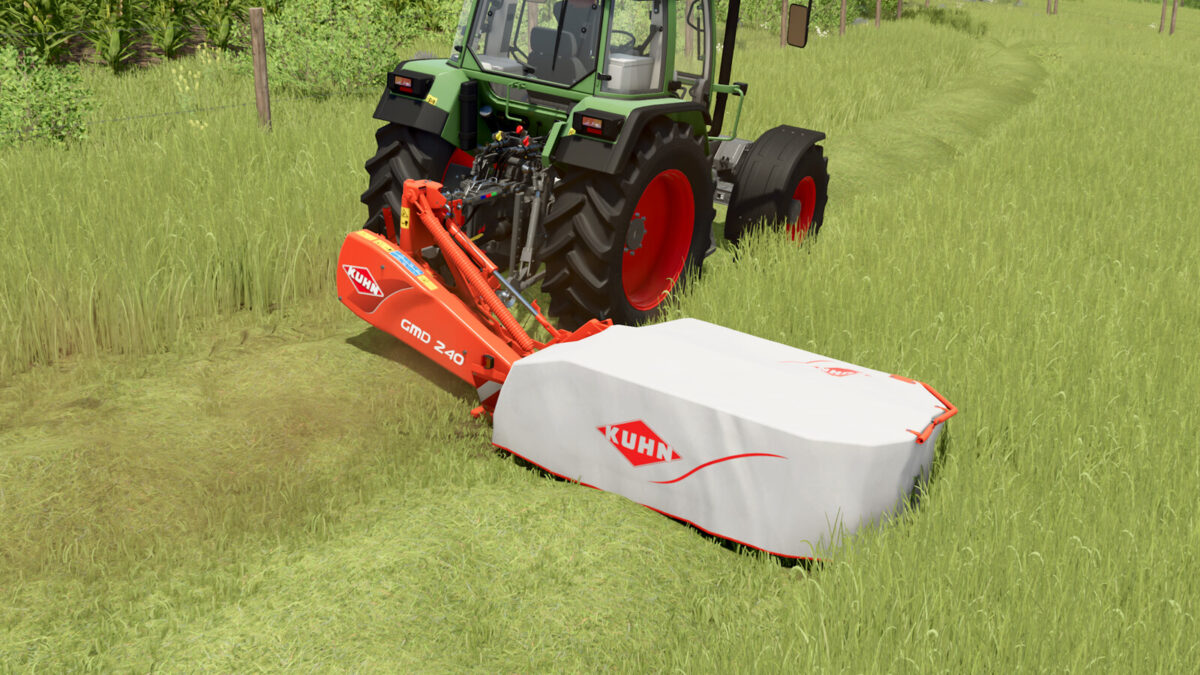
– Kuhn GMD 240
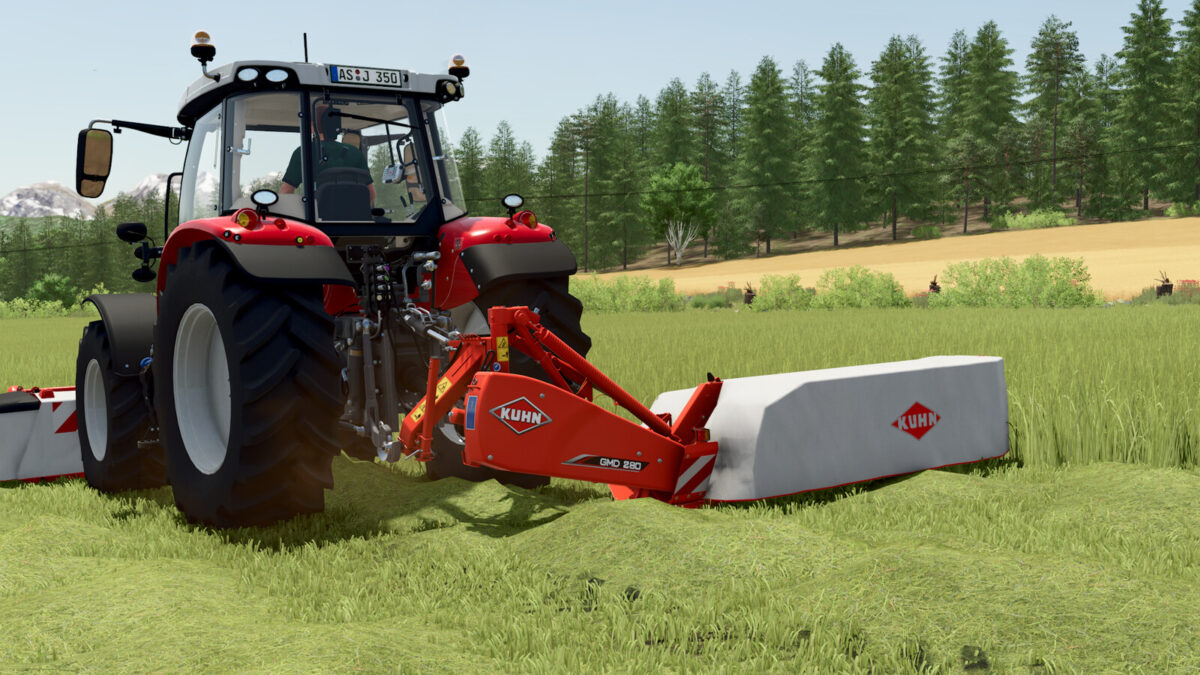
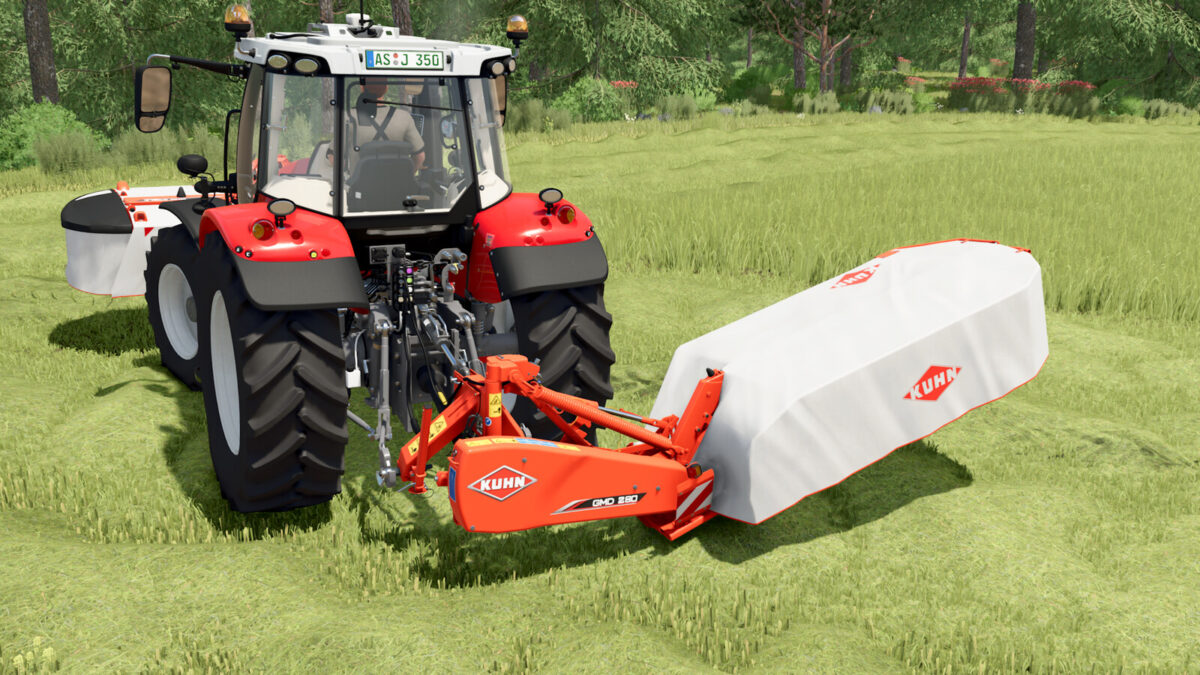
– Kuhn GMD 280
– Kuhn GMD 310
Kuhn GMD 240:
– Category: Mowers
– Price: 8,265 $
– Needed power: 31 hp
– Working speed: 22 kph
– Working width: 2.40 m
– Weight: 613 kg
Kuhn GMD 280:
– Category: Mowers
– Price: 10,265 $
– Needed power: 36 hp
– Working speed: 22 kph
– Working width: 2.80 m
– Weight: 659 kg
Kuhn GMD 310:
– Category: Mowers
– Price: 12,265 $
– Needed power: 41 hp
– Working speed: 22 kph
– Working width: 3.10 m
– Weight: 711 kg
Features:
– Complete ground adaption
– Dynamic planes (FS25 standard)
– Original mower sound
Configurations:
– Three diffrent generation designs
Changelog 1.0.0.1:
– Wear on rope removed
– Sound adjustments
– Additional adjustments
Changelog 1.0.0.2:
– AI helper and guidance steering improved
– Foliage Bending and Store Size have been adjusted
Changelog 1.1.0.0:
– New mowing sound
Credits:
Agrar Design Austria


