

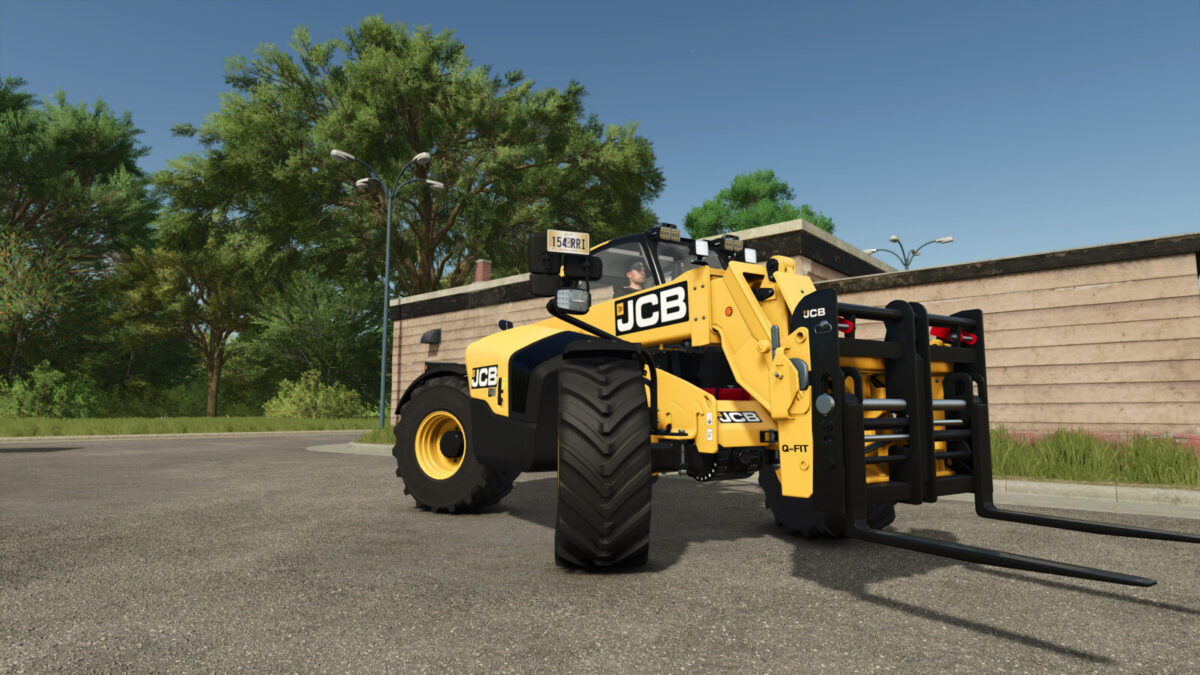
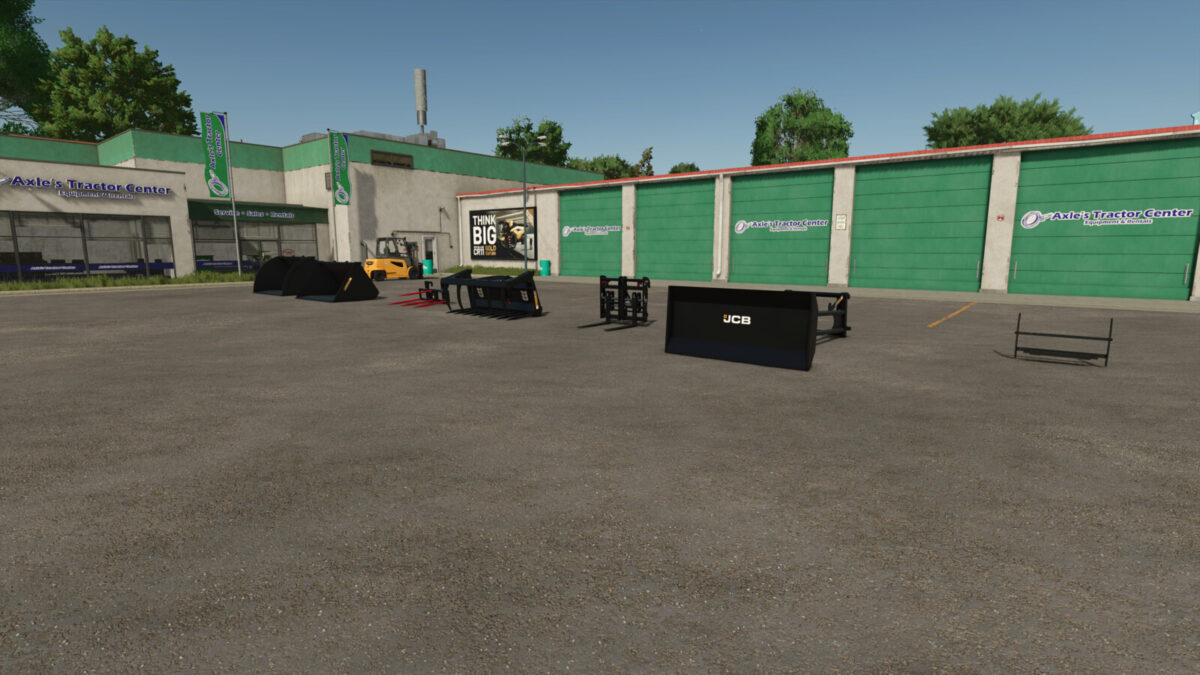
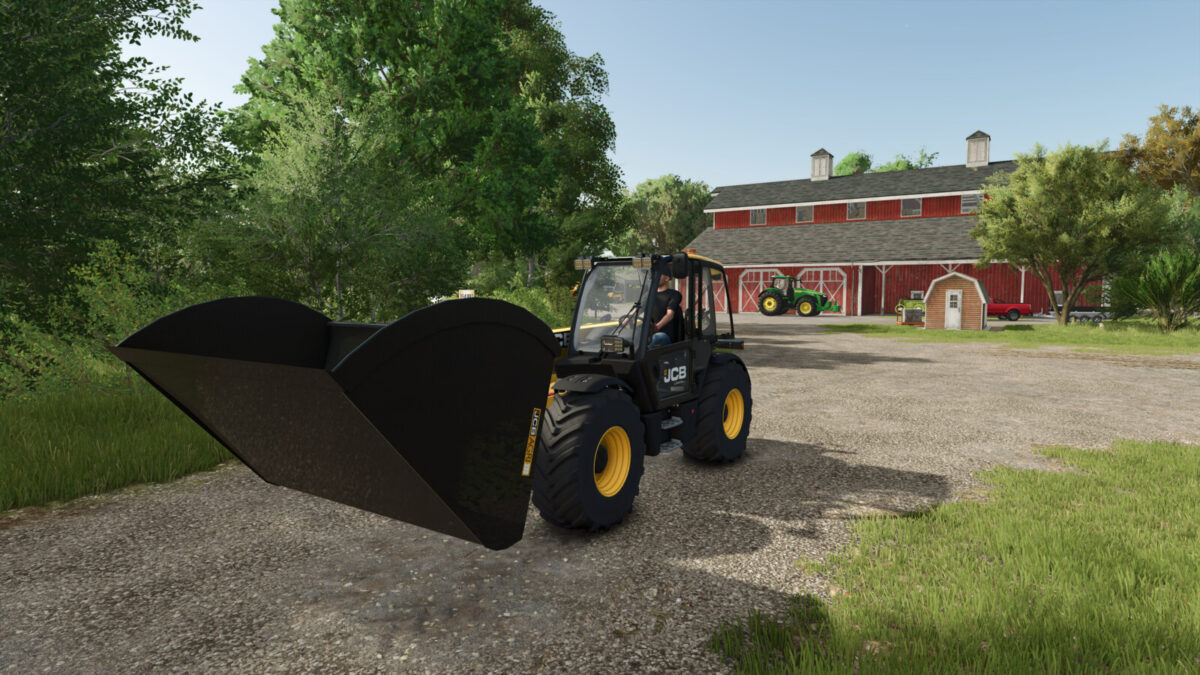
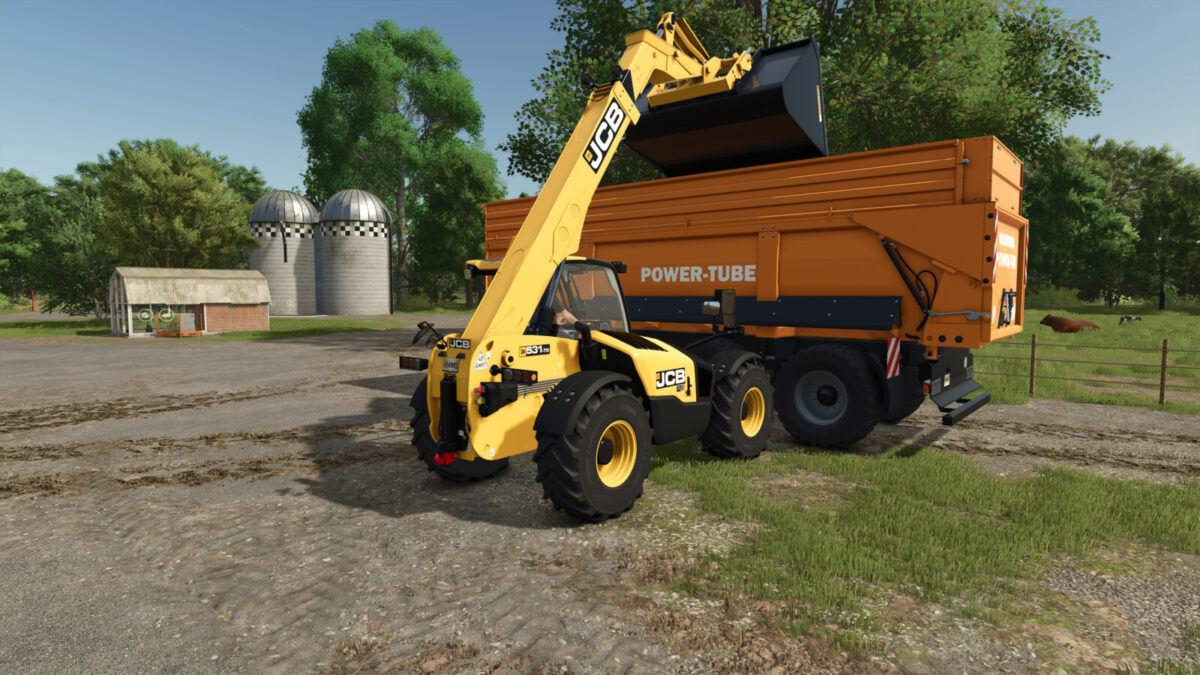
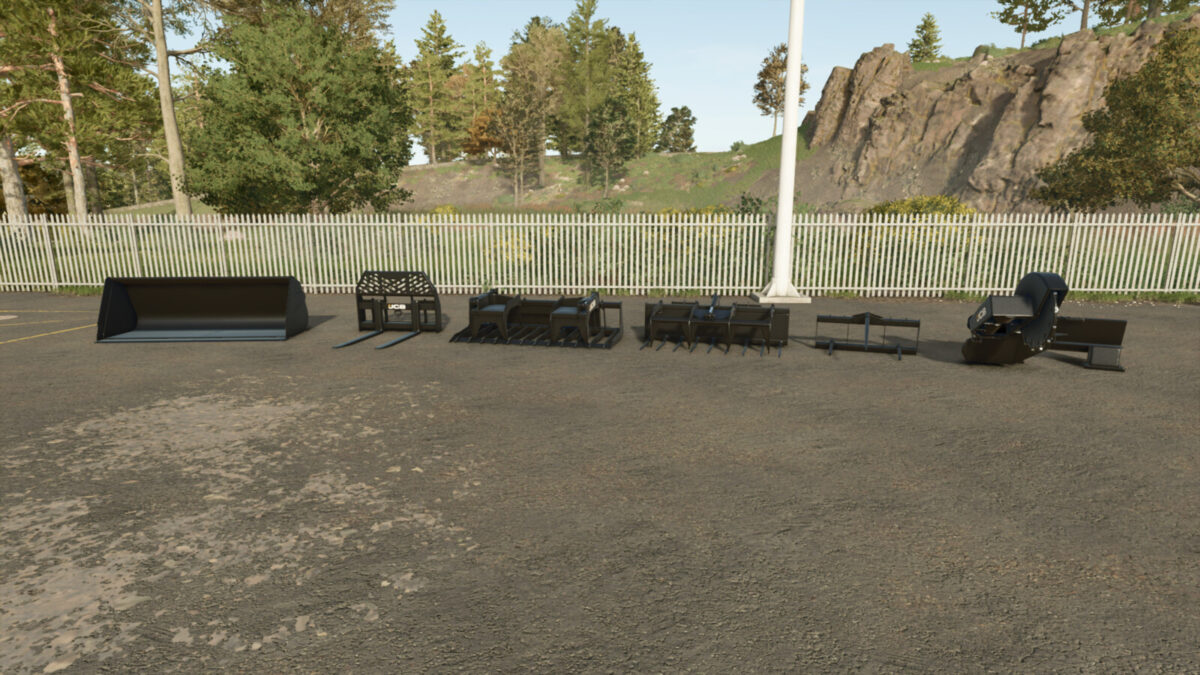
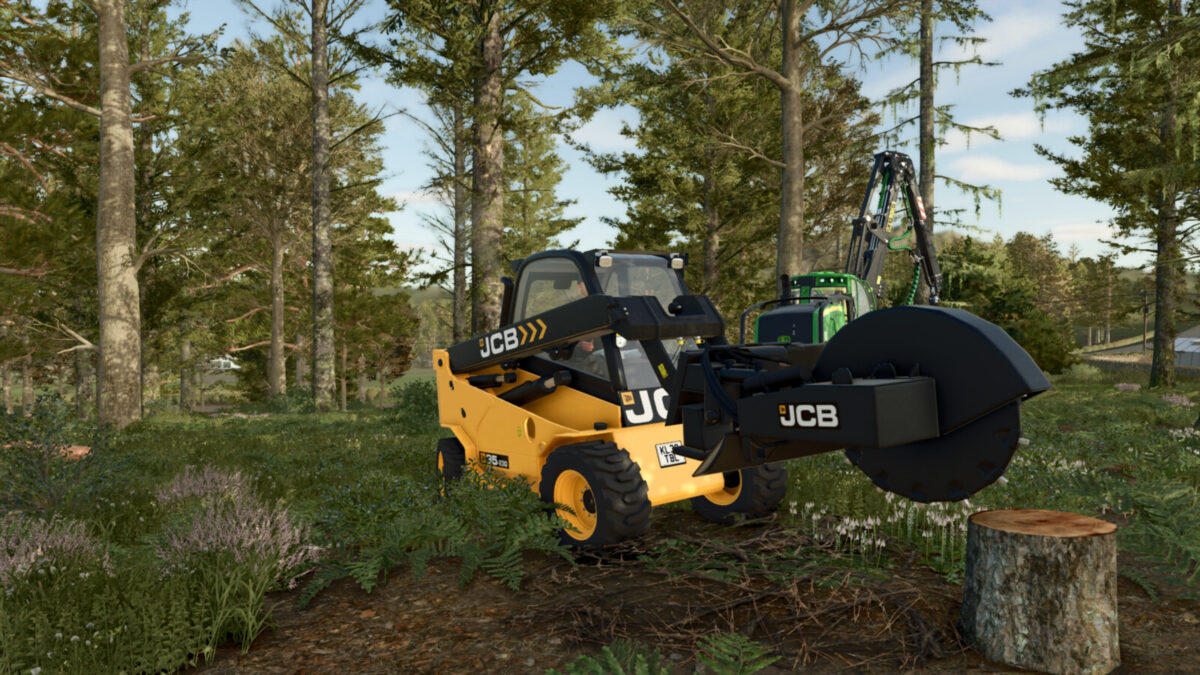
JCB Attachments v2.0.0.1


JCB Telehandler and Skid Steer Agriculture Attachment Pack
Telehandler Attacher Configurations: Standard, JCB Q-FIT
Skid Steer attachments also compatible with JCB Teletruk
Jcb Grain Shovel 3000
Category: Telehandler Tools
Price: $2,500
Capacity: 23,000 L
Jcb Grain Shovel 3000
Category: Telehandler Tools
Price: $1,200
Jcb Grain Shovel 3000
Category: Telehandler Tools
Price: $2,900
Capacity: 2,000 L
Jcb Silage Fork
Category: Telehandler Tools
Price: $2,800
Capacity: 4,500 L
Jcb Grain Shovel 5000
Category: Telehandler Tools
Price: $2,750
Capacity: 5,000 L
Jcb Grain Shovel 5000
Category: Telehandler Tools
Price: $1,500
Jcb Grain Pusher
Category: Telehandler Tools
Price: $2,750
Capacity: 10,000 L
Jcb Q-FIT Adapters
Category: Telehandler Tools
Price: $200
Jcb Q-FIT Adapters
Category: Skid Steer Loader Tools
Price: $600
Jcb Q-FIT Adapters
Category: Skid Steer Loader Tools
Price: $1,200
Jcb Q-FIT Adapters
Category: Skid Steer Loader Tools
Price: $1,800
Capacity: 750 L
Jcb Q-FIT Adapters
Category: Skid Steer Loader Tools
Price: $700
Jcb Q-FIT Adapters
Category: Skid Steer Loader Tools
Price: $800
Capacity: 10,000 L
Jcb Q-FIT Adapters
Category: Skid Steer Loader Tools
Price: $4,500
Changelog 1.0.0.1
– New fill volume for grain 5000 bucket
Changelog 1.0.0.2
– Increased bucket unload speeds
Changelog 2.0.0.0
– Added Skid Steer Attachments
– Added Colours
– Added Wheel Loader config to Telehandler Tools
– Minor bug fixes
Changelog 2.0.0.1
– Fixed incorrect fill unit 2 on 3000L grain bucket]
Credits:
RossN Mods


