

New Holland T7 LWB Stage IV v1.0.0.1


New Holland T7 LWB Stage IV
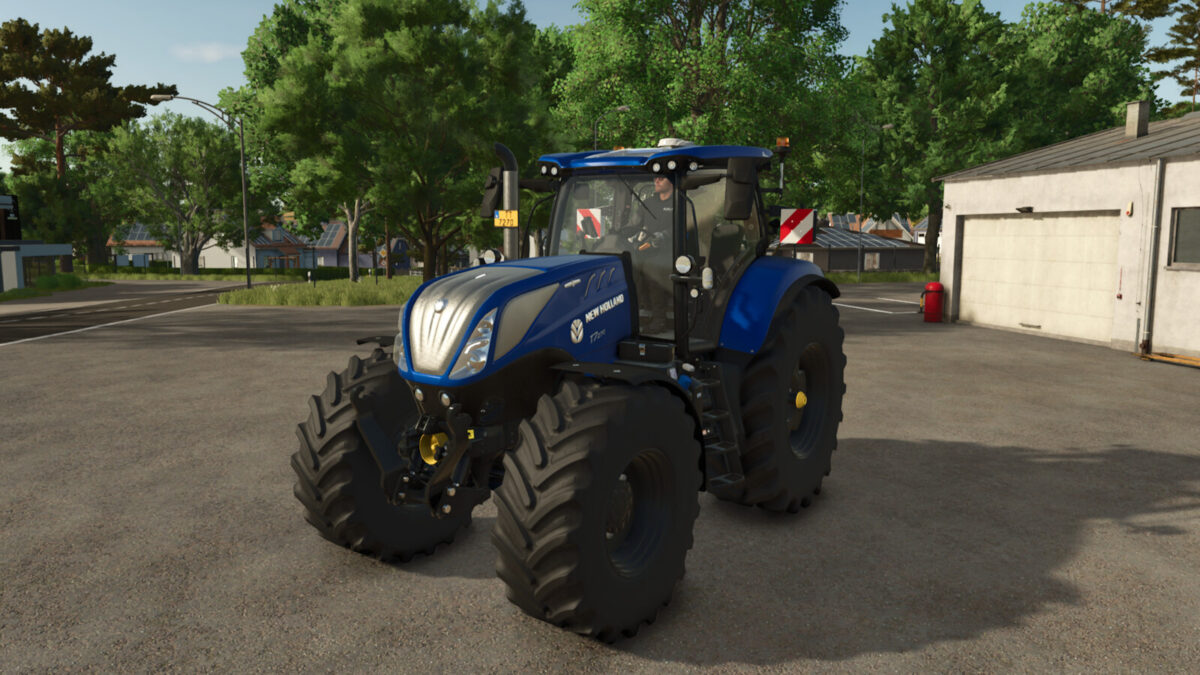
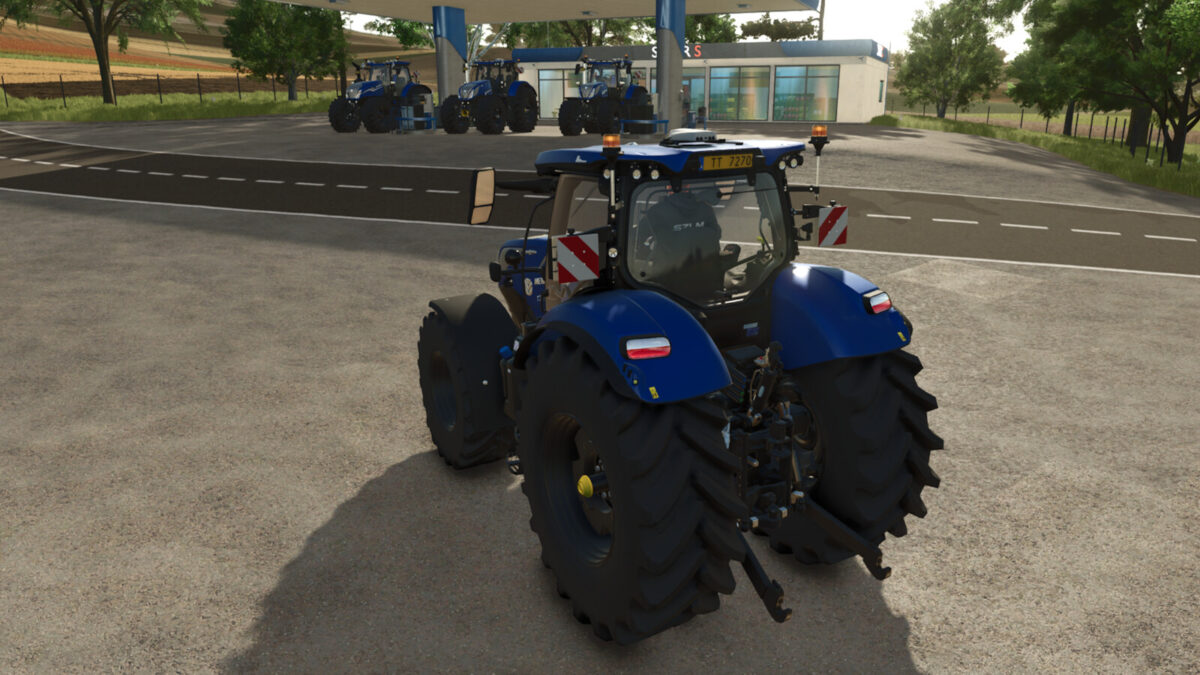
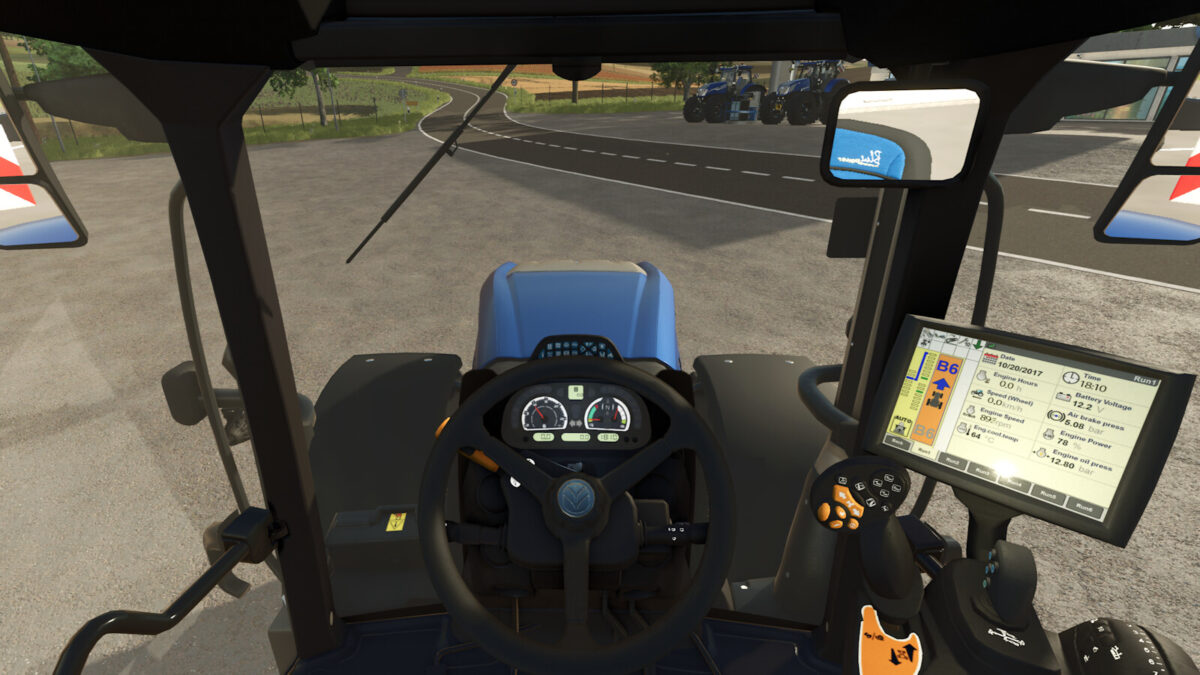
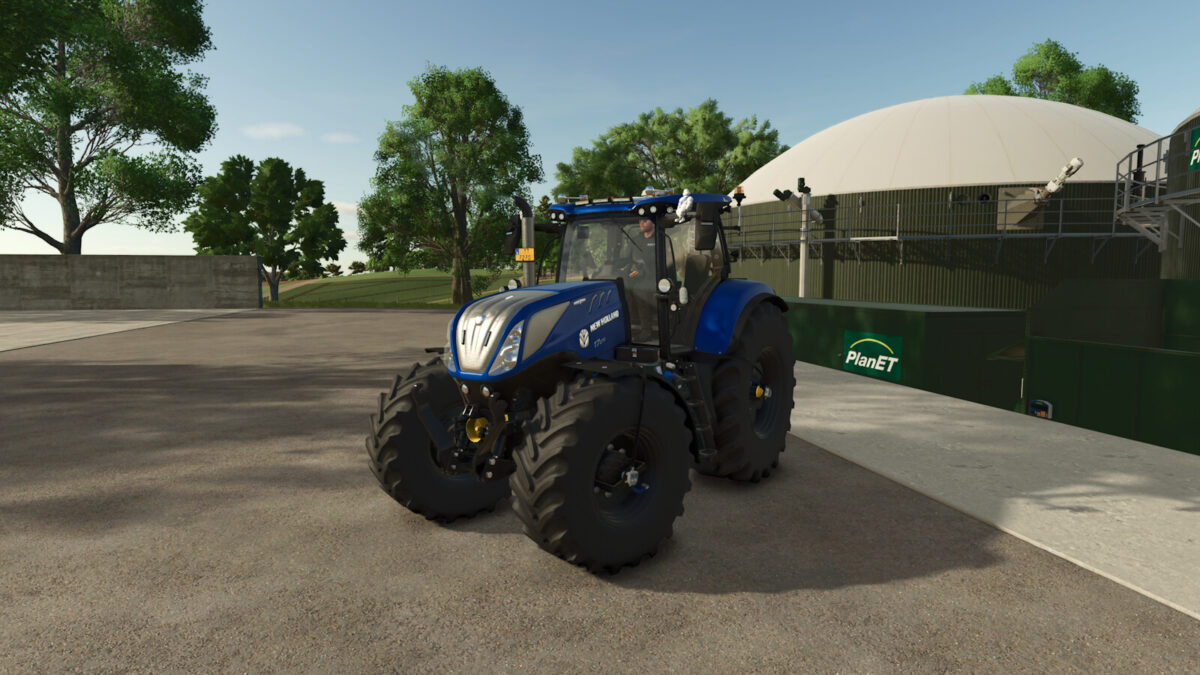
Sleek lines. Appealing curves. Let’s welcome the six model T7 Long Wheelbase Power Command™ range. The head turning styling features ‘cat-eye’ lights, aggressive fish gill-like side vents and a gull wing profile roof, jam-packed with up to 20 LED cab lights, including automotive style signature lights, for true round the clock farming. The FPT NEF 6.7 engines develop between 195-270hp while maintaining the outstanding fuel economy you’ve come to expect of the T7 range. The semi-active, ventilated seat makes day-long farming even more comfortable. T7. Farming for the modern era.
Category: medium tractor
Price: $164,700-222,200
Power: 190-270 hp
Max. speed: 50 kph
+ Color configuration for main color and rims
+ Configuration for black interior
+ Interior sounds
+ Complete physics adjustment for weight, chassis, and front/rear hydraulics
+ Passanger seat
+ Crop sensors
+ Configuration for beacon type
+ Chrome exhaust grid configuration
+ LED flash lights configuration
+ Configuration for foldable warning signs
+ Configuration for air horn, light bar, MICHELIN Man
+ IC animations (Interactive Control by Vertex Dezign required)
+ PTG configuration (prepared for Variable Tire Pressure script by HotShotPepper)
Special thanks to:
– blauea for permission to convert and release this mod for FS25
– jonas6804 for the realistic cabin sounds
– Finanzamt31er for providing the PTG system
– Kaymara for the MICHELIN Man
Changelog 1.0.0.1:
– Spelling mistake in configuration corrected
– Braking force adjusted
– CTIS brand renamed LIZARD
– fold steering base IC point added
Credits:
SZLM


