

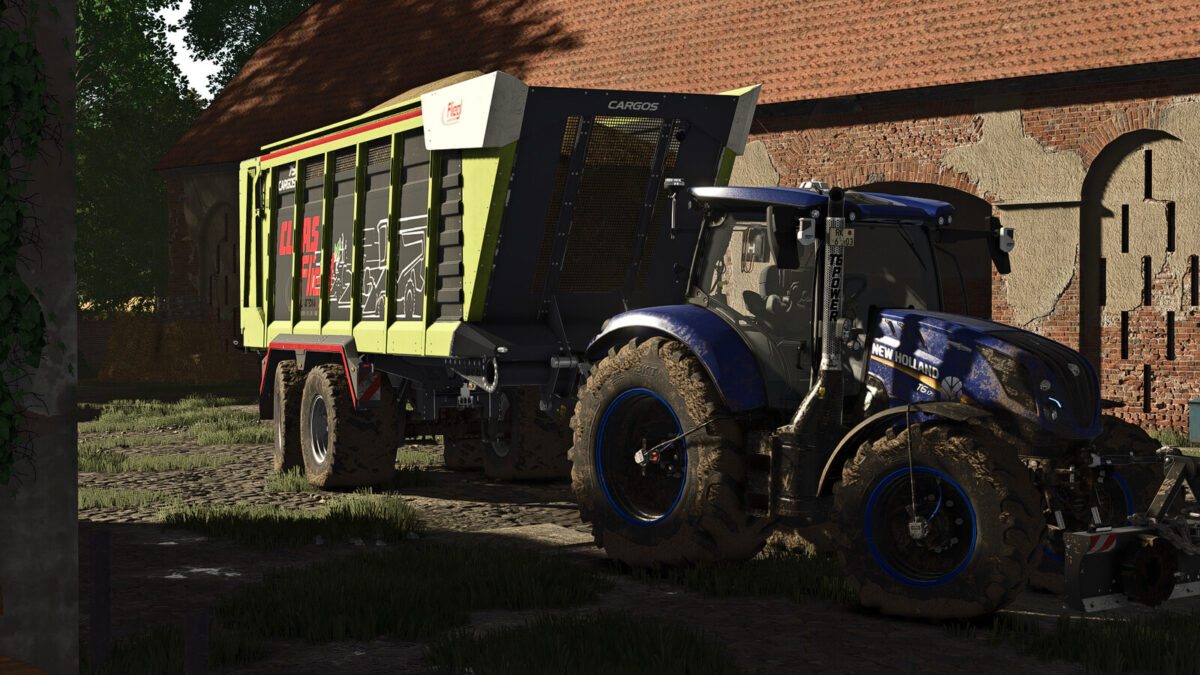
CLAAS CARGOS 750/760 v1.0.0.0


– CLAAS / Fliegl Cargos 750 & 760
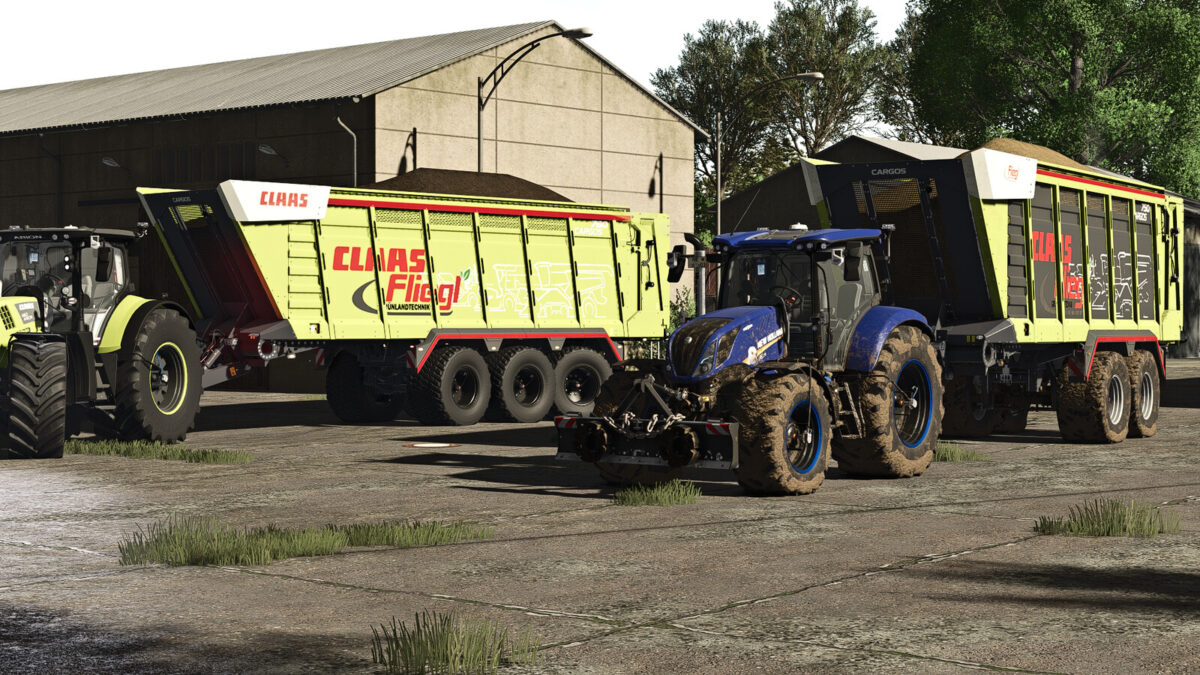
– The CLAAS / Fliegl Cargos 750 & 760 has been equipped with numerous new details, functions and visual improvements. Both models have been carefully revised with great attention to detail and offer extensive equipment for versatile use on the farm.
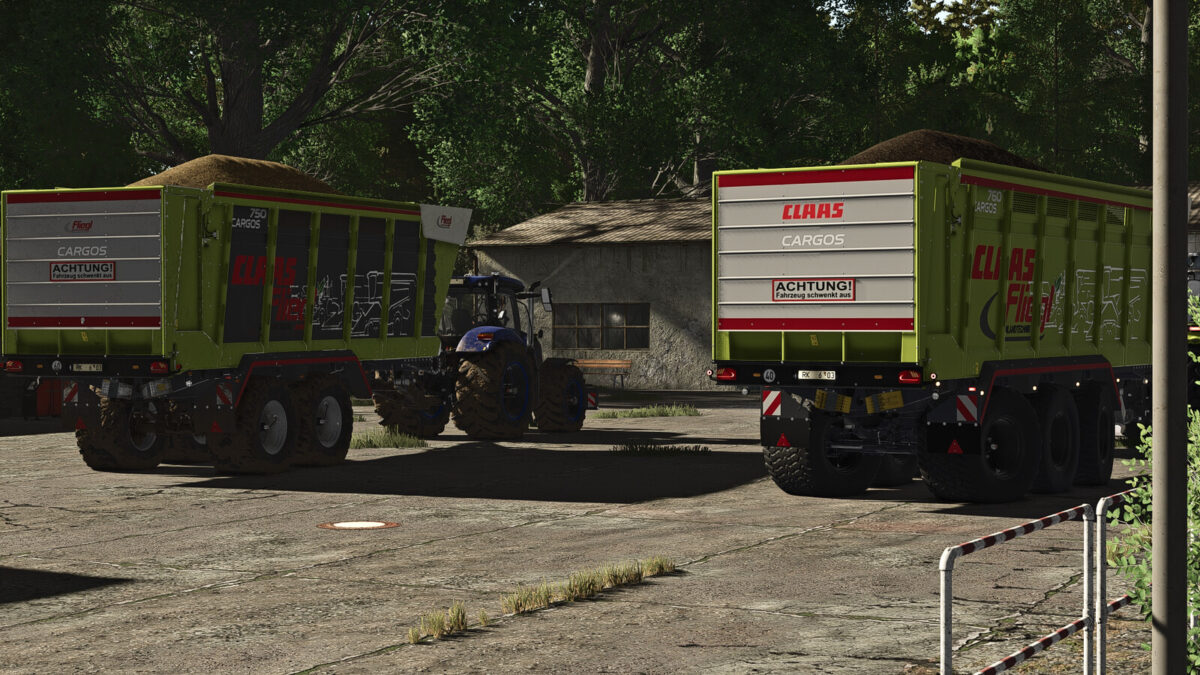
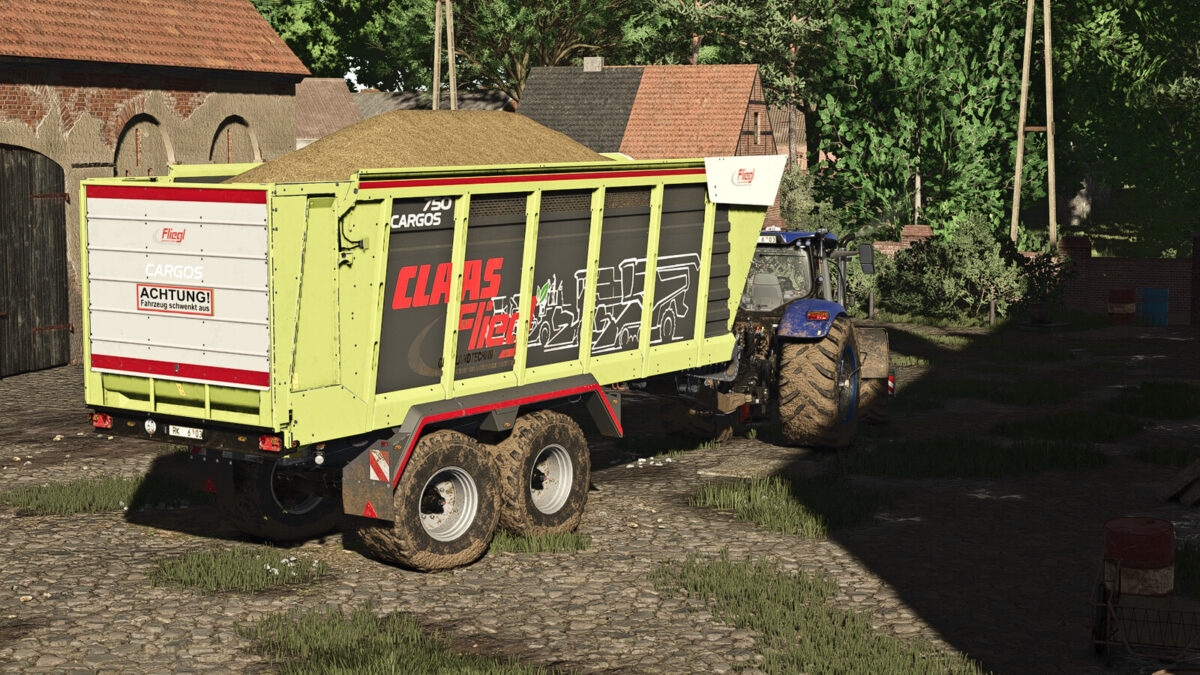
– CLAAS / Fliegl Cargos 750
– Shop Category: Trailers
– Base Price: $67,500
– Weight: 7,500 kg
– Capacity: 35,500 l
– Required Power: 175 HP
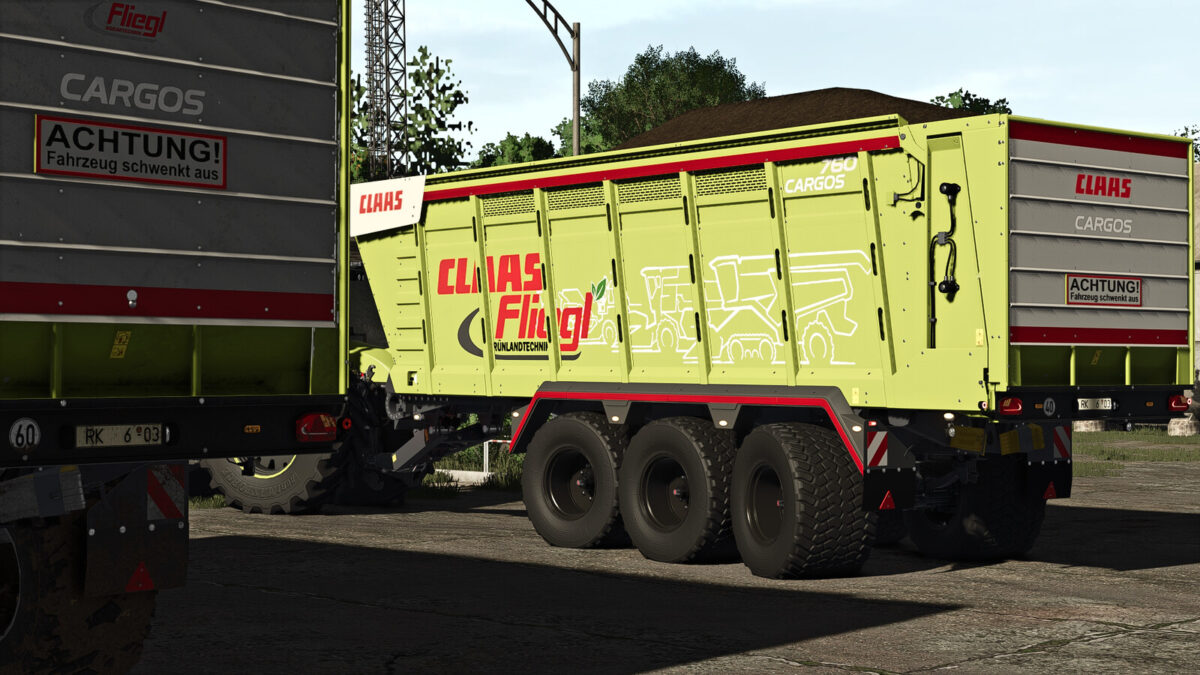
– CLAAS / Fliegl Cargos 760
– Shop Category: Trailers
– Base Price: $99,000
– Weight: 9,300 kg
– Capacity: 51,000 l
– Required Power: 220 HP
– Features & Improvements
– Both models have been equipped with numerous new details and functions:
– New tires
– Functional RDA tire pressure control system
– New wheel hubs with CLAAS and Fliegl logos
– New lighting
– New side marker lights
– Warning beacons installed
– Reflectors on the sides, fenders, upper body and rear tailgate
– Reflectors in orange, yellow and red
– Rear warning sign: “Vehicle swings out”
– 40 kph and 60 kph warning signs
– Side wall design with 4 different decals for a more individual look
– Main body color selection
– Rim color selection
– Improved sounds
– Adjusted physics
– Numerous additional visual and technical improvements
– Manufacturers
– CLAAS / Fliegl
Credits:
xGerExotic, Finanzamt31er


