
FS25 Misc

DirectTip v1.0.0.0

DirectTip v1.0.0.0

DirectTip v1.0.0.0

DirectTip v1.0.0.0

– DirectTip
– Never switch between your trailers with G again!
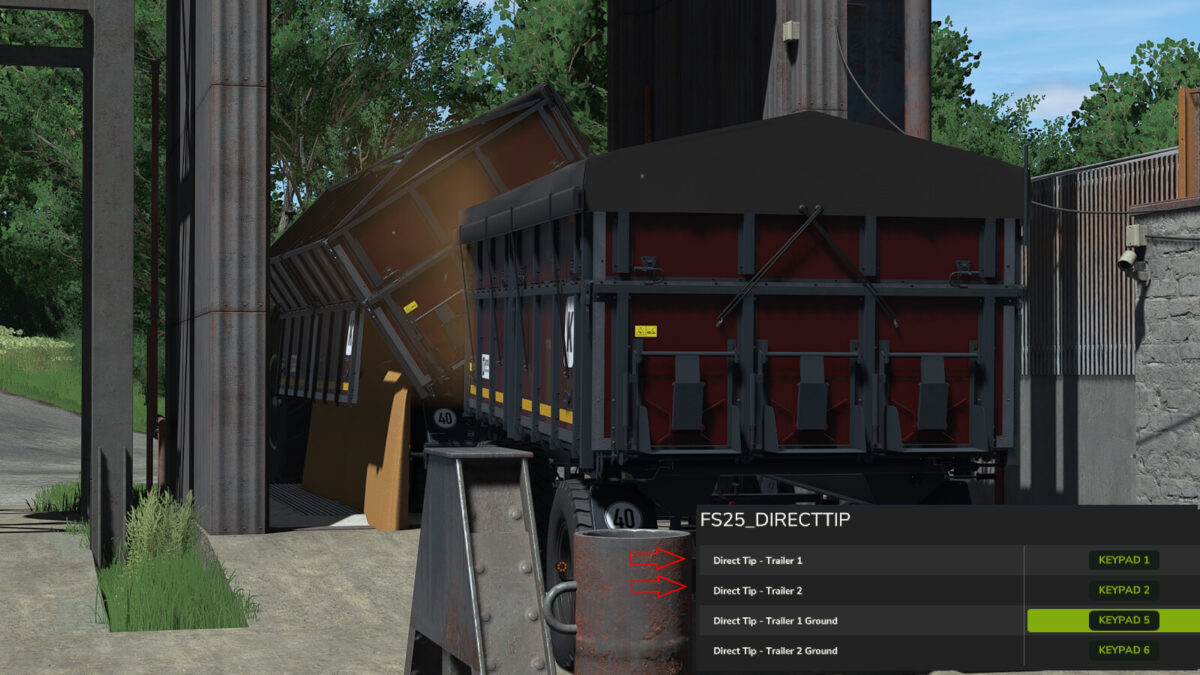
– With DirectTip, you can directly select and unload each trailer when using a towing vehicle with two attached trailers, without having to switch between vehicles with G.
– Unloading Trigger
– NumPad 1 – Trailer 1
– NumPad 2 – Trailer 2
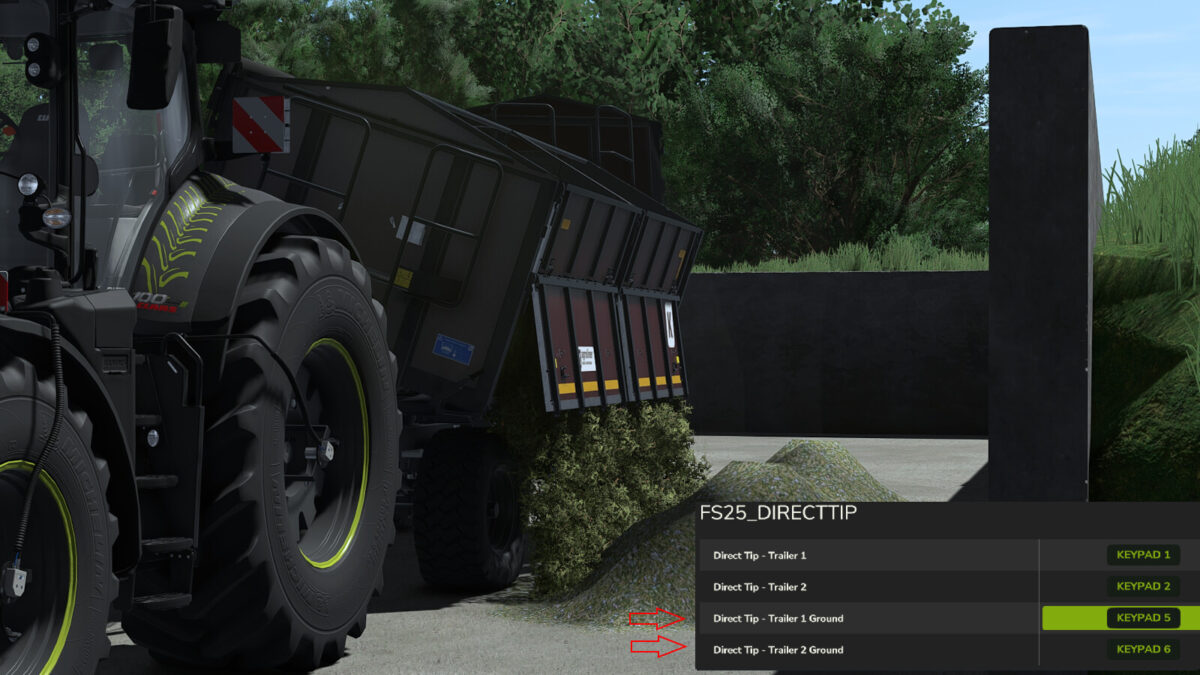
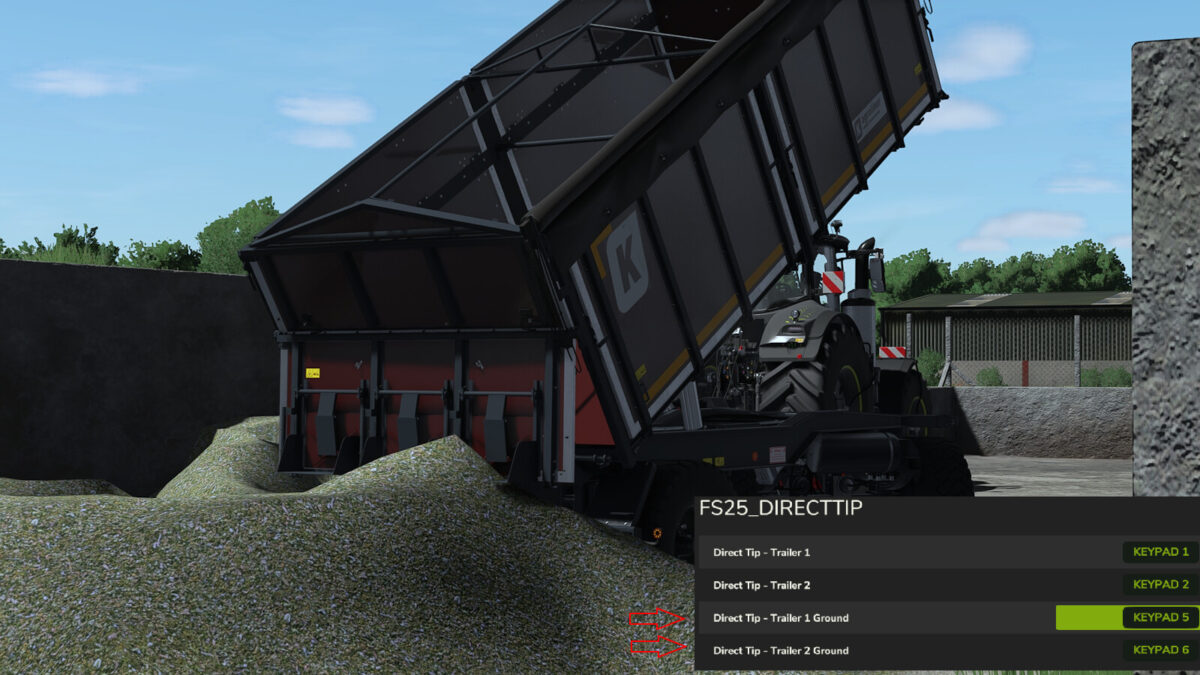
– Direct Unloading on the Ground
– NumPad 5 – Trailer 1
– NumPad 6 – Trailer 2
– Key Bindings
– All keys can be customized and reassigned at any time in the FS25 control settings.
– Features
– Direct access to both attached trailers
– Unloading at unloading triggers
– Direct unloading on the ground
– No need to switch with G
– Fully customizable key bindings
– Simple and convenient operation
– DirectTip – Easier unloading. Faster work.

Credits:

GWG_RonnyG

How to install FS25 Misc?
Firstly find a mod which you like and want to download. Then download a mod to your PC. Mods are usually in .zip format file. But sometimes it can be in .rar. If a mod file is a .zip format no needed additional actions. If a file is in .rar, then you must unarchive mod with software like WinRar or Zip7. Windows 10 users no need to use software for archives, Win10 itself has a feature to unarchive files.
The next step is to find mods folder in your PC. Usually, it is in Documents/My Games/Farming Simulator 25/2025. Open the "mods" folder and put downloaded .zip archive or unarchived .rar file to this folder.
Last step. Enjoy of FS25 mods!

Leave a Reply

Your email address will not be published. Required fields are marked *