

Field Painter v1.0.0.0


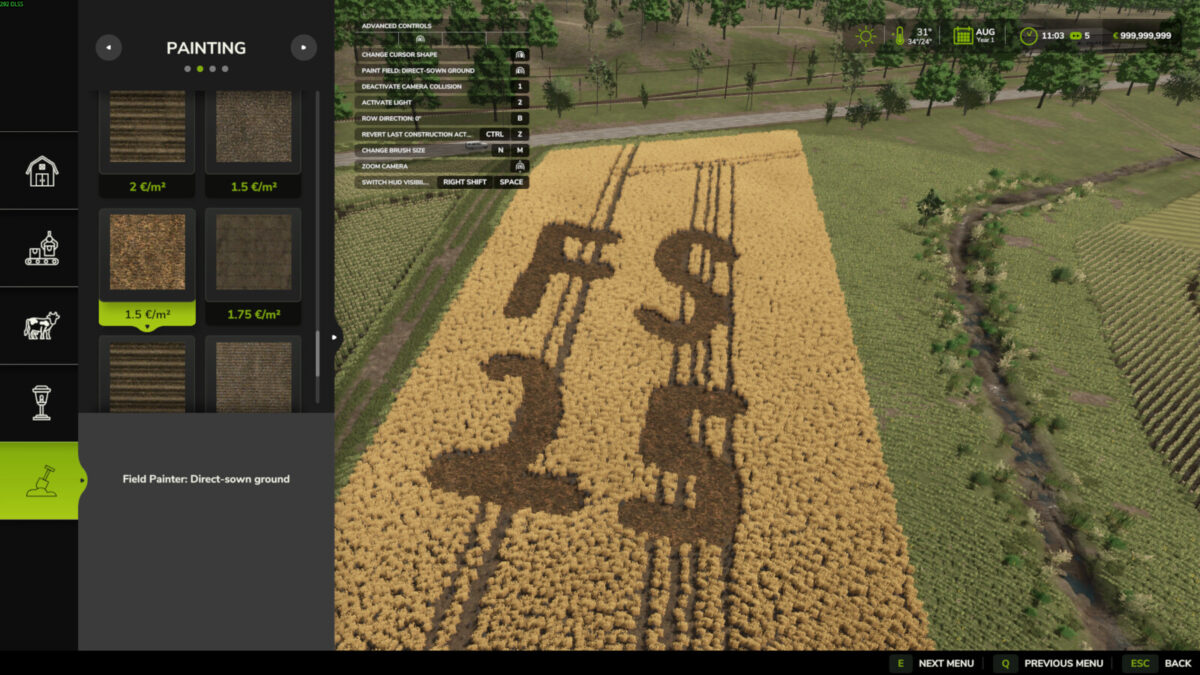
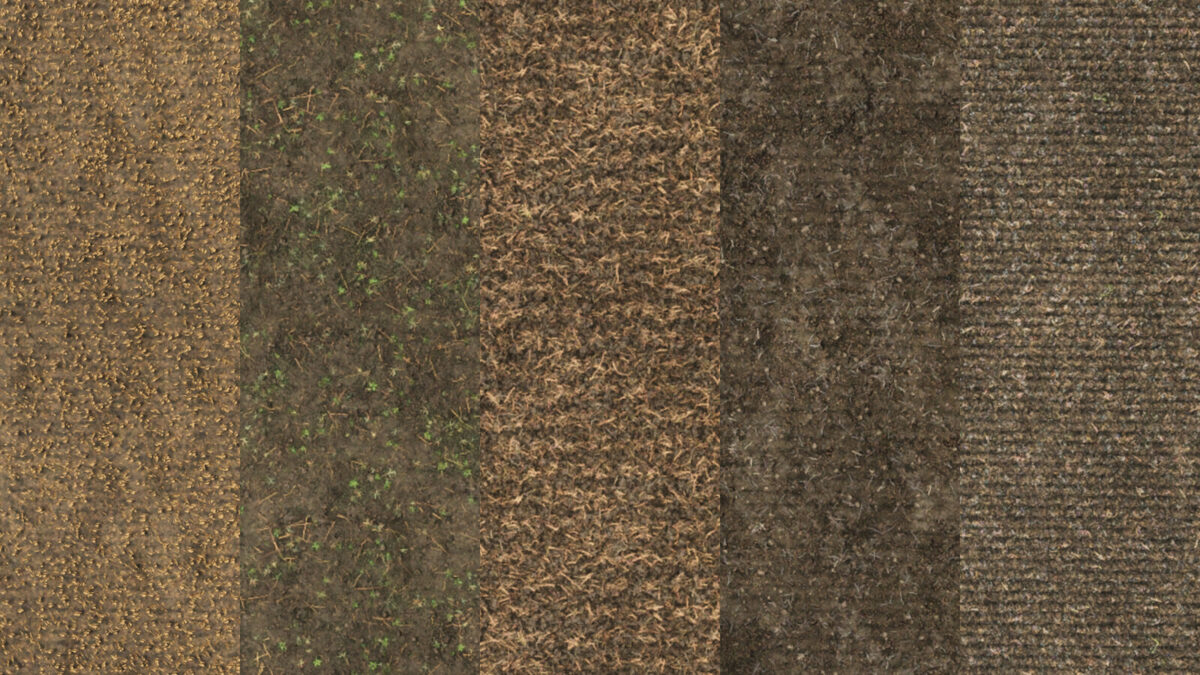
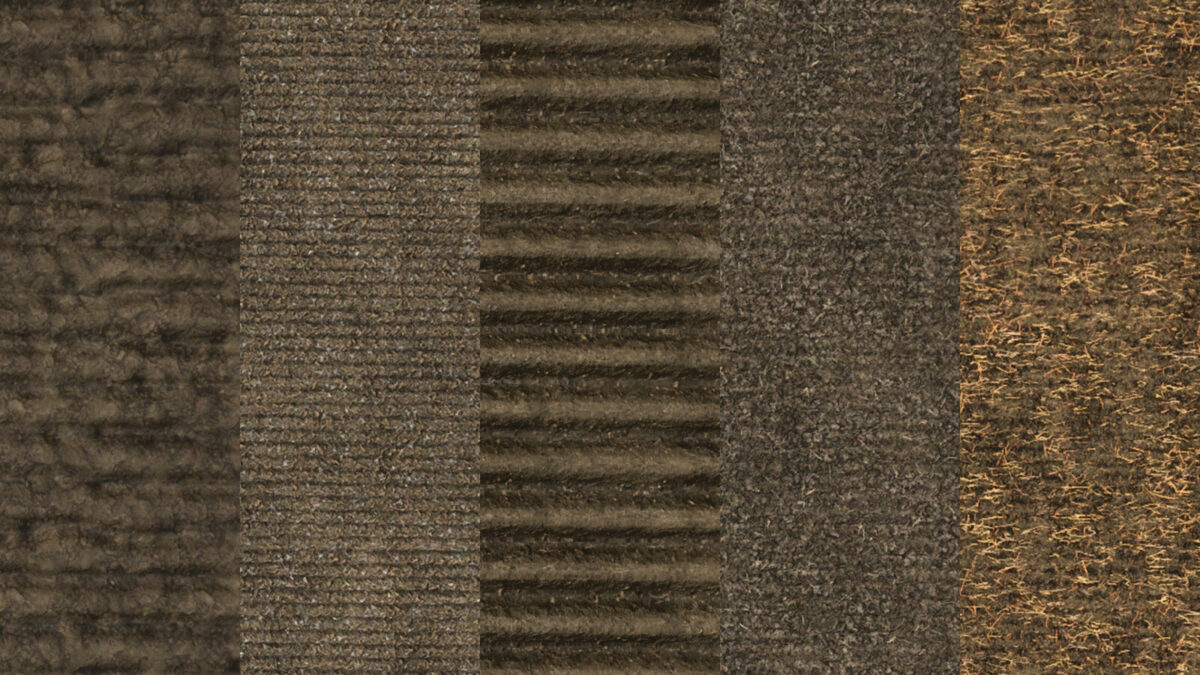
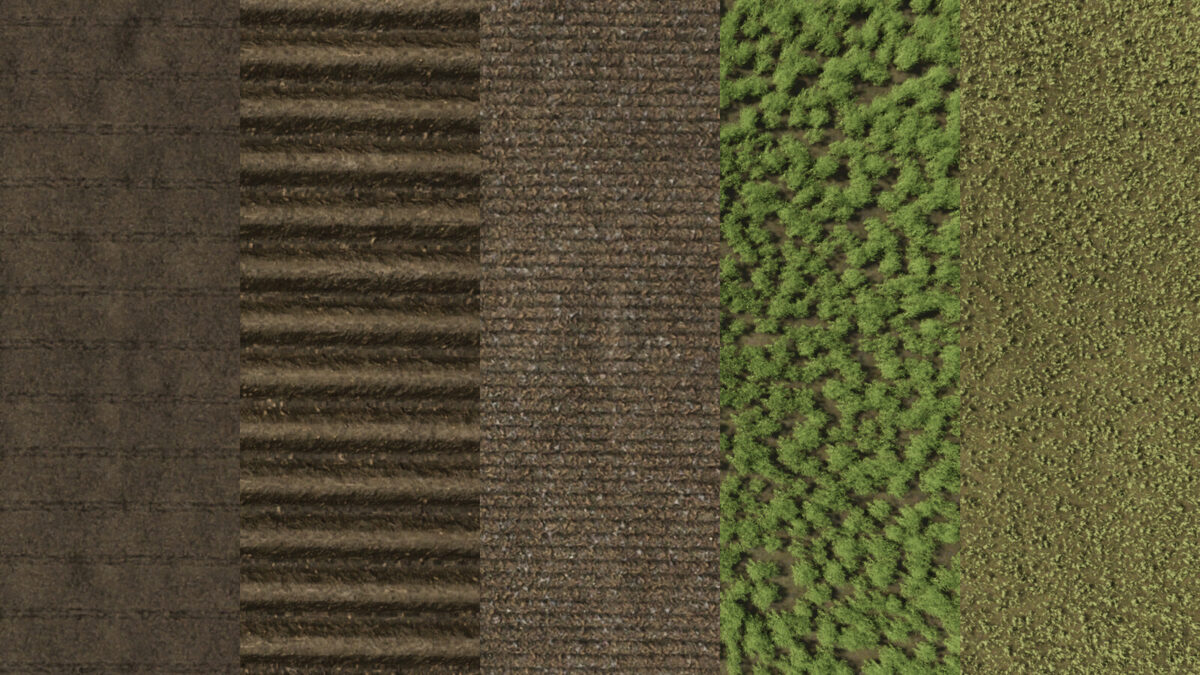
Paint real field ground directly in Construction > Landscaping > Painting. Field Painter adds 15 ground-state brushes, including harvested wheat stubble, shallow cultivation, cultivated soil, seedbed, plowed soil, rolled seedbed and ridges.
Use the normal painting controls to paint, resize and switch between round and square brushes. The free-mode button rotates the rows by 45 degrees. Painting costs 1.00–2.50 per square metre, depending on the state. Prices are shown on the tiles. It is limited to your own accessible land with landscaping permission.
Painting replaces crops and clears weeds, stones and decorative foliage in the brush area. Harvested stubble uses wheat; grass brushes create real grass. The grass-field brush starts young and must grow before harvesting. Sown and planted ground brushes set the soil state only and do not sow a crop. Existing lime and fertilizer levels are retained. Terrain elevation is preserved. PC/Mac script mod.
Credits:
moji


