
FS25 Misc

Camera Motion v1.0.0.0

Camera Motion v1.0.0.0

Camera Motion v1.0.0.0

Camera Motion v1.0.0.0

Camera Motion v1.0.0.0

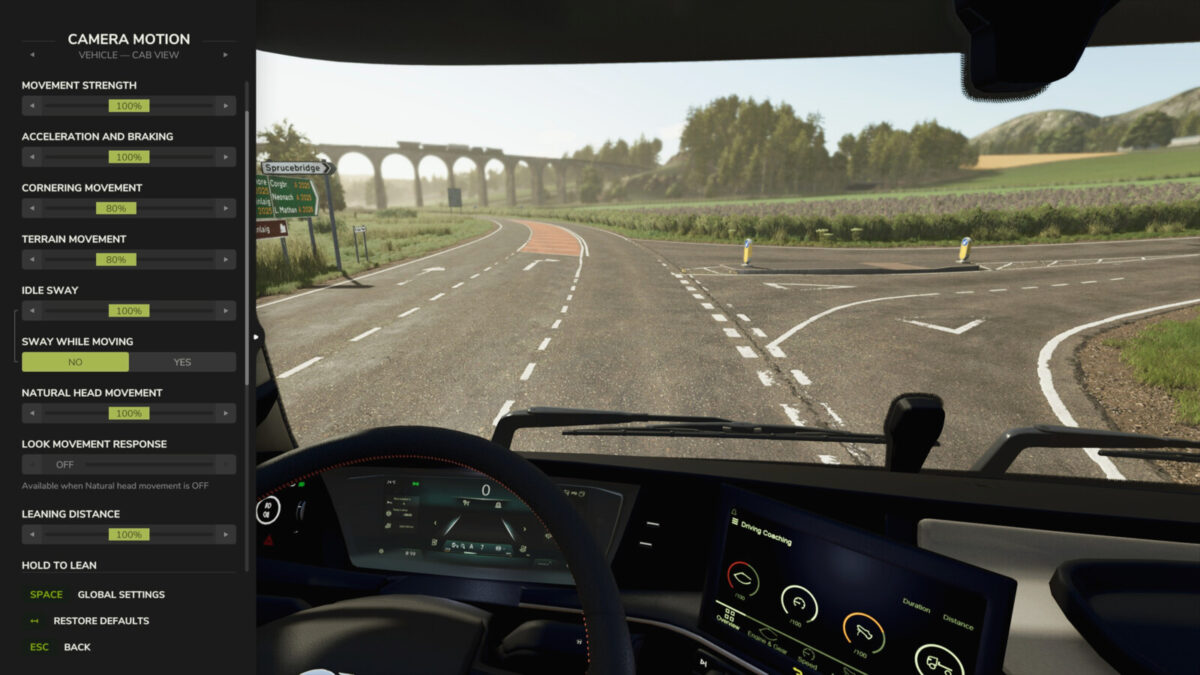
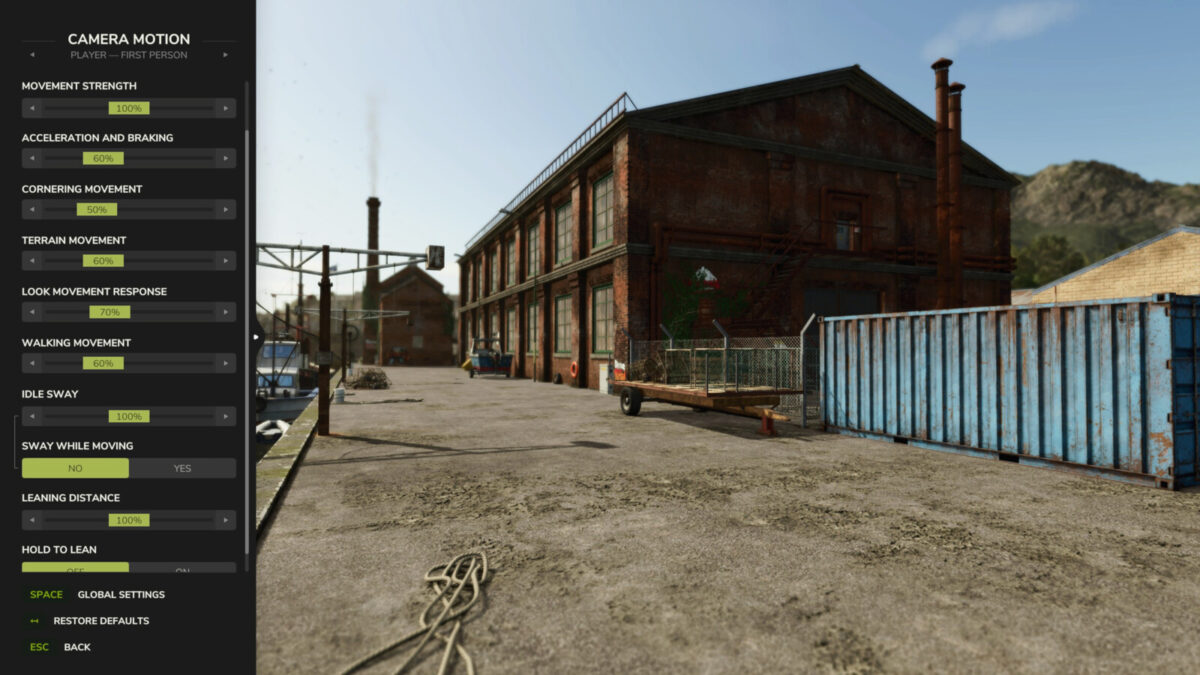
Adds smooth camera movement effects and refines player and vehicle camera behavior, including sway and responses to acceleration, braking, cornering and uneven terrain.
Features:
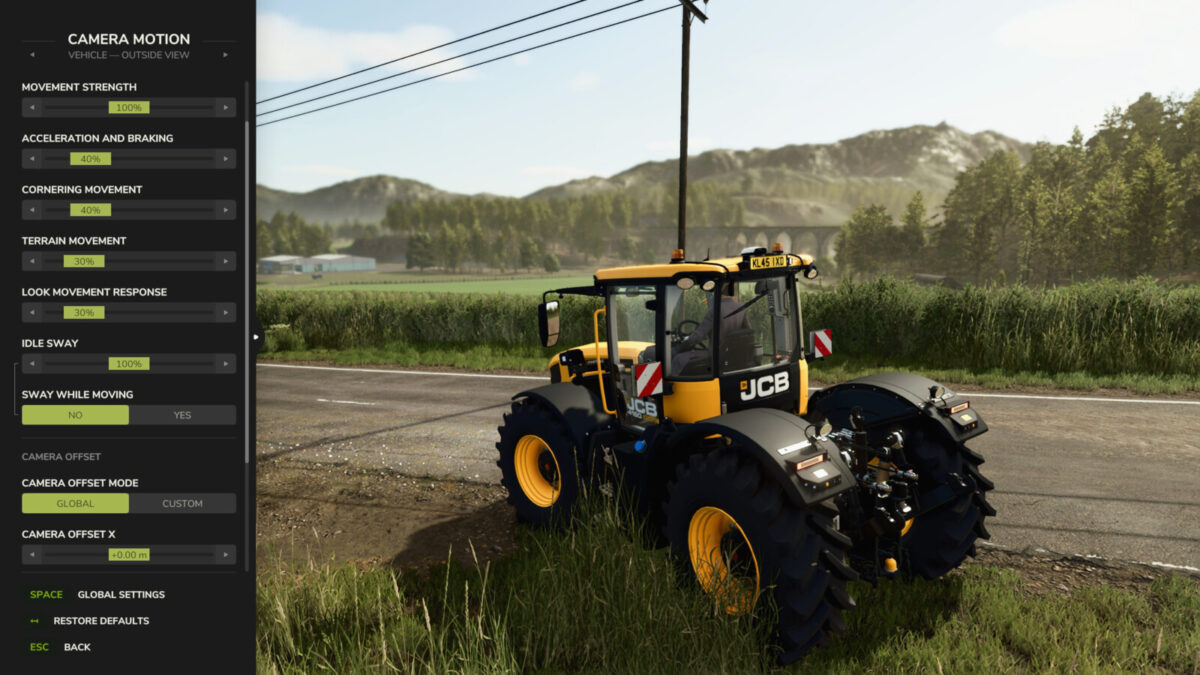
– Customize 4 profiles for vehicle and player cameras, in first and third person.
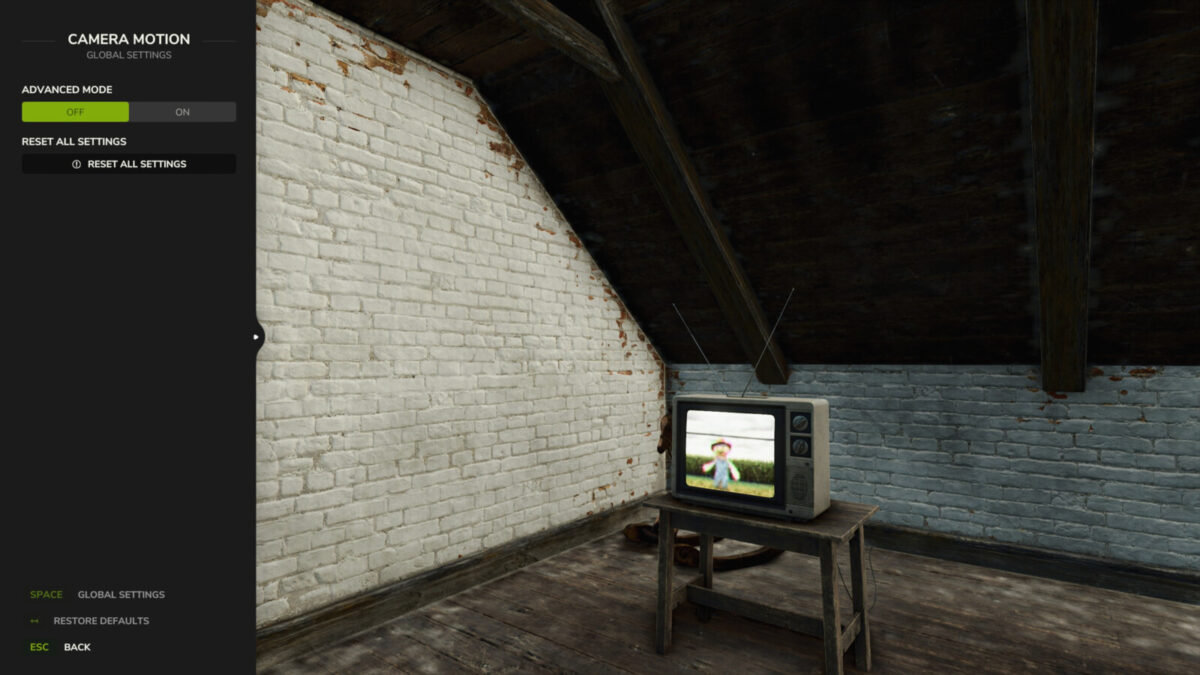
– Adjust movement strength with one slider or fine-tune individual effects in advanced mode.
– Enable natural head movement in the cab and leaning in first person.
– Set camera offsets per vehicle. Settings are saved automatically.
Hotkeys:
– Press F9 to open settings.
– Press or hold the first side mouse button (Mouse 4) to lean, depending on your settings.
Other mods that modify vehicle or player cameras may interfere with camera effects.
For more info or bug reports, visit GitHub (modnext/cameraMotion).

Credits:

aaw3k

How to install FS25 Misc?
Firstly find a mod which you like and want to download. Then download a mod to your PC. Mods are usually in .zip format file. But sometimes it can be in .rar. If a mod file is a .zip format no needed additional actions. If a file is in .rar, then you must unarchive mod with software like WinRar or Zip7. Windows 10 users no need to use software for archives, Win10 itself has a feature to unarchive files.
The next step is to find mods folder in your PC. Usually, it is in Documents/My Games/Farming Simulator 25/2025. Open the "mods" folder and put downloaded .zip archive or unarchived .rar file to this folder.
Last step. Enjoy of FS25 mods!

Leave a Reply

Your email address will not be published. Required fields are marked *