
FS25 Misc

MultiTask Mowers v1.0.0.0

MultiTask Mowers v1.0.0.0

MultiTask Mowers v1.0.0.0

MultiTask Mowers v1.0.0.0

MultiTask Mowers v1.0.0.0

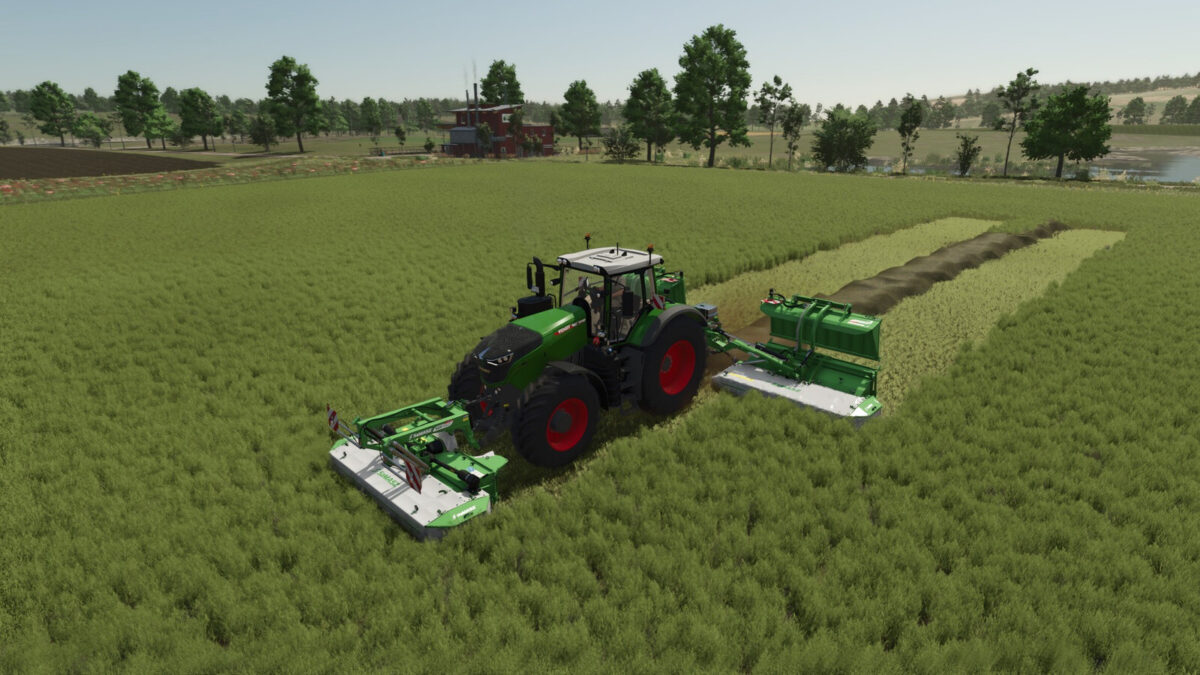
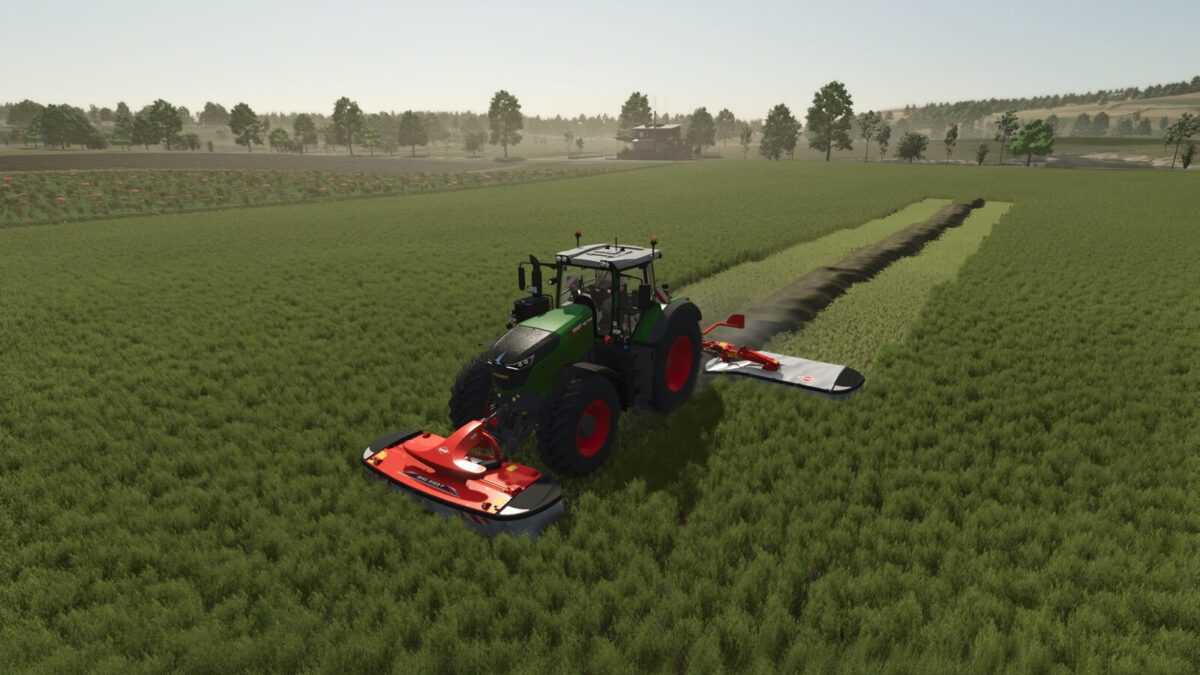
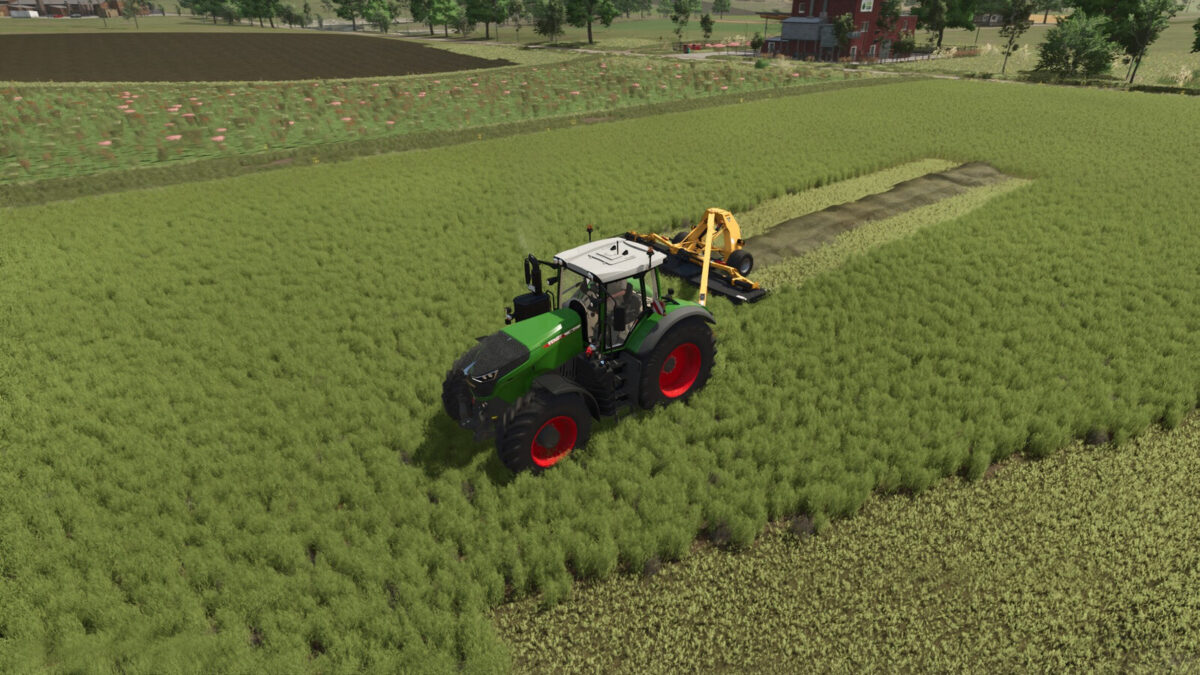
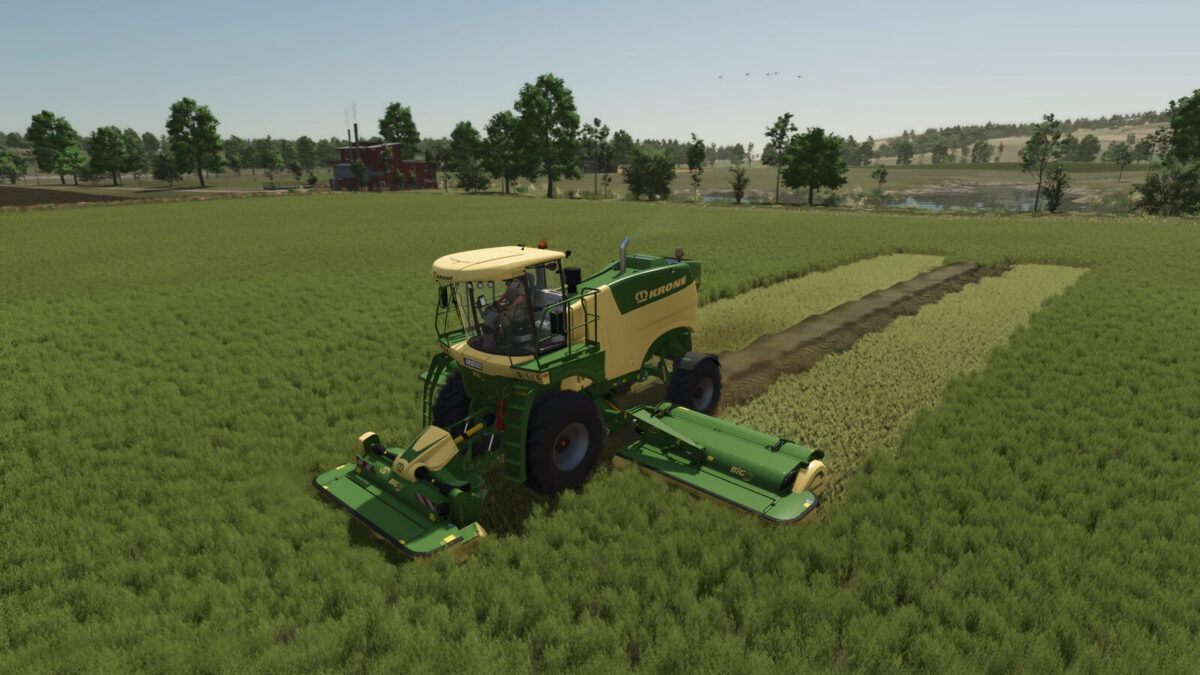
Adds three selectable modes to compatible grass mowers: normal mowing, mowing with a central windrow, and mowing with direct hay production in a central windrow.
When several front and rear mowers are working together, their active cutting areas are treated as one group. The windrow is centered across the complete working width and deposited behind the rearmost active mower. Its width adapts to the amount of material, while the native ground system controls its height.
Forage harvester headers and mowers with an internal fill unit are excluded. Compatible with manual work and AI systems that use the standard mower specialization.
Controls: Ctrl+N, configurable in the controls menu. F1 displays the selected mode instead of the original work mode.

Credits:

Max Games

How to install FS25 Misc?
Firstly find a mod which you like and want to download. Then download a mod to your PC. Mods are usually in .zip format file. But sometimes it can be in .rar. If a mod file is a .zip format no needed additional actions. If a file is in .rar, then you must unarchive mod with software like WinRar or Zip7. Windows 10 users no need to use software for archives, Win10 itself has a feature to unarchive files.
The next step is to find mods folder in your PC. Usually, it is in Documents/My Games/Farming Simulator 25/2025. Open the "mods" folder and put downloaded .zip archive or unarchived .rar file to this folder.
Last step. Enjoy of FS25 mods!

Leave a Reply

Your email address will not be published. Required fields are marked *