
FS25 Frontloaders

Schäffer SWH Tools v1.0.0.0

Schäffer SWH Tools v1.0.0.0

Schäffer SWH Tools v1.0.0.0

Schäffer SWH Tools v1.0.0.0

Schäffer SWH Tools v1.0.0.0

Schäffer SWH Tools v1.0.0.0

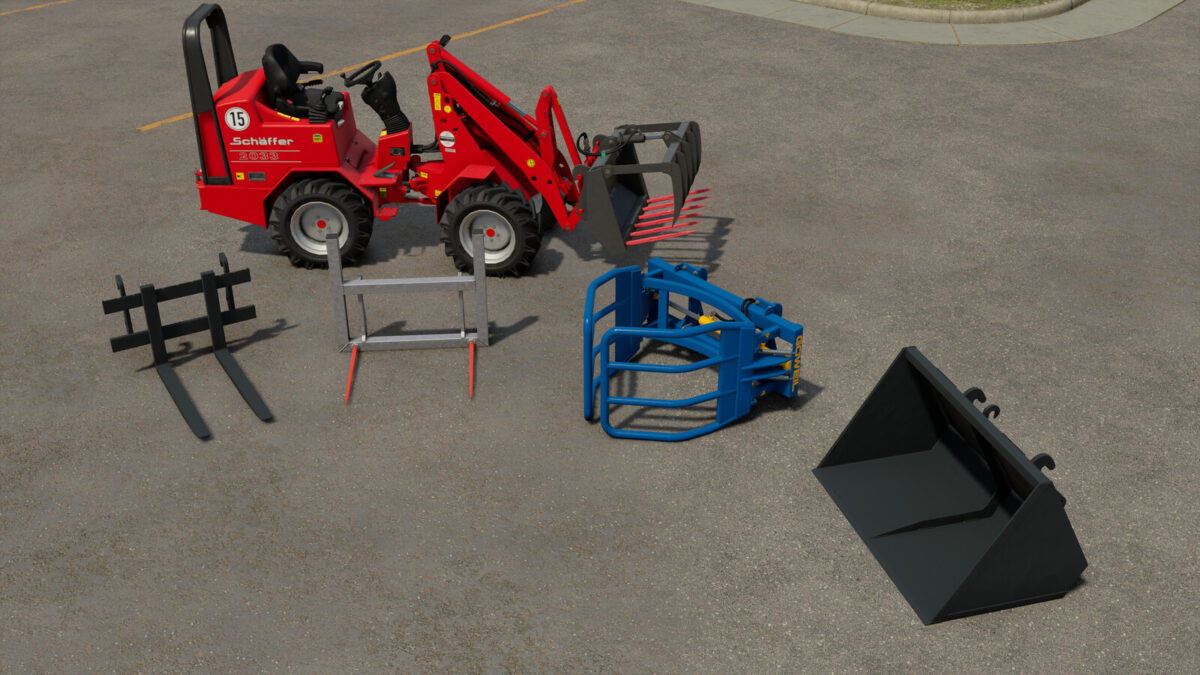
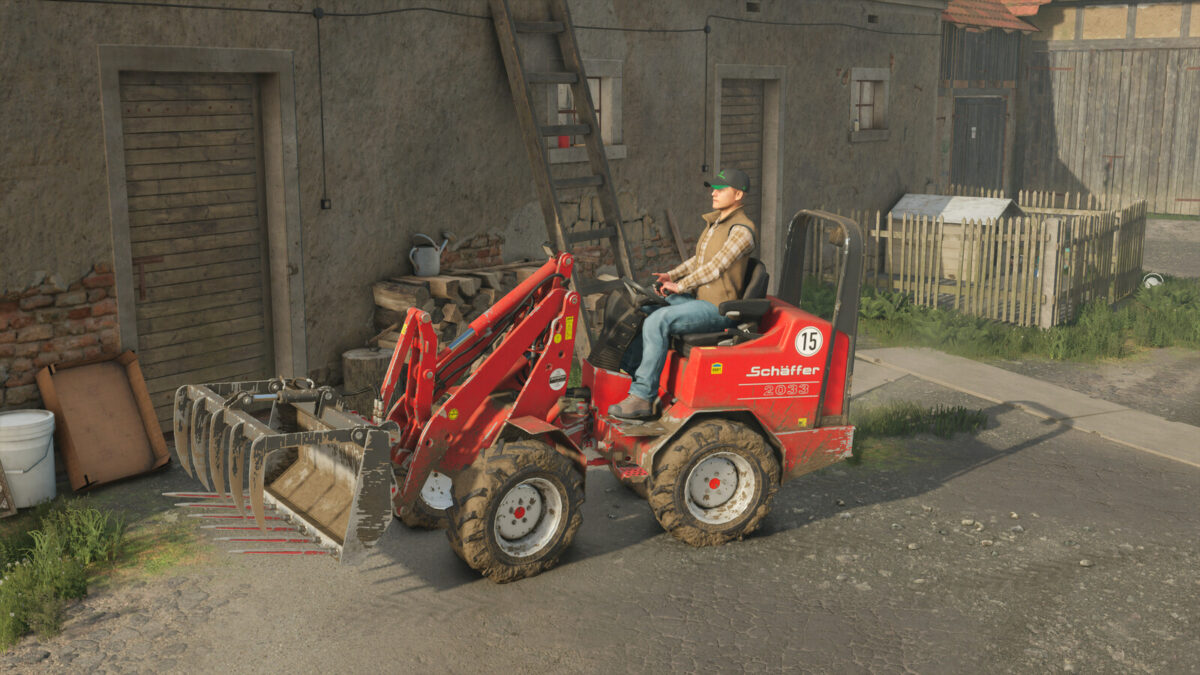
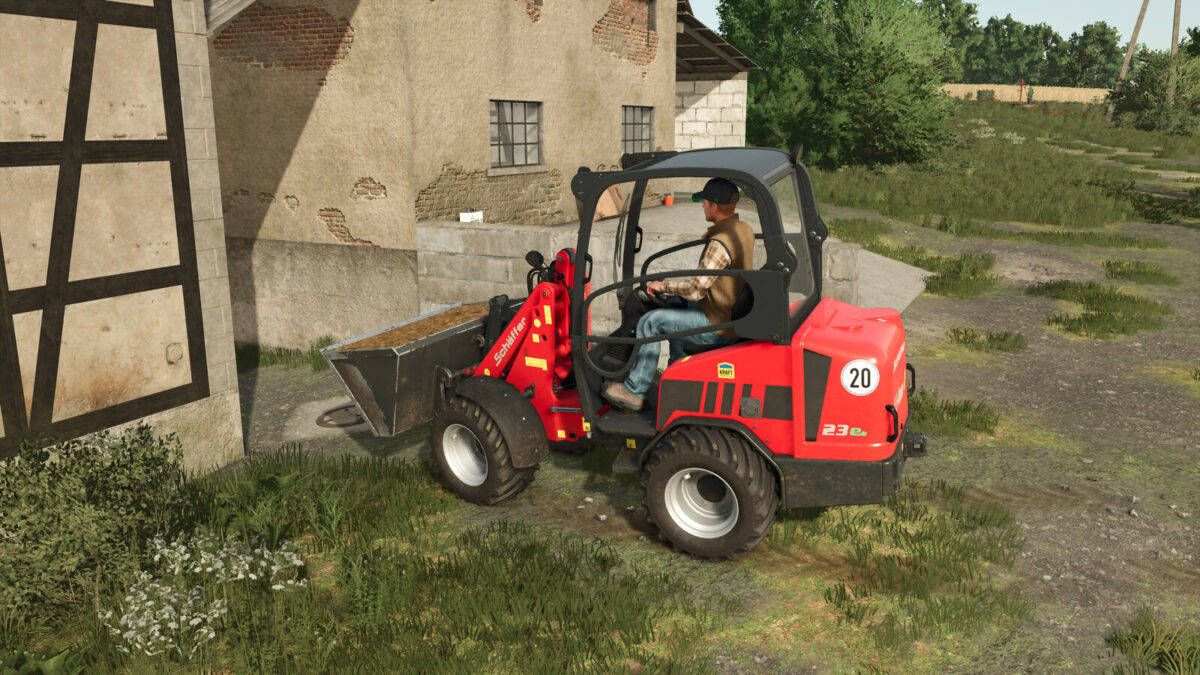
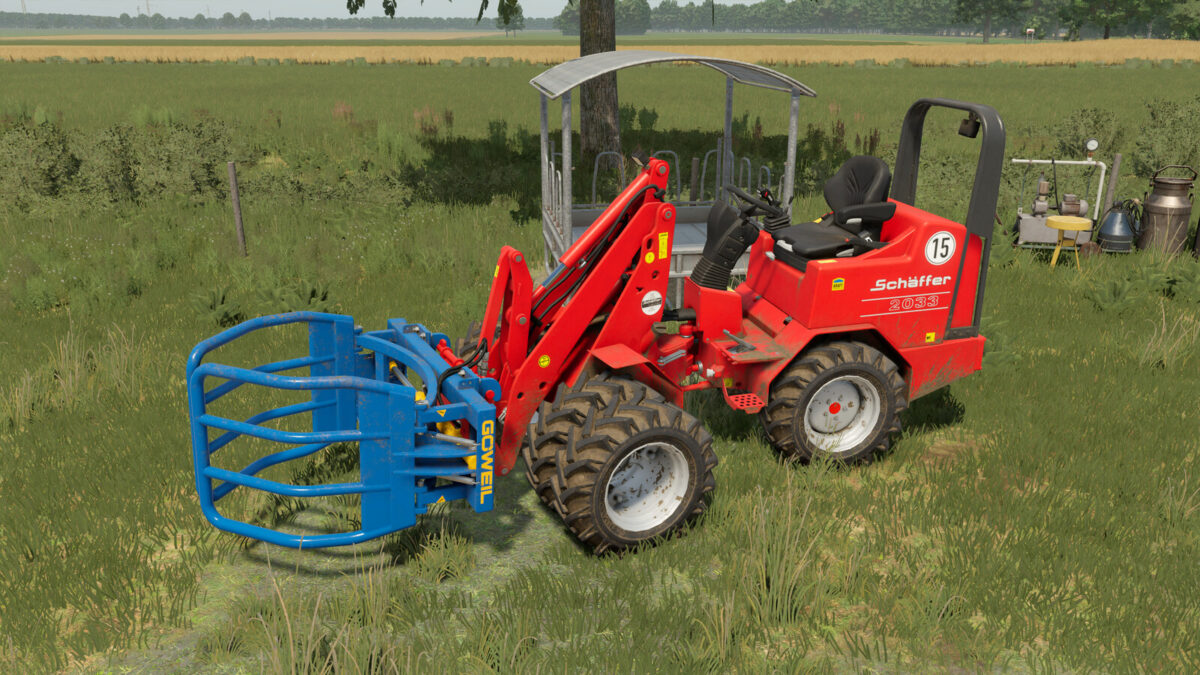
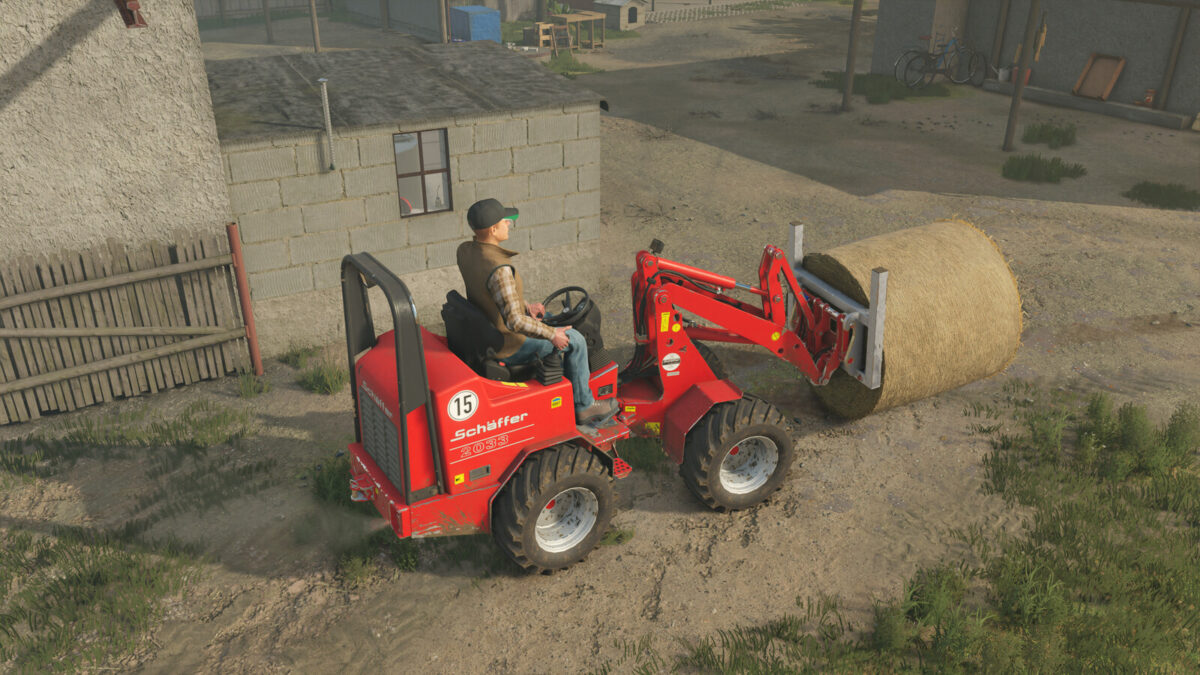
A package consisting of four attachments that were specially manufactured for Schäffer farm loaders with the SWH mount, for example the Schäffer 2033. It includes a Düvelsdorf gripper, with which solid manure and bales can be loaded, a Schäffer light material shovel, a bale spike and a pallet fork.
Düvelsdorf Manure Grab
– Price: $2,780
– Fill Volume: 550 Liter
– Weight: 380 kg
Schäffer 1400mm Shovel
– Price: $1,190
– Fill Volume: 680 Liter
– Weight: 320 kg
Bale Fork
– Price: $1,050
– Weight: 150 kg
Palett Fork
– Price: $1,550
– Weight: 290 kg
Göweil RBG
– Price: $1,600
– Weight: 410 kg
Compatible with the following mods:
– Schäffer 2033 (by Jonas)
– Schäffer 23e (by Jonas)
– Schäffer Tools (by AlexL353_modding)
– Manure Container (by AlexL353_modding)
– Weidemann 1140 (by privatprivat)

Credits:

Jonas

How to install FS25 Frontloaders?
Firstly find a mod which you like and want to download. Then download a mod to your PC. Mods are usually in .zip format file. But sometimes it can be in .rar. If a mod file is a .zip format no needed additional actions. If a file is in .rar, then you must unarchive mod with software like WinRar or Zip7. Windows 10 users no need to use software for archives, Win10 itself has a feature to unarchive files.
The next step is to find mods folder in your PC. Usually, it is in Documents/My Games/Farming Simulator 25/2025. Open the "mods" folder and put downloaded .zip archive or unarchived .rar file to this folder.
Last step. Enjoy of FS25 mods!

Leave a Reply

Your email address will not be published. Required fields are marked *