

Sleep to Work v1.0


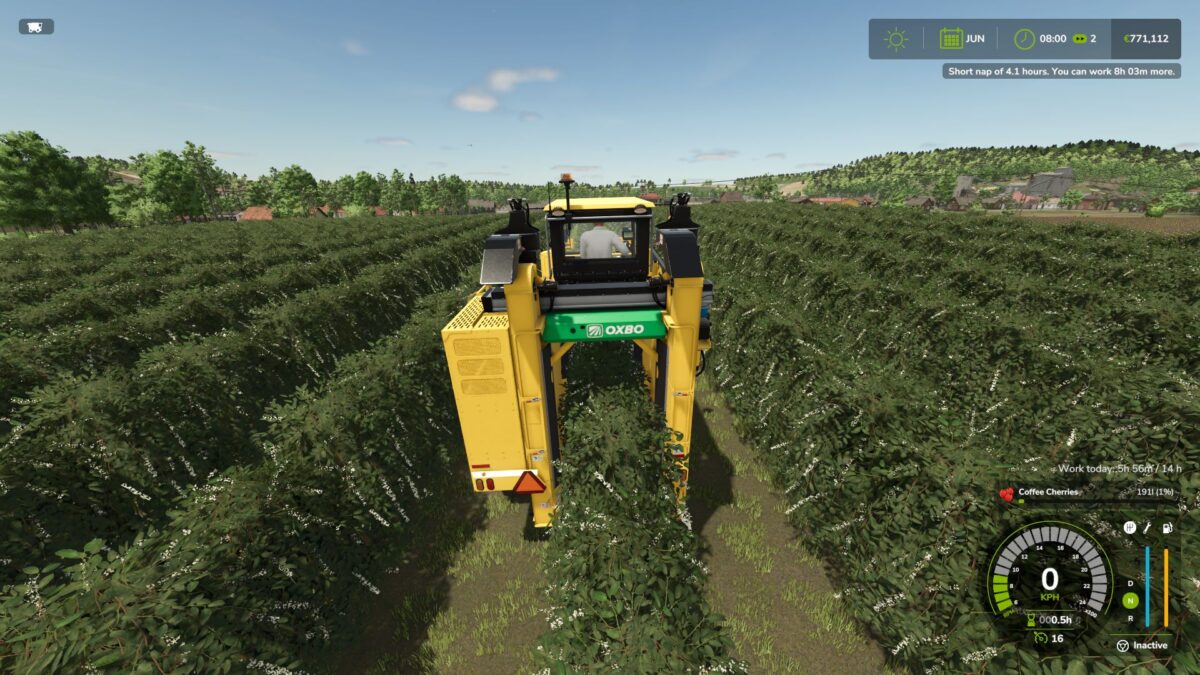
Even a farmer needs sleep! After 14 hours of work you are too tired to drive and you have to sleep before you can work again.
HOW IT WORKS
– Every in-game hour you drive a vehicle with the motor running counts as work
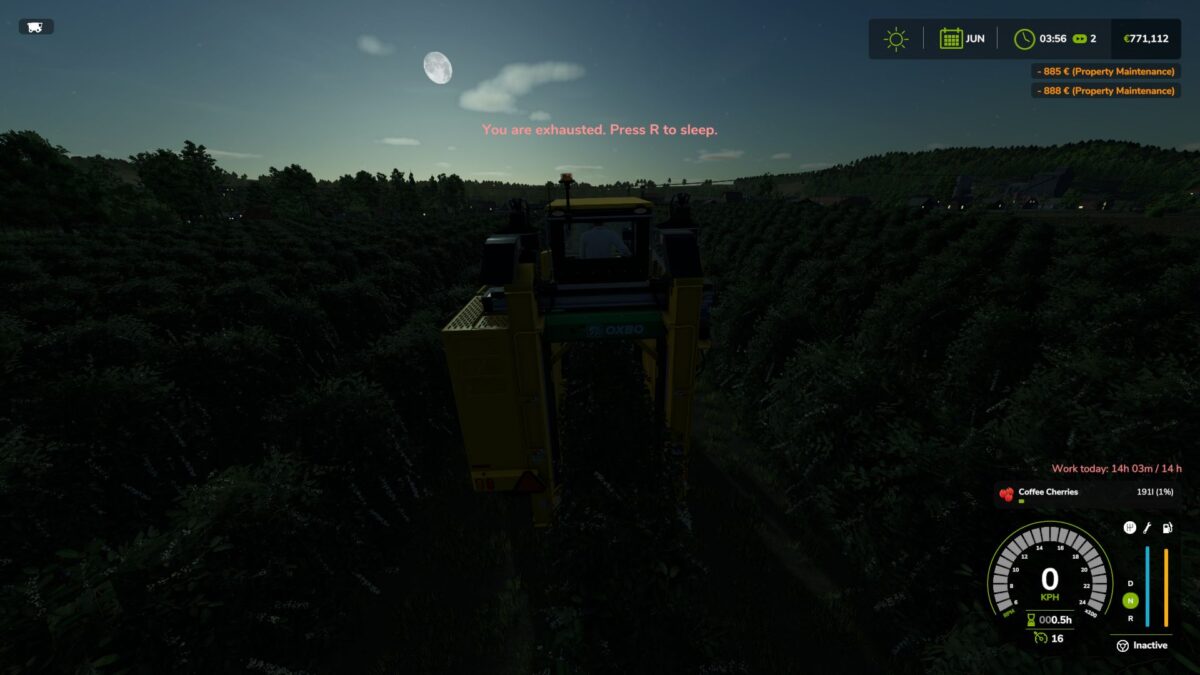
– At 14 hours you are exhausted: one message on screen, the motor stops and will not start again
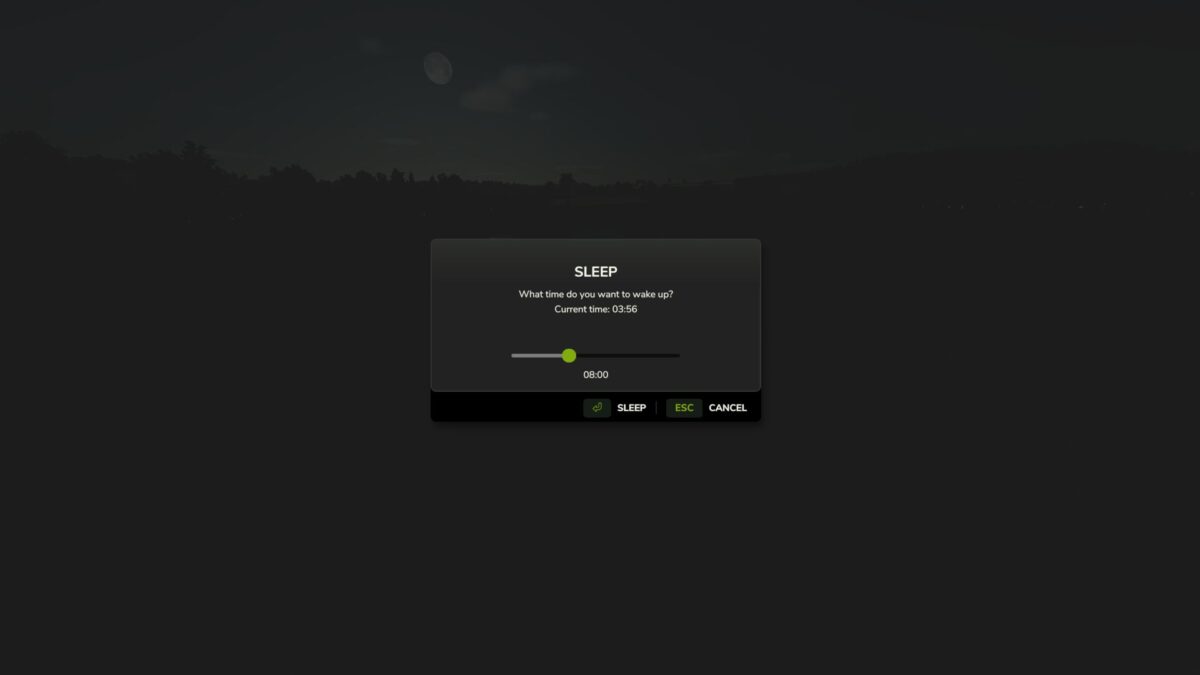
– Press R to sleep: the game’s own farmhouse sleep starts and time fast-forwards
– Sleep 6 hours or more and you are fully rested
– A short nap helps too: every hour of sleep gives back two hours of work
– Hired helpers are not affected, they keep working while you rest
– Your work time is shown on screen while you drive and is saved with your savegame
CONSOLE
– stwStatus: show your work time
– stwSet 13.5: set the work time (for testing)
– stwLimit 14: change the work limit
INFO
– Singleplayer only
– Languages: English, German, French
– Do not unzip the file, put FS25_SleepToWork.zip directly in your mods folder
Credits:
EpicPryda


