
FS25 Misc

Winch Unlimited Trees v1.0

Winch Unlimited Trees v1.0

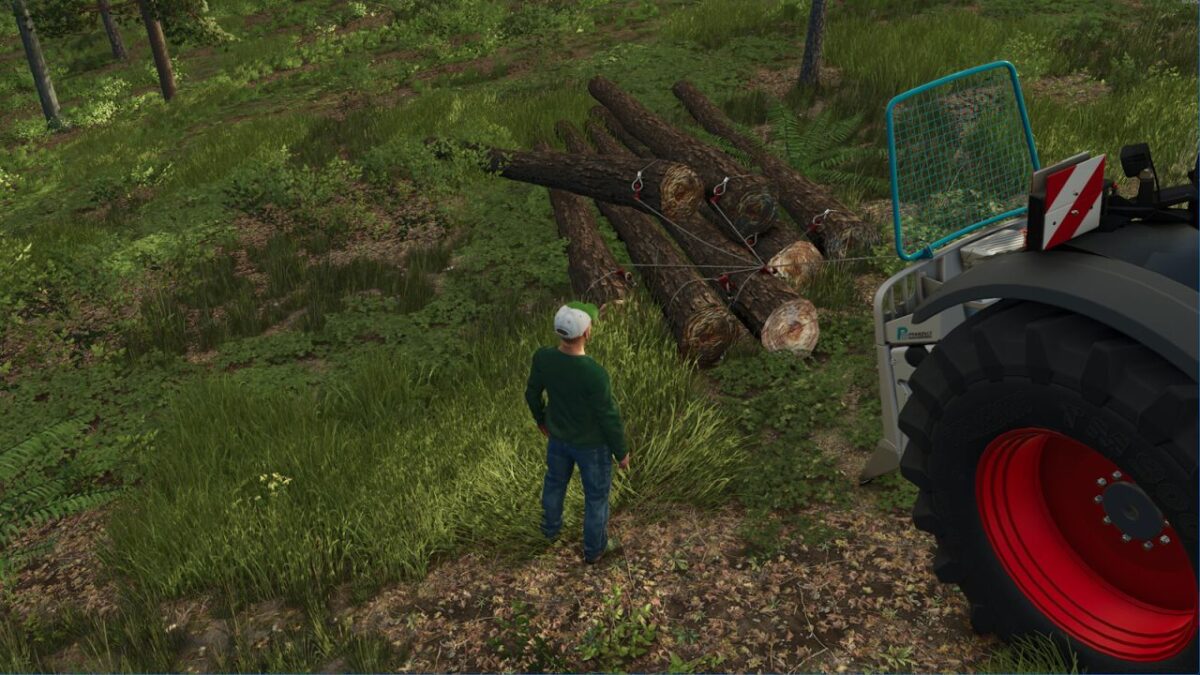
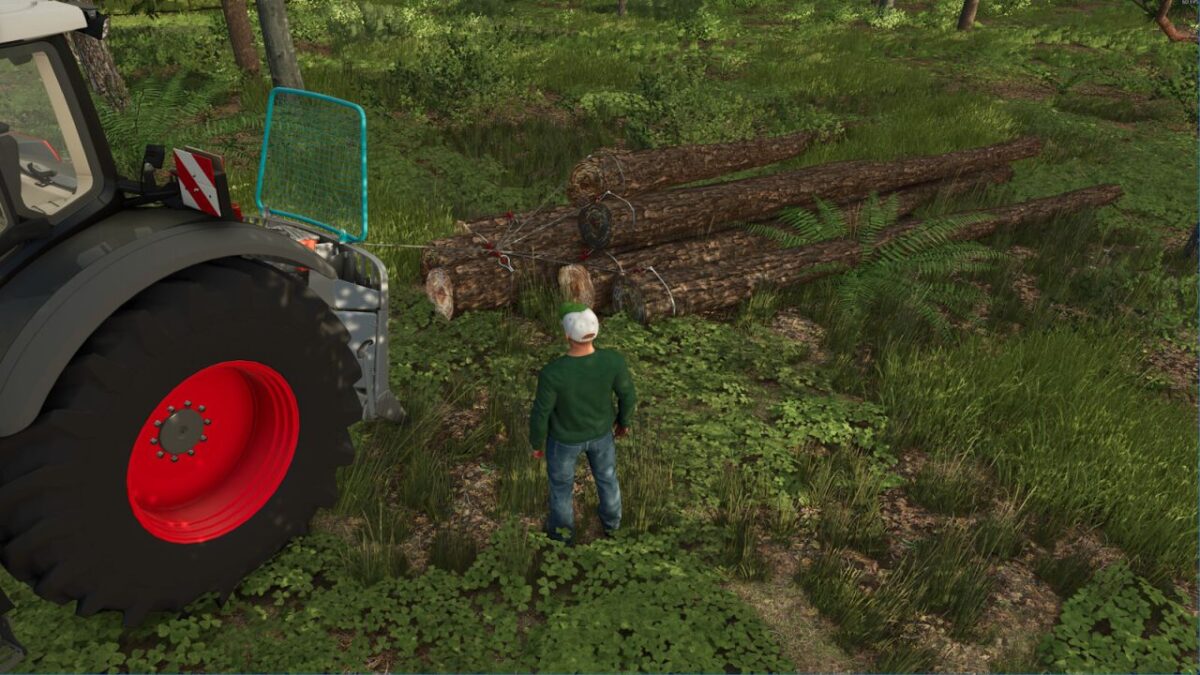
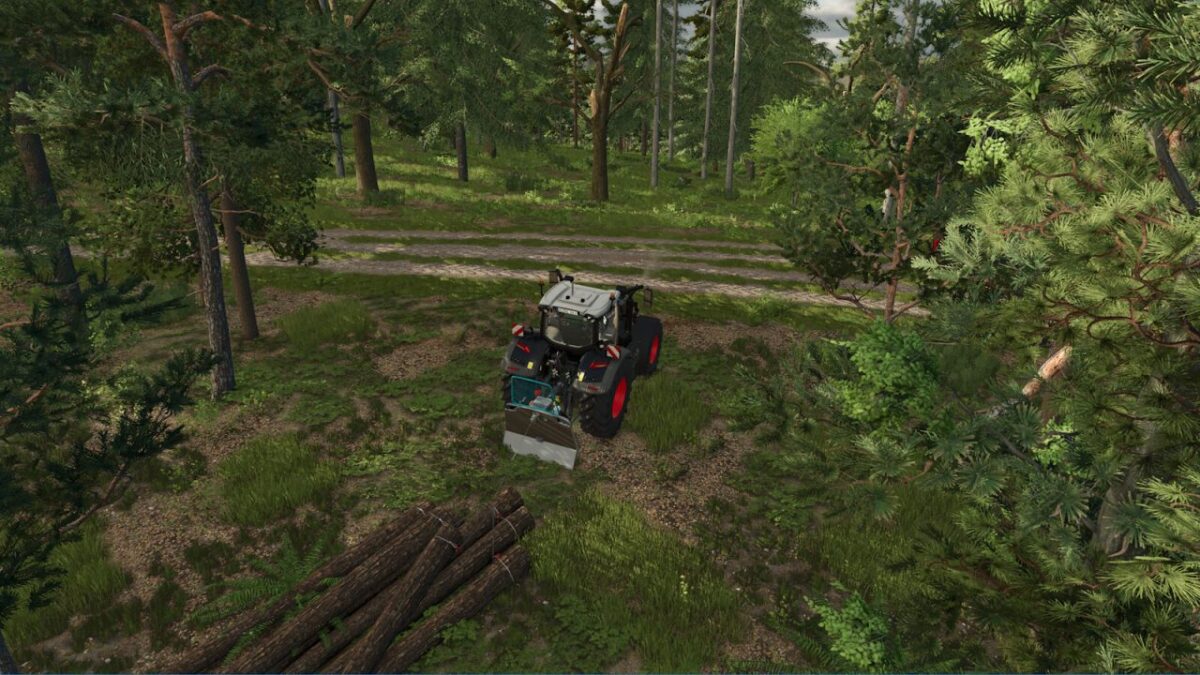
This script removes the limit on how many trees can be attached to one winch rope.
It works globally for all winches that use the default winch function (base game, DLCs and mods).
No vehicle needs to be changed or bought again.

Notes:
The maximum pulling weight of each winch is unchanged and still applies to the total weight of all attached trees.
Winches with their own custom winch script are not affected.
Hotkeys: none

Credits:

Bockal

How to install FS25 Misc?
Firstly find a mod which you like and want to download. Then download a mod to your PC. Mods are usually in .zip format file. But sometimes it can be in .rar. If a mod file is a .zip format no needed additional actions. If a file is in .rar, then you must unarchive mod with software like WinRar or Zip7. Windows 10 users no need to use software for archives, Win10 itself has a feature to unarchive files.
The next step is to find mods folder in your PC. Usually, it is in Documents/My Games/Farming Simulator 25/2025. Open the "mods" folder and put downloaded .zip archive or unarchived .rar file to this folder.
Last step. Enjoy of FS25 mods!

Leave a Reply

Your email address will not be published. Required fields are marked *