

Automatic Traffic Lights v2.0


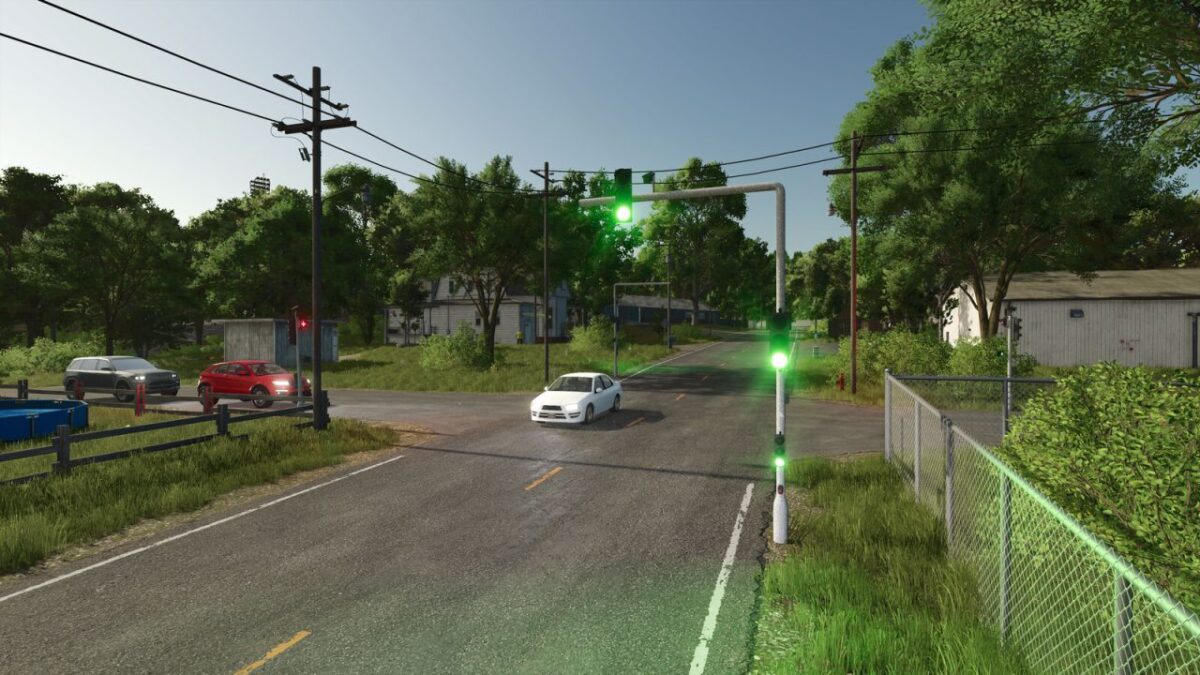
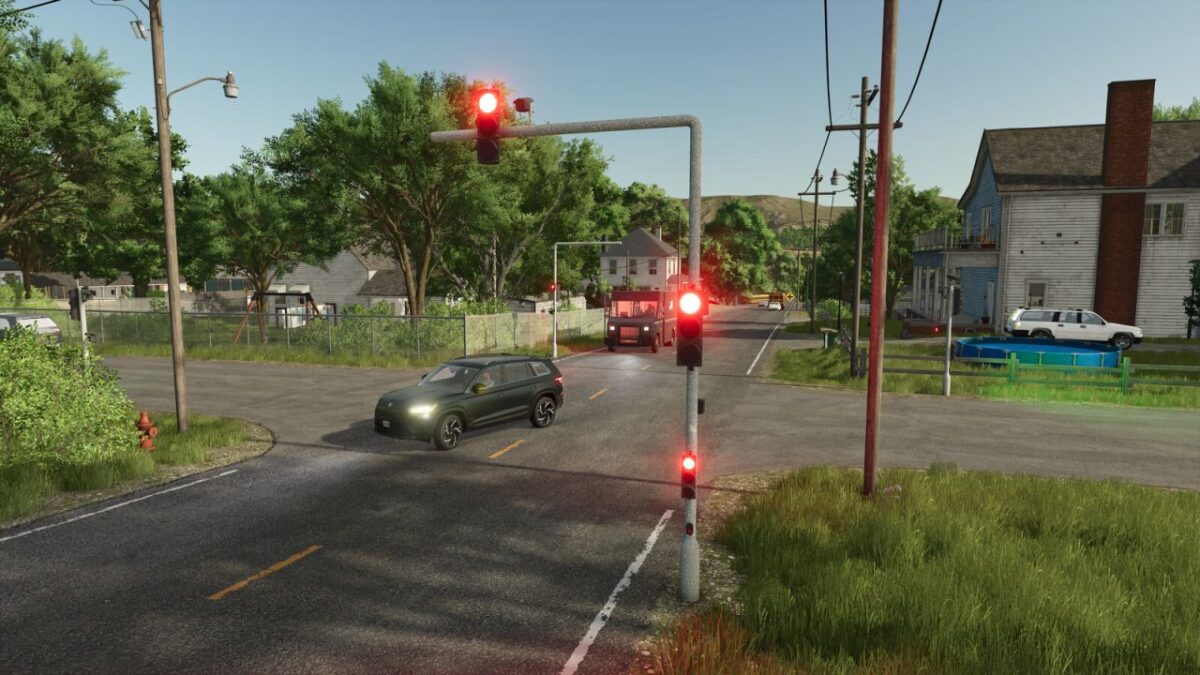
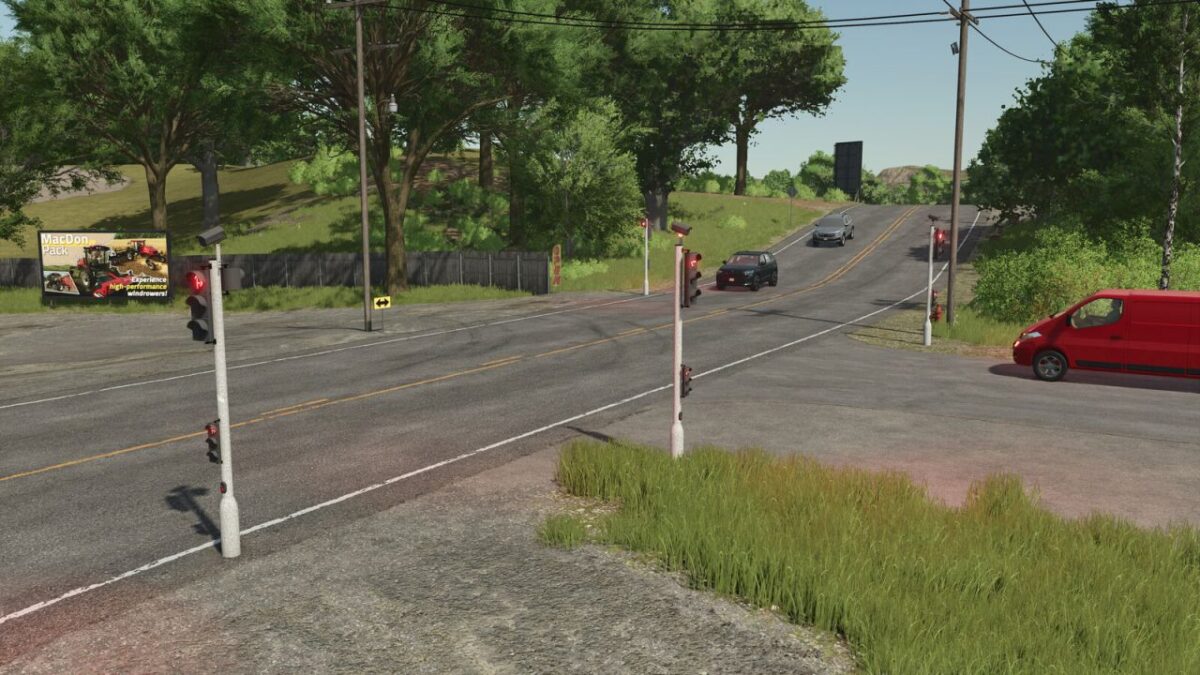
Improve traffic management and realism in your simulation with these interactive traffic lights.
Whether it’s for securing a busy intersection, managing traffic at your farm entrance, or enhancing your role-playing sessions, this mod is the essential tool for any meticulous manager.
Features:
Automatic system:
Automatic adjustment of light states. Automatic traffic and convoy control!
Dynamic lighting:
The lights project a realistic glow on the ground (green, orange, and red), providing optimal visibility even at night.
Purchase and Transport:
The lights must now be purchased from the Vehicle Shop and transported manually to the selected location.
How does it work?
To initiate the signaling sequence, you now need to enter the vehicle, just as you would when entering a tractor.
The color cycle will change in a few seconds, clearing the intersection and allowing you to release or block traffic.
Traffic blockage collision:
The collision zone can be shifted to either the left or right side for the following lights:
Standard Automatic Traffic Light.
Automatic Traffic Light with Forward / Right Arrow.
Automatic Traffic Light with Forward / Left Arrow.
Automatic Traffic Light with Forward / Left / Right Arrow.
A button allows you to activate a visual aid to indicate which side the collision is on.
In the store:
Free models (details) and paid lights have been added:
New lights:
Automatic Traffic Light with Left Arrow.
Automatic Traffic Light with Forward / Left / Right Arrow.
Automatic Traffic Light with Forward / Left Arrow.
Automatic Traffic Light with Forward / Right Arrow.
Automatic Traffic Light with Right Arrow.
Automatic Pedestrian Traffic Lights.
Details:
Cross lights: $0
Pedestrian signals: $0
Flashing directional signals: $0
Traffic regulation camera (decorative).
Technical specifications:
Standard Automatic Traffic Light:
Purchase price: $2,500.
Maintenance cost: $25/day.
Automatic Traffic Light Extension:
Purchase price: $5,000.
Maintenance cost: $50/day.
Automatic Traffic Light Right-Turn Arrow:
Purchase price: $2,500.
Maintenance cost: $25/day.
Automatic Traffic Light Left-Turn Signal:
Purchase price: $2,500.
Maintenance cost: $25/day.
Automatic Traffic Light – Arrow, Forward / Right:
Purchase price: $2,500.
Maintenance cost: $25/day.
Automatic Traffic Light – Arrow, Forward / Left:
Purchase price: $2,500.
Maintenance cost: $25/day.
Automatic Traffic Light with Arrow Indicating Forward / Left / Right:
Purchase price: $2,500.
Maintenance cost: $25/day.
Automatic Pedestrian Traffic Lights:
Purchase price: $1,500.
Maintenance cost: $15/day.
Details of additions:
Cross lights: Turn red as soon as the main signal turns red (indicating that the traffic light on the opposite side is red).
Pedestrian signals: Manage pedestrian flow at signalized intersections.
Flashing directional signals: Allow proceeding past the signal, but with heightened caution.
Details of Flashing Directional Signals:
Up Left Arrow.
Up Right Arrow.
Down Left Arrow.
Down Right Arrow.
Up Straight Arrow.
Down Straight Arrow.
Up / Down Straight Arrow.
Up / Down Left Arrow.
Up / Down Right Arrow.
(Please note: A slight delay may occur during traffic light synchronization).
Version 2.0:
* All 3D models have been recreated from scratch to provide better visuals and increased realism in the game
Credits:
romaain


