

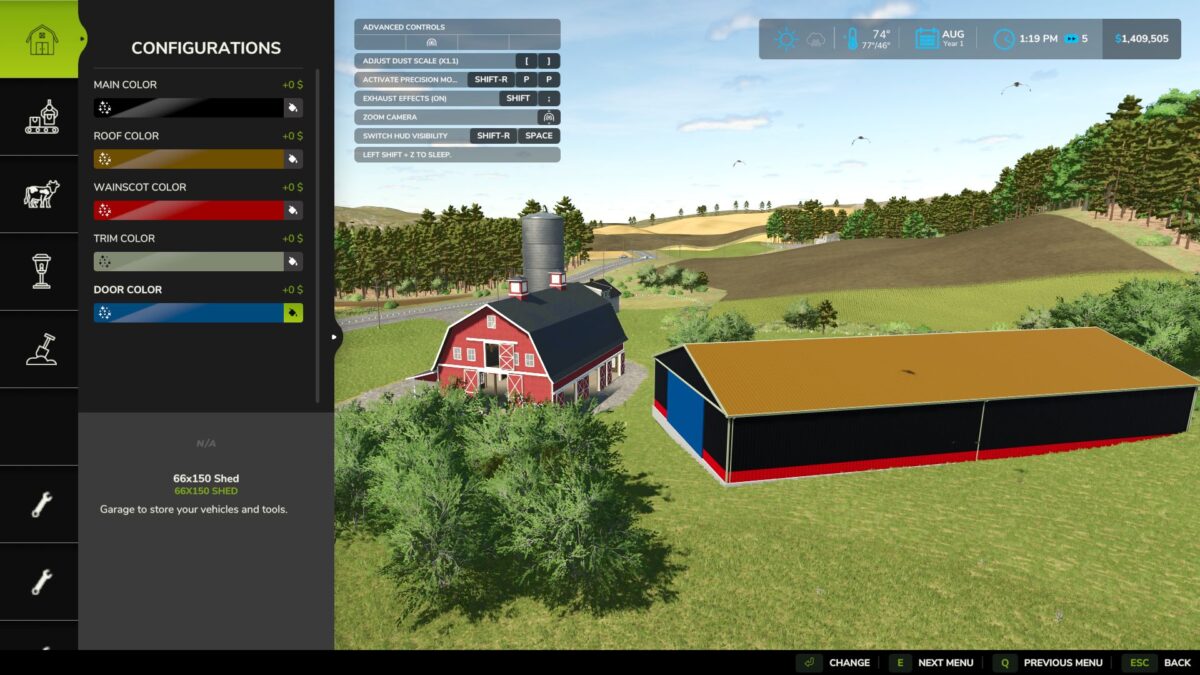
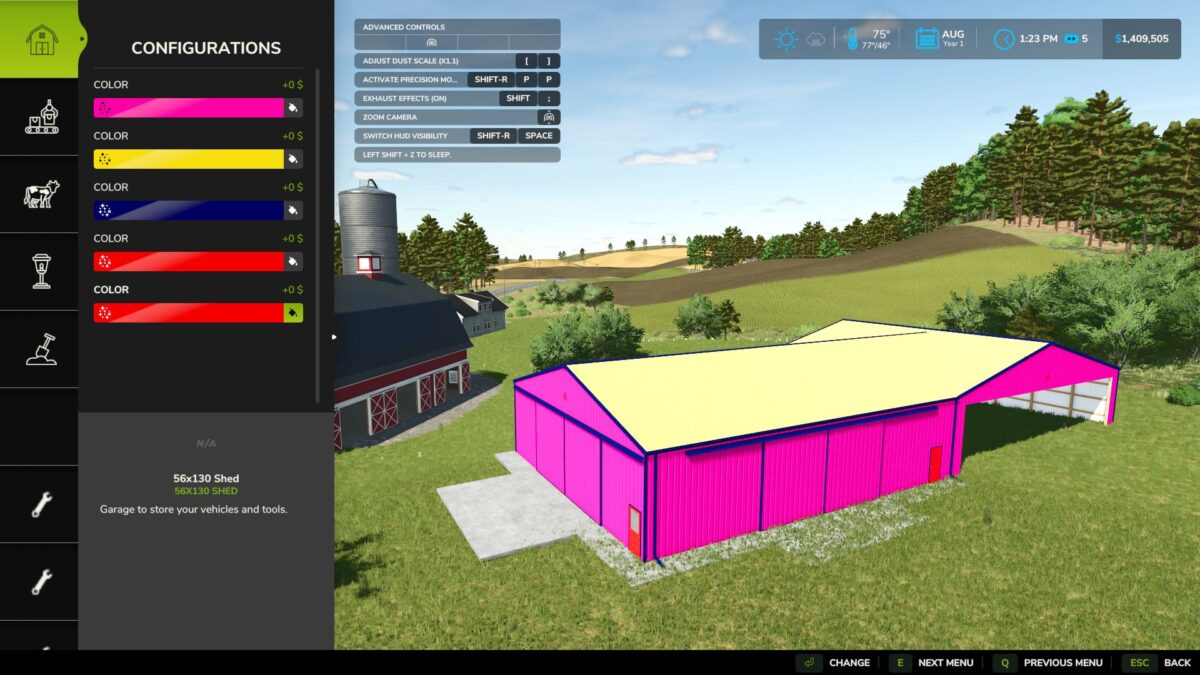
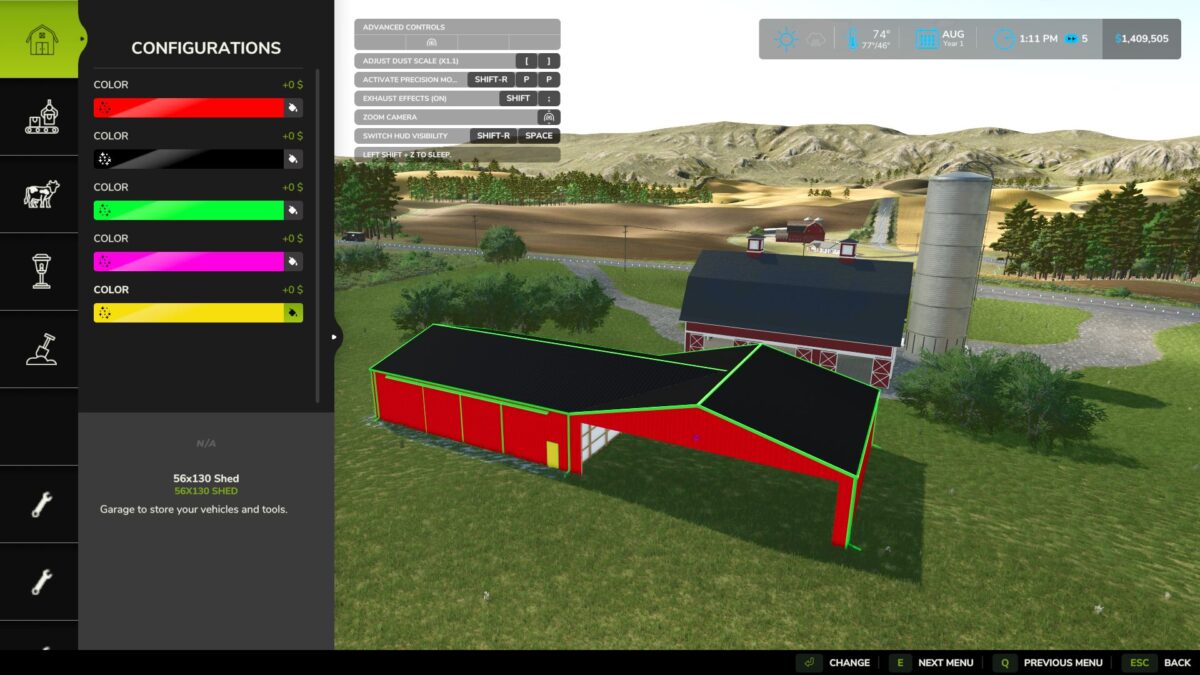
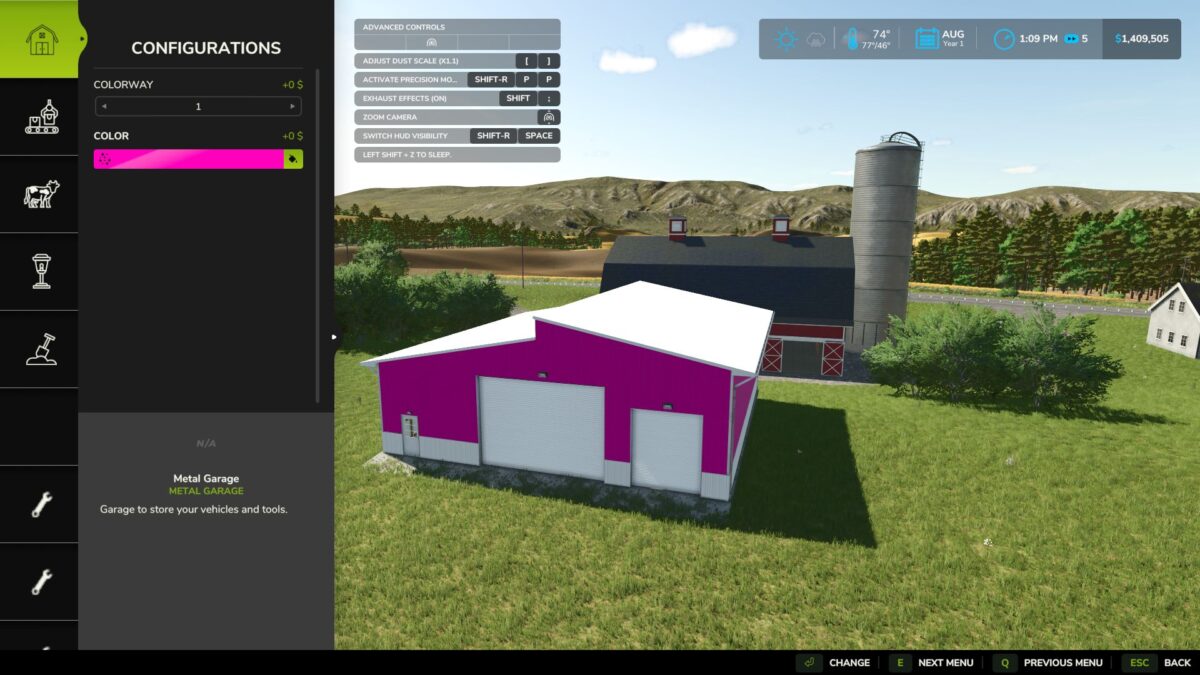
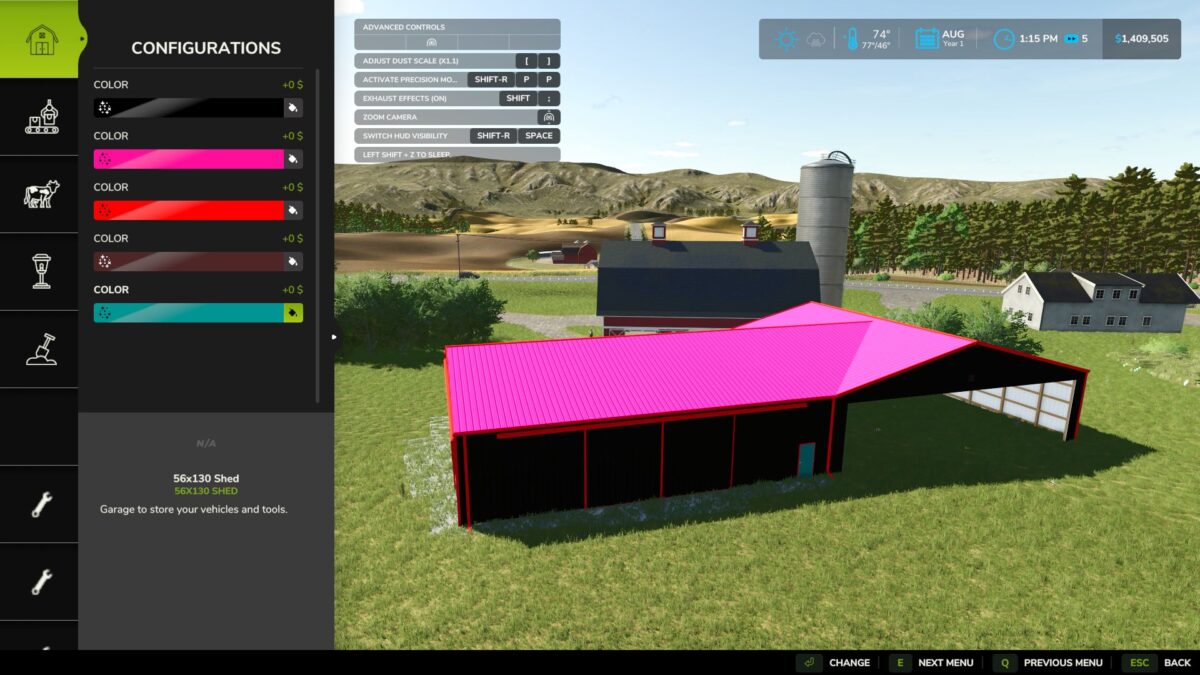
Placeable Color Picker Fix v1.0


Following the Farming Simulator 25 v1.25.0.0 update, some players experienced issues accessing the Custom Color Picker when customizing placeable buildings.
Placeable Color Picker Fix restores access to the existing custom color selection menu, allowing players to customize supported buildings without encountering the known color-picker error.
Features
Restores Custom Color Picker functionality on affected placeables
Uses the original in-game color selection interface
Preserves existing custom colors
Does not modify original game files
Supports single-player and multiplayer
Tested with FS25 v1.25.0.0
Compatibility
Platform: PC only
Game: Farming Simulator 25
Multiplayer: Supported
Compatibility Notice:
Do not use Enhanced Color Selection (FS25_EnhancedColorSelection).
Extended Material Color Picker has been tested alongside this fix and worked successfully.
Credits:
Just Joe


