Chop straw (Pick-up) v1.1


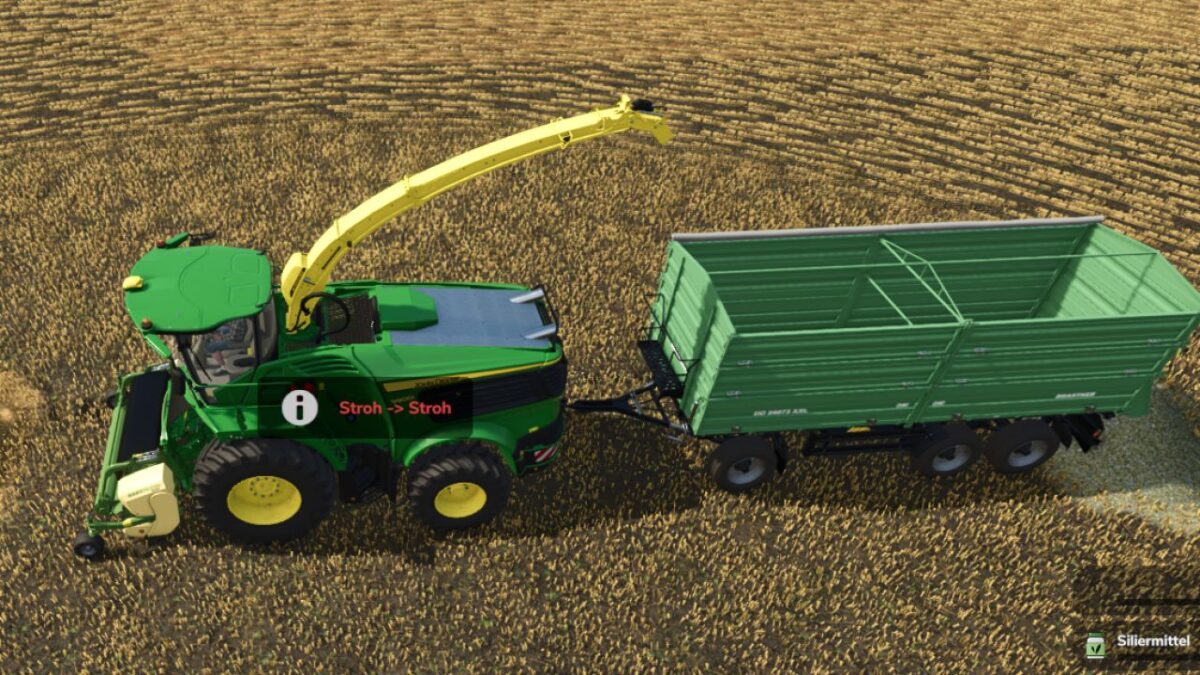
With this mod, all pick-up headers for forage harvesters can pick up straw swaths and turn them into chaff. You can switch between straw and chaff at any time by pressing a key.
Features:
– Pick up straw swaths either as chaff or as straw
– Switch using a key: Left Alt + H (can be changed in the control settings)
– The current mode is shown in the help window; a short message appears when switching
– The selected mode is saved in the game save
Compatible with:
– all pick-ups from the base game, e.g. CLAAS PICK UP 300, Kemper 3003, John Deere 639 Premium and Krone EasyFlow 300 S
– pick-ups from other mods, provided they can pick up grass swaths
Grain headers, corn headers, forage wagons and balers remain unchanged.
Note: If there is still straw in the forage harvester when you switch to chaff, you must unload it first.
Installation: Place the zipped file unextracted in the mods folder and activate it in the game save.
Credits:
TGTeam