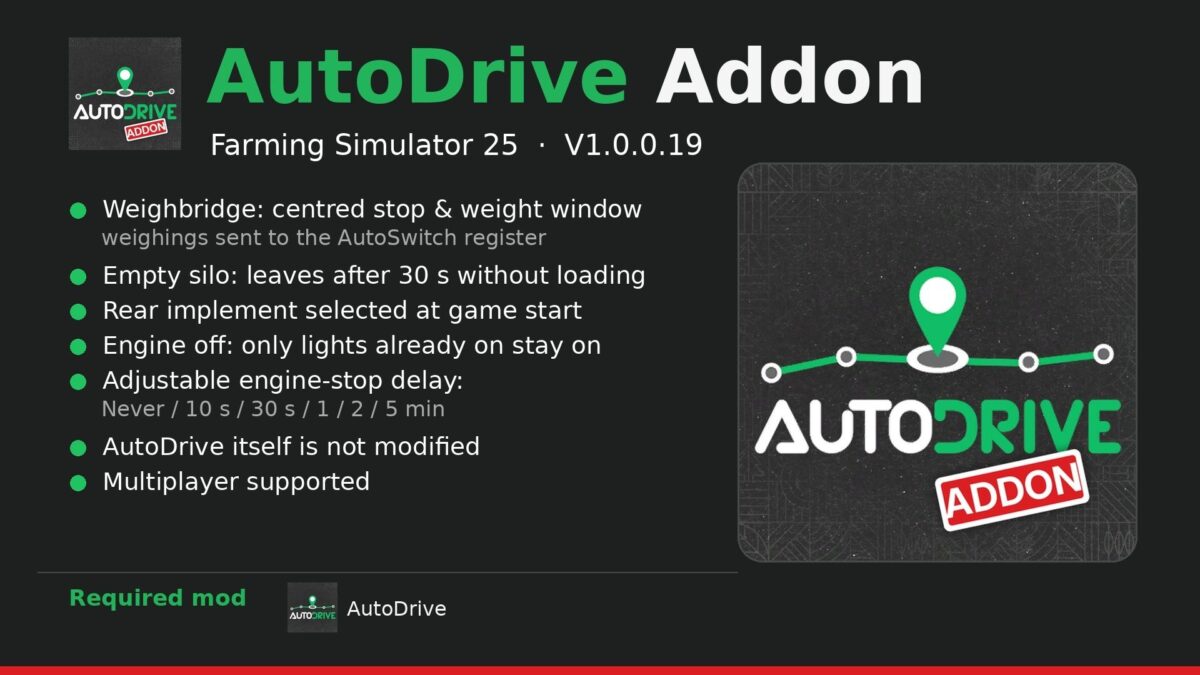
AutoDrive Addon v1.0.0.19


Addon for AutoDrive: it changes some of AutoDrive’s behaviors without modifying AutoDrive itself. Only AutoDrive is required.
Features:
Weighbridge: when AutoDrive drives over a weighbridge, it centers all the wheels of the vehicle combination on it, stops for 5 seconds, and a small window displays the product, load, and total weight. This also works when you stop on it yourself (3 seconds). With AutoSwitch, each weighing is recorded in its log (Right Ctrl + R).
Empty silo: during loading, if the trailer already contains something and nothing more enters for 30 seconds, AutoDrive leaves with what it has.
Rear implement: when the game starts, each tractor selects the implement attached behind it.
Engine-off lights: when AutoDrive switches off the engine, the standard headlights remain on only if they were already on (during the day, everything stays off); work lights, high beams, beacons, and turn signals are switched off, and everything is restored when the engine restarts.
Engine shutdown: Settings > AutoDrive Addon, idle time before AutoDrive switches off the engine (Never, 10 sec, 30 sec, 1 min, 2 min, 5 min).
Settings are saved in modSettings/FS25_AutoDriveAddon/settings.xml. Multiplayer supported.
Required mod: AutoDrive. Optional (AutoSwitch)
Version 1.0.0.19:
* Weighbridge (centered stop, weighing window, AutoSwitch register), empty silo (restarts after 30 s without filling), rear implement selected when starting the game, lights with the engine switched off: the standard headlights remain on only if they were already on. Realistic Mechanical Systems is no longer required: only AutoDrive is required.
Credits:
bibifr