Sticky Feet v1.0.0.0


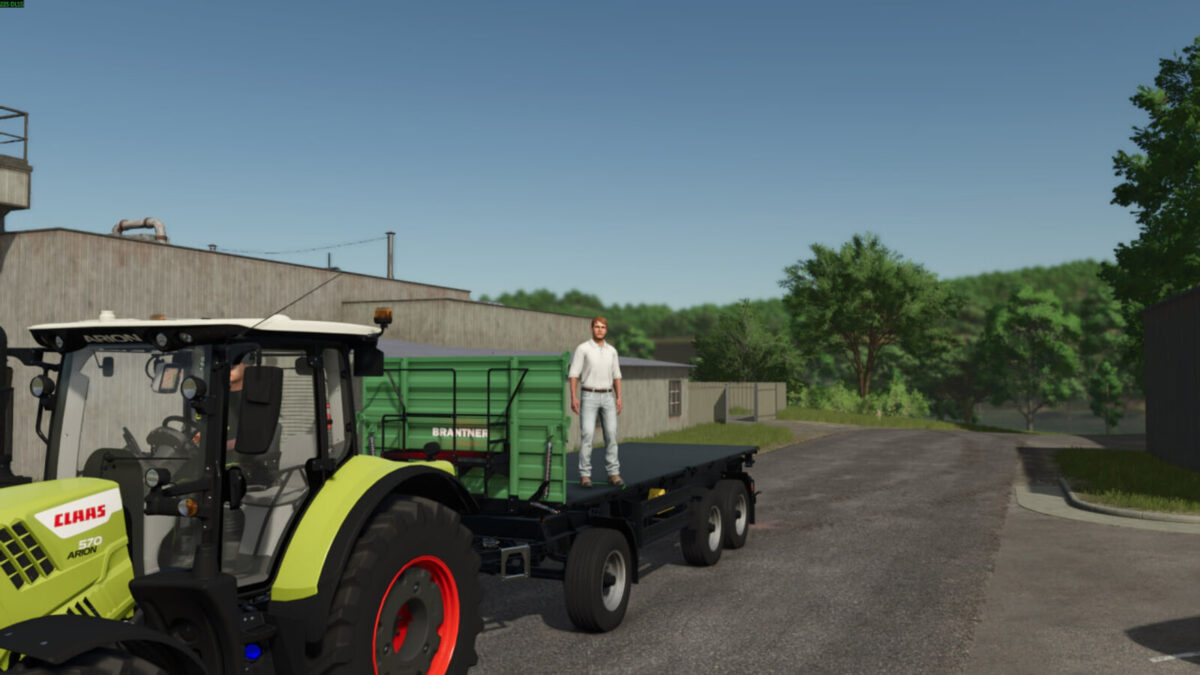
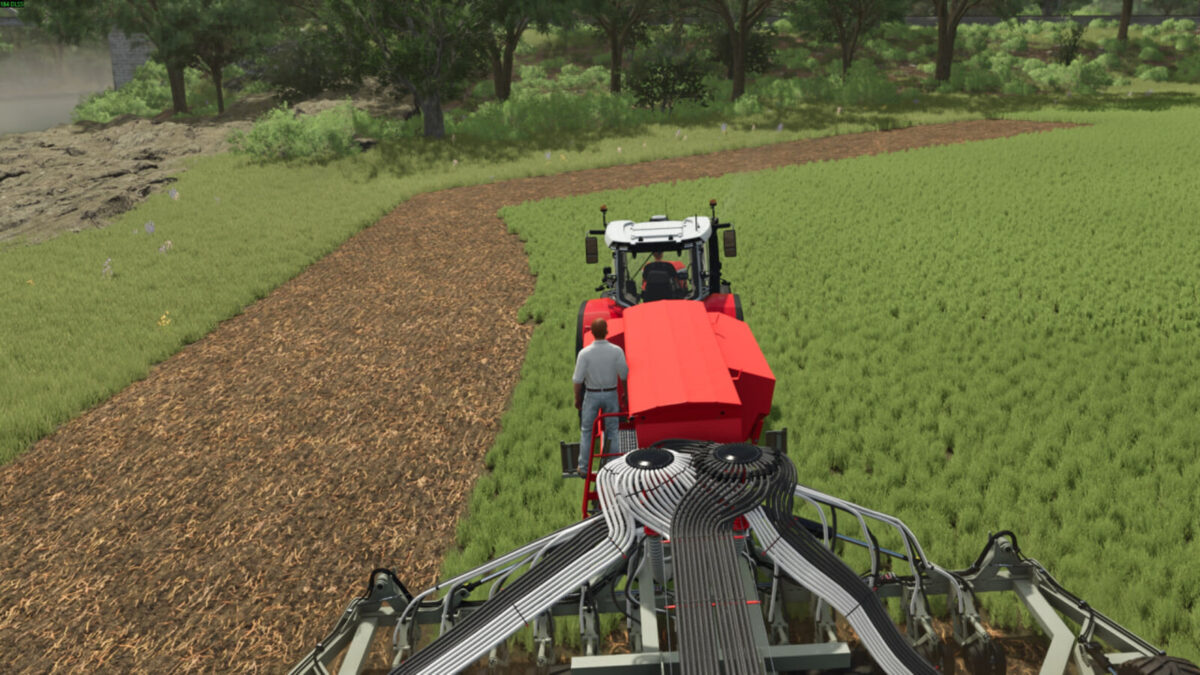
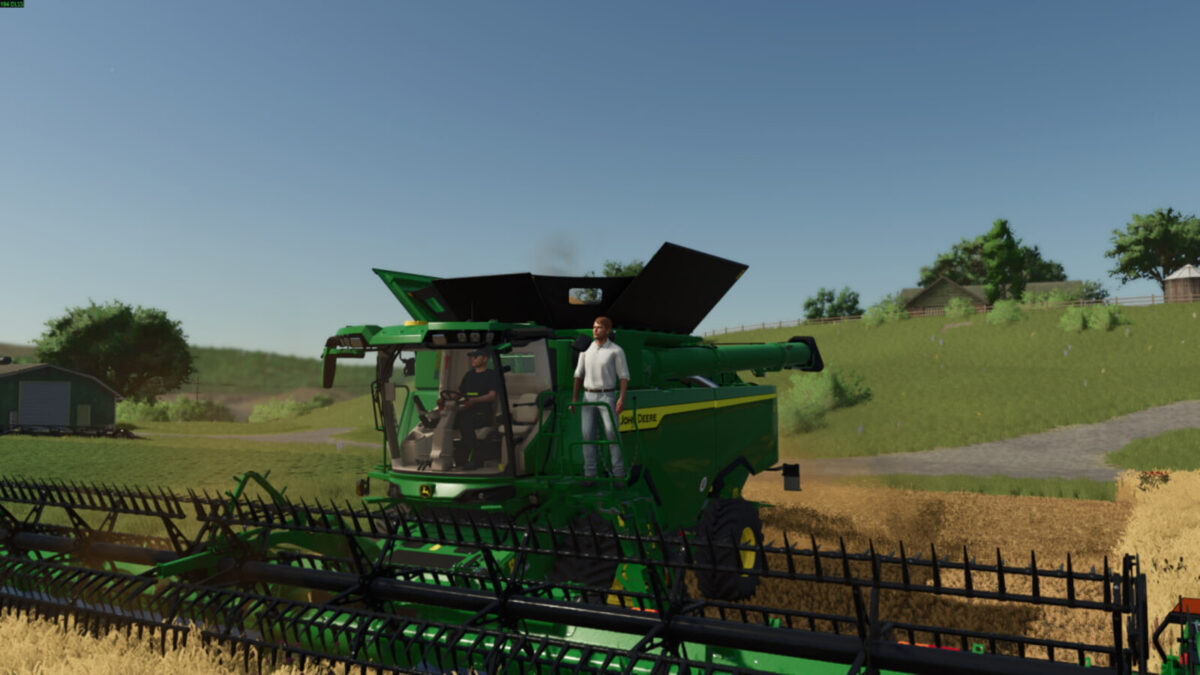
Stay on moving vehicles, trailers and implements while standing or walking on their decks. Sticky Feet adds platform movement to the normal player controls.
Features:
– Follow the translation and rotation of the supporting vehicle part.
– Keep horizontal platform momentum when jumping or stepping off.
– Choose between a camera that follows turns and a free camera in first person.
– Automatically release when swimming, flying, entering a vehicle or when equipment disappears.
– AI helpers ignore riders on their own equipment while still detecting pedestrians.
Controls (rebindable):
– Left Ctrl + G: enable or disable grip.
– Left Ctrl + Left Shift + G: toggle camera following.
Settings reset when loading a map.
No super strength or increased carrying capacity. Use only one platform-grip mod at a time. Script mod for PC/Mac.
Grip and camera following are enabled when loading a map. Ctrl + G turns automatic grip off; press again to turn it on. Ctrl + Shift + G only changes the first-person camera: follow the trailer through a turn, or keep looking in the same world direction. It does not release your feet. Mouse look works in both camera modes.
Credits:
moji