

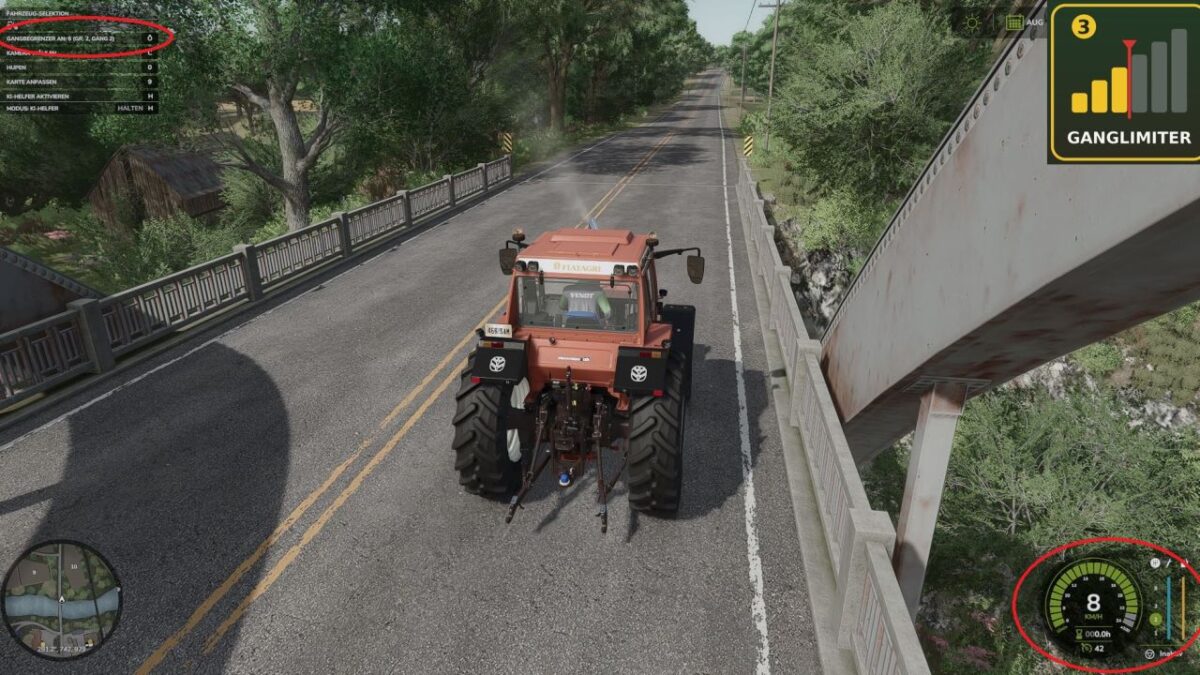
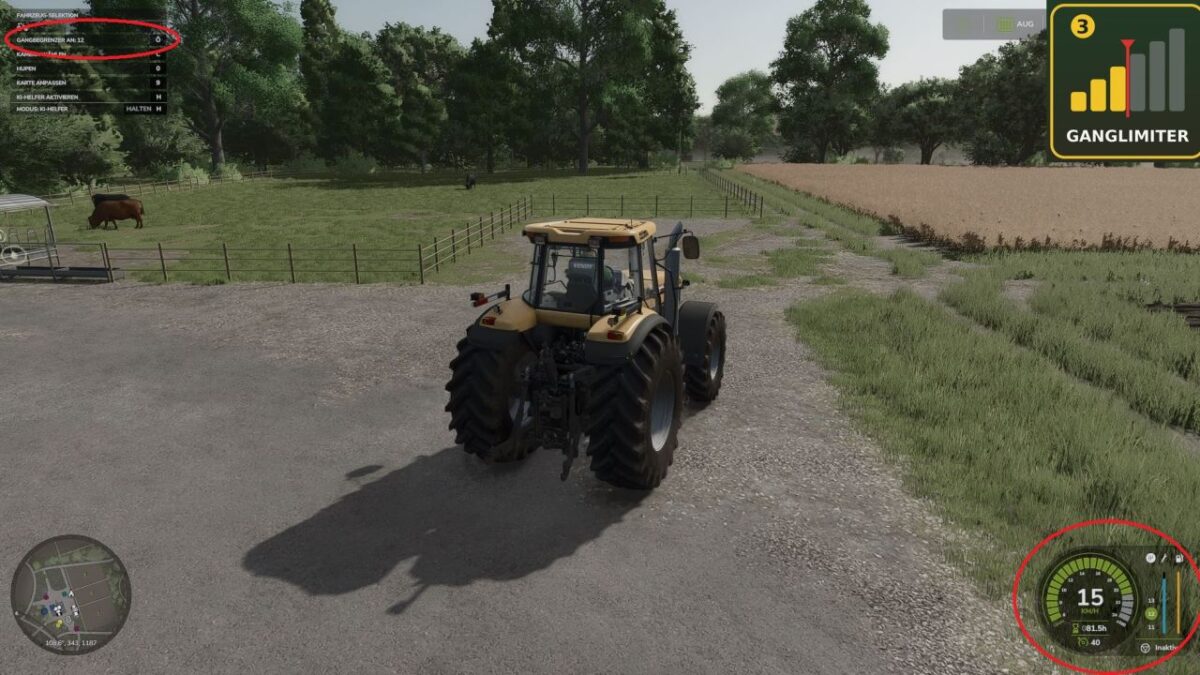
Gang Limiter v 1.0.4.0


GangLimiter limits how far manual transmissions can shift up. The engine speed still increases normally; only the highest selectable gear is capped.
Default keys (can be changed in the Vehicle section of the controls menu):
Ö = Limiter on / off
Ü = Increase limit
Ä = Decrease limit
The limit counts each upshift across all groups (e.g. 3 gears per group, limit 5 = group 2, gear 2). When decreasing the limit, the transmission automatically shifts down. Works with standard and modded tractors with manual transmissions, including powershift, in both manual and automatic shifting modes (not CVT).
Useful when a tractor constantly shifts up while cultivating, then realizes it does not have enough traction, immediately shifts back down, and drops to 0 kmh. This mod prevents the tractor from automatically shifting higher than the set gear.
Credits:
BauerLord


