
FS25 Slurry Tanks

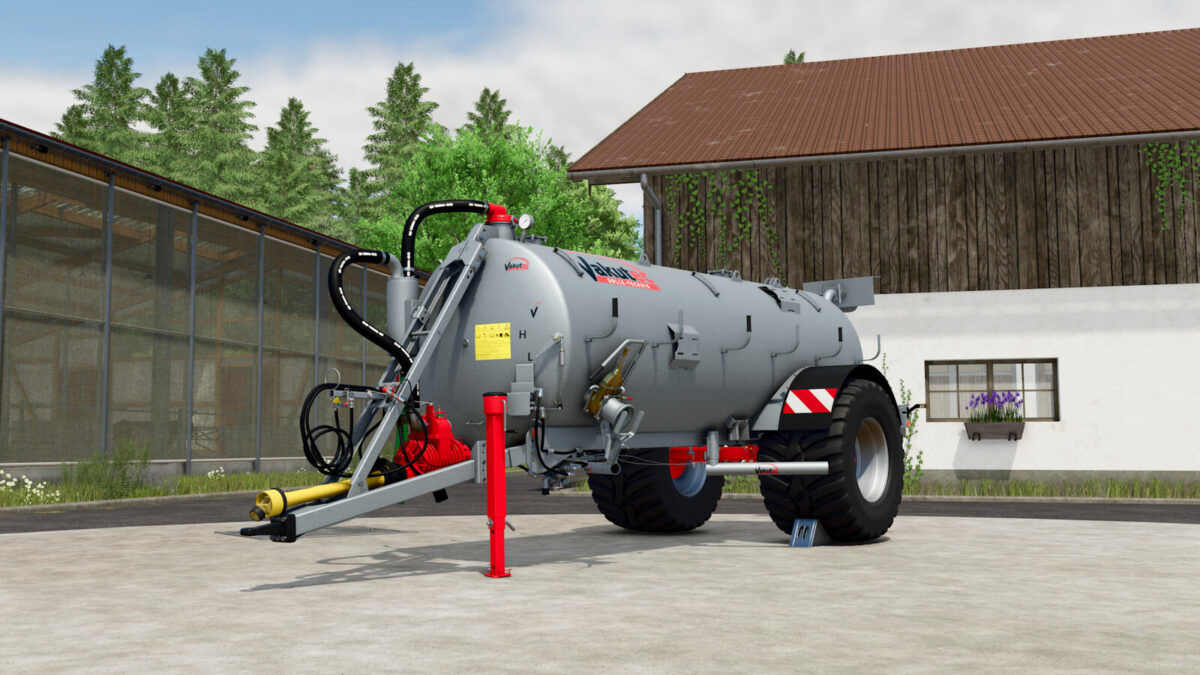
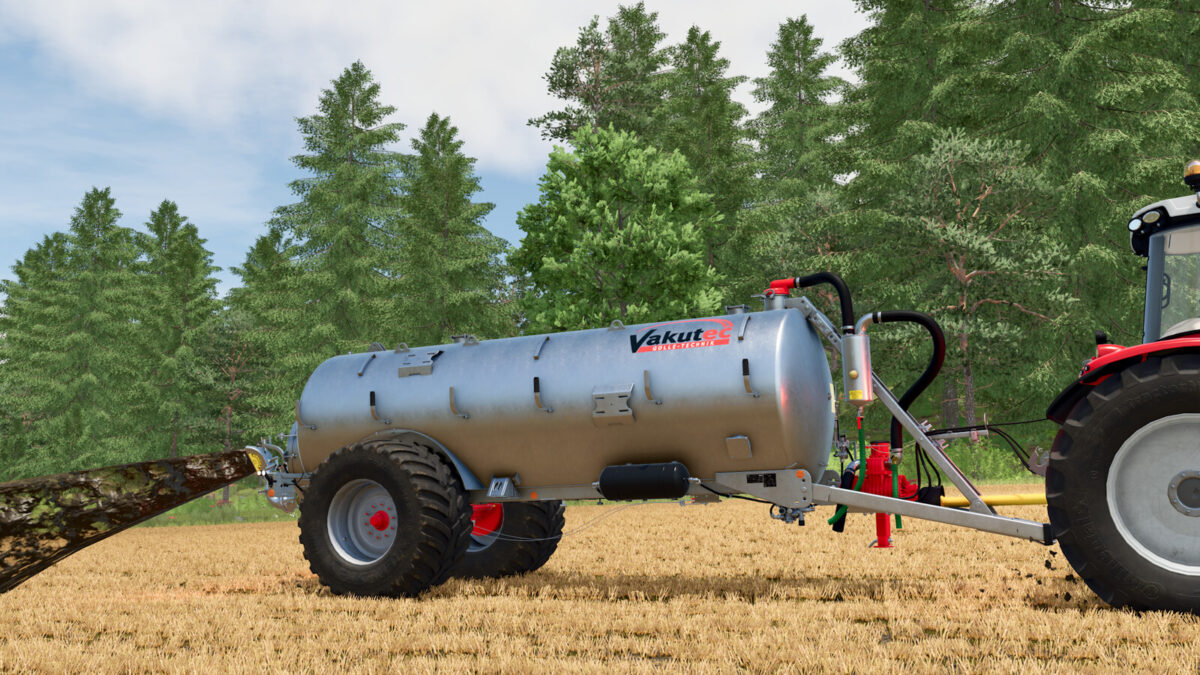
Vakutec VA 8600 v1.0.0.1

Vakutec VA 8600 v1.0.0.1

Vakutec VA 8600 v1.0.0.1

Vakutec VA 8600 v1.0.0.1

Vakutec VA 8600 v1.0.0.1

Vakutec VA 8600 v1.0.0.1

Vakutec VA 8600 v1.0.0.1

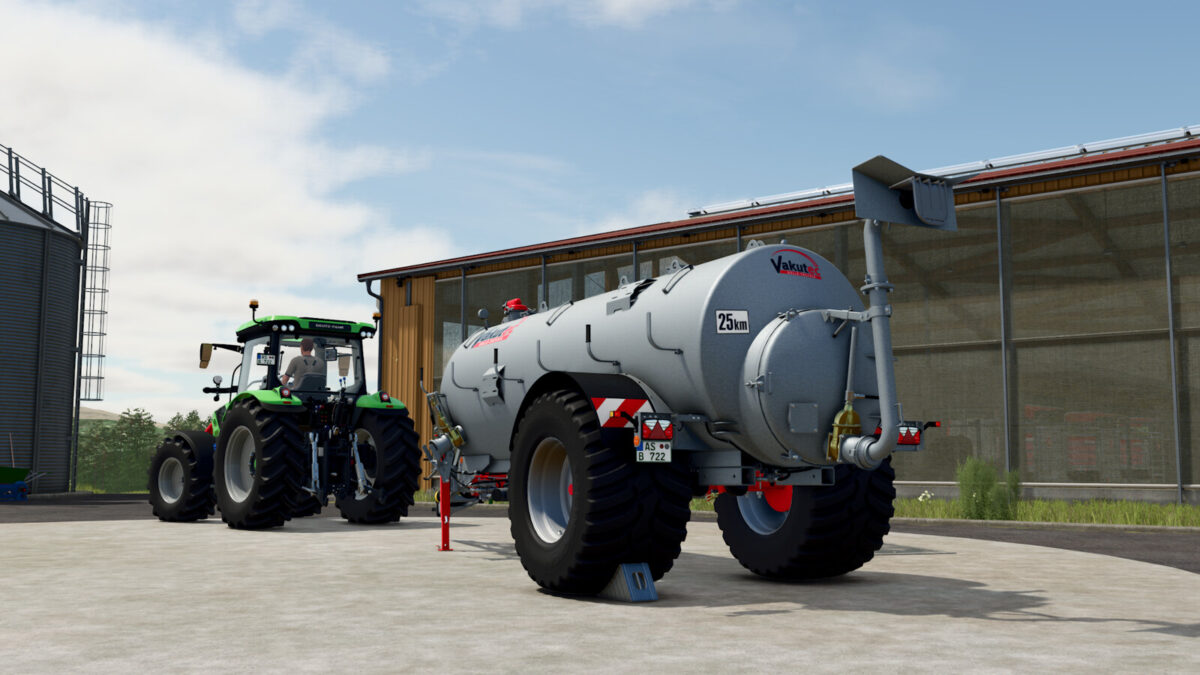
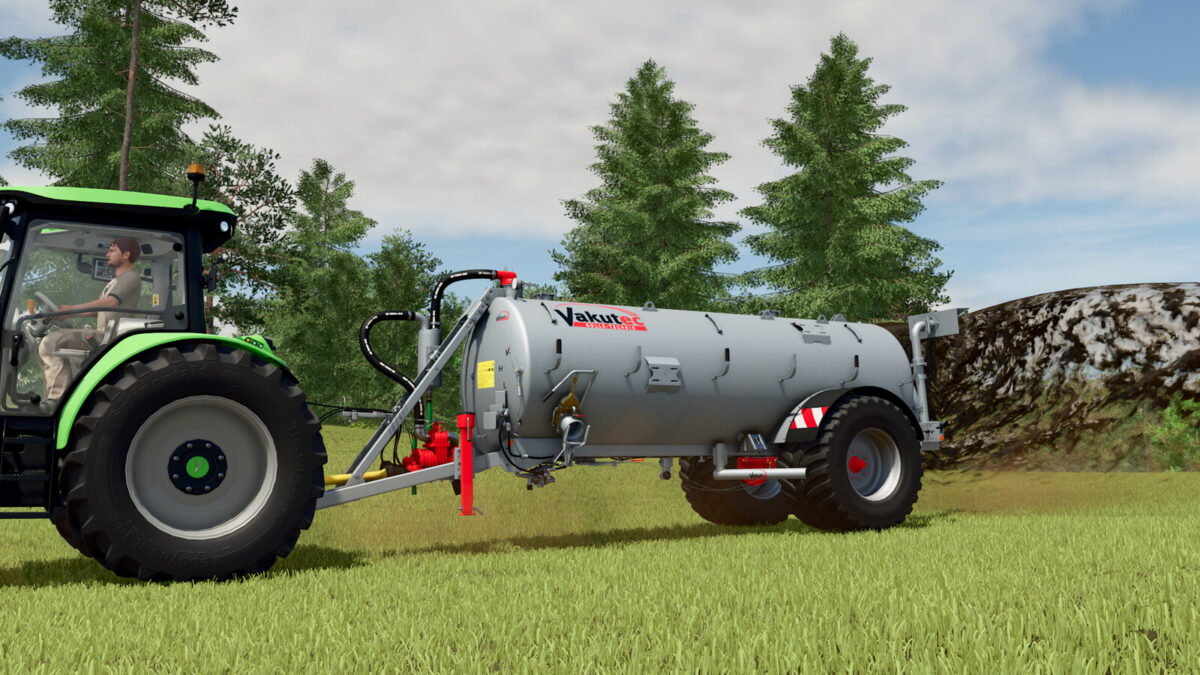
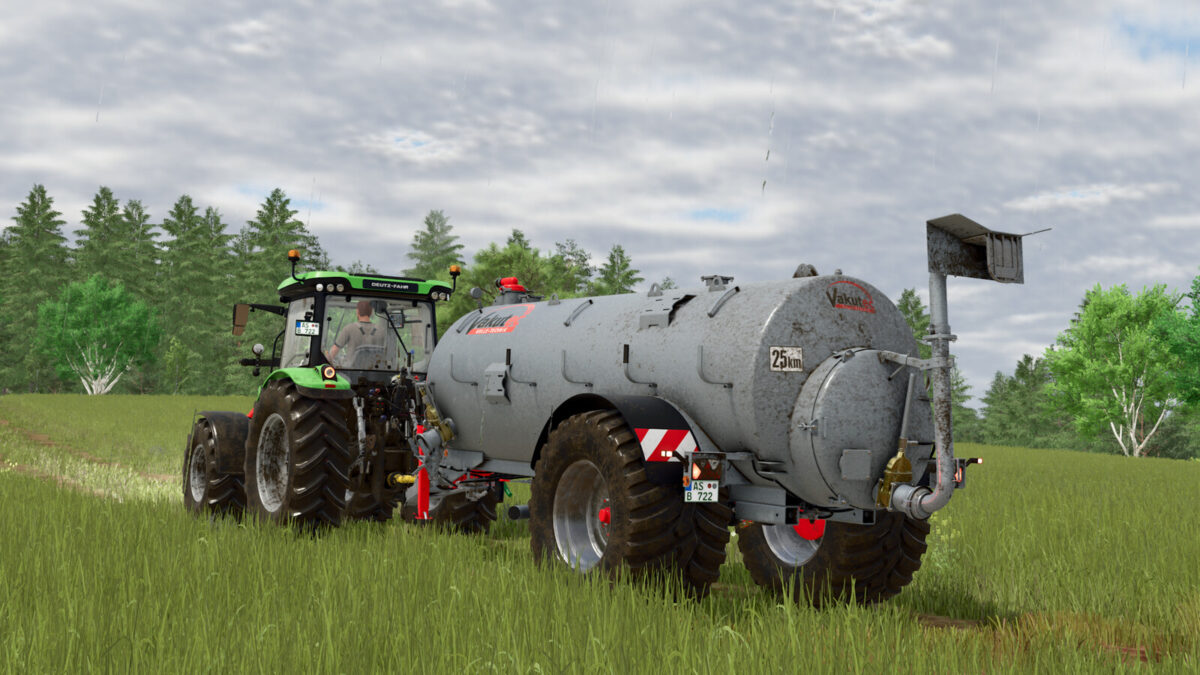
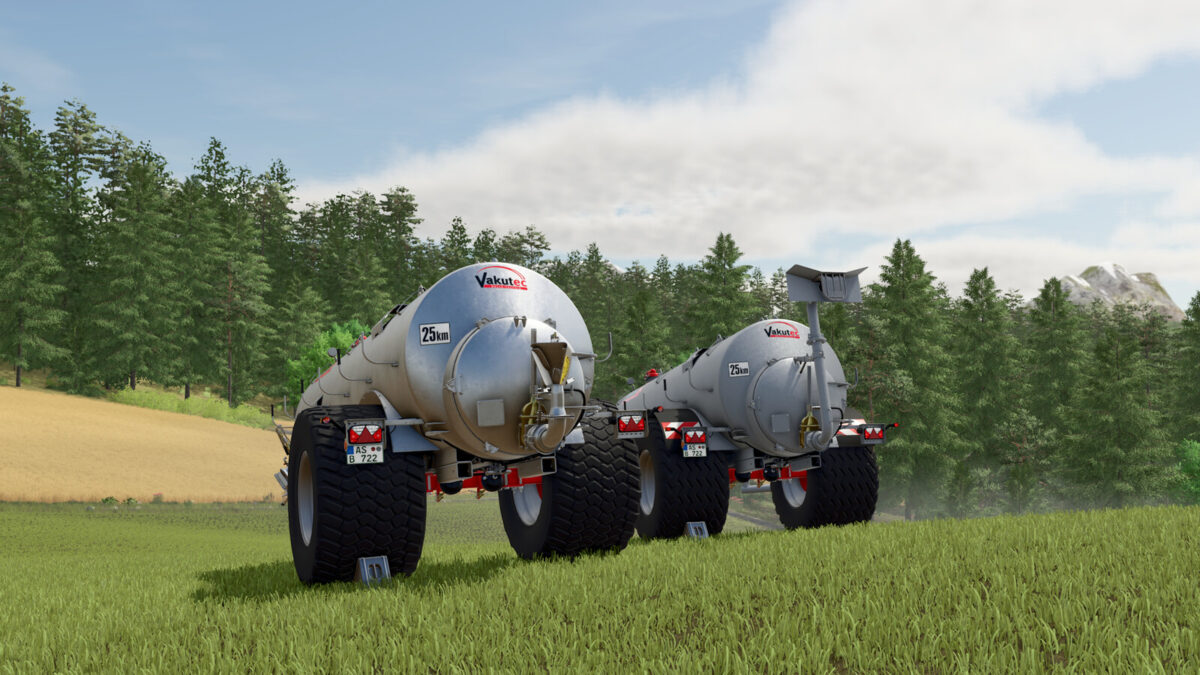
The Vakutec VA 8600 is a simple vacuum barrel.
Due to the various configuration options, this keg can be individually adjusted for you and thus adapts to your requirements.
– Category: Slurry Tankers
– Price: 34,990 $
– Weight: 2,450 kg
– Capacity: 8,600 l
– Needed Power: 80 hp
– Max. working speed: 16 km/h
– Working width: 15 m
Configurations:
– Tires (Vredestein, Michelin)
– Spreader (Prallteller oder Möscha Spreader)
– Fenders
– PTO protection
– Slurry hose step
– Side marker lights
– Material
Changelog 1.0.0.1:
– Added material configuration (galvanized or hot-dip galvanized)
– Improved manufacturer logo in the shop
– Minor improvements to the dirt
– New sounds

Credits:

Agrar Design Austria

How to install FS25 Slurry Tanks?
Firstly find a mod which you like and want to download. Then download a mod to your PC. Mods are usually in .zip format file. But sometimes it can be in .rar. If a mod file is a .zip format no needed additional actions. If a file is in .rar, then you must unarchive mod with software like WinRar or Zip7. Windows 10 users no need to use software for archives, Win10 itself has a feature to unarchive files.
The next step is to find mods folder in your PC. Usually, it is in Documents/My Games/Farming Simulator 25/2025. Open the "mods" folder and put downloaded .zip archive or unarchived .rar file to this folder.
Last step. Enjoy of FS25 mods!

Leave a Reply

Your email address will not be published. Required fields are marked *