
FS25 Balers

Göweil Balers Pack v1.1.1.0

Göweil Balers Pack v1.1.1.0

Göweil Balers Pack v1.1.1.0

Göweil Balers Pack v1.1.1.0

Göweil Balers Pack v1.1.1.0

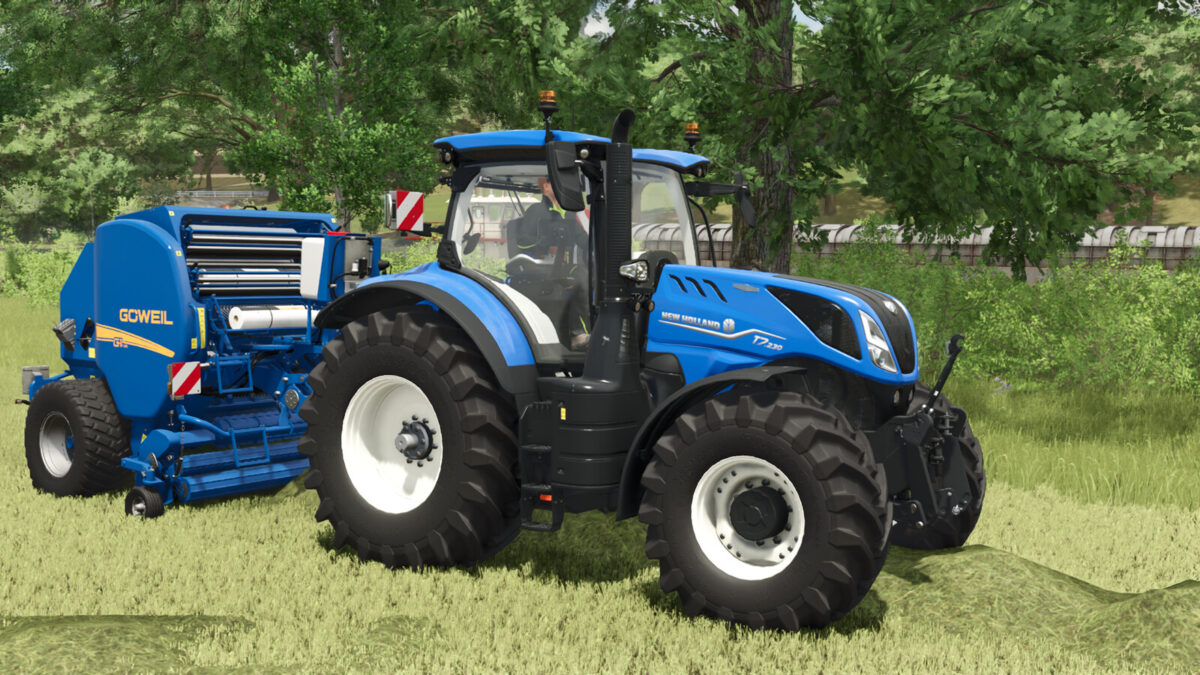
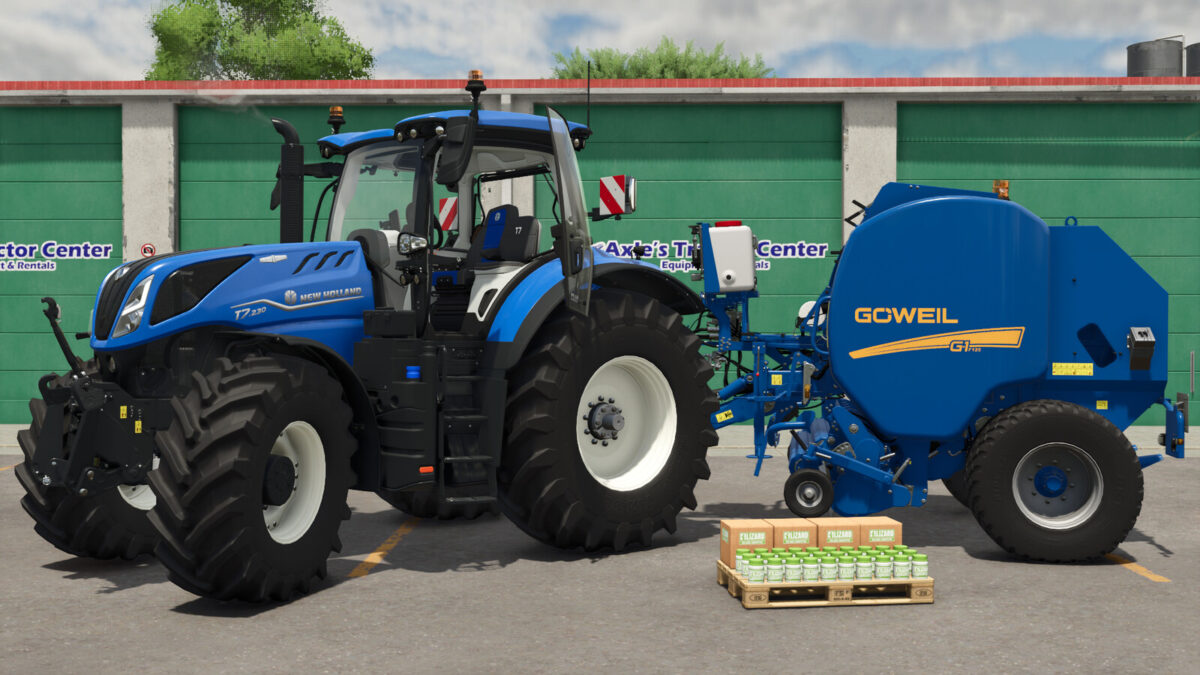
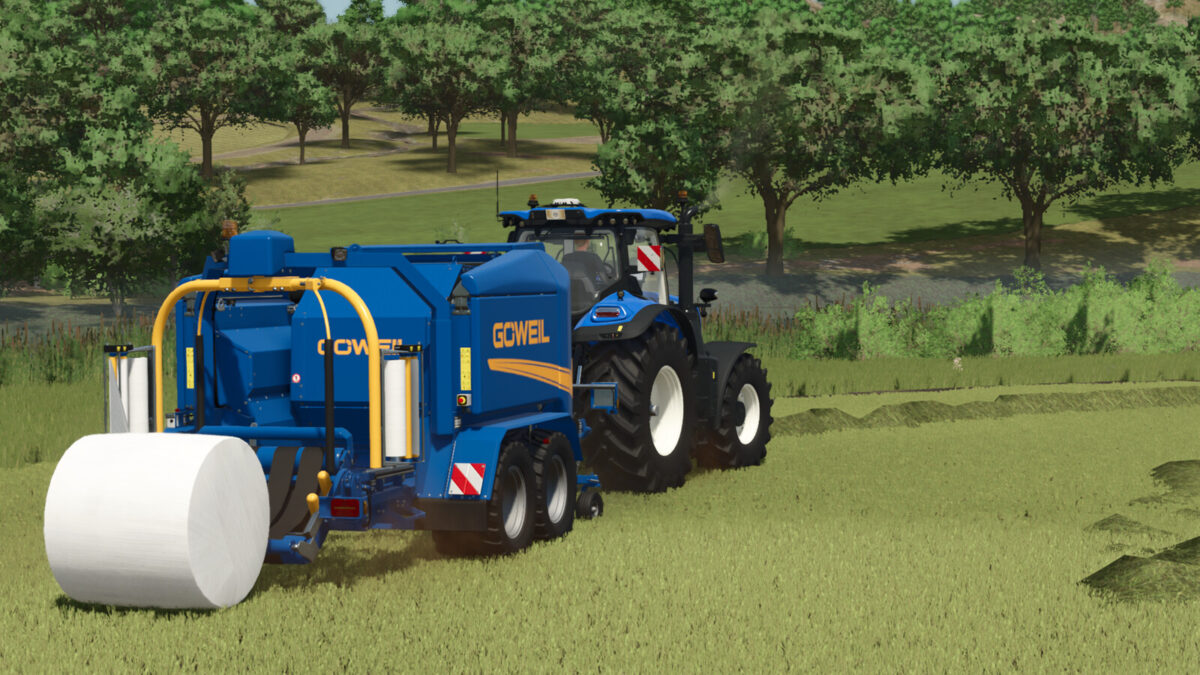
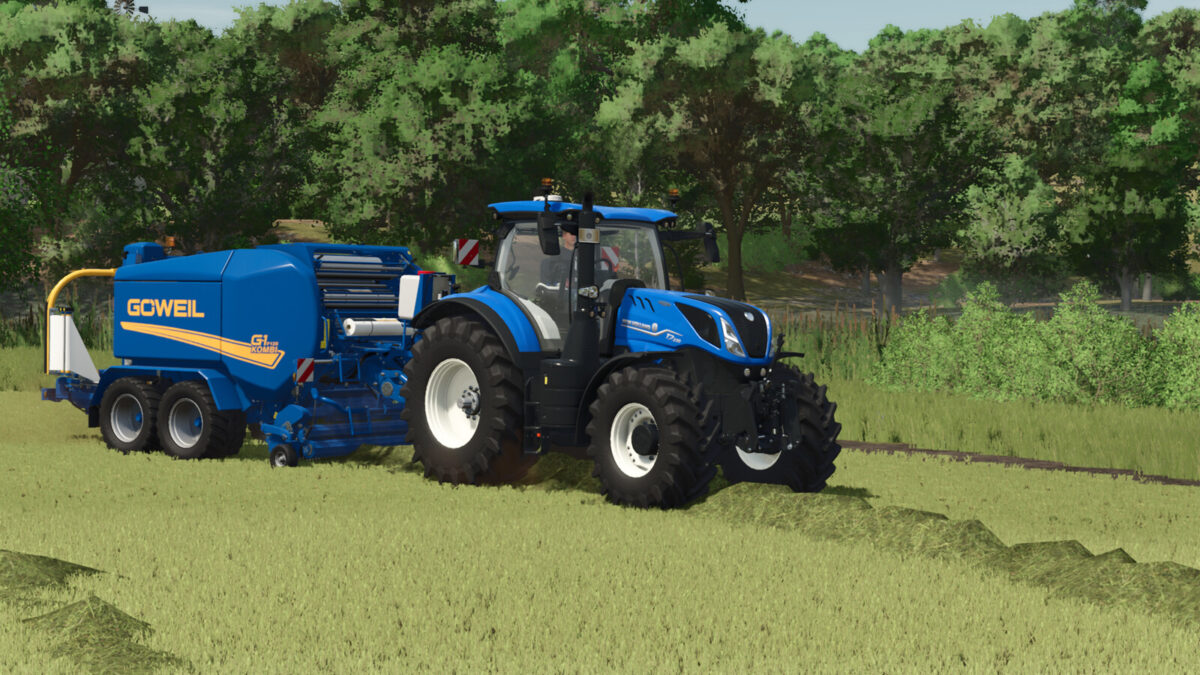
The company Göweil is one of the leading brands on the market when it comes to feed quality, flowability, film binding, and ground adjustment. The aspect of feed quality is particularly important to the company, which is why silage additive tanks are often installed on the round balers. However, the G-1 F125 in the base game does not have such a silage additive tank, and the G-1 F125 Kombi from the LS22 Göweil DLC is now available in the main game, but there are still errors present. Therefore, I set to work and resolved the errors. Have fun with silage!
Changelog 1.1
Göweil G-1 F125 Kombi added
Changelog 1.1.1
wheel configuration for G-1 F125

Credits:

NordFarming

How to install FS25 Balers?
Firstly find a mod which you like and want to download. Then download a mod to your PC. Mods are usually in .zip format file. But sometimes it can be in .rar. If a mod file is a .zip format no needed additional actions. If a file is in .rar, then you must unarchive mod with software like WinRar or Zip7. Windows 10 users no need to use software for archives, Win10 itself has a feature to unarchive files.
The next step is to find mods folder in your PC. Usually, it is in Documents/My Games/Farming Simulator 25/2025. Open the "mods" folder and put downloaded .zip archive or unarchived .rar file to this folder.
Last step. Enjoy of FS25 mods!

Leave a Reply

Your email address will not be published. Required fields are marked *