

Monteriggioni v1.0.0.4


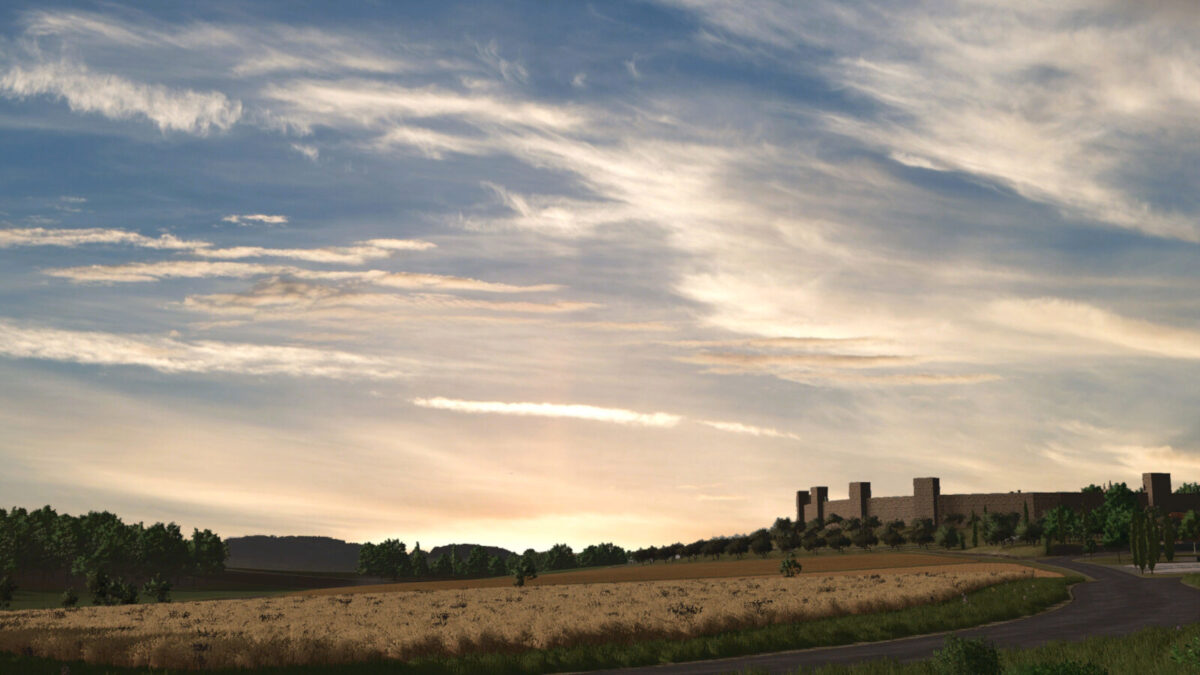
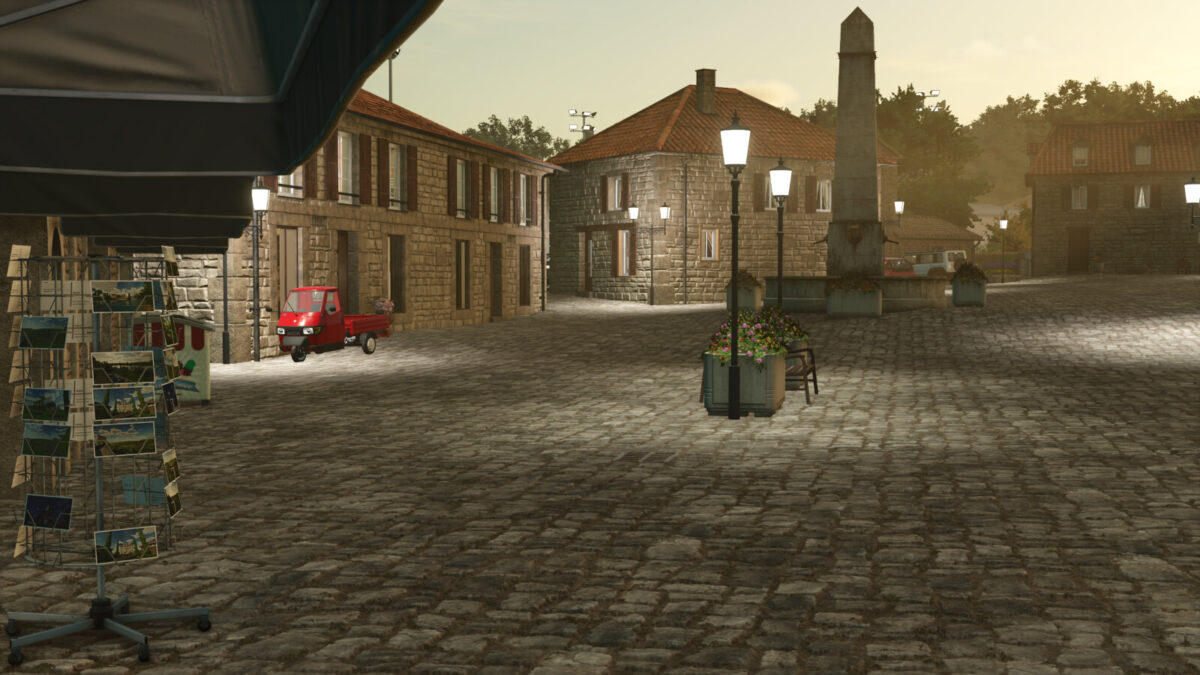
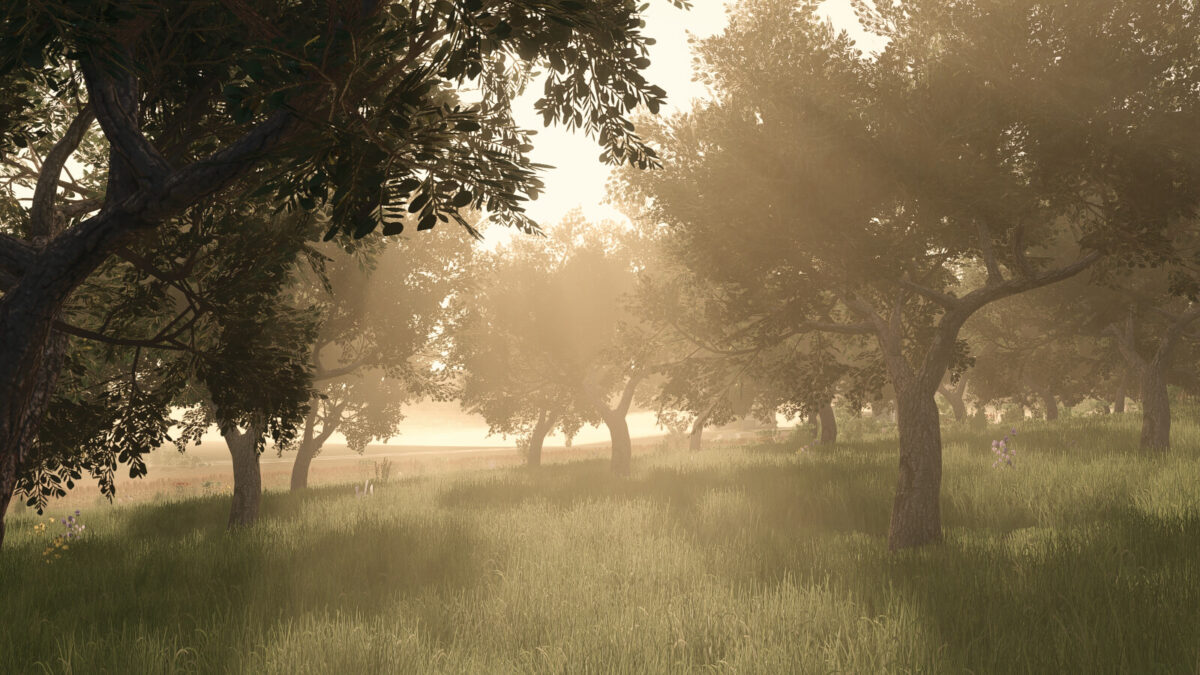
Surrounded by gentle hills, cypress-lined roads, and historic stone walls, this map offers authentic farming in one of the most picturesque regions of Italy. Experience the charm of the Tuscan countryside with a map inspired by the area around the medieval town of Monteriggioni.
The map is not a 1:1 recreation of the region, but it is strongly inspired by it. Some areas have been faithfully reproduced, while others are fictional. To reflect the typical Tuscan landscape, most fields are planted with grain and grass at the start of a new game — but you can grow any crop you like on your own land.
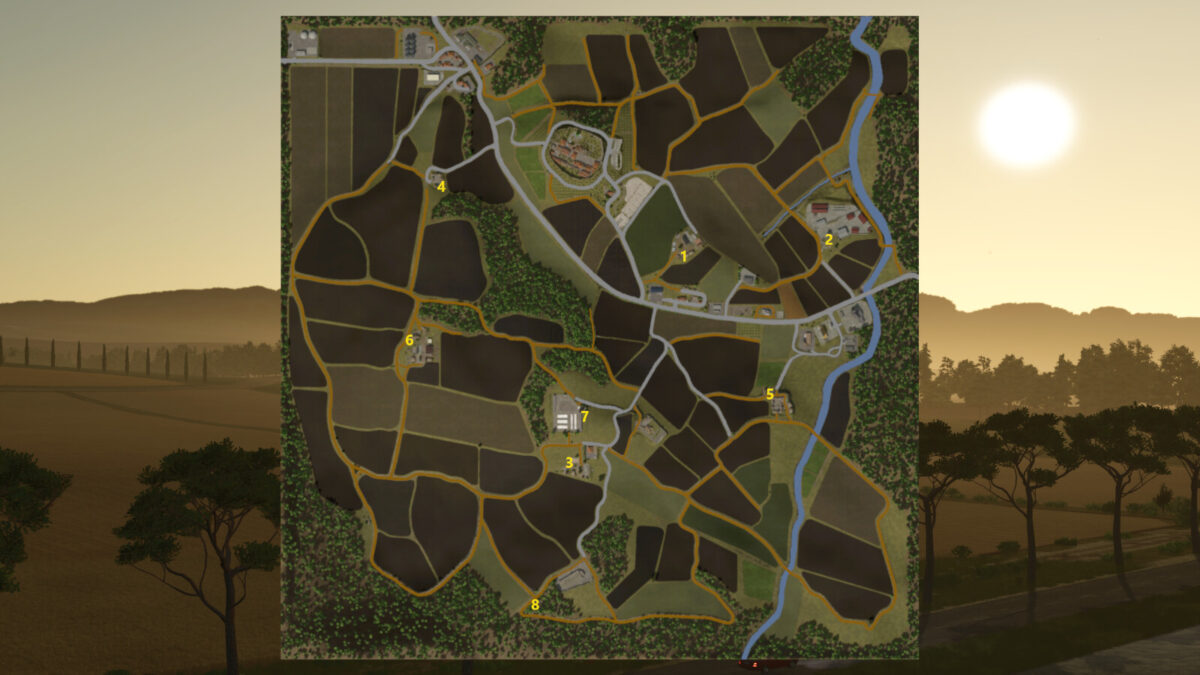
There are 129 purchasable plots, divided into:
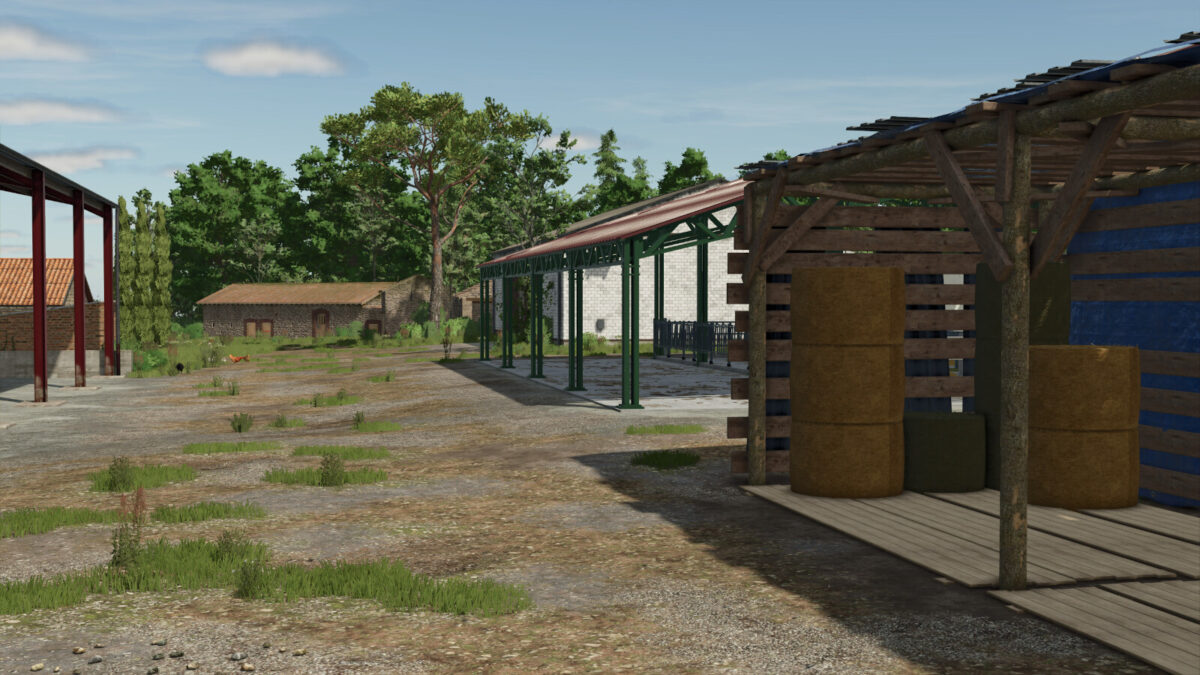
– 8 farms (partially removable, including a small oil press or a farm dairy)
– 78 fields (0.5 – 7 ha)
– 15 meadows
– 10 forests
– 6 empty plots
– 5 olive groves
– 7 vineyards
What awaits you on this map:
– Multifruit (including Spelt, Triticale, Rye, Grain maize, Green rye, Vetch rye, Field grass, Silage maize, Humus activator, and Mustard as a cover crop)
– Cypress trees added to the construction menu
– More terrain/soil angles
– Custom environment data for the Monteriggioni region (snow, rain, temperatures, etc.)
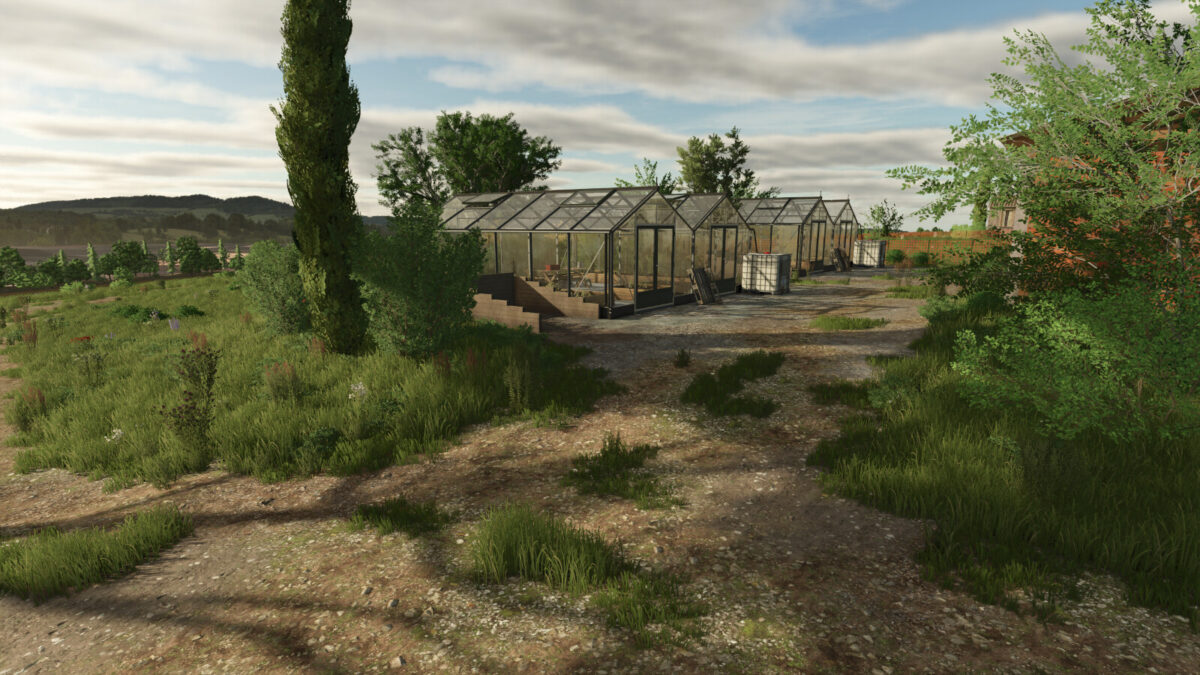
– Customized greenhouses
– Customized productions
– Customized animal barns (horses and sheep/goats produce manure)
CHANGELOG Version 1.0.0.4:
– Rain, hail, snow, and dust particles adjusted for Patch 1.24.
– Changes to the environment (less fog, more hours of sunshine, etc.)
CHANGELOG Version 1.0.0.3:
– The bakery’s unloading trigger has been repaired.
– The ability to unload olive crates at the oil mill, the small oil mill and the Consorzio Agrario silos has been added. This ensures compatibility with the “Olive Harvest Trailer” mod.
– Added the option to feed chickens triticale, rye and spelt.
– Added the option to feed pigs triticale and spelt.
CHANGELOG Version 1.0.0.2:
– The dairy’s unloading trigger has been repaired. (Unloading was not possible.)
– Problems with the bunker silos on Farm 2 have been resolved. Unloading of chopped material was not possible.
– Faulty triggers for the object storage at the horse stable and the nursery have been fixed.
– A few log warnings and errors that sometimes occurred during the harvest of corn and the additional fruits have been fixed.
CHANGELOG Version 1.0.0.1:
– Trigger for slurry fixed at the cowshed on Farm 6.
– Farm dairy removed from build mode
– BGA (biogas plant) price increased and some buildings are now sellable.
– Machine spawn areas at the shop have been adjusted to accommodate more machines.
– A second version of the cowshed has been added to the building menu, without an integrated manure heap (the manure heap must be placed manually).
Credits:
HornFarmerModding


