
FS25 Misc

Field Profitability Ledger v1.0.1.0

Field Profitability Ledger v1.0.1.0

Field Profitability Ledger v1.0.1.0

Field Profitability Ledger v1.0.1.0

Field Profitability Ledger v1.0.1.0

Field Profitability Ledger v1.0.1.0

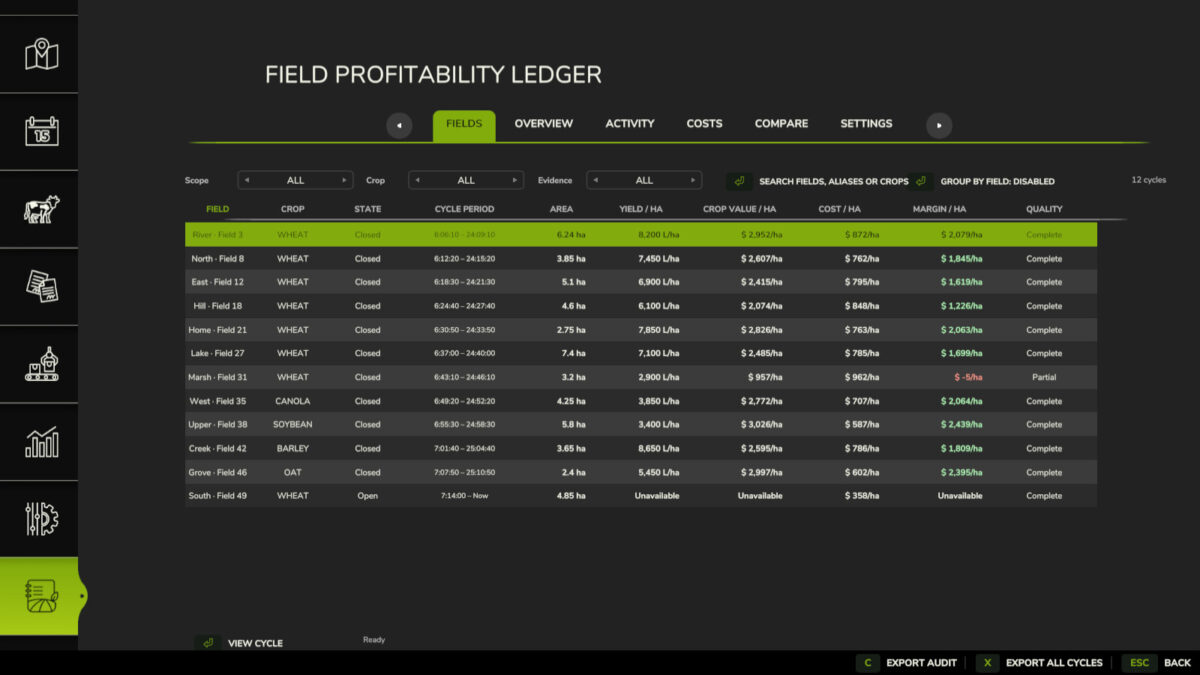
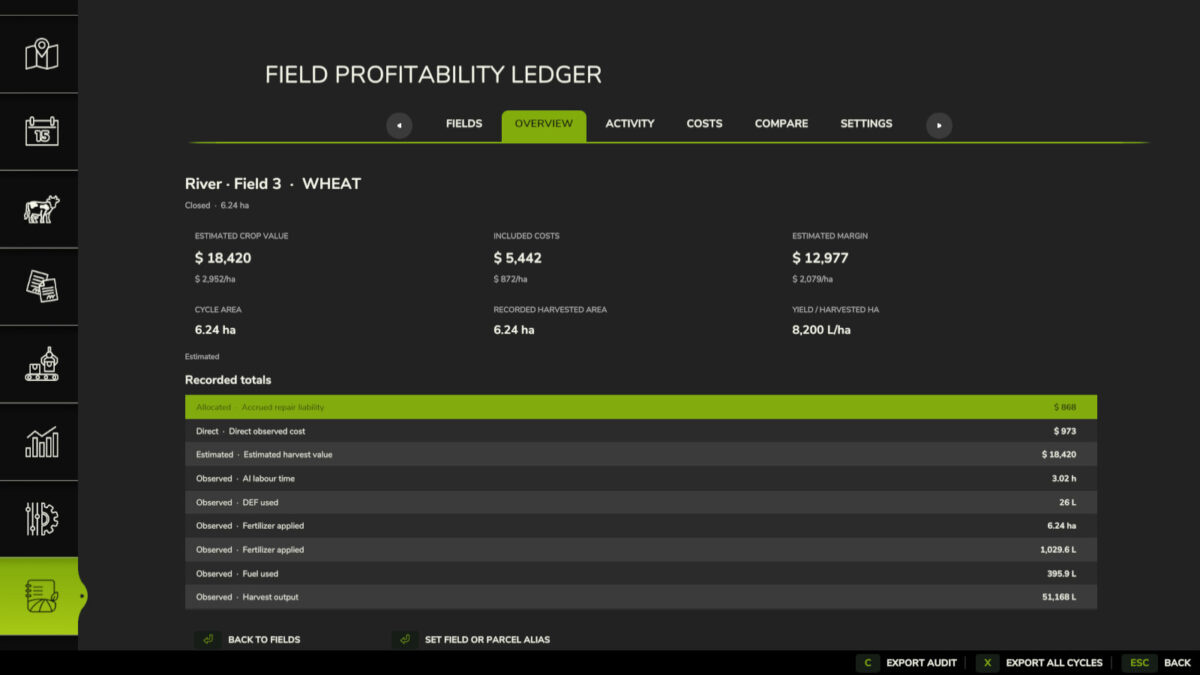
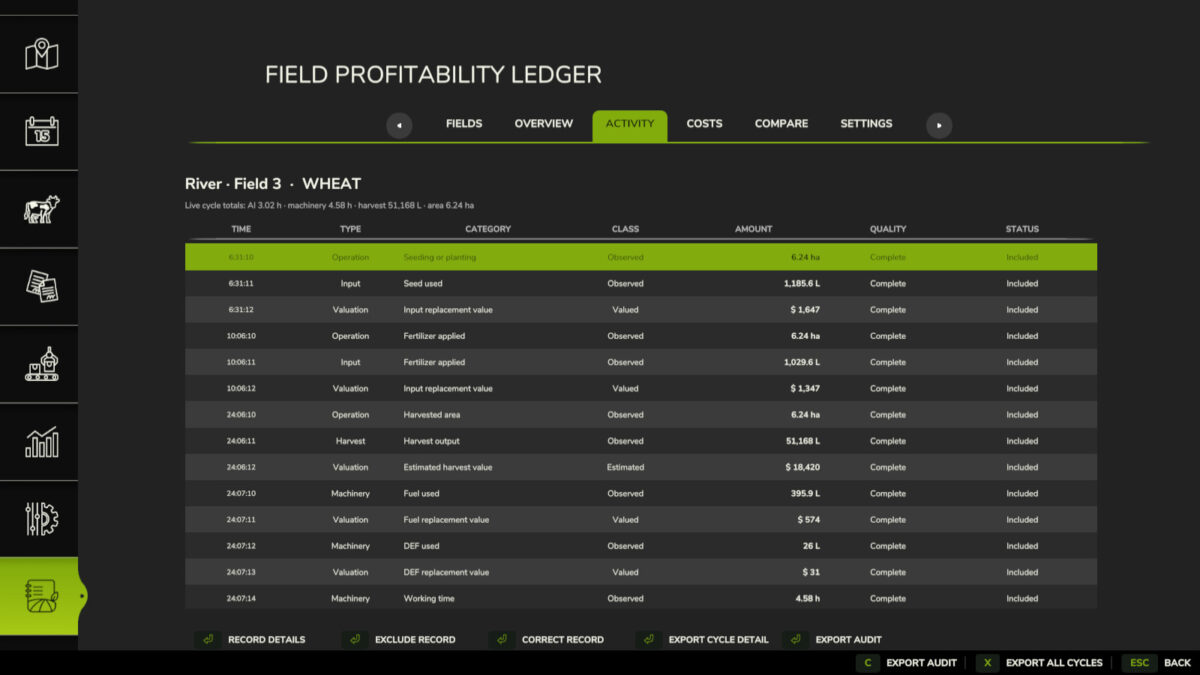
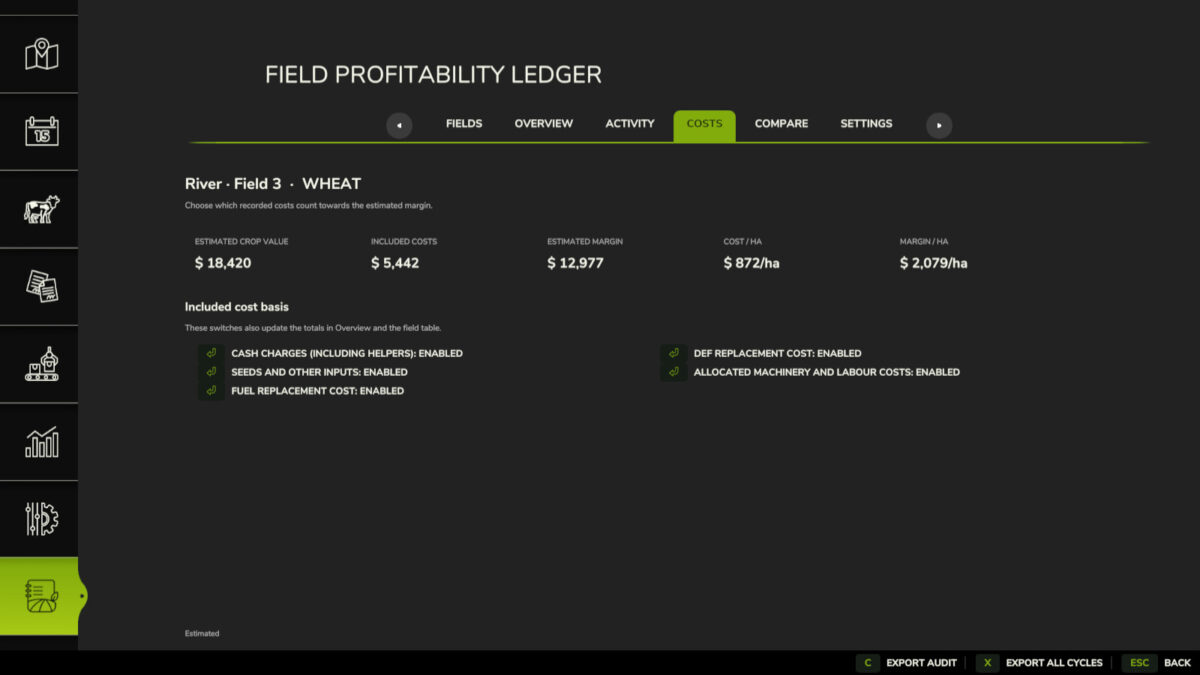
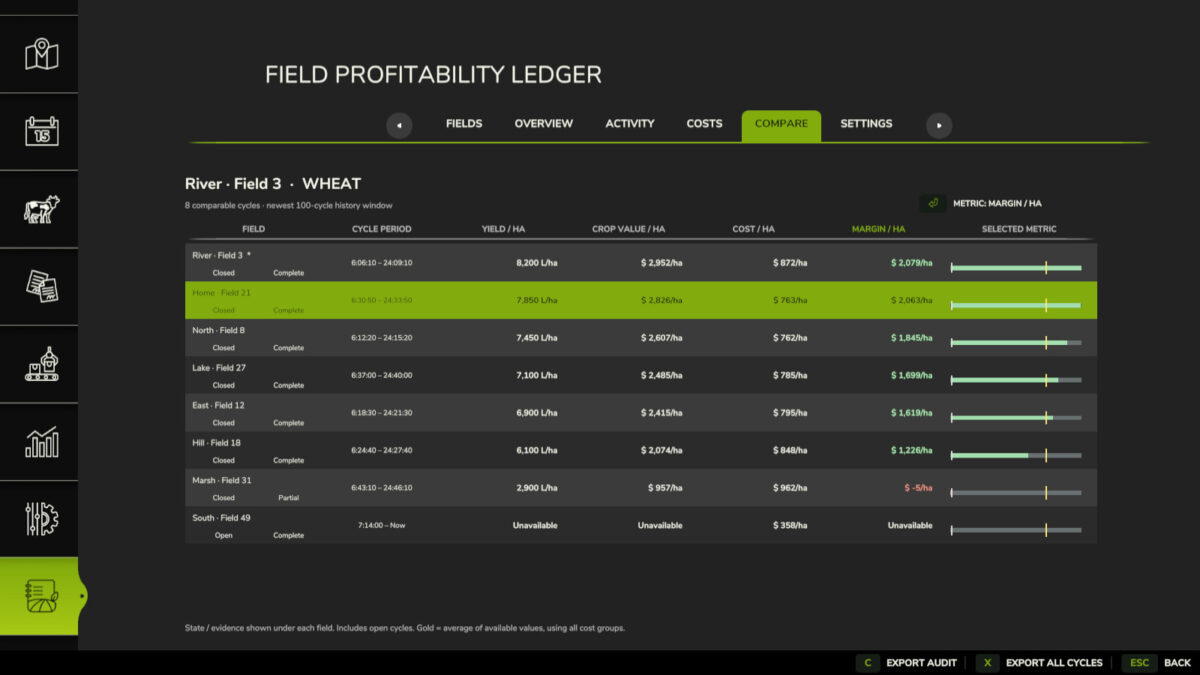
Field Profitability Ledger tracks field work, inputs, harvests, machinery, and labour for each field and crop cycle. Review yield, crop value, costs, projected margin, and data quality; compare cycles; correct or exclude records; and export summaries, activity, and audit trails to CSV.
Open the ledger with Left Alt+L. The key can be changed in the controls menu.
Changelog 1.0.1.0:
– Fixed new-game startup.
– Fixed accounting and harvest tracking.
– Close crop cycles manually, with reminders.

Credits:

FieldProfitabilityLedger Project

How to install FS25 Misc?
Firstly find a mod which you like and want to download. Then download a mod to your PC. Mods are usually in .zip format file. But sometimes it can be in .rar. If a mod file is a .zip format no needed additional actions. If a file is in .rar, then you must unarchive mod with software like WinRar or Zip7. Windows 10 users no need to use software for archives, Win10 itself has a feature to unarchive files.
The next step is to find mods folder in your PC. Usually, it is in Documents/My Games/Farming Simulator 25/2025. Open the "mods" folder and put downloaded .zip archive or unarchived .rar file to this folder.
Last step. Enjoy of FS25 mods!

Leave a Reply

Your email address will not be published. Required fields are marked *