

Farm Reputation v1.1.0.2


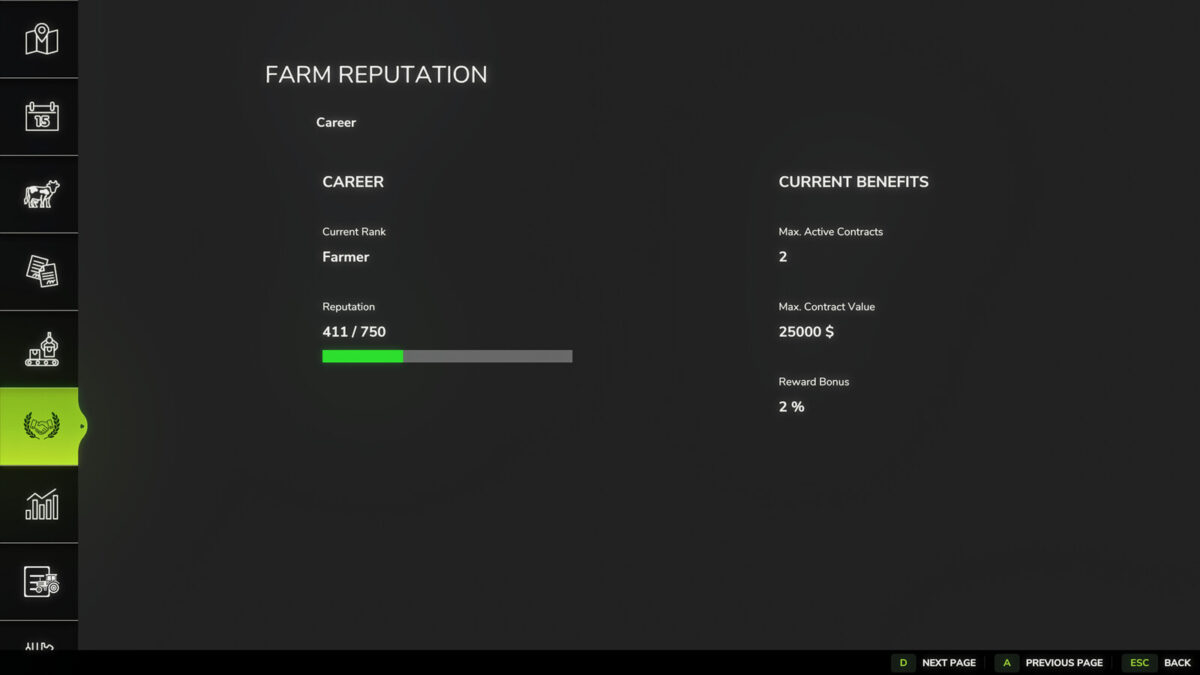
Farm Reputation extends Farming Simulator 25 and Better Contracts with a complete reputation and career progression system, adding long-term progression and a more realistic contract experience.
Develop your reputation both as a farmer and as a reliable contractor to unlock better opportunities throughout your career.
Features:
• Complete career progression with multiple ranks
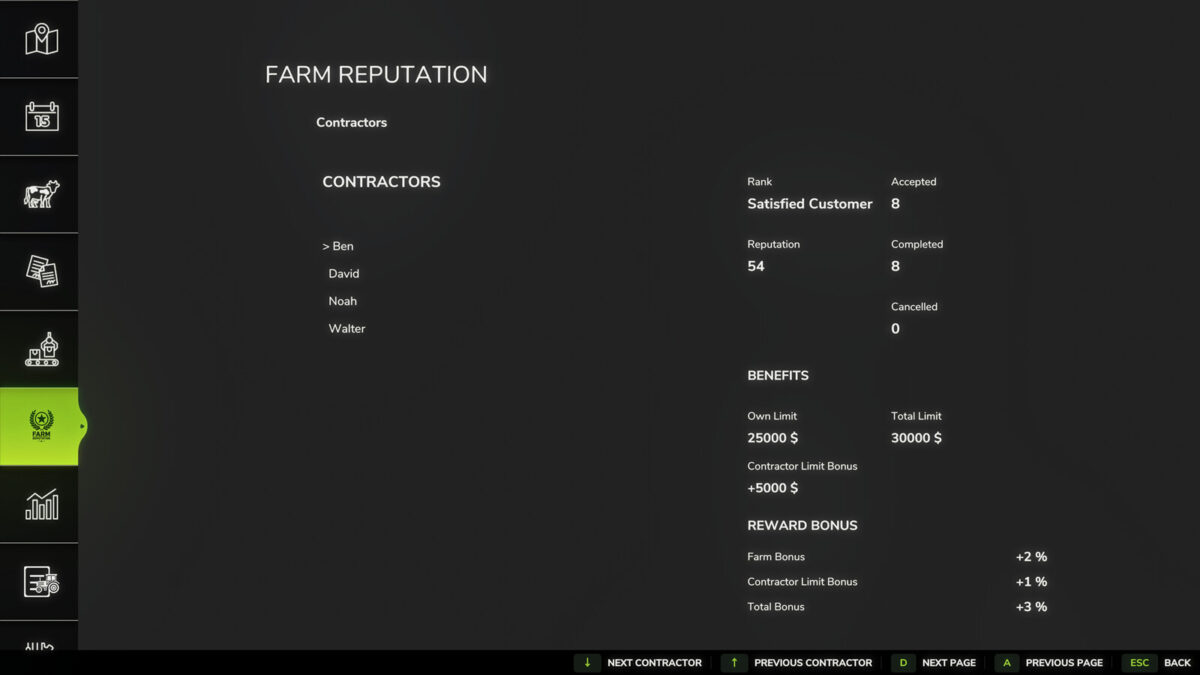
• Individual reputation for every contractor
• Contractor-specific contract value bonuses
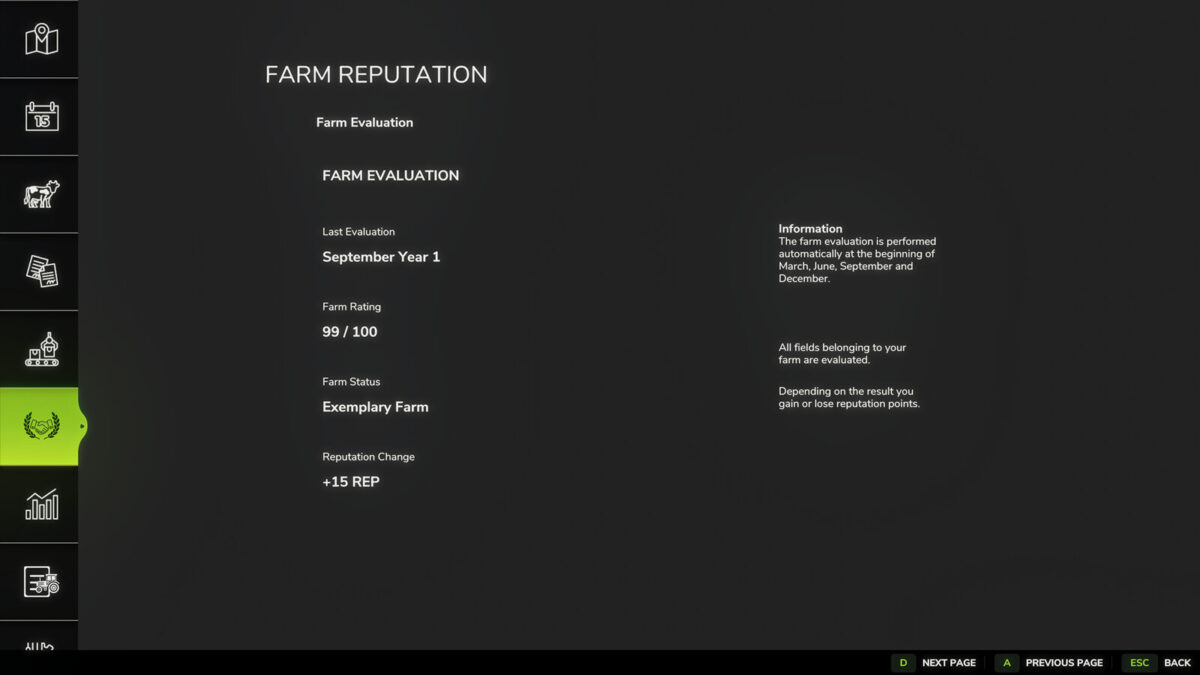
• Farm reputation system with long-term progression
• Quarterly farm evaluations
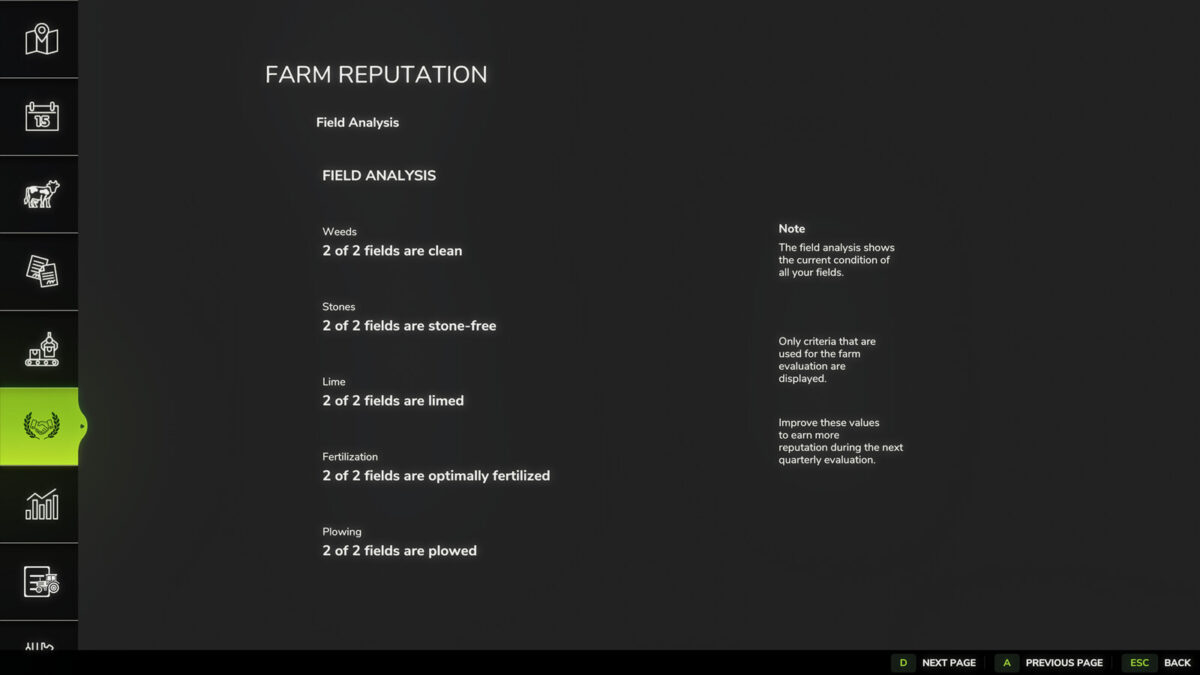
• Field analysis
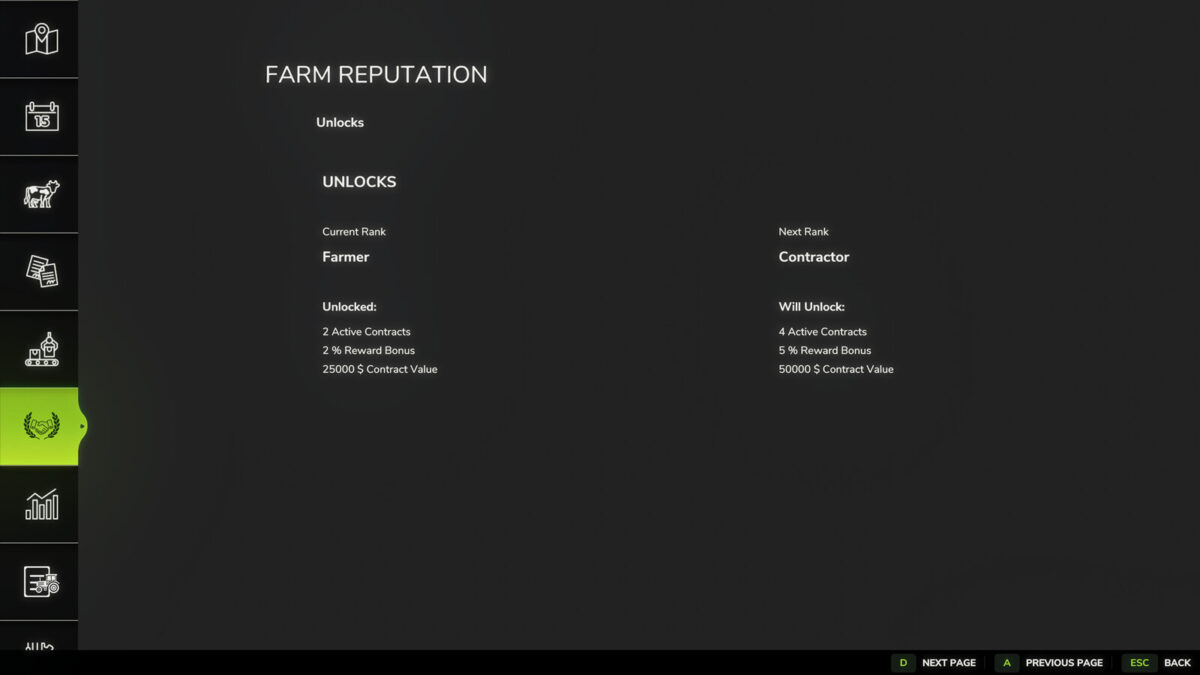
• Unlock new rewards as your reputation grows
• Increase the number of active contracts
• Unlock higher maximum contract values
• Earn additional contract payment bonuses
How it works:
• Earn reputation by successfully completing contracts.
• Earn additional reputation through positive quarterly farm evaluations.
• Lose reputation by cancelling contracts or receiving poor farm evaluations.
• Every contractor has an individual reputation.
• Higher contractor reputation unlocks higher contract value limits for that specific contractor.
• Your career rank determines your base contract limits, reward bonuses and the maximum number of active contracts.
• Farm evaluations are based on weed management, stone management, fertilization, liming and plowing.
Controls:
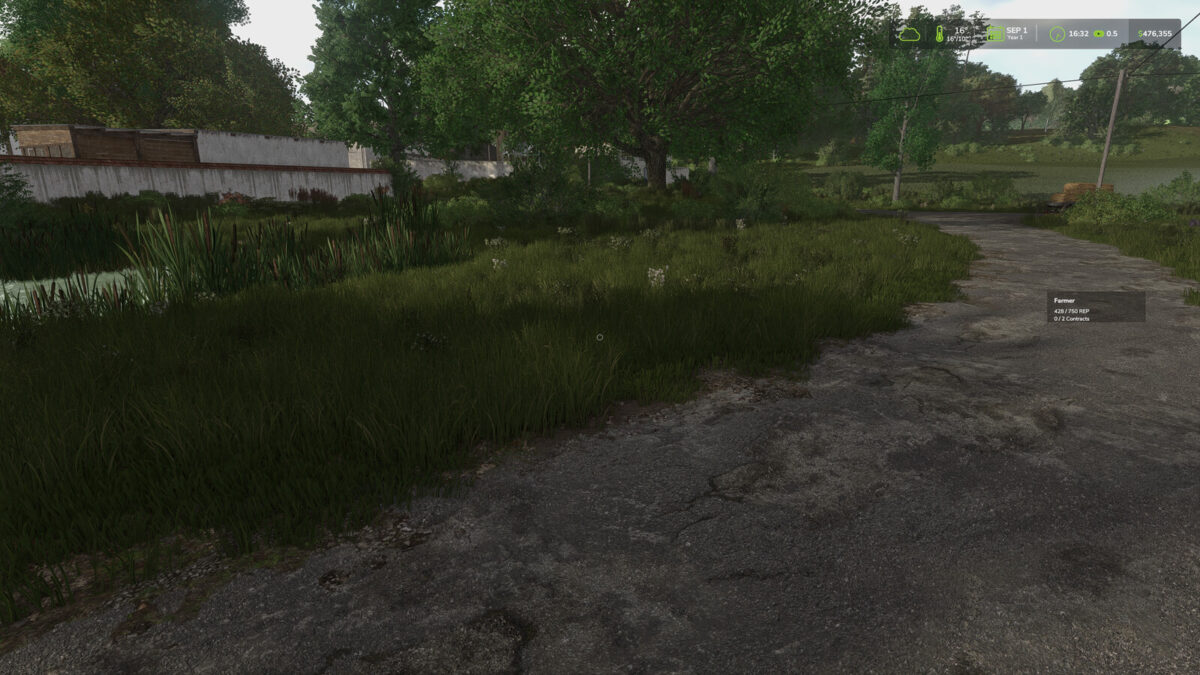
• F9 – Move the reputation HUD
• A – Previous page
• D – Next page
• Arrow Up – Select previous contractor
• Arrow Down – Select next contractor
Requirements:
• Better Contracts (latest version) is required.
Compatibility:
• Multiplayer supported
• Existing savegames supported
Changelog v1.1.0.0
o NEW:
– Contractor Reputation page
– Spanish localization
– Italian localization
– Dutch localization
– Portuguese localization
– Czech localization
– Polish localization
– Russian localization
– Turkish localization
o IMPROVED:
– UI refresh
– Reputation save handling
– HUD
– Translations
– Farm evaluation
o FIX:
– Various bug fixes
– General optimizations
Changelog v1.1.0.1
o NEW:
– Information display for blocked contracts
– Display of reputation still required for the next rank
o IMPROVED:
– Mission limit handling
– Leasing contract limit handling
– Active mission detection
– Contract limit information
o FIX:
– Fixed mission limit not correctly blocking additional contracts
– Fixed completed missions being counted as active
– Fixed leasing contracts bypassing the active mission limit
– Removed duplicate localization entries
Changelog v1.1.0.2
o IMPROVED:
– Contractor-specific contract value limits now use the contractor’s individual reputation
– Contract value bonuses are now applied consistently when accepting contracts and starting missions
– Contract value limits no longer rely on the Better Contracts NPC job counter
– Reputation values are now correctly synchronized between the server and multiplayer players
– HUD positions are now saved per player and synchronized between the server and multiplayer players
– Savegame data is now written as part of the Farming Simulator save process to prevent farmReputation.xml from being lost during savegame replacement
o FIX:
– Fixed contractor reputation bonuses not being applied correctly to contract value limits
– Fixed leasing contracts using the farm-wide base limit instead of the contractor-specific limit
– Fixed reputation not being displayed or synchronized correctly for multiplayer players after joining
– Fixed saved HUD positions not being correctly restored after restarting or reloading
Credits:
Narbenstahl


