

Advanced Seeding Control v1.0.0.0


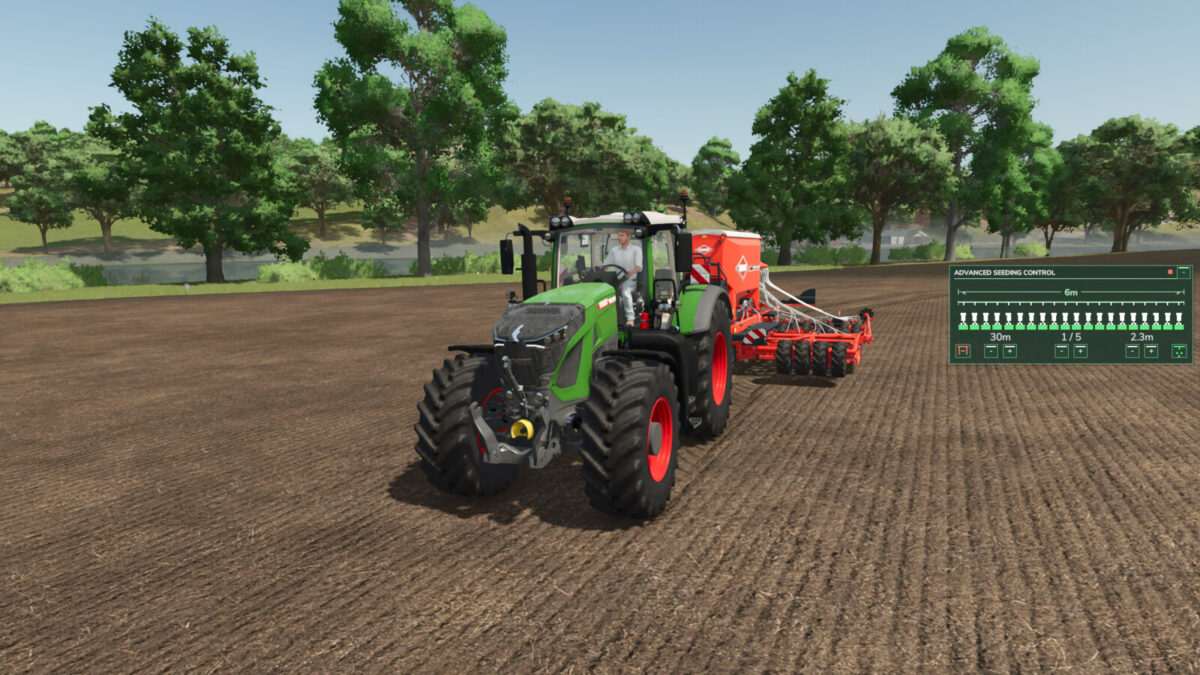
Advanced Seeding Control expands seeders and planters in Farming Simulator 25 with an advanced tramline and seeding management system.
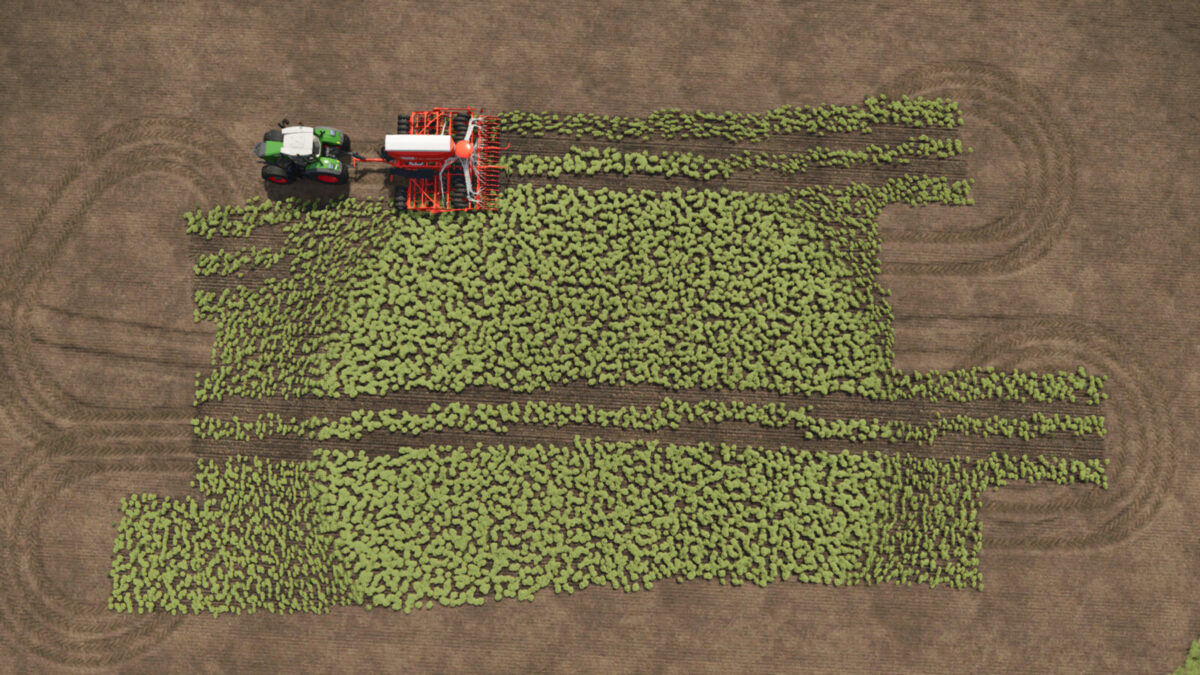
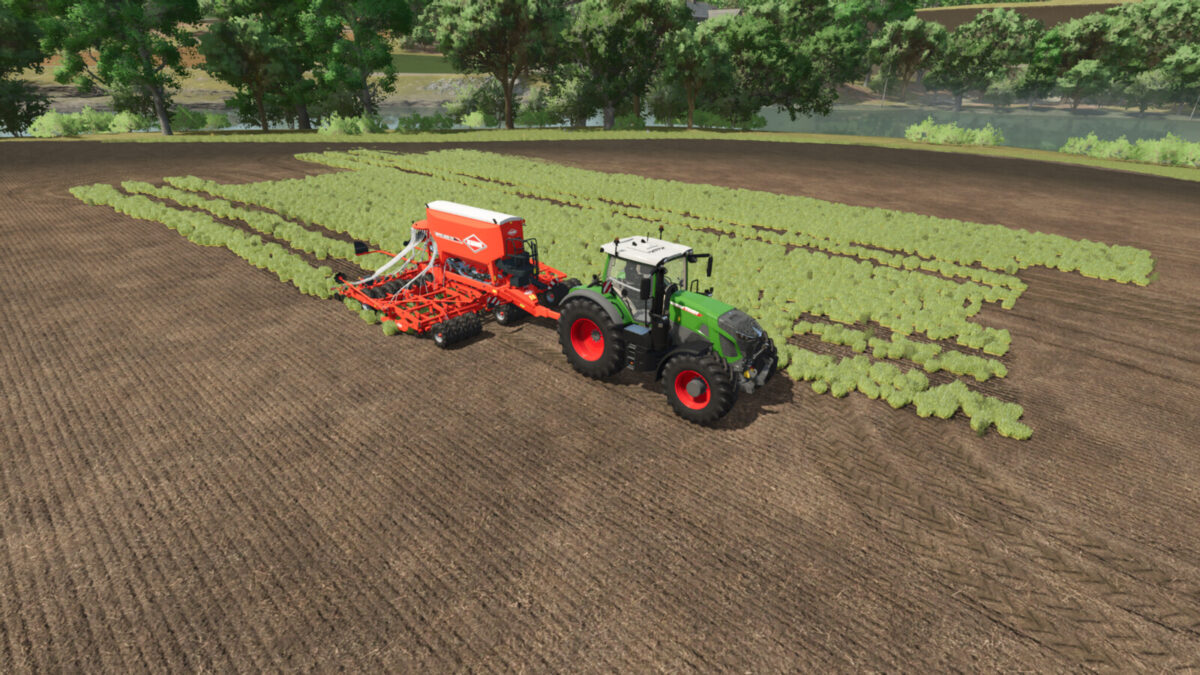
The mod calculates tramlines based on the working width of the seeder and the desired follow-up working width, for example for sprayers or fertilizer spreaders. The tramline counter can be controlled automatically or manually and ensures that the required seeding areas are disabled at the correct time.
Advanced Seeding Control is also designed to work together with Universal Section Control. When Section Control is installed, the required sections can automatically be controlled for tramline creation without overwriting sections that were manually disabled by the player.
Features
Automatic tramline calculation
Adjustable follow-up working width
Automatic tramline counter
Manual tramline counter
Automatic and manual operating modes
Support for even and odd tramline rhythms
Manual tramline override
Separate fertilizer control for combined seeders
Support for pre-emergence markers on compatible machines
Audio feedback for important state changes
Compact and easy-to-read HUD
Support for seeders and planters
Compatible with base-game and modded machines
Compatible with Universal Section Control
Multiplayer support
No additional shop configuration required
Universal Section Control Integration
When used together with Universal Section Control, Advanced Seeding Control uses the machine’s available sections to create tramlines.
Sections that have been manually disabled by the player remain disabled. Advanced Seeding Control only controls the sections required for the current tramline and releases them again once the tramline is finished.
This allows both mods to work together without interfering with each other’s section states.
Advanced Seeding Control makes seeding more precise, convenient and realistic while providing a modern tramline management solution for Farming Simulator 25.
Credits:
modding_by_deniz


