Pallegney v1.2.2.1


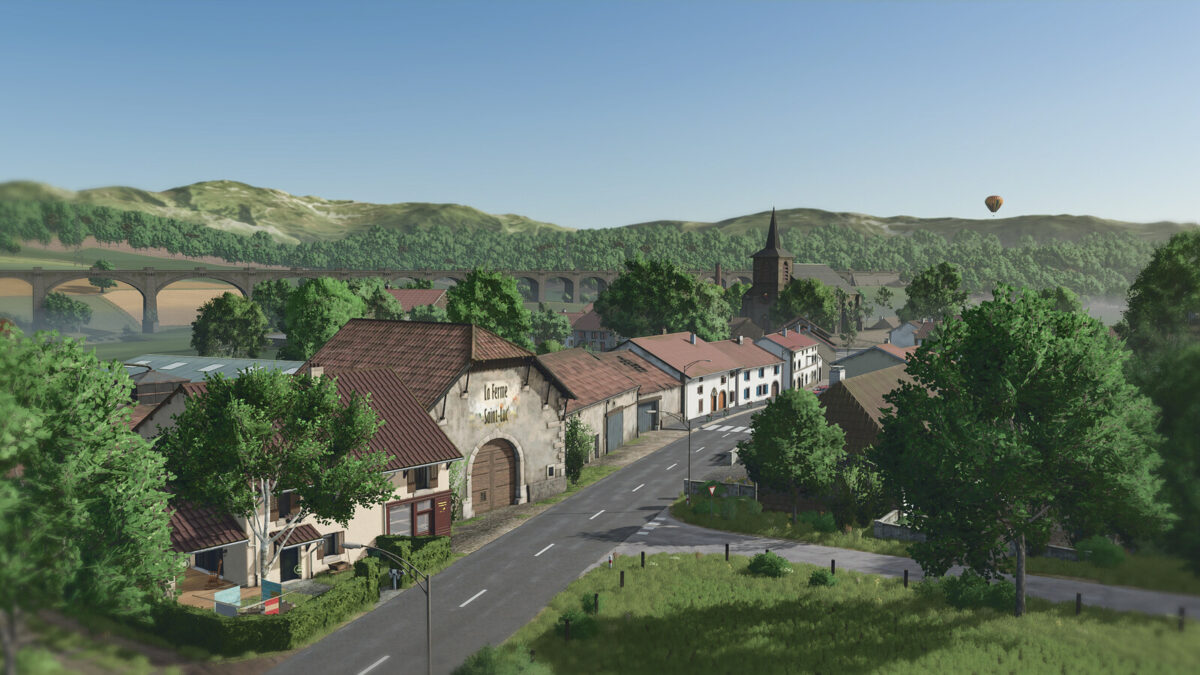
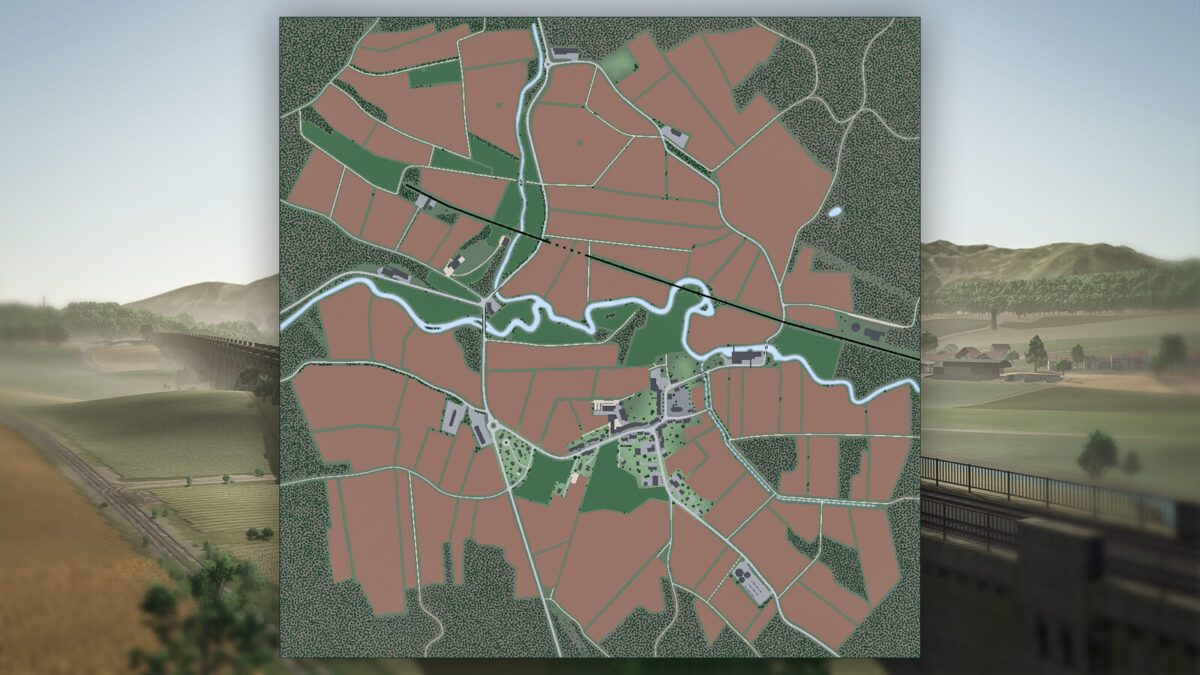
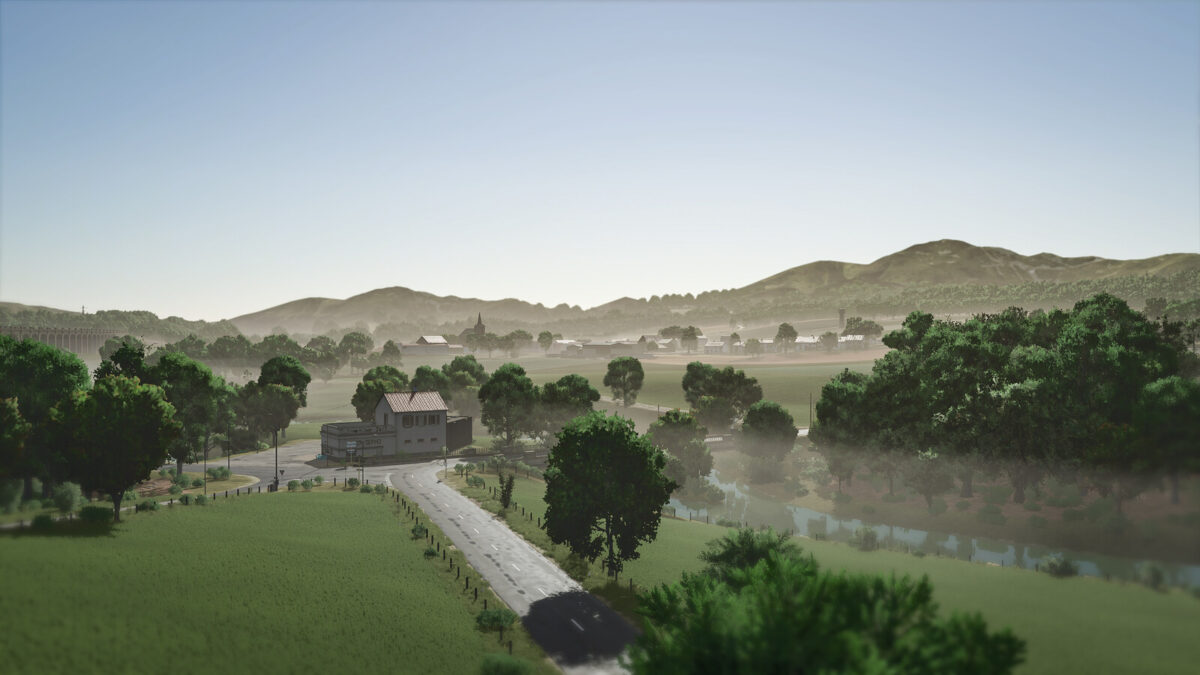
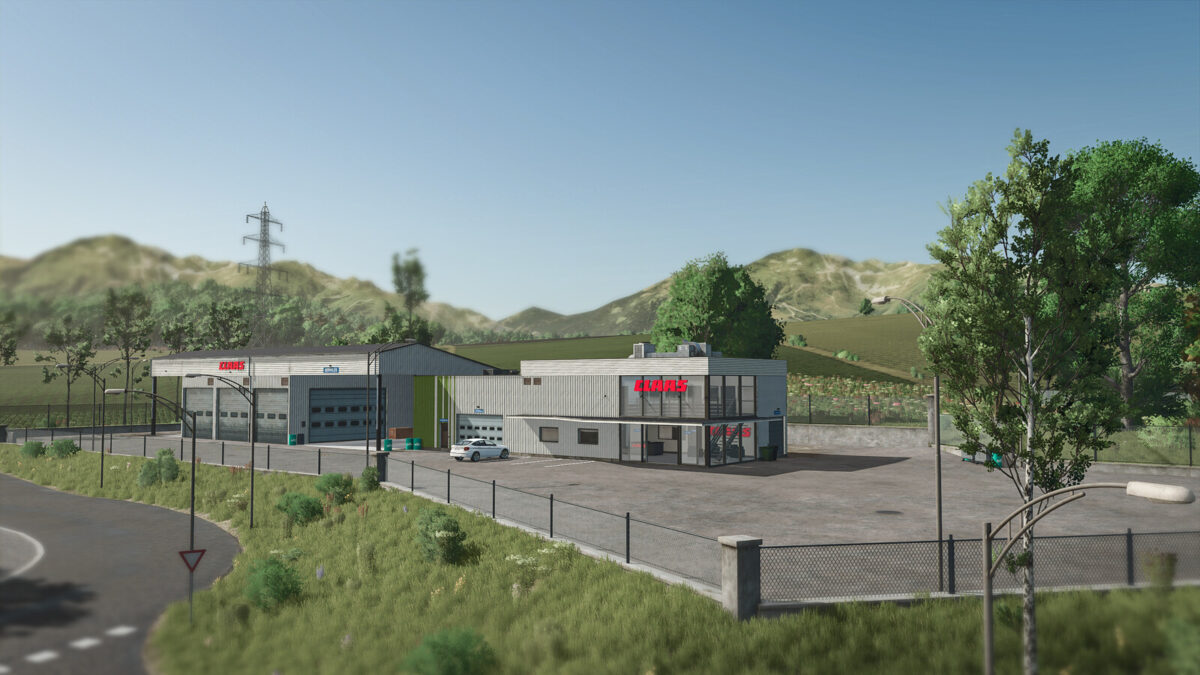
Welcome to French Lorraine! Shared between agricultural plains and wooded groves, rediscover agriculture, livestock, and forestry. This map consists of 2 typical farms of the region, one in an old farmhouse with modern extensions, the other, a large agricultural building perched on a mountainside. Numerous new factories are available. A completely new village gathers points of sale, farms, and production facilities. This map consists of 86 fields of crops, about ten forest plots, and a stream called the Dubion. Several innovations come with this map :
– The roofs of houses get wet during rain.
– Roads get wet, dry, and frost over in winter.
– You may see puddles of water in certain fields.
– Some factories have new functions like the sawmill or mills.
– Two new agricultural cooperatives.
– An area to build your own farm.
– Cheese production directly on the farm or in the communal dairy.
– A secret quest about the history of a funny animal from the Vosges.
– And a whole multitude of new decors like the mechanic, the Claas dealership, the livestock trader, the water tower, etc.
Changelog 1.2.3.0:
– Updated rain, hail, snow and dust effects for compatibility with game patch 1.24
Changelog 1.2.2.0:
– Fixed a conflict between the Precision Farming DLC and the Vetch–Rye crop
– Adjusted values of additional crops for the Precision Farming DLC to achieve more realistic values
– Fixed an issue where some crops did not regrow correctly when seasonal growth was disabled
– Added the ability to mulch cover crops before incorporating them into the soil
Changelog 1.2.1.0:
– Integration of Highlands Fishing DLC features on the map
– Fixed conflict with Straw Harvest and Highlands Fishing DLCs
– Fixed some effects related to the new crops
– Fixed: you can now feed the cows again by placing a bale directly in the base farm
– Adjusted tipcols on the double BGA silo
– Adjusted some values of the new crops for the Precision DLC
– Adjusted production values for certain crops
– Improved vetch-rye texture
– Addition of the ability to mulch clover and cover crops
– Various fixes
Changelog 1.2.0.2 :
– Map Maize Plus ready
– Added silage maize
– Added rye
– Added triticale
– Added spelt
– Added greenrye
– Added vetchrye
– Added summer/winter wheat
– Added summer/winter barley
– Added meadow grass
– Added clover
– Added clover/alfalfa silage with bale wrapping
– Added 2 silos in the construction menu dedicated to clover and alfalfa silage
– Added clover bales – clover hay – clover silage – alfalfa silage
– Modified animal feed to include new crops and silages
– Fixes, new textures and improvements for alfalfa
– Fixes and improvements for cover crops
– Fixes and improvements for mustard
– New crops made compatible with the Precision Farming DLC
– Added multi-angle terrain
– Added stubble crushing
– Added a new BGA production including greenrye, clover, and clover/alfalfa silages
– Added new productions at the Mill: rye, spelt and triticale flour
– Added the ability to bed the cows by placing a bale in the barn
– Weighing station offices and probes at cooperatives can now be used without owning the land
– Pasture gates can now be opened by everyone without owning the land
– Adjusted mission vehicles to avoid semi-trailers that cannot unload at the mill
– Various other fixes
– /!\ A new savegame is required
Changelog 1.1.0.1 :
– Fixed one of the two manure storage lines not unloading correctly on the main farm display.
– Fixed barbed wire on fences not displaying on console.
Changelog 1.1.0.0 :
– Added alfalfa
– Added mustard
– Added alfalfa to BGA production
– Added mustard jar production at St-Luc farm
– Added cover crop
– Added missing areas in the indoorarea infolayer
– Added missing collision for the northern retaining wall
– Fixed tipcol infolayer
– Fixed floating trees
– Fixed rendering bug of trees at the edge of the map
– Fixed pedestrian collision on the central village staircase
– Fixed missing collision on a retaining wall
– Fixed cotton bale selling at the Soufflet cooperative
– Disabled teleportation in logging cranes
– Made crane reset impossible
– Improved manure stability at farm 1
– Improved pedestrians in the village
– Replaced some trees in forest parcels to have more harvester-friendly trees
– Various fixes for decoration objects
– Default open gates in grass meadows not owned by players
– Enabled missions in fenced meadows not owned by players
– Reduced purchase price of village land
– Slight modification of color grading
– Various other fixes
Credits:
MA7Studio