

Nordkirchen v1.3.0.3


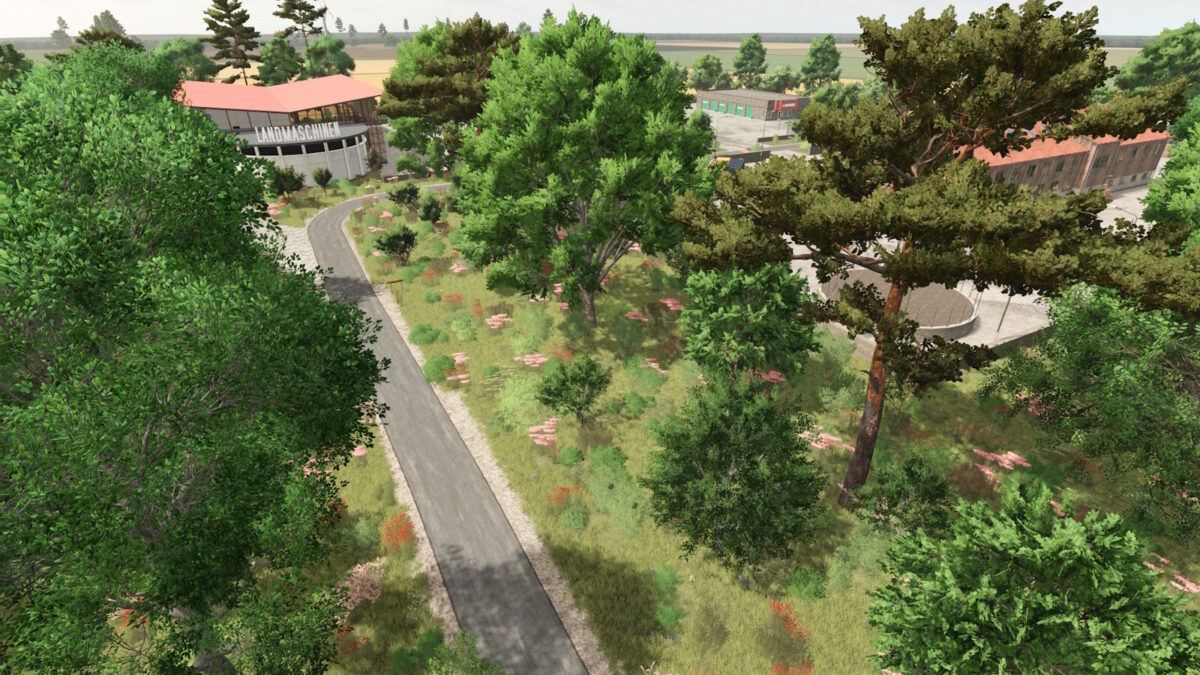
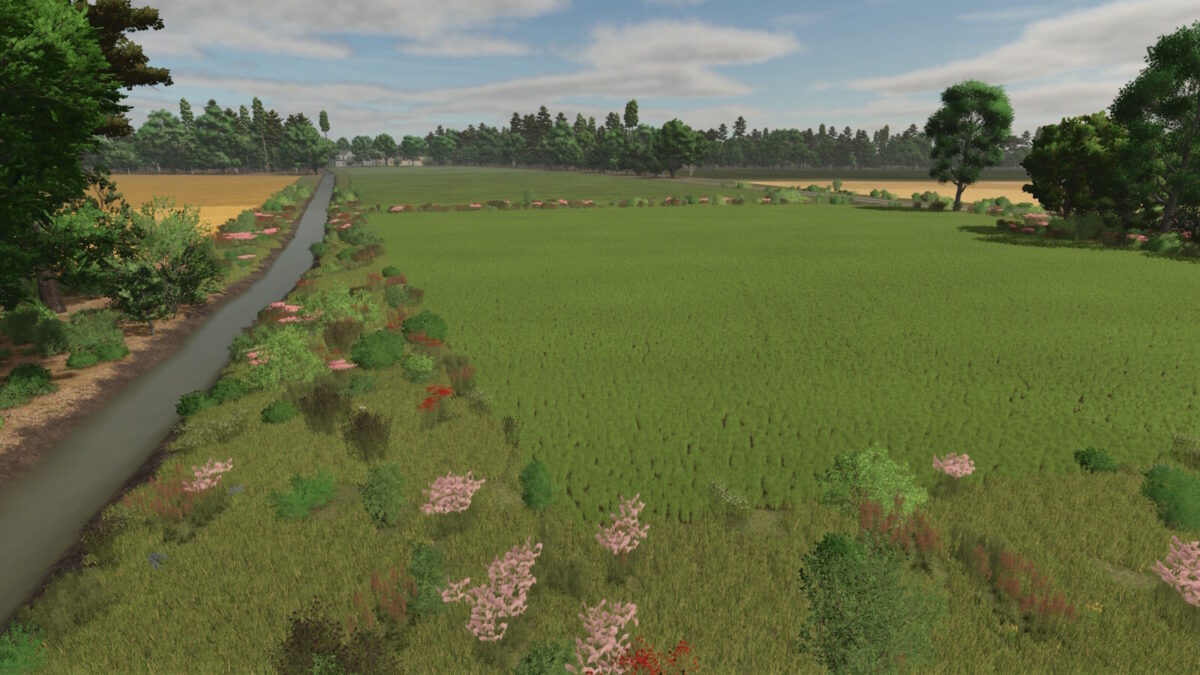
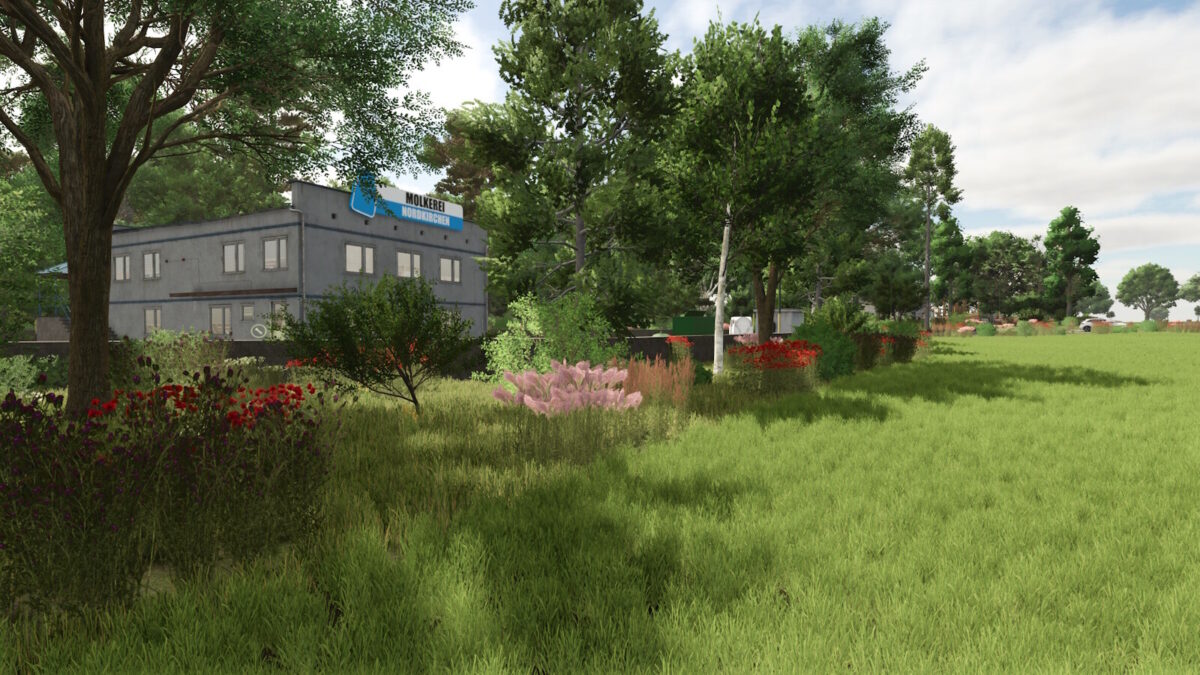
Nordkirchen is an idyllic map built according to the original terrain.
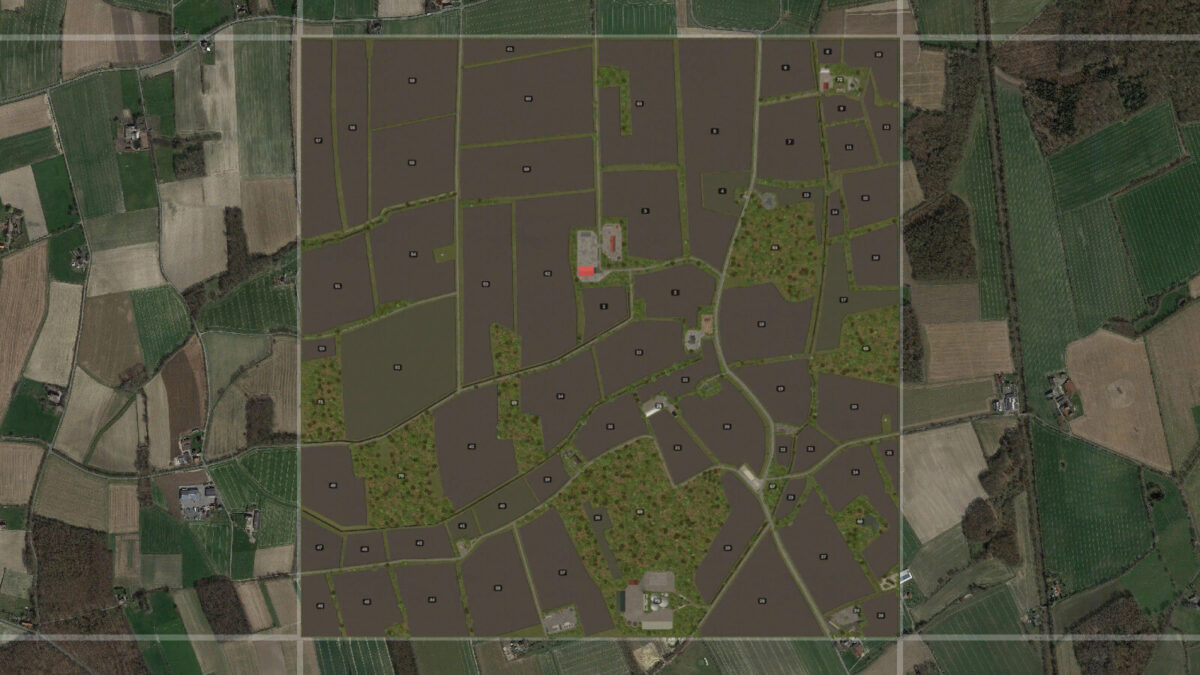
The area reflects the agricultural region of Nordkirchen, north of Dortmund.
It is not a 1 to 1 replica, but close to the original area.
Key data:
• Standard area for building and farming
• 63 fields (287 ha / Ø 4.56 ha)
• 7 meadows/pastures
• 8 forest areas with 10,383 trees
• Realistic ground deformation
• Precision Farming 3.0 compatible
• Permanently integrated productions: seed, fertilizer, lime & feed production, composter, separator & water disposal
• 9 buying points and 13 selling points
• 4 production facilities
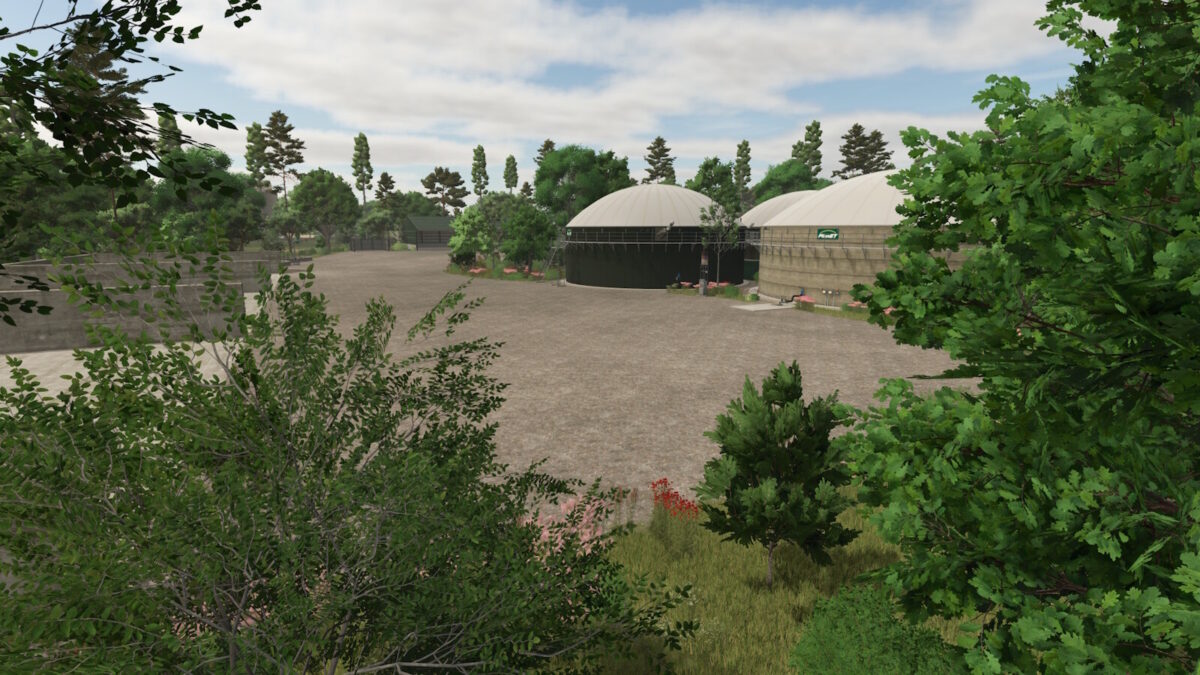
• One permanently installed 1 MW biogas plant (BGA)
• 50 collectibles
• 9 additional crops: rye, triticale, spelt, green rye, vetch rye, field grass, silage maize, humus activator, and mustard
• Stubble destruction for: barley, canola, maize, oats, sorghum, soybeans, sunflowers, wheat, rye, triticale, spelt, green rye, and vetch rye
• For map design, 84 ground textures and 77 trees are available, as well as decorative grass (meadow)
Info:
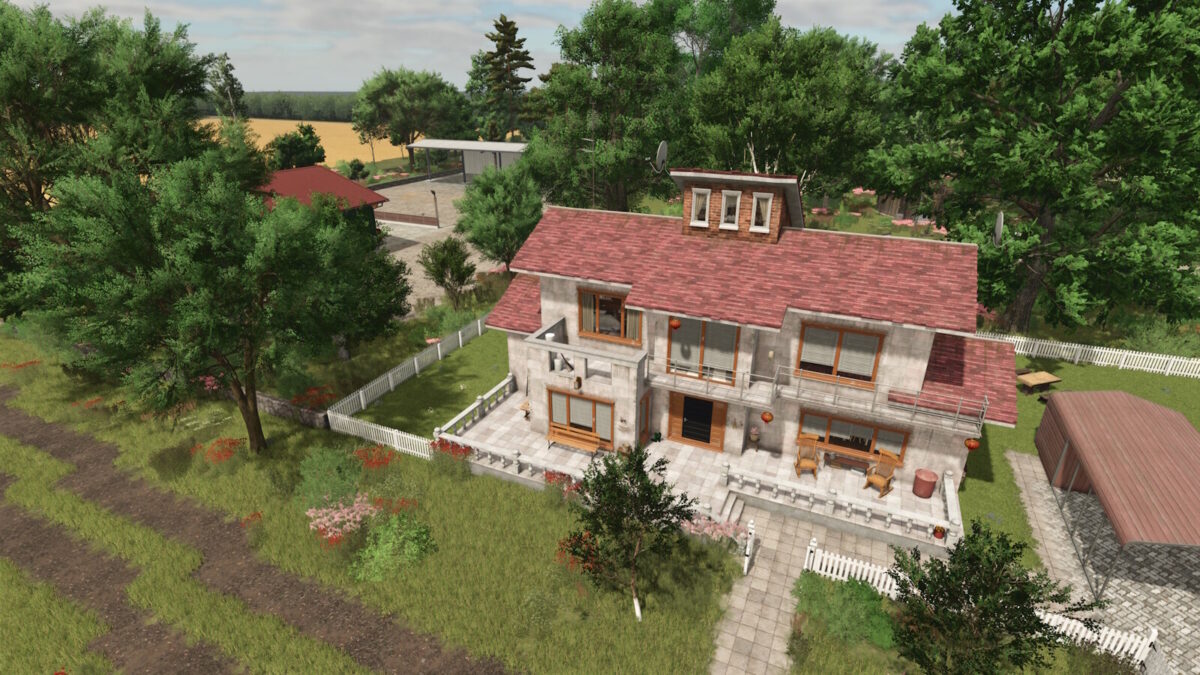
• For players who start the game without a starting farm, three fully designed farms are available.
• For better clarity, decorative grass can be enabled or disabled in the crop overview.
• Additional productions can be placed freely.
• Decorative grass (meadow) is paintable and can be enabled or disabled via crops.
• The base production pack is not required, as all relevant productions are already integrated.
• Compost can be used as fertilizer.
• Manure spreaders support both manure and compost, including correct spreading patterns for compost.
• All functions are fully compatible with Precision Farming.
• Under Settings → Help you will find basic information about the map.
• Using the arrows next to “Base Game” you can browse through additional hints.
With version 1.3.0.0, you’ll need a new save file.
Changelog 1.3.0.3:
• Rain, hail, snow and dust particles adjusted for Patch 1.24.
Changelog 1.3.0.2:
• Transport mission fixed
• Total Mixed Ration (TMR) in the feed mixer wagon reset to default.
Changelog 1.3.0.1:
• Rivers and lakes are now also visible in mirrors
Changelog 1.3.0.0:
• Added support for Patch 1.15
• Updated environment
• Updated Total Mixed Ration (TMR) feed mixer
• Fixed chicken coop spawning grass when expanded
• Revised signposts and guideposts
• Revised road texture
• Fixed compost pallet collision
• Detailed in-game animal help
• Farmland adjusted near the biogas plant
• Fixed apple on the windmill no longer remaining on the ground
Changelog 1.2.0.0:
• Removed cutterEffects.xml.bak
• Grass and field grass can now be harvested with the forage harvester mower
• The following productions can now be sold without disappearing: BGA, Sawmill, Cement Factory, Dairy
• Adjusted clip distance for several objects
• Fixed the standard warning: Foliage lod 1 mesh Meadow, Grass and FieldGrass
• Added translations for the following languages: BG, CZ, DK, ES, FI, HR, HU, IT, JP, KO, NL, NO, PL, PT, RO, RU, SE, SK, TR, ZH
• Adjusted animal feeding
• Adjusted animal barns
• Added 32 ground angles
• Added Giants Patch 1.11 changes
• Added spelt flour and rye flour to the bakery
• Added spelt and rye to the grain mill
• Added own productions: fertilizer, seed, lime, feed production, water disposal, separator, and composter
• Added gameplay hints to the start menu
• Adjusted mission vehicles
• Stone mission has been added
• Greenhouses adapted
• Adaptation to Patch 1.14 and Highlands Fishing DLC Sales Station
Changelog 1.1.0.0:
• Missing animation fixed (TypedMotionPathEffect) (CutterMotionPathEffect)
• The additional crops can now be sold
• Catch crops and field grass can now be mulched
• Rye, triticale and spelt can now be mown with the swath mower
• Collectibles were hidden
• Water texture adjusted
• Missing BGA image added
• Field Stones fixed (Stone collector mission)
• Individual tree position adjusted
• Purchasable area BGA adjusted
• Lime production added at the cement plant
Credits:
FrechDachs93


