

Smart Sales v 1.0


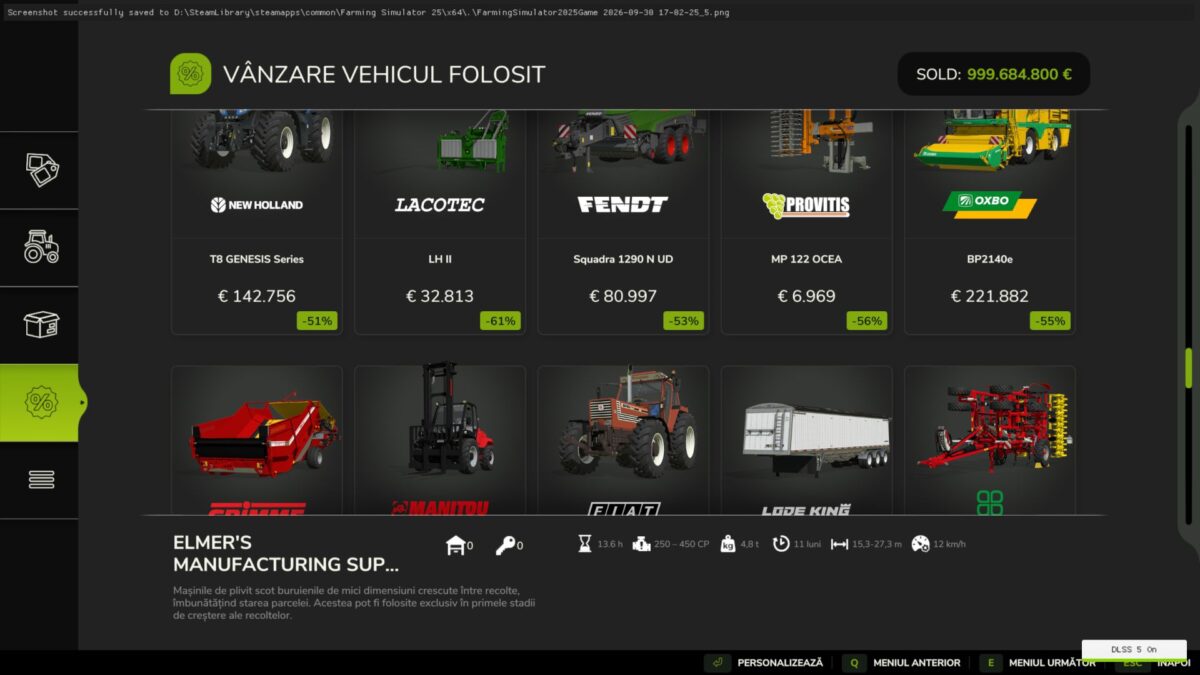
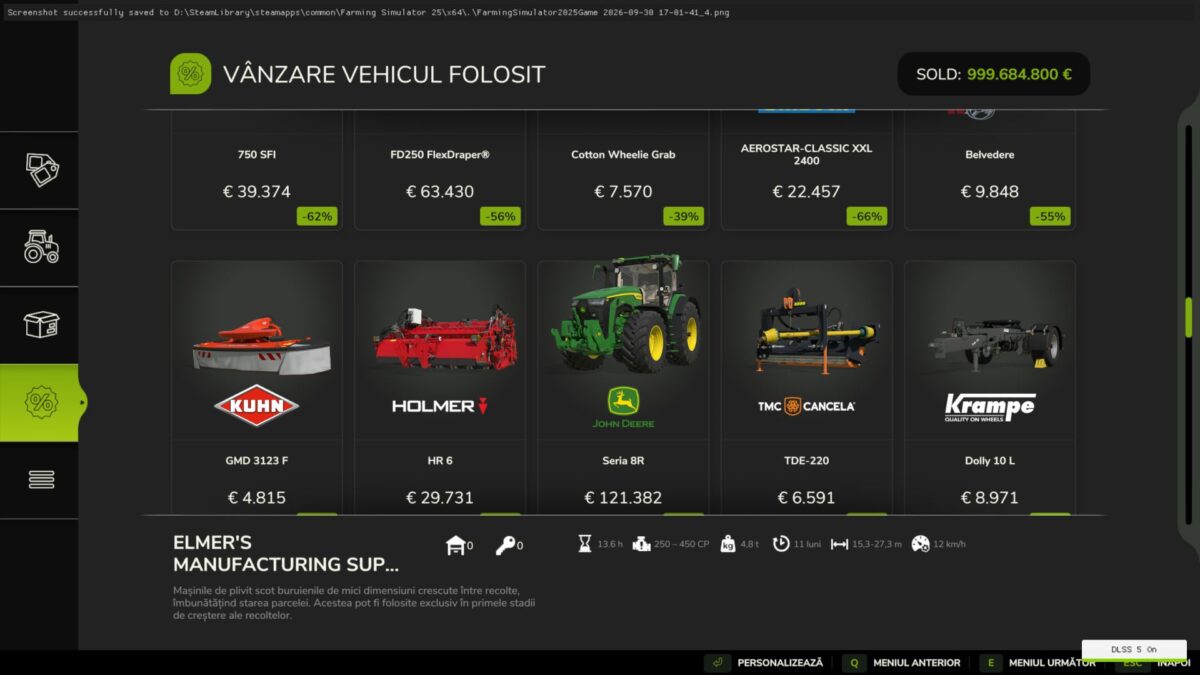
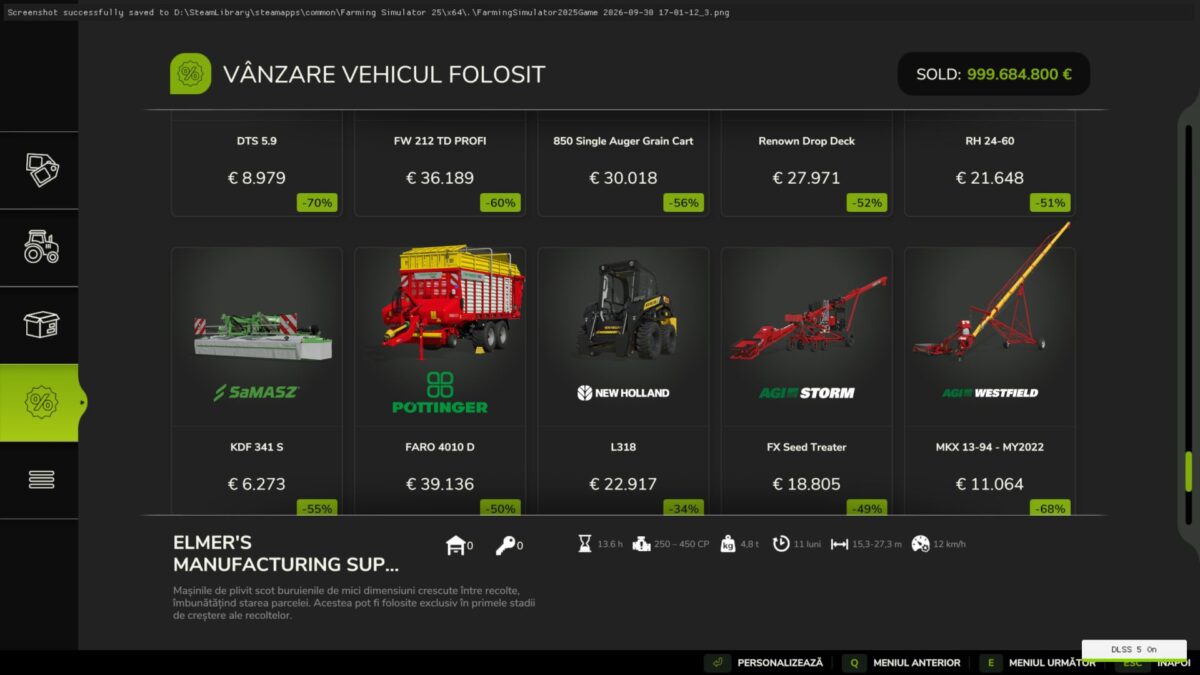
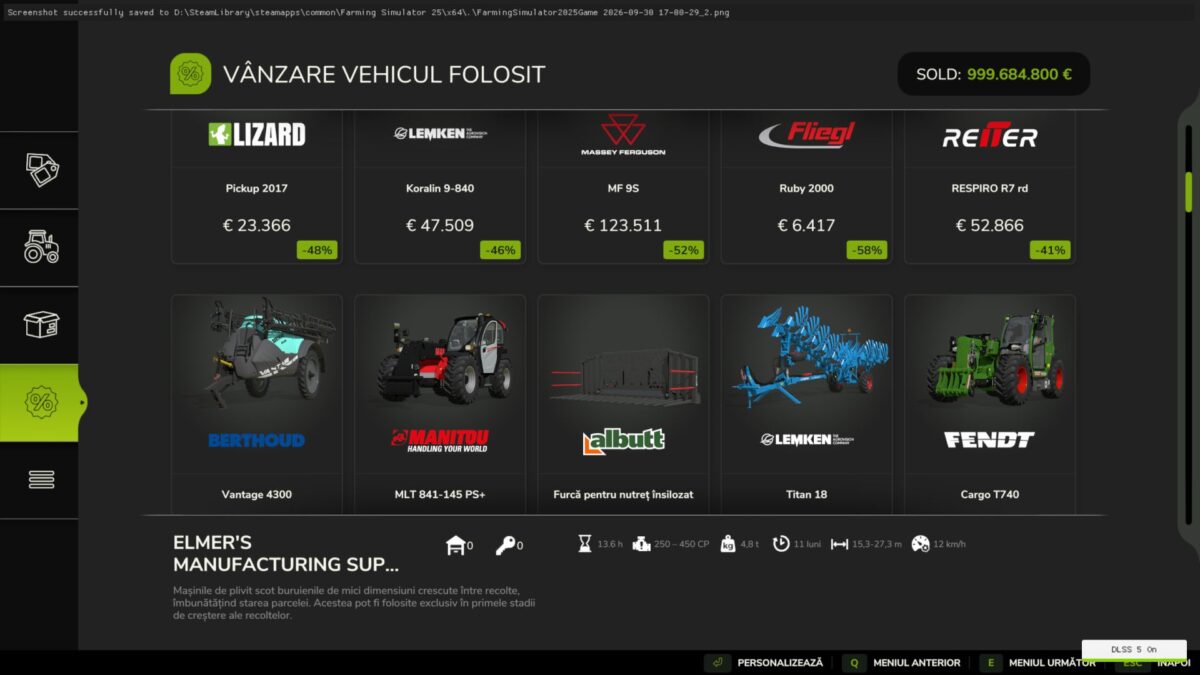
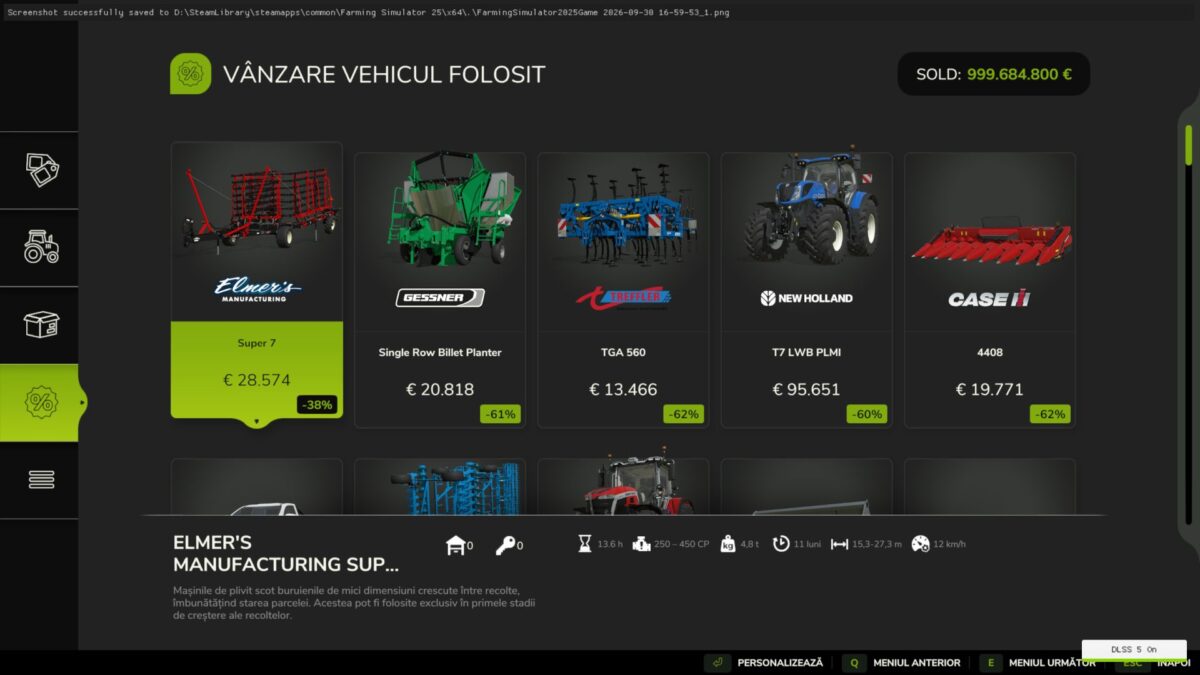
Smart Sales enhances the vehicle sales system in Farming Simulator 25.
How it works:
– The mod increases the number of vehicles available for sale and the number of sales offers in multiplayer.
– Up to 65 vehicles are generated for sale, and up to 65 sales offers are configured for multiplayer. Version 5 applies limits to the active instance of the multiplayer sales system.
– Offers can remain available for longer periods than in the standard system.
– Sale prices are calculated based on vehicle age and operating hours, resulting in more varied offers for used vehicles.
– Vehicles included in the offers come with their wear (damage) status reset.
– Sales notifications are displayed on the client’s HUD.
– The server handles the core sales logic, making the system suitable for multiplayer environments and dedicated servers. Version 5 applies sales limits to both the `VehicleSaleSystem` class and the active mission instance.
– Administrators have access to server console commands: `baGenerateSale`, `baFillSales`, and `baSaleDebug`.
This mod is an original project by Barba Alba and does not require a separate configuration file.
Credits:
Barba Alba


