

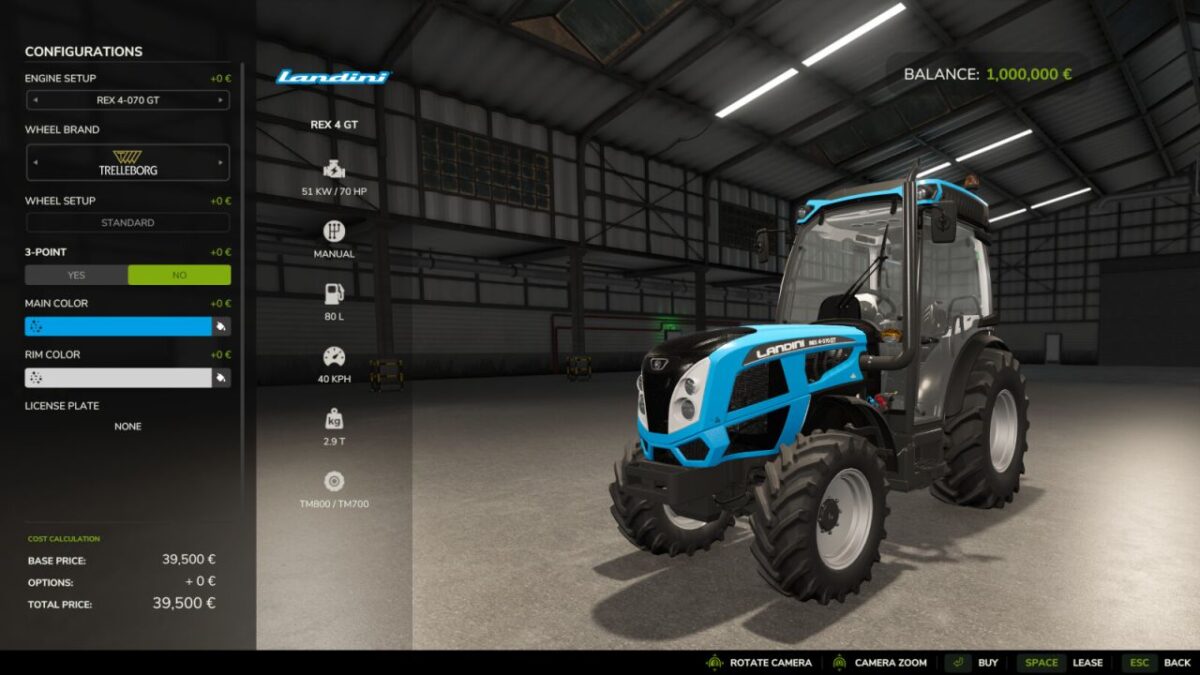
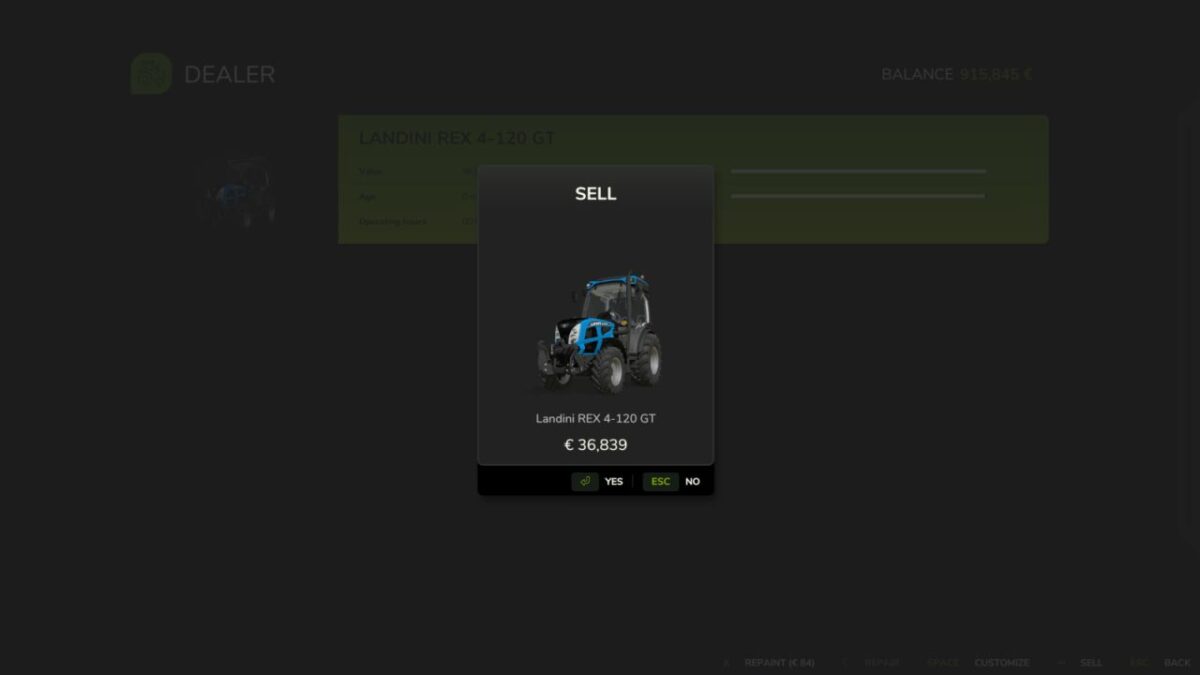
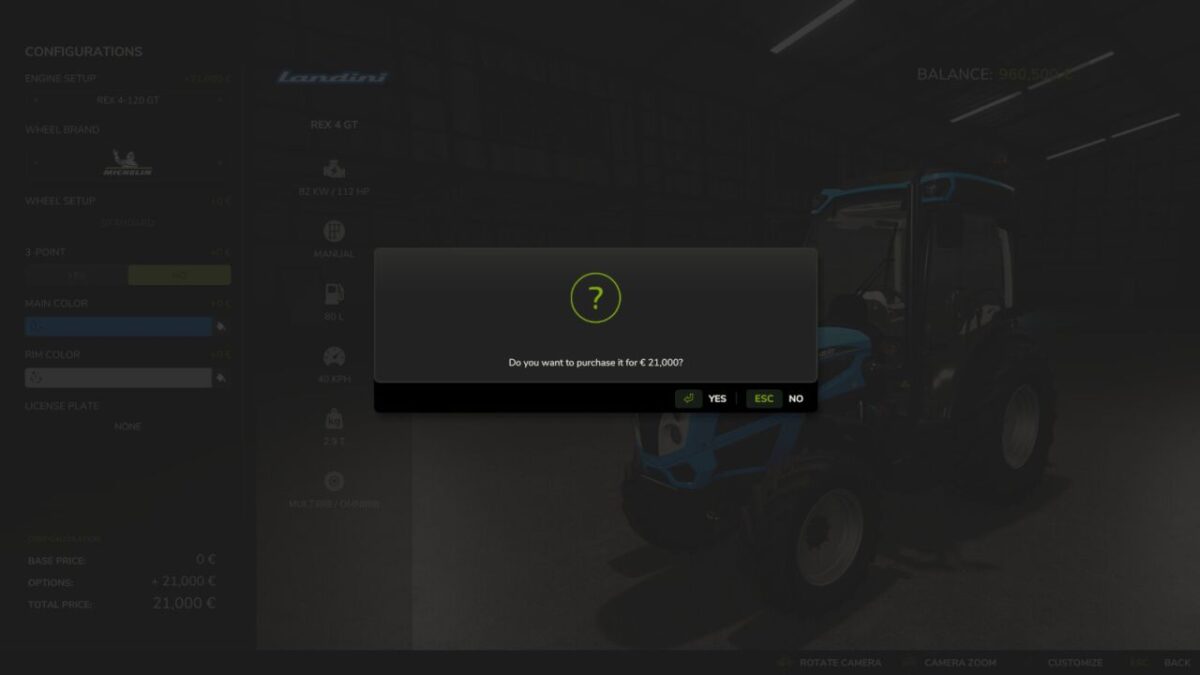
Vehicle Configuration Payment Fix v 1.0


Vehicle Configuration Payment Fix corrects missing configuration charges for already-owned vehicles in multiplayer.
When a new vehicle configuration is confirmed at the shop or workshop, the server checks which selected configurations have not been purchased before and verifies the corresponding configuration prices. If the base game did not charge the full amount, only the missing amount is deducted from the farm that owns the vehicle.
The correction is server-authoritative and supports multiplayer games with multiple farms. Opening or cancelling the configuration screen does not create a charge. Previously purchased configurations, the initial vehicle purchase, repairs and repainting are not changed.
This mod only corrects the payment of vehicle configurations. It does not change vehicle performance, power, physics, capacity or visual parts.
Credits:
Boschiero


