

NPC Transport and Service Contracts v 1.0.0.2


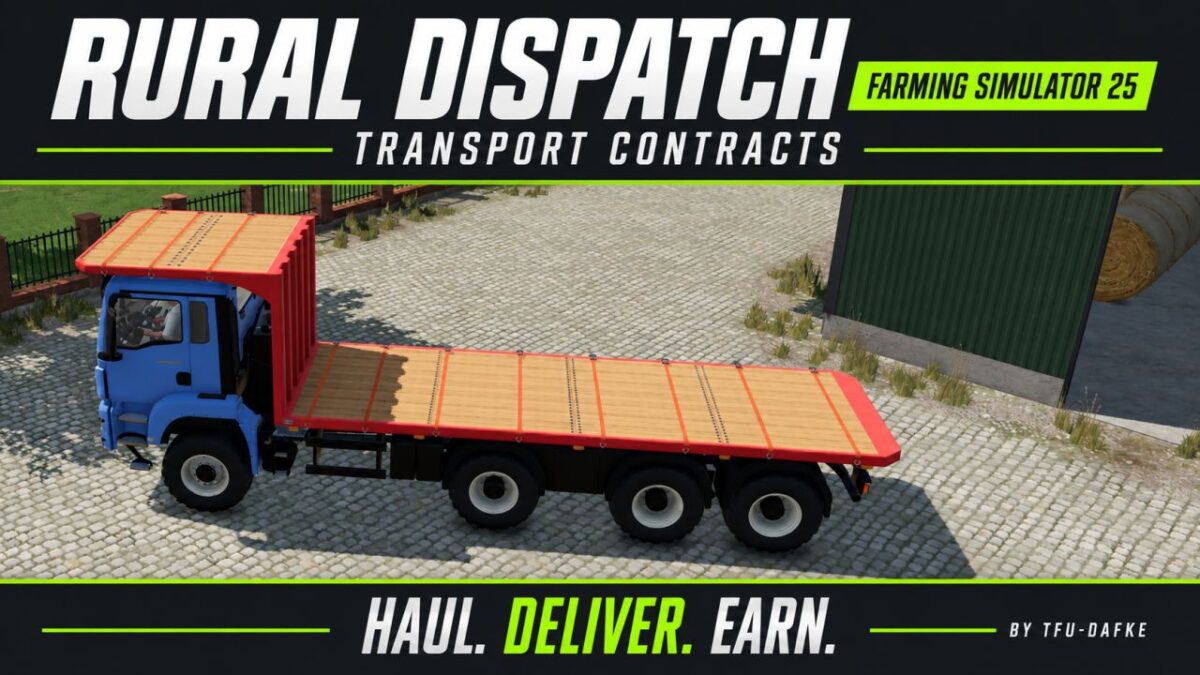
Bring more variety to your farm with NPC transport and service contracts.
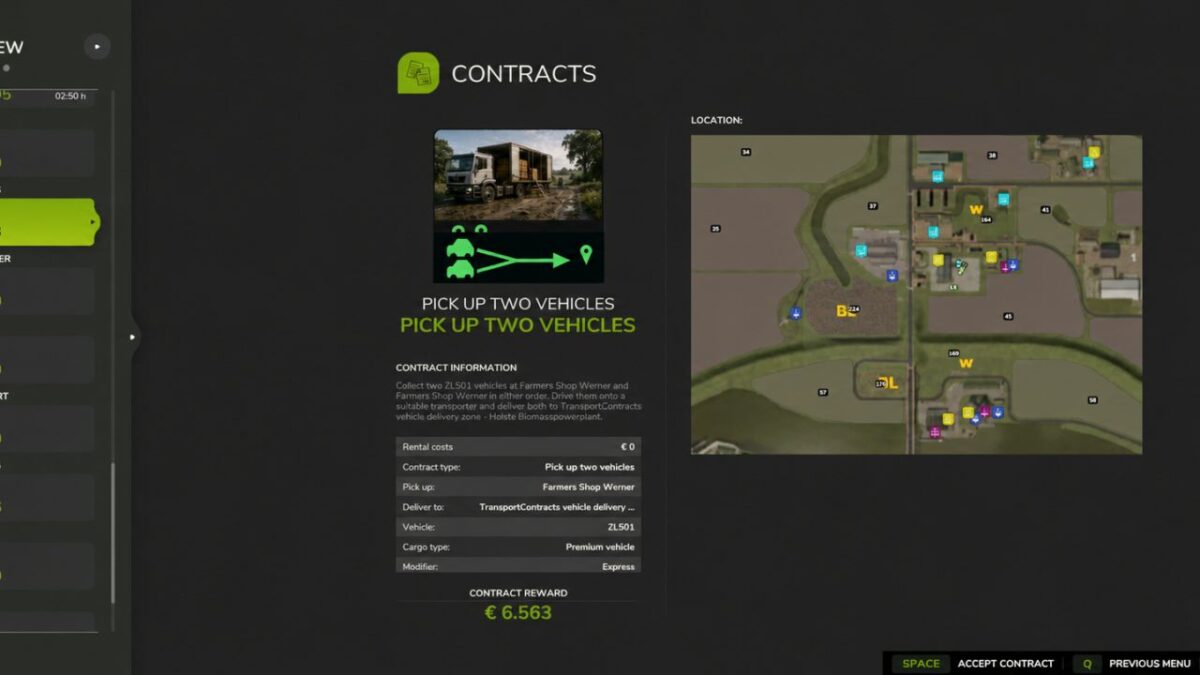
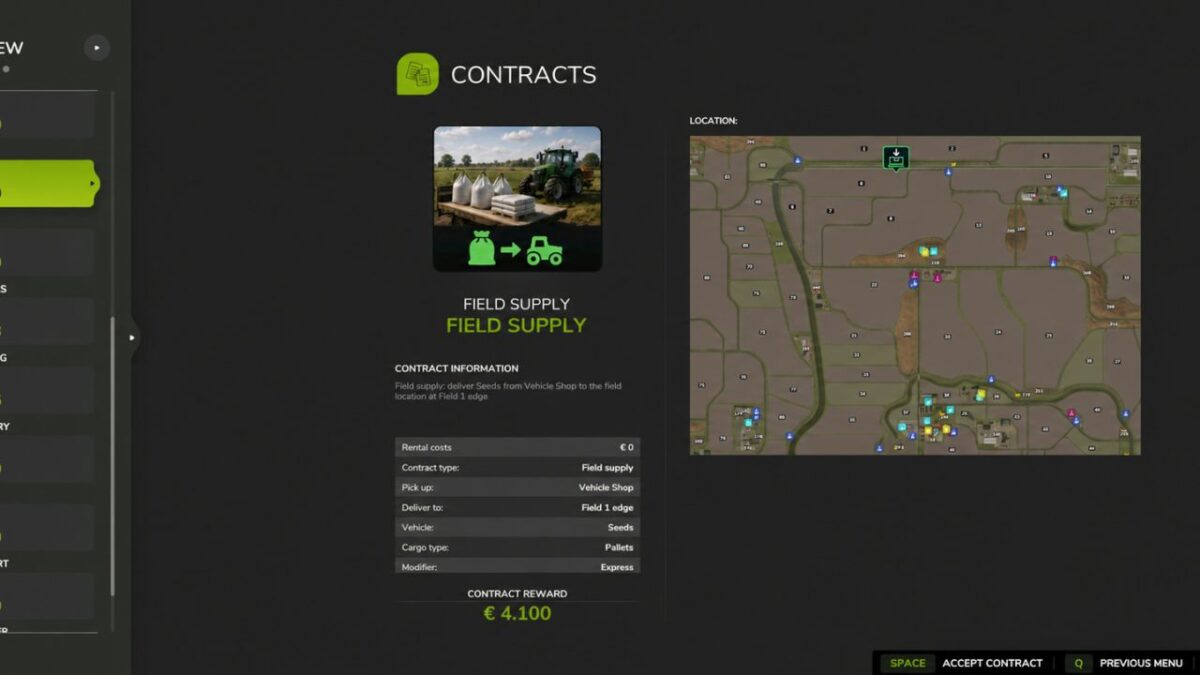
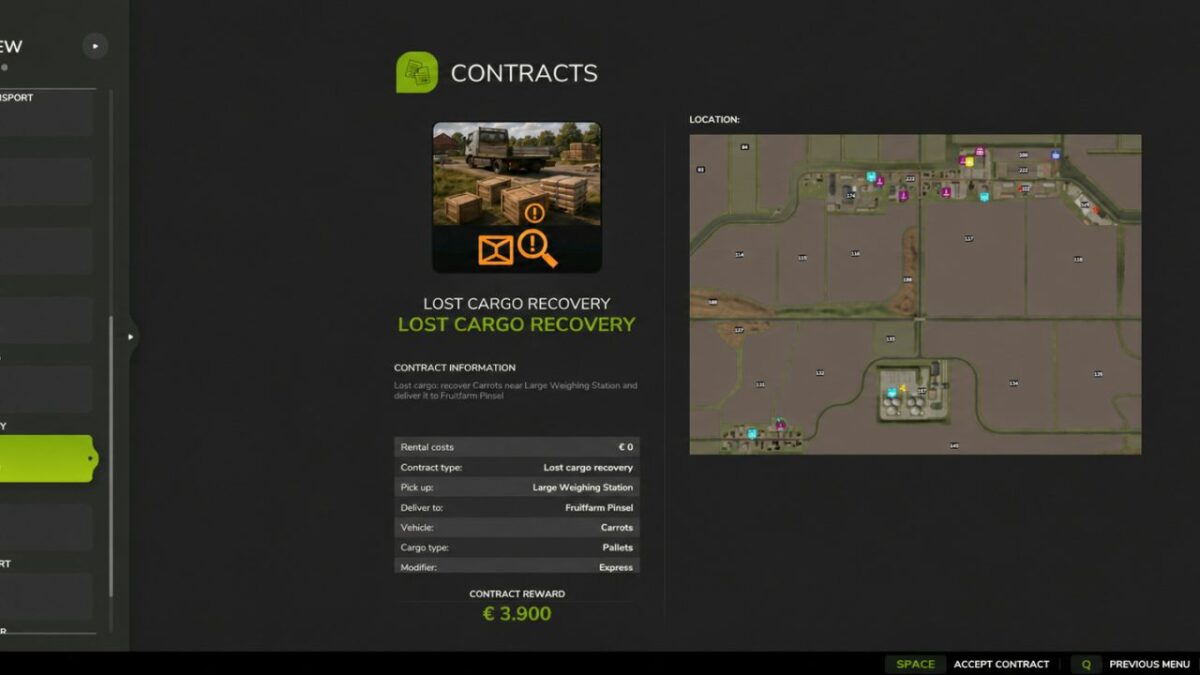
Haul bulk goods, pallets and bales, transport vehicles, supply fields with seed, fertilizer and lime, recover lost cargo, complete courier deliveries and provide emergency refuelling.
Vehicle care jobs also let you wash, dry and deliver customer vehicles.
Routes are generated from the locations and products available on your map.
Suitable loading equipment is provided for pallet and bale pickups, while marked destinations guide your deliveries.
Manage the contract selection through the ingame settings and use the optional GPSLite integration for navigation.
Version 1.0.0.2:
* Added an administrator-only payment difficulty setting: Easy, Normal and Hard
* Reworked contract pricing around estimated driving time, workload, operating costs and cargo or vehicle value
* Introduced payment ranges, including completion bonuses: Easy: €3,000–€7,000, Normal: €2,000–€6,000, Hard: €1,000–€5,000
* Increased compensation for manually loading pallets and bales. Automatic trigger unloading receives a smaller handling allowance
* Increased compensation for additional pickup and delivery stops, creating clearer differences between single stop and multi stage assignments
* Added a 40% detour allowance to direct distance estimates. This is an estimate, not actual road navigation
* Limited short, single stop refuelling contracts on Hard to €1,500 service payment, including bonuses
* Preserved separate diesel reimbursement in every difficulty level. Fuel reimbursement is excluded from payment caps and completion bonus calculations
* Adjusted completion bonuses to respect the maximum payment and display the available bonus more accurately
* Added saving, read back verification and client synchronization for the payment difficulty setting
* Preserved existing contract quotes when changing difficulty or reloading a save. New pricing applies only to newly generated contracts
* Added payment setting translations in English, Dutch, German and French
Credits:
dafke


