Auto Transport for Auto Drive v 1.3


AutoTransport for AutoDrive — Automate your deliveries
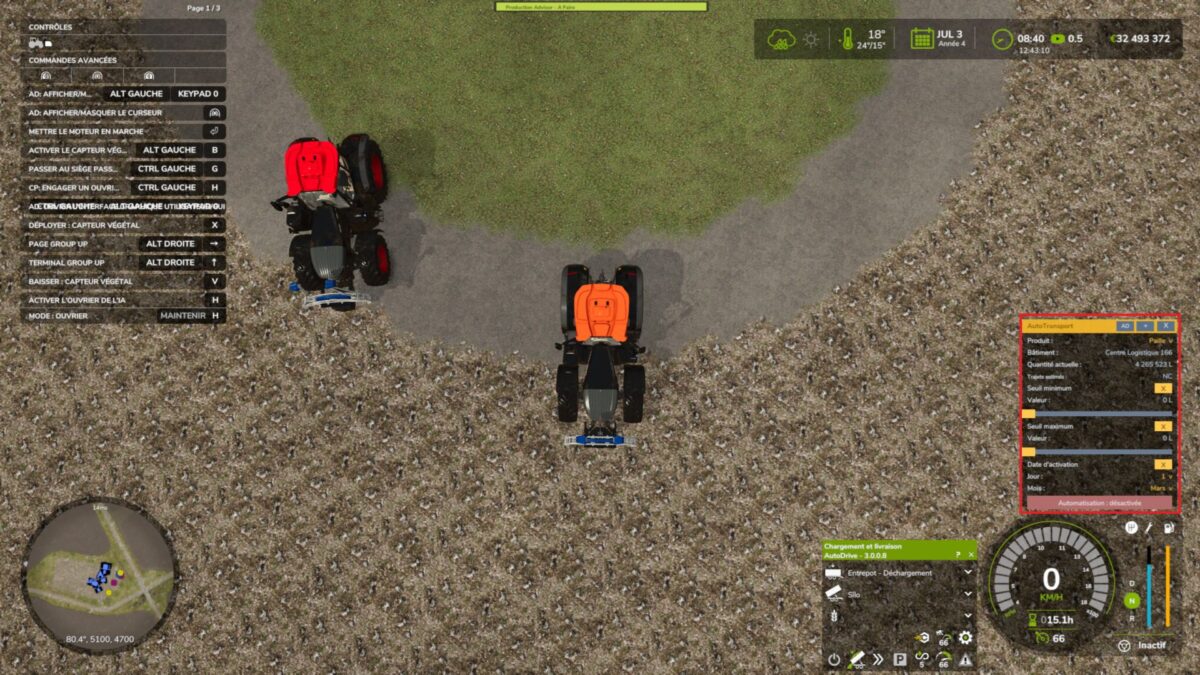
This mod automatically monitors the stock of a product in a silo or a production facility on your farm, and triggers the AutoDrive route that YOU have already configured as soon as the conditions you defined are met.
AutoTransport never configures AutoDrive for you (points, mode, loops): you set up your route normally in its interface. This mod simply presses the “start” button at the right moment — you decide when.
FEATURES
– Live monitoring of a product and a building of your choice (silo, production…), with the current quantity and an estimate of the number of trips required (in m³, depending on the attached trailer)
– Optional and independent minimum and maximum thresholds: only trigger within the quantity range that interests you
– Optional activation date (day + month) for seasonal triggering
– All conditions can be combined, or disabled for continuous operation
– Panel usable for several vehicles at the same time, with automatic saving of each setting
– Works in single-player as well as multiplayer/dedicated server: the configuration survives a server restart and remains active even when no player is connected
– Fully mouse-operated interface, with a single keyboard shortcut (Right Shift + :), available even while AutoDrive is driving
– Available in 11 languages (the game automatically selects yours)
REQUIREMENTS
AutoDrive is required and must be loaded before this mod.
ABOUT
The original idea for this mod came from a Farming Simulator player who wanted to automate deliveries without reconfiguring AutoDrive every time. The design, development and entire code were created by Claude (the Anthropic AI assistant), through exchanges with its creator development and debugging under real-world conditions on a dedicated server.
The use of AI in designing this mod is a conscious and deliberate choice.
If you are reluctant to use AI in mod development, feel free not to use this one — no pressure, just transparency about how it was made.
Version 1.3:
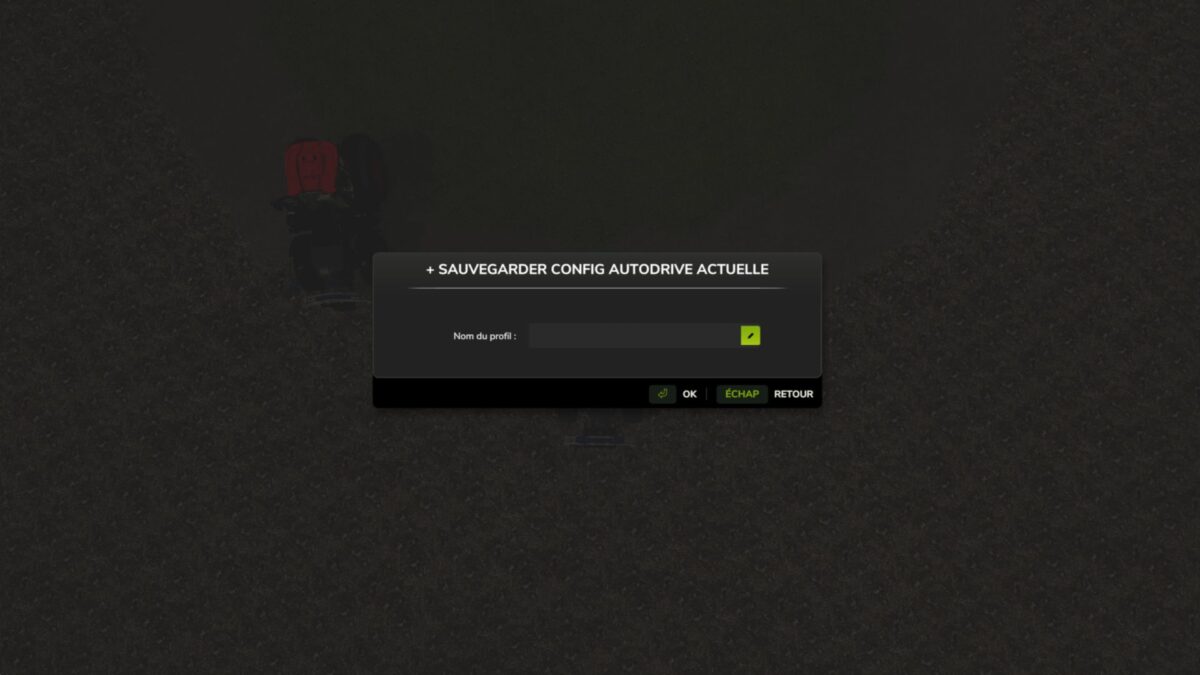
* Added a generic AutoDrive profile system (“AD” button in the header)
* Saves a vehicle’s current AutoDrive configuration (loading/unloading points, mode, product) under a chosen name, applicable to any other vehicle
* Profile list with one click loading and deletion
* Captures and restores the number of trips, maximum travel speed, maximum working speed, and AI/Courseplay/AIVE synchronization
* Persistent between game sessions, synchronized among all connected players
* Name entry via a real in-game dialog box (properly blocks other keyboard shortcuts while typing)
* Complete translation of the main panel into the mod’s 11 languages (until now, only the help page was translated; the panel remained in French)
* Visual interface brought closer to the AutoDrive/Courseplay style (simple text lines instead of solid buttons, orange reserved for player selections)
* AutoDrive dependency made mandatory
* Fixed a network bug where injecting an AutoDrive profile only modified the client’s local copy, never the authoritative server copy at startup
* Fixed marker resolution when identical names exist in different folders (using folders enabled in AutoDrive)
* Fixed several grammar errors in the German and Dutch translations
* Fixed a leak of untranslated text in error messages
Credits:
Coders666