

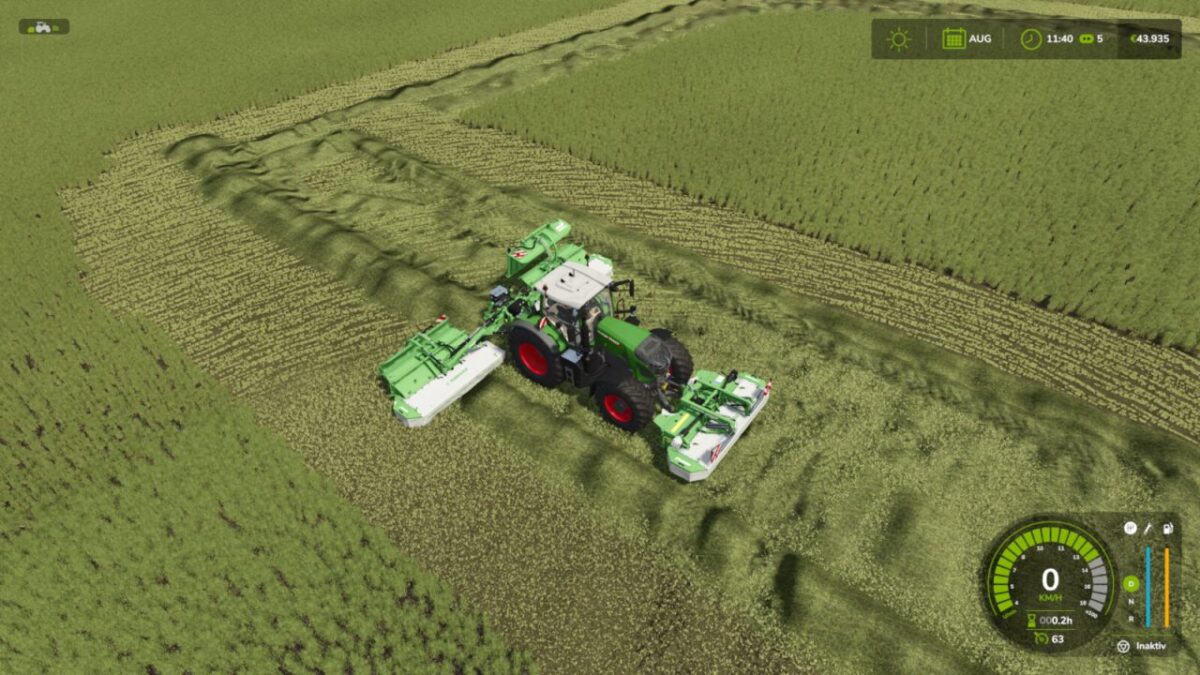
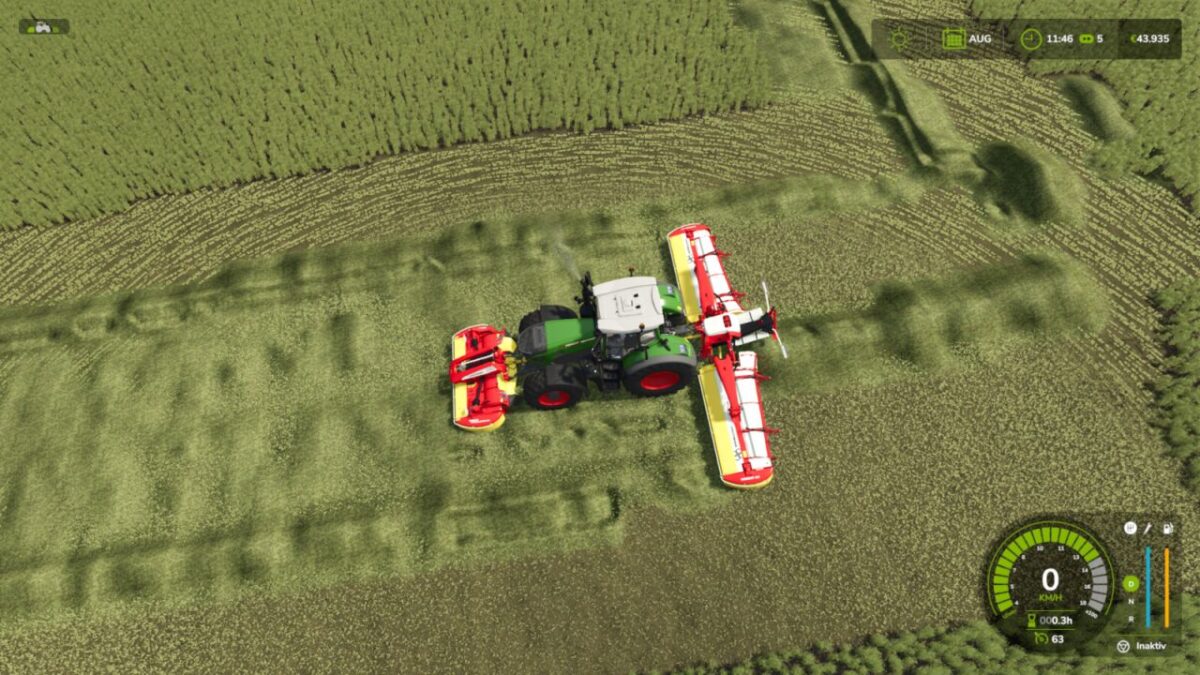
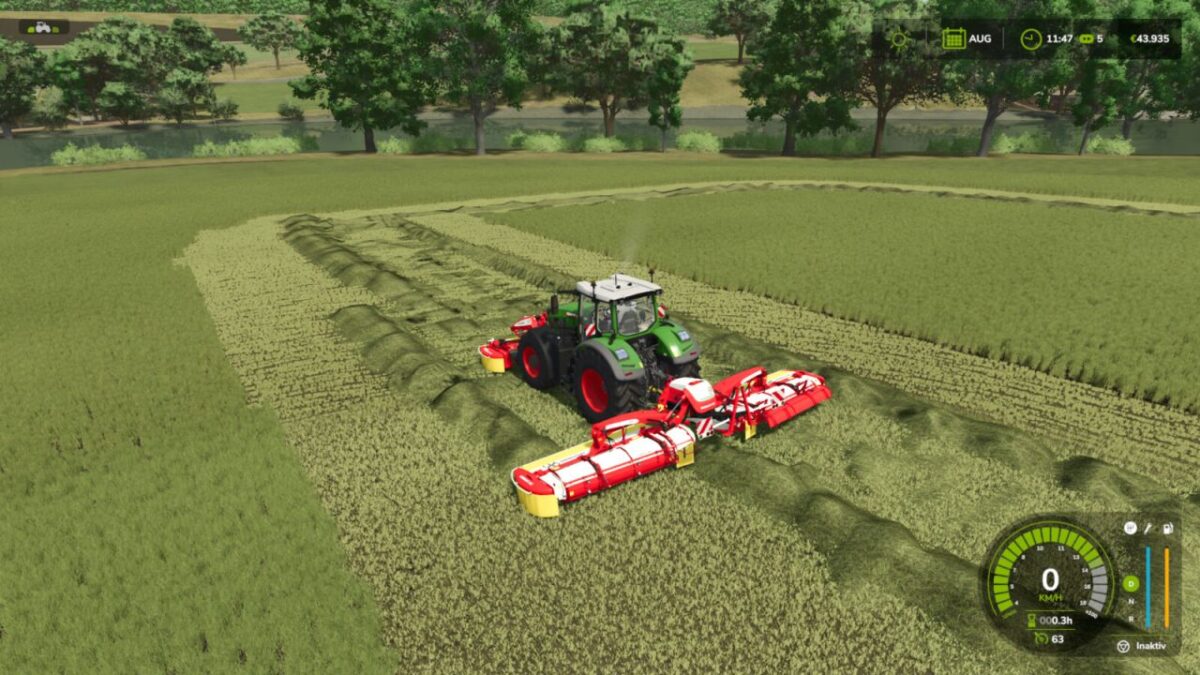
Butter Fly Swath Pickup v 1.0


Butterfly Swath Pickup extends mowers with swath functionality by allowing them to pick up already cut grass from the ground and integrate it directly into the newly created swath.
Whenever a compatible mower is operating with swath mode enabled, the mod automatically detects existing cut grass within the working area. The material is picked up, removed from its original position and added to the swath together with the freshly cut grass.
This prevents previously cut grass from being left underneath or beside the mower and creates a cleaner, more consistent swath.
Features
Picks up already existing cut grass
Existing grass is added directly to the new swath
Works automatically when swath mode is active
Supports all mowers with swath functionality
Compatible with base-game and modded mowers
No additional mower configuration required
No manual activation required
Clean combination of existing and freshly cut grass
Prevents unnecessary grass leftovers in the working area
The mod is especially useful when driving over areas that have already been mowed or when existing swaths are located within the mower’s working area.
Butterfly Swath Pickup provides cleaner swath formation and a more realistic working behavior for mowers equipped with swath functionality.
Credits:
ModdingByDeniz


