

FS25 Wheel Loaders

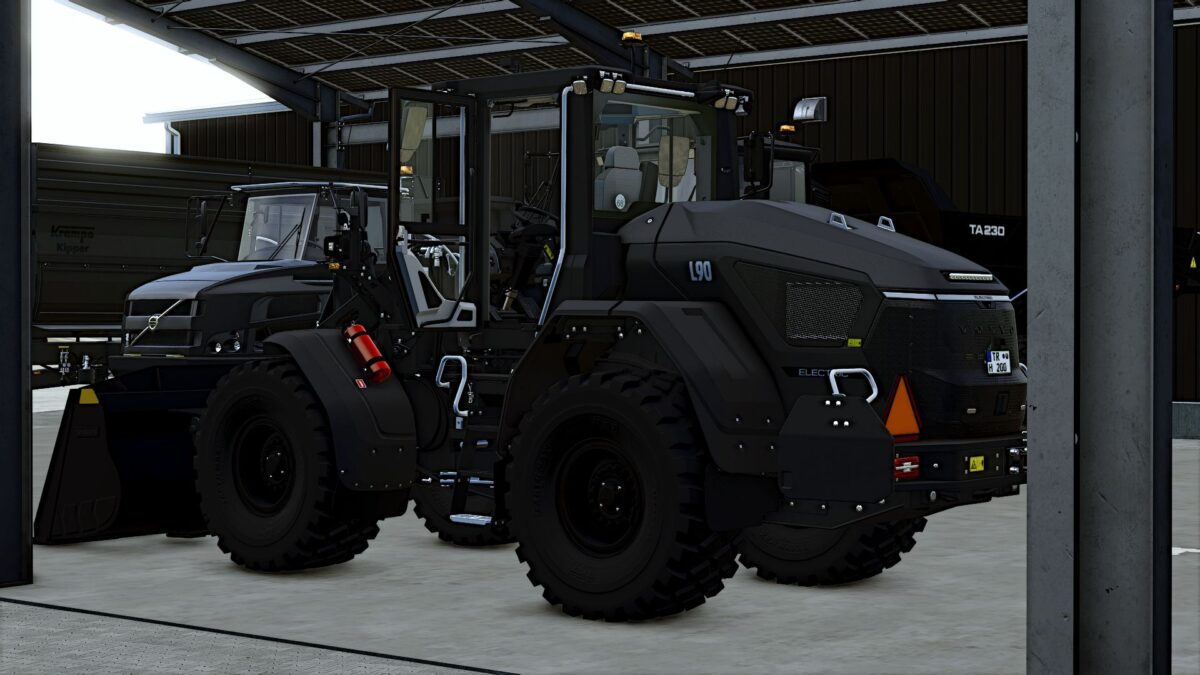
Volvo L90 Wheel Loaders Pack v 1.0

Volvo L90 Wheel Loaders Pack v 1.0

The Volvo L90 gets a new feature update for Farming Simulator 25

New additions:
Interactive Control for even more realistic operation
Color configurations allowing you to customize the L90
Various color combinations for a personal look
With this update, the Volvo L90 becomes even more versatile and offers you more ways to adapt the machine to your own preferences.
Whether you prefer the classic Volvo look or an individual color design, you can configure your L90 just the way you like it.
More individuality. More realism. More Volvo L90.

Credits:

Dirtdevil99

How to install FS25 Wheel Loaders?
Firstly find a mod which you like and want to download. Then download a mod to your PC. Mods are usually in .zip format file. But sometimes it can be in .rar. If a mod file is a .zip format no needed additional actions. If a file is in .rar, then you must unarchive mod with software like WinRar or Zip7. Windows 10 users no need to use software for archives, Win10 itself has a feature to unarchive files.
The next step is to find mods folder in your PC. Usually, it is in Documents/My Games/Farming Simulator 25/2025. Open the "mods" folder and put downloaded .zip archive or unarchived .rar file to this folder.
Last step. Enjoy of FS25 mods!

Leave a Reply

Your email address will not be published. Required fields are marked *