

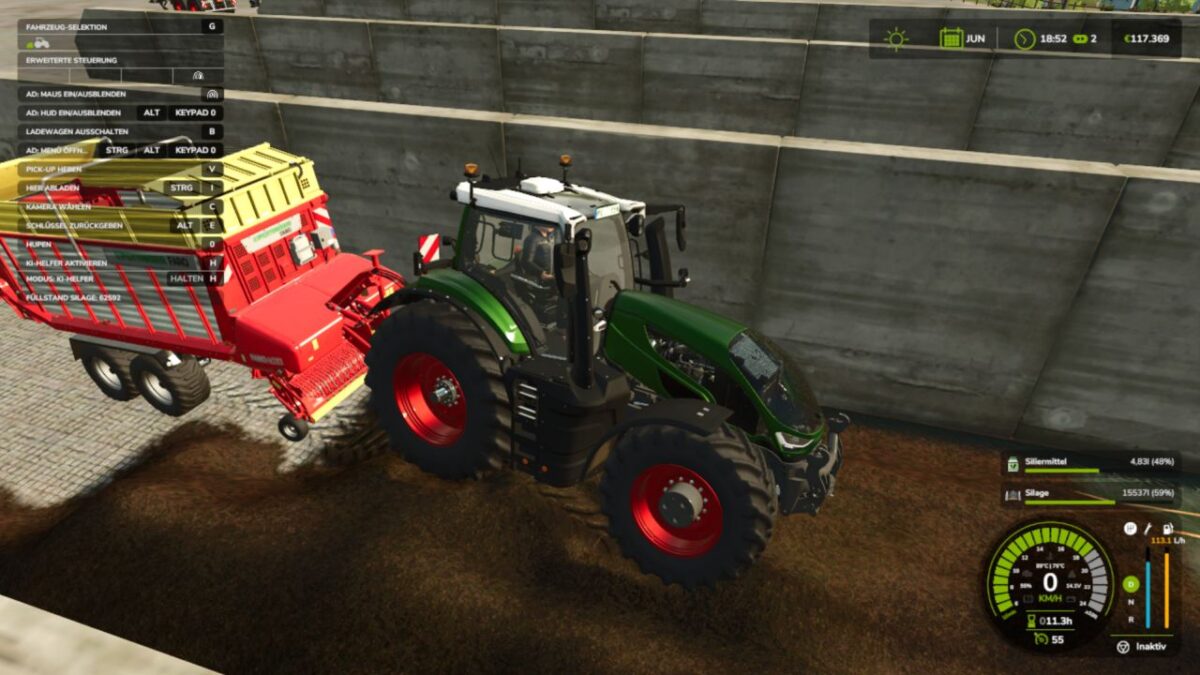
Dynamic PTO Speed v 1.0


This mod finally brings realistic dynamics to the PTO. Instead of a fixed PTO speed, the working speed of all attached implements adapts directly to the tractor’s current engine speed. The higher the engine revs, the faster mowers, forage harvesters, balers or conveyor belts operate.
Main features
The PTO speed is no longer fixed but is calculated live from the engine speed.
Implements react noticeably differently to low, medium or high engine speeds.
A multiplier for each implement allows individual settings for every implement.
Realistic working speeds:
Low engine speed → slower operation
Medium engine speed → normal operation
High engine speed → faster operation
Technical implementation
The mod is fully LS25-compatible and uses its own scripts to link engine speed, PTO speed and implement behavior.
Animations, effects and working speed are adjusted dynamically.
Both vehicles and implements are extended via hooks in their update functions.
Implement behavior
Mowers spin faster and respond more directly to the throttle.
Forage harvesters operate more powerfully at high engine speeds.
Balers work faster and process material more quickly.
Conveyor belts transport material depending on the engine speed.
Each implement can be finely adjusted using its own factor.
Mod contents
Complete mod structure with modDesc and Lua scripts
Example implement XML with dynamic PTO configuration
Optional overlay displaying the current PTO RPM
Mod objective
“Dynamic PTO Speed” provides a noticeably more realistic gameplay experience. PTO performance finally depends on engine speed – rev higher and work faster. As a result, all implements operate more naturally, variably and closer to real-world farming.
Credits:
FF Modding


