
FS25 Misc

Crop Calendar Filter v 1.0

Crop Calendar Filter v 1.0

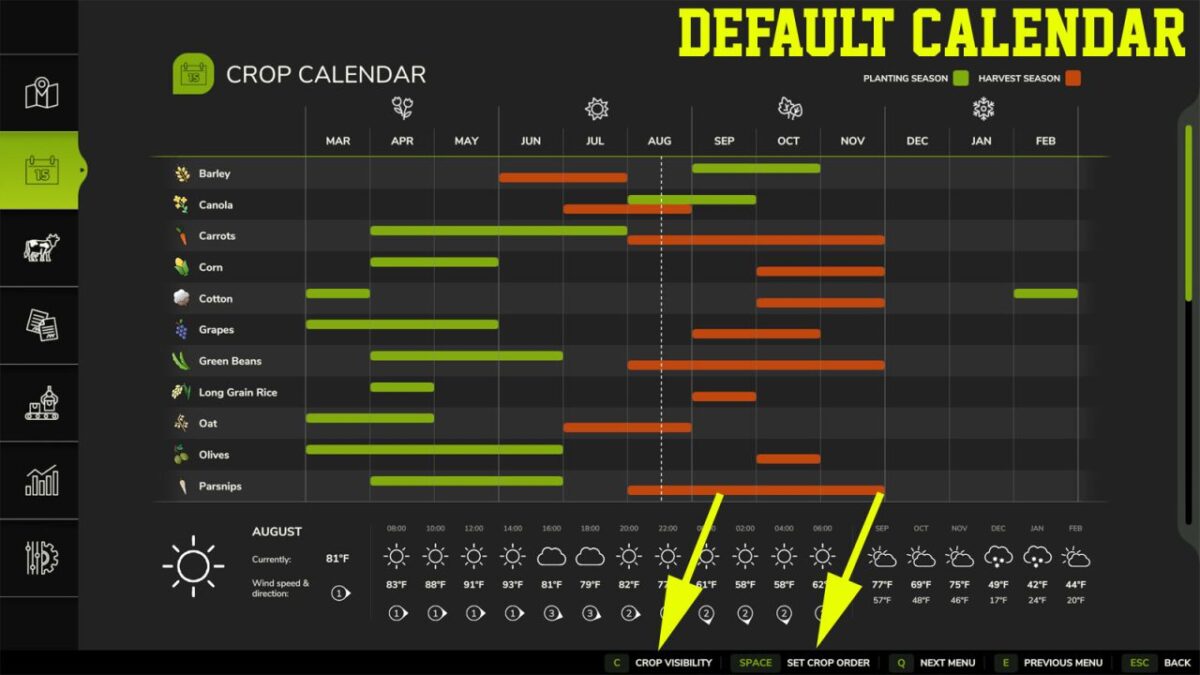
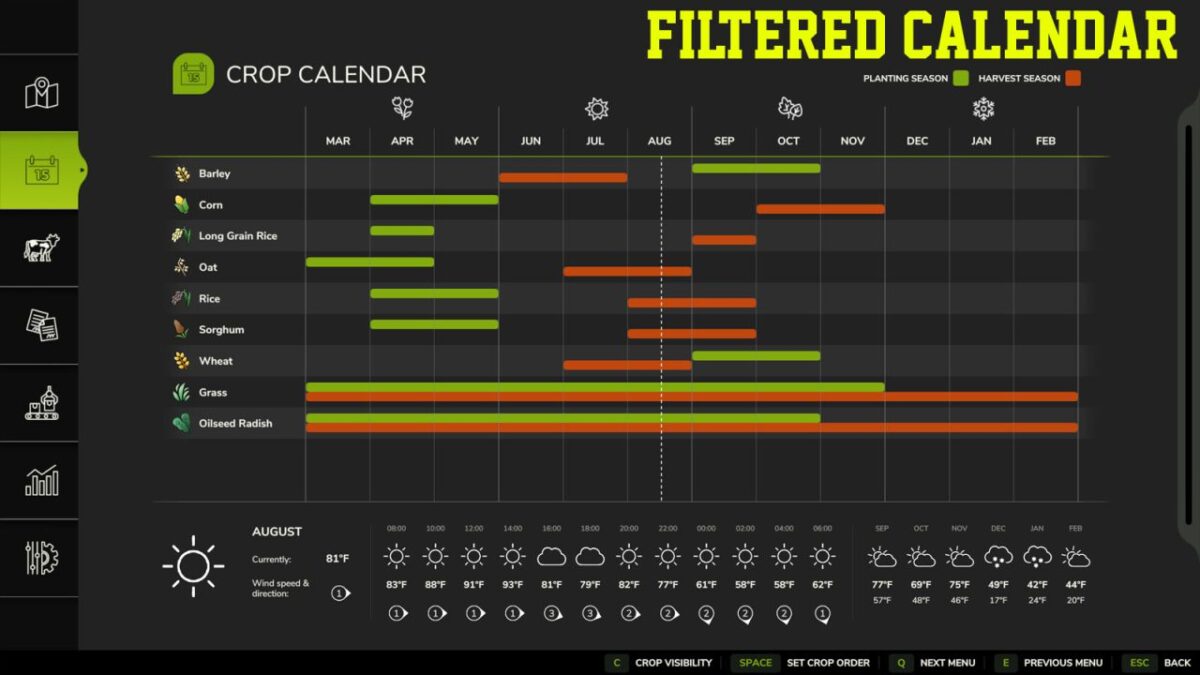
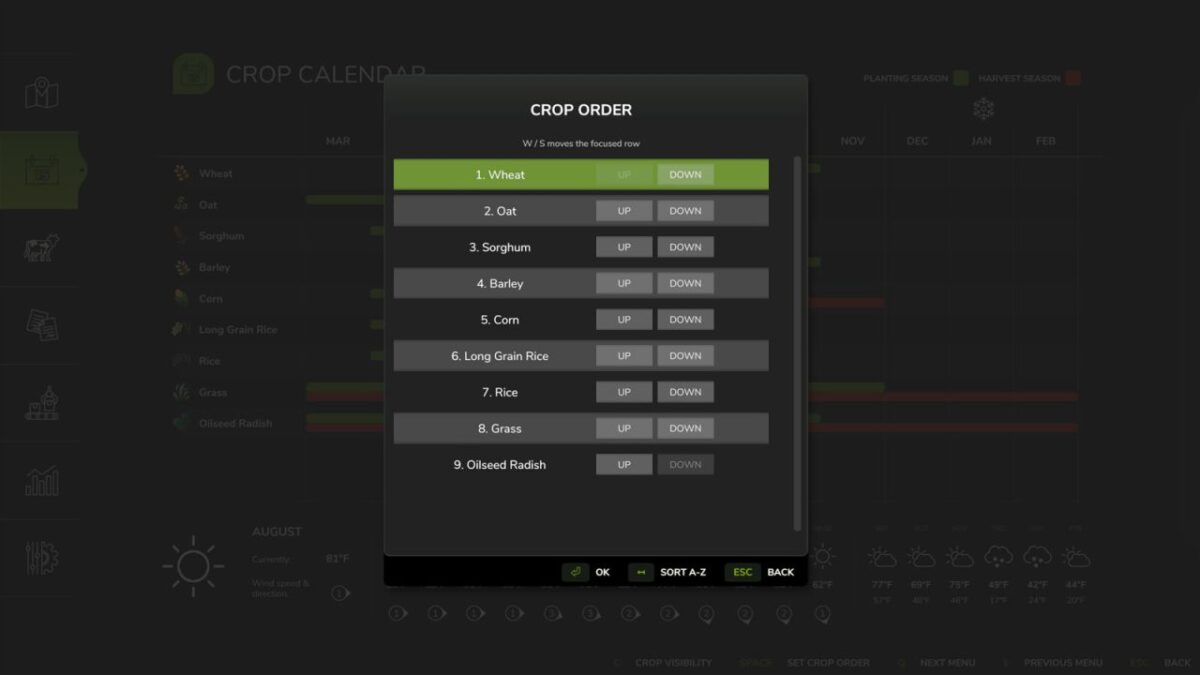
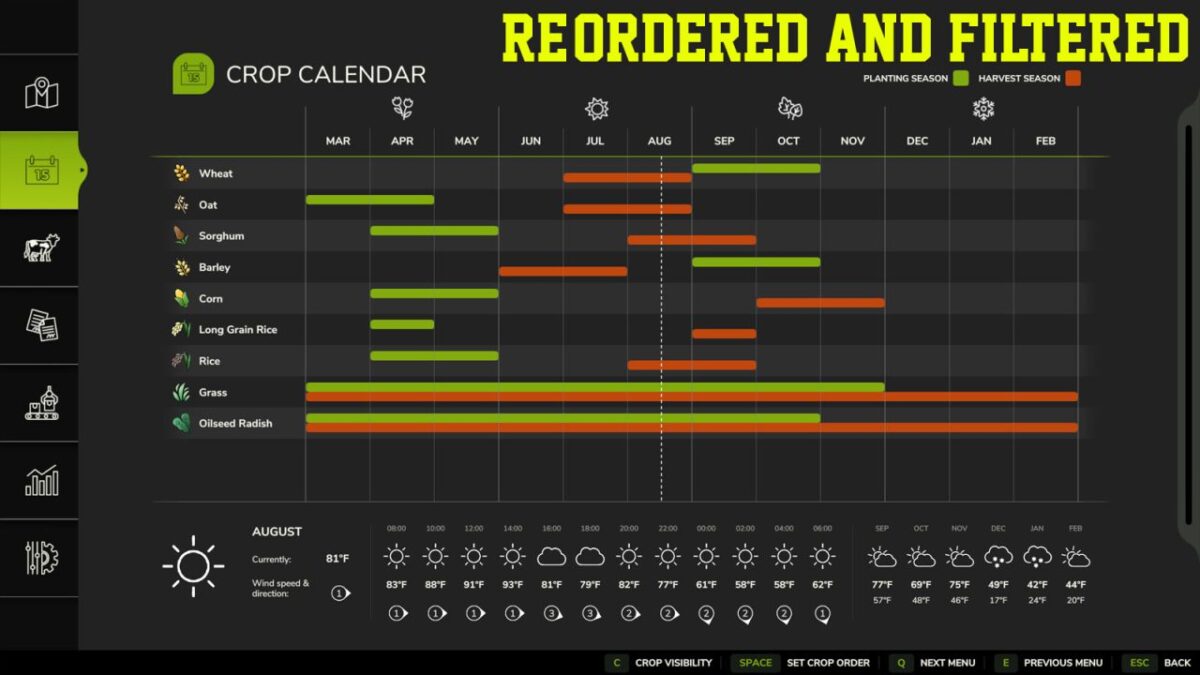
Ever get frustrated having to scroll past all those crops you never plant, or maybe trying to locate your favourite crop on the calendar when it’s right at the bottom? Well, the Crop Calendar Filter now gives you the flexibility to hide those crops you never use, and position your favourite crops at the top of the list, making it easier to find and compare planting and harvesting timeframes.

Features:
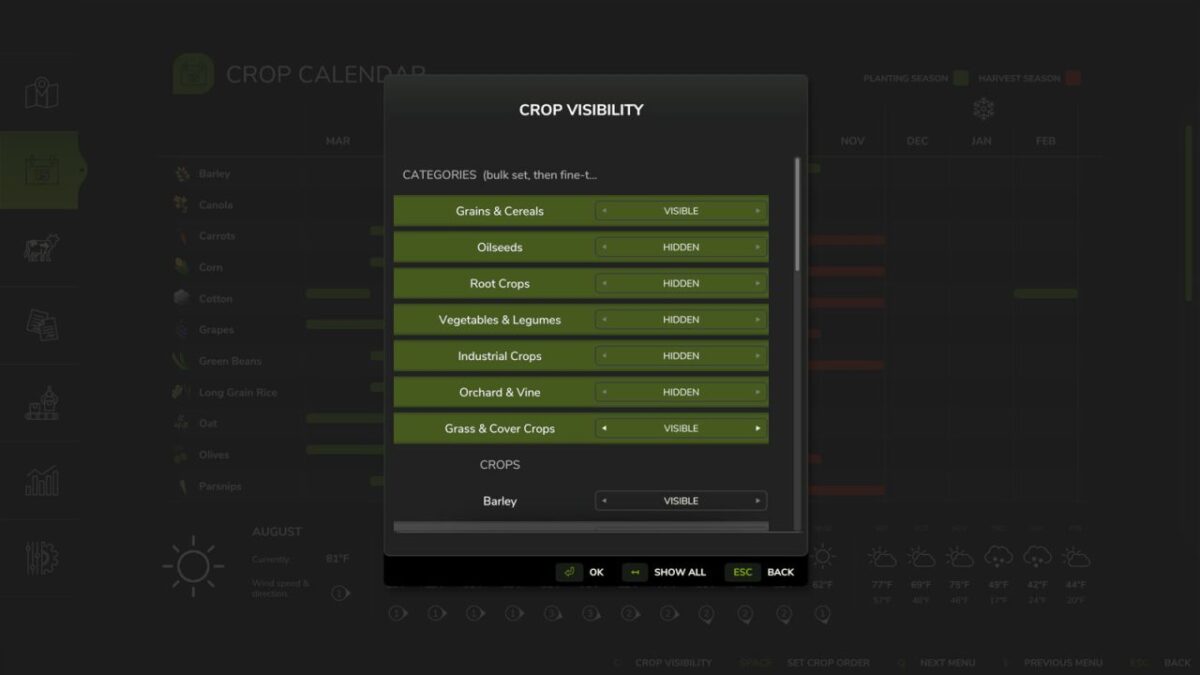
Set individual crop visibility
Pre-defined filters for different crop types
Adjust the order the crops are displayed
Easily reset to default
Customisable per save – row crop farming on one save, root crops on another; easily set the filters to prioritise those on each

Credits:

Argsy Gaming

How to install FS25 Misc?
Firstly find a mod which you like and want to download. Then download a mod to your PC. Mods are usually in .zip format file. But sometimes it can be in .rar. If a mod file is a .zip format no needed additional actions. If a file is in .rar, then you must unarchive mod with software like WinRar or Zip7. Windows 10 users no need to use software for archives, Win10 itself has a feature to unarchive files.
The next step is to find mods folder in your PC. Usually, it is in Documents/My Games/Farming Simulator 25/2025. Open the "mods" folder and put downloaded .zip archive or unarchived .rar file to this folder.
Last step. Enjoy of FS25 mods!

Leave a Reply

Your email address will not be published. Required fields are marked *