Invoices v 1.2.1.0


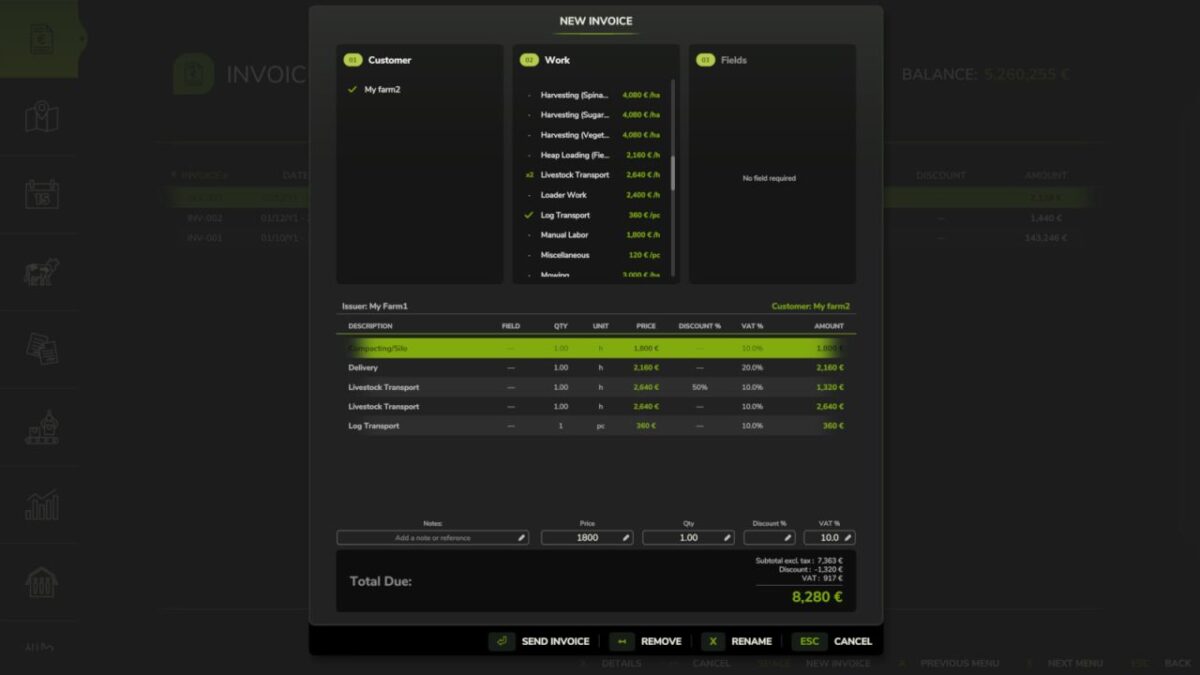
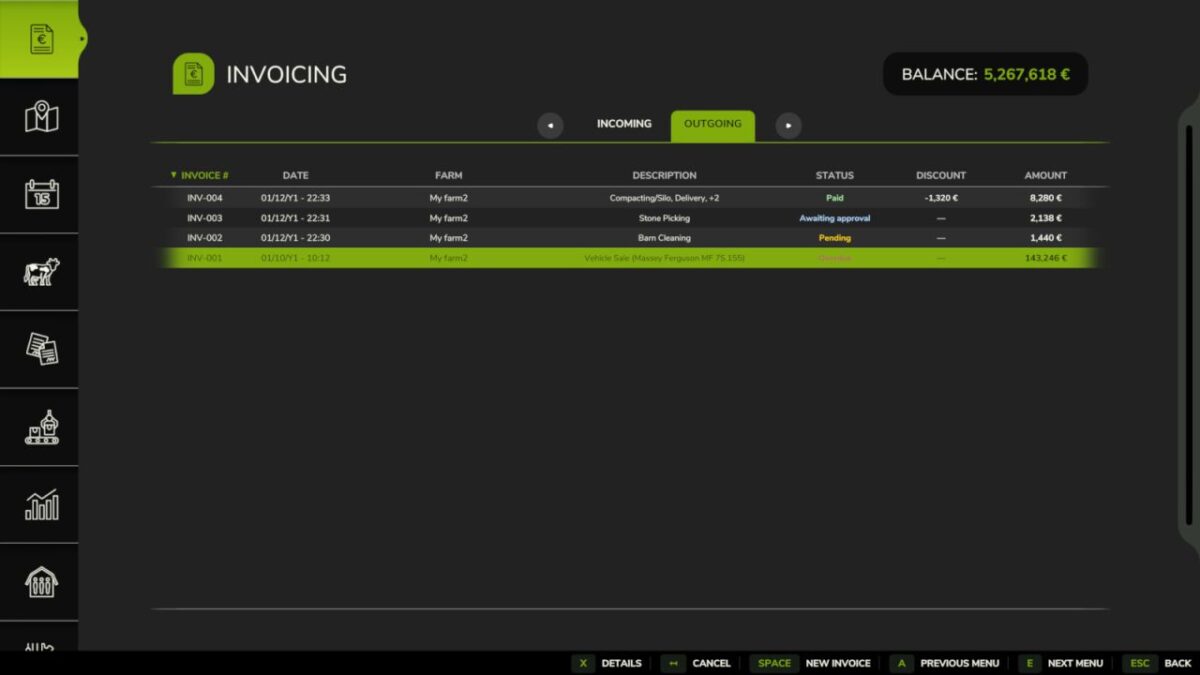
Create, send, propose and track invoices between farms in multiplayer.
Ideal for contractor gameplay and structured MP servers, Invoices lets you bill other farms for fieldwork, transport, forestry, animal care and direct sales.
Features:
Farm-to-farm invoicing with status tracking
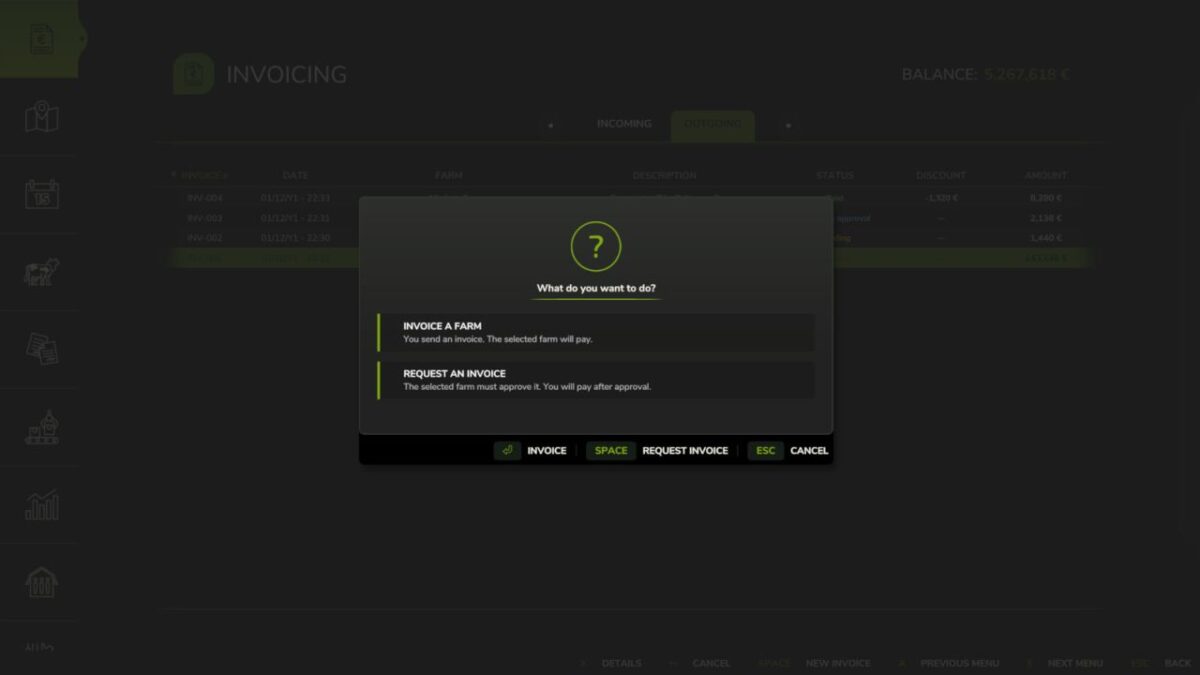
Invoice proposals with approval workflow
Vehicles, consumables and products can be billed directly, with automatic transfer when relevant
Prices, discounts and VAT can be adjusted line by line
Payment reminders, late fees, finance integration and FS25_RedTape support
Important: Only consumables physically present in the world (not stored inside buildings) can be invoiced and transferred.
Make sure to eject bales, pallets or bigbags from storage buildings before creating an invoice.
Access via the dedicated tab in the InGame Menu (ESC).
Version 1.2.1.0:
* Fixed line prices when reopening an invoice draft
* Fixed payment due dates and late fees: invoices are due after one in-game month, then accrue 5% per started overdue month from the first overdue day, capped at 25%
* Fixed field area on hectare-based invoicing: enlarged or trimmed fields now bill their measured worked area
* Improved multiplayer safety: invoices are now only synced from the host, preventing corrupted or tampered invoice data on clients
Credits:
Squallqt