
FS25 Misc

Spreader Section Control v 1.2

Spreader Section Control v 1.2

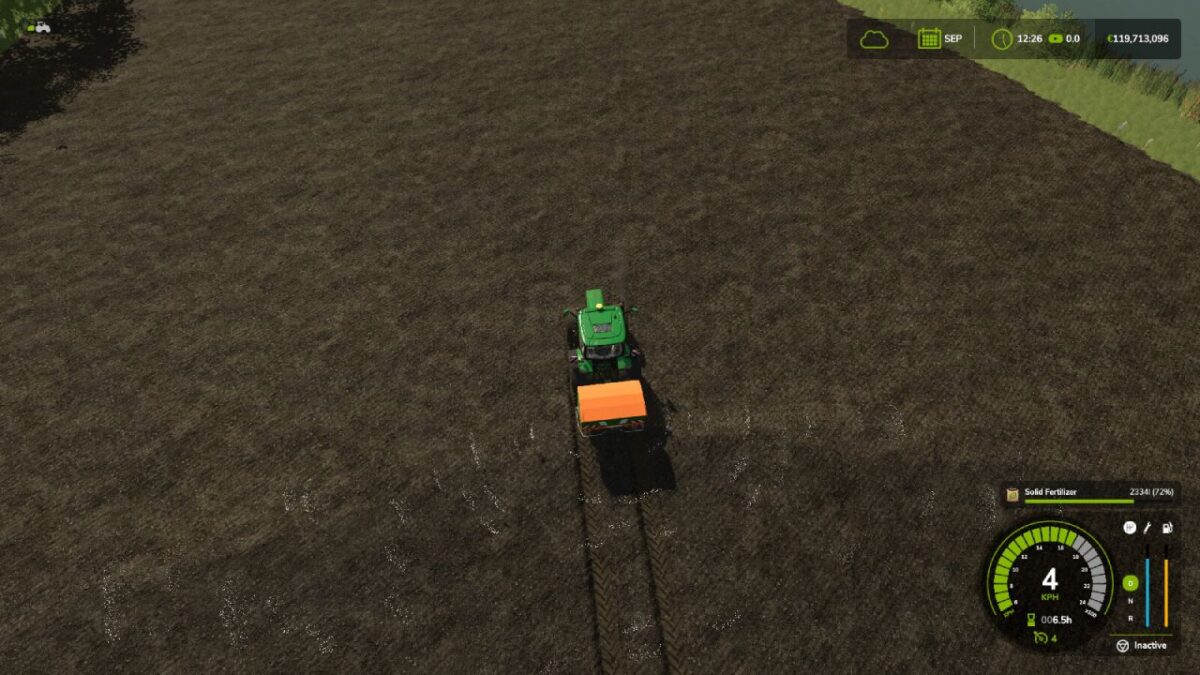
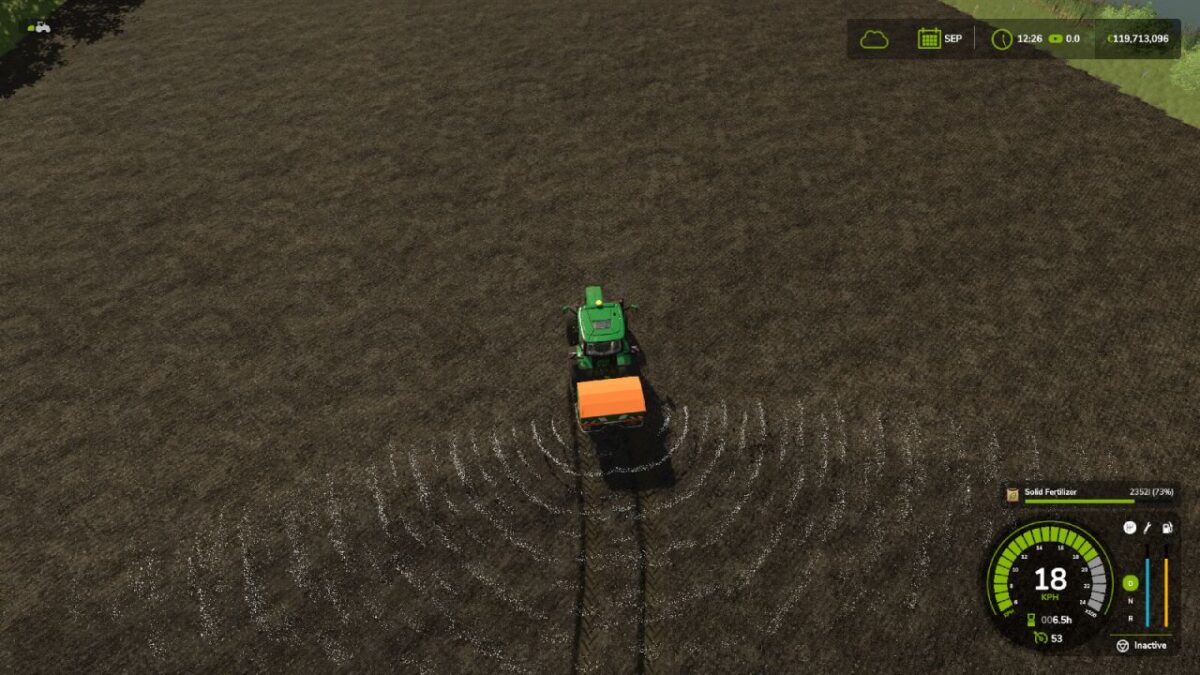
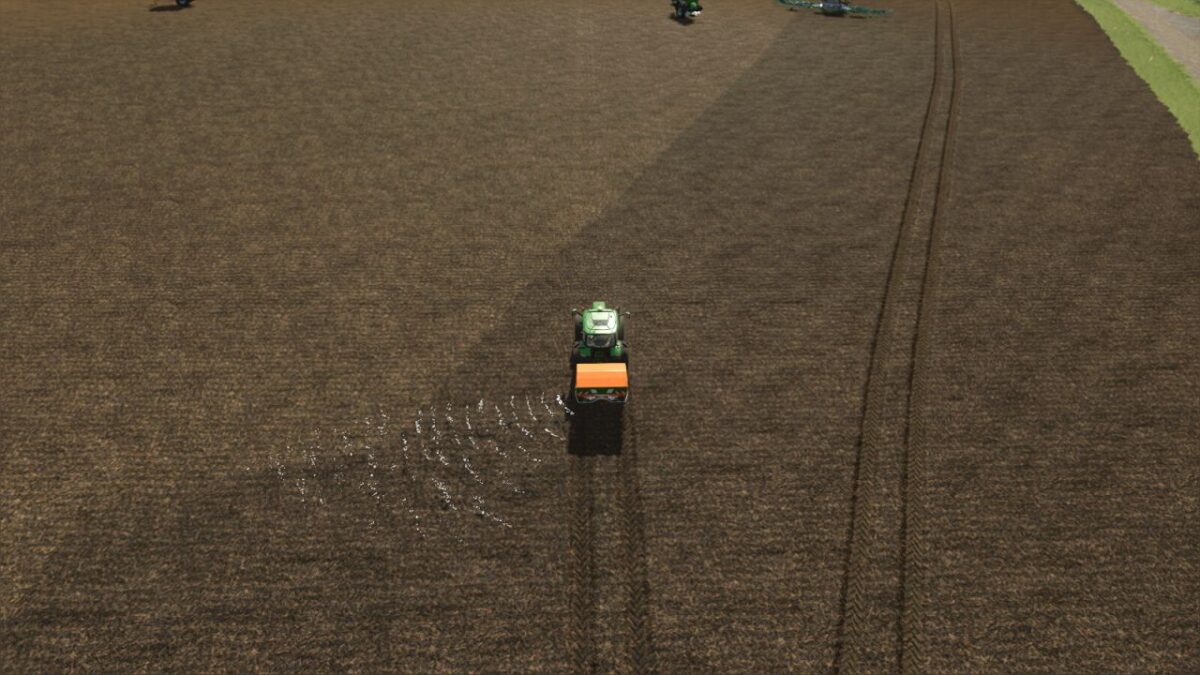
Spreader Section Control adds automatic section control to all fertilizer spreaders and slurry trailing shoe or trailing hose booms that are already equipped with manual section control.
Works with and without Precision Farming.
Can be switched on and off using the T key.
It controls only the working width you have defined.
It adjusts the fertilizer application rate up or down based on speed and working width.

Version 1.2:
* Fixed issues with maps that have their own fertilizerEffects.xml

Credits:

Fabian

How to install FS25 Misc?
Firstly find a mod which you like and want to download. Then download a mod to your PC. Mods are usually in .zip format file. But sometimes it can be in .rar. If a mod file is a .zip format no needed additional actions. If a file is in .rar, then you must unarchive mod with software like WinRar or Zip7. Windows 10 users no need to use software for archives, Win10 itself has a feature to unarchive files.
The next step is to find mods folder in your PC. Usually, it is in Documents/My Games/Farming Simulator 25/2025. Open the "mods" folder and put downloaded .zip archive or unarchived .rar file to this folder.
Last step. Enjoy of FS25 mods!

Leave a Reply

Your email address will not be published. Required fields are marked *