

Bale Finder v 1.1


BaleFinder – Never lose your bales again!
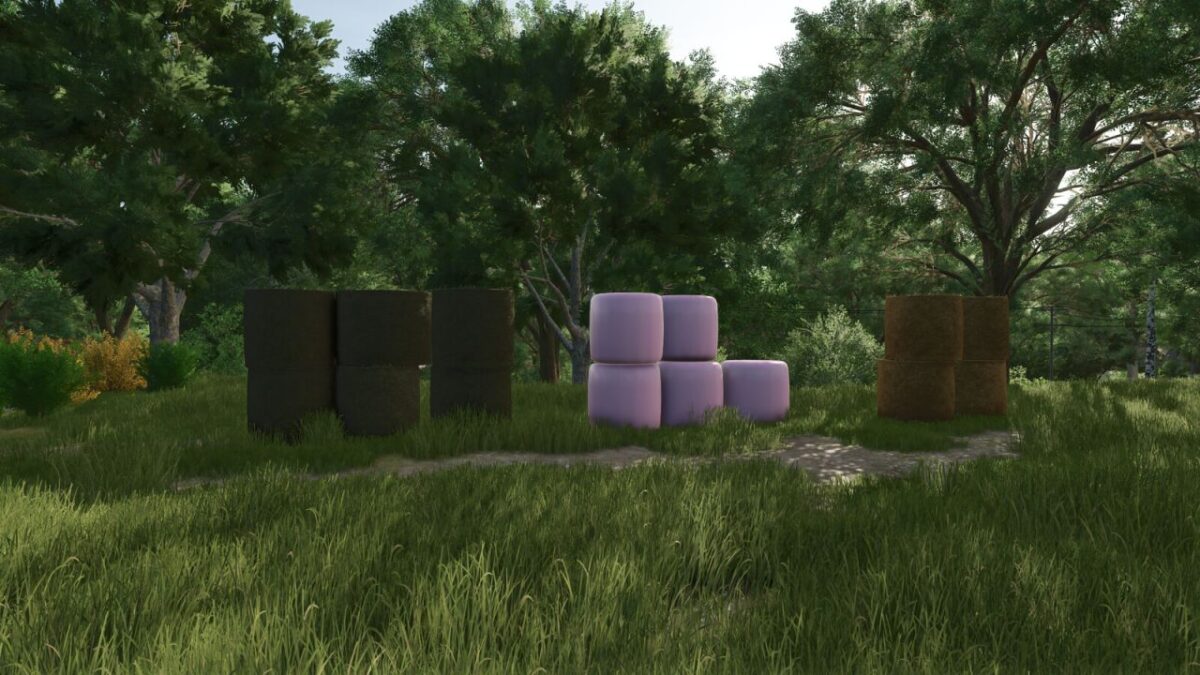
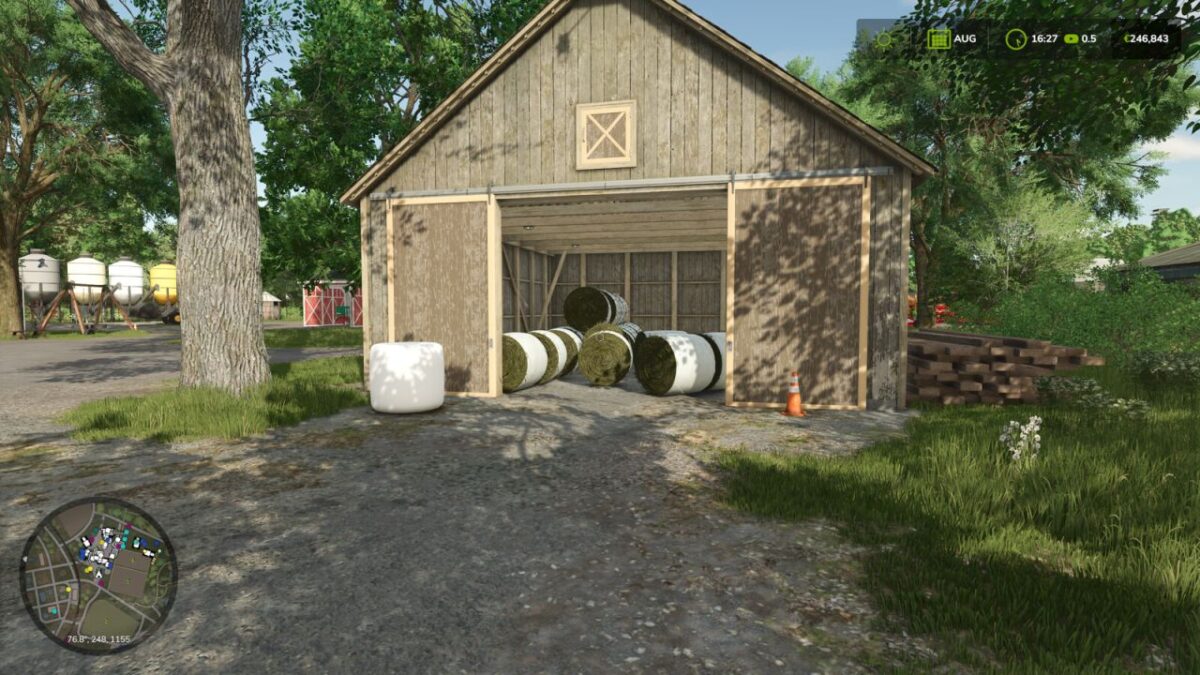
Have you ever wondered where all your bales went? Lost in the field, stacked somewhere, or simply vanished in the grass?
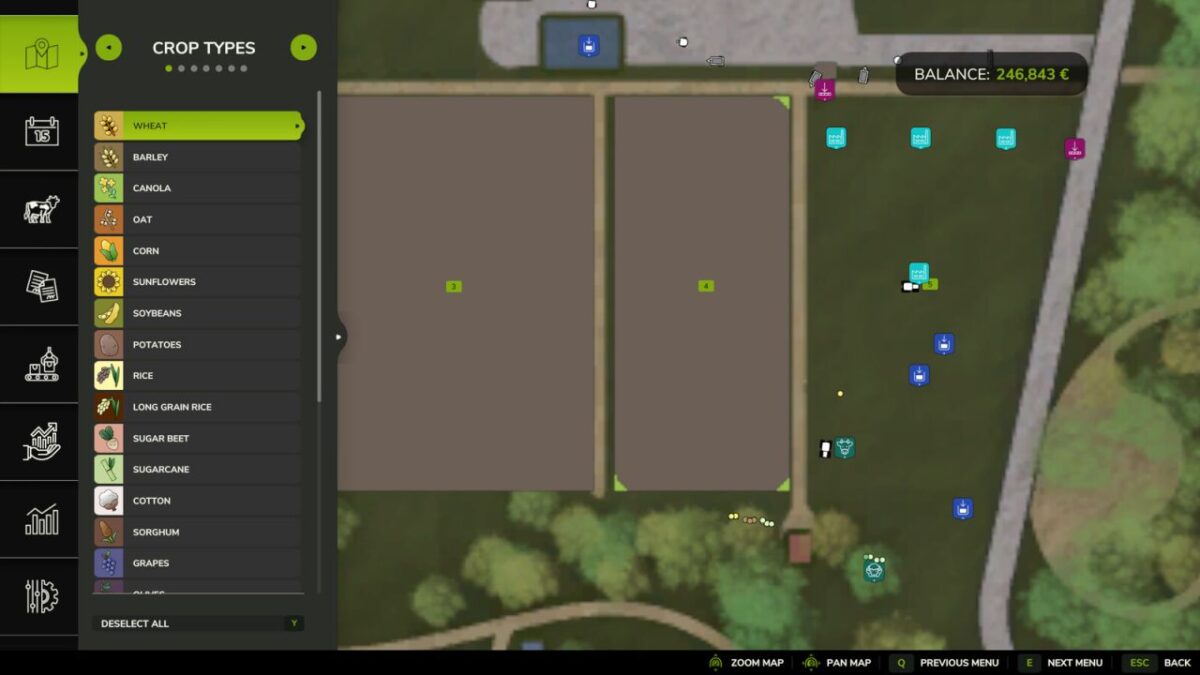
With BaleFinder you will never search again. This mod places colored hotspots for every bale directly on your PDA and minimap.
Supported standard bale types:
– Straw = yellow
– Hay = light green
– Grass = dark green
– Silage = brown
– Chaff = amber
– Sugar Beet Cut = magenta
– TMR / Forage = turquoise
– Cotton = white
Custom bale types are detected automatically. Up to 10 additional fill types receive individual colors; further custom types are shown in gray.
Additionally BaleFinder now can be switched on or off while on foot using the configurable key binding in the game controls. Standard Keybinding is set to “B”.
Just install, start, and you’ll always know where your all your different bales are.
Version 1.1:
* Added automatic support for custom bale fill types with up to 10 additional colors
* Added a configurable global BaleFinder on/off toggle
Credits:
Penzonator


