
FS25 Trucks

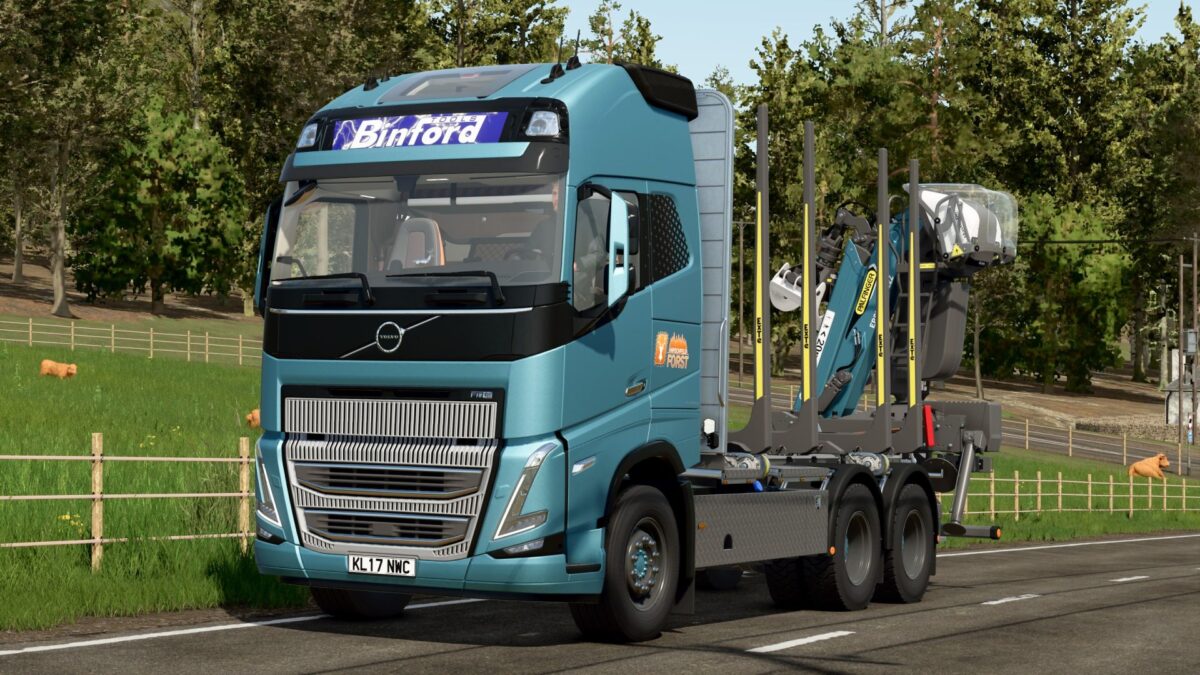
Volvo FH16 Hirschfeld Edition v

Volvo FH16 Hirschfeld Edition v

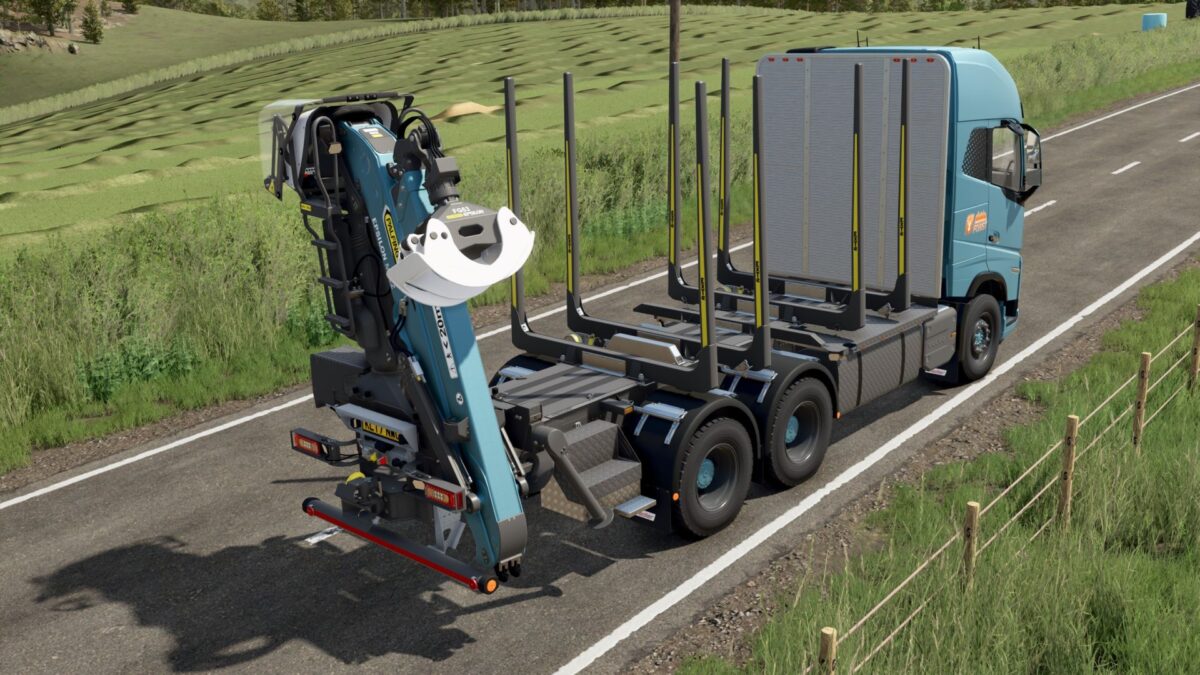
Forestry truck with loading crane, revamped and futureproof.
The well known forestry truck from Palfinger has been completely redesigned and brings with it some exciting new features.
With an additional motor configuration for electric drive, sustainability is a top priority.
The crane arm is now equipped with working headlights ideal for nighttime use.
Experience the familiar quality from Hirschfeld combined with innovative features that will improve your forestry operations.
Perfect for transporting logs and use in challenging terrain.

Credits:

HIP_Marco, Mario Hirschfeld
How to install FS25 Trucks?
Firstly find a mod which you like and want to download. Then download a mod to your PC. Mods are usually in .zip format file. But sometimes it can be in .rar. If a mod file is a .zip format no needed additional actions. If a file is in .rar, then you must unarchive mod with software like WinRar or Zip7. Windows 10 users no need to use software for archives, Win10 itself has a feature to unarchive files.
The next step is to find mods folder in your PC. Usually, it is in Documents/My Games/Farming Simulator 25/2025. Open the "mods" folder and put downloaded .zip archive or unarchived .rar file to this folder.
Last step. Enjoy of FS25 mods!

Leave a Reply

Your email address will not be published. Required fields are marked *