

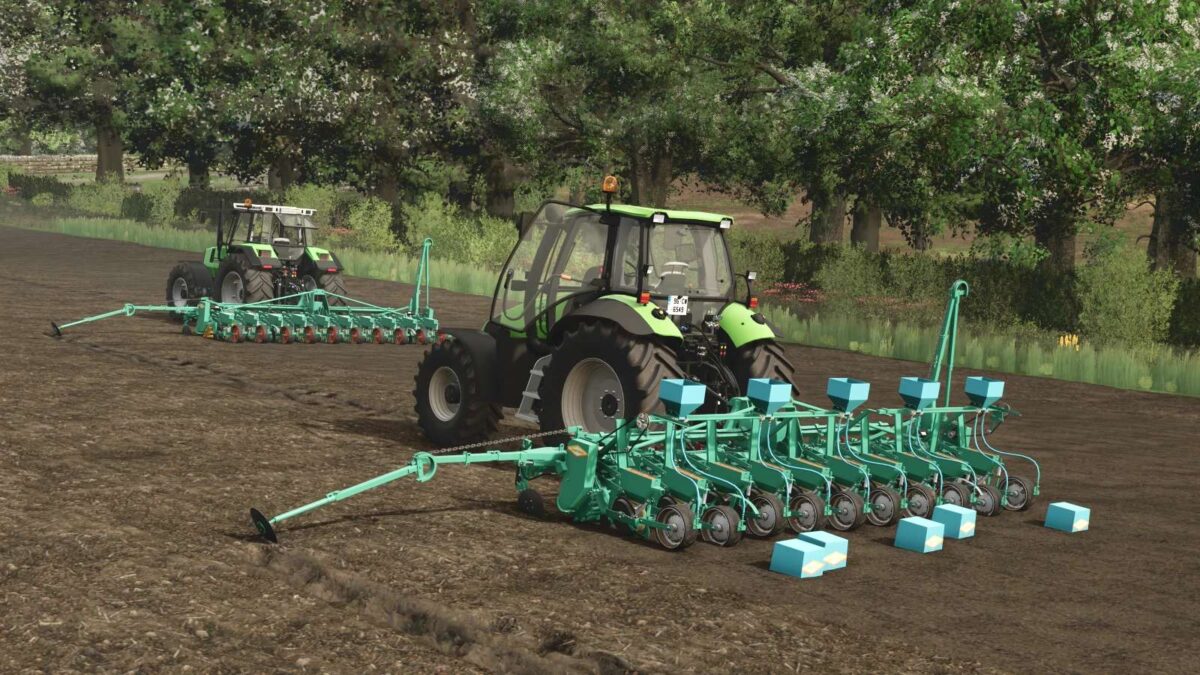
Armer Salmon 10 Row Seeder v 1.0


– Twin Tool Bar and Stabilisers
– Crumbler Roller for Seed Bed Preparation and Unit Drive System
– Ridging Assembly for Sowing on Ridges
– Parallel movement of individual Seeder units
– Self Cleaning rubber low ground pressure pack wheels
– Monitor to ensure that machine is seeding at all times and that boxes are not empty
– Hydraulic Markers controlled from Tractor Cab
– Electric Clutch to engage and disengage 4, 5, 6 units on 8, 10 and 12 Row machine
– ‘A’ frame and Quick Hitch for fast attaching of Tractor to Seeder or Trolley
– Bung fitted in each unit for easy removal of seed
– Applicator for applying insecticide granules in ground with seed or applying granules overground pollowing pack wheels
– Stabiliser Disc fitted to ensure machine runes straight
– Double Disc opening for Seed Groove
– Twin Seed Covers wuth adjustable weights
– Trolley for safe and simple movement of seeder
– Tailer for transporting Armer Salmon 10 Row Crumbler Roller Seeder
Credits:
Eire Agri Modding


