Universal Seeder Auto Refill v 1.0.1.0


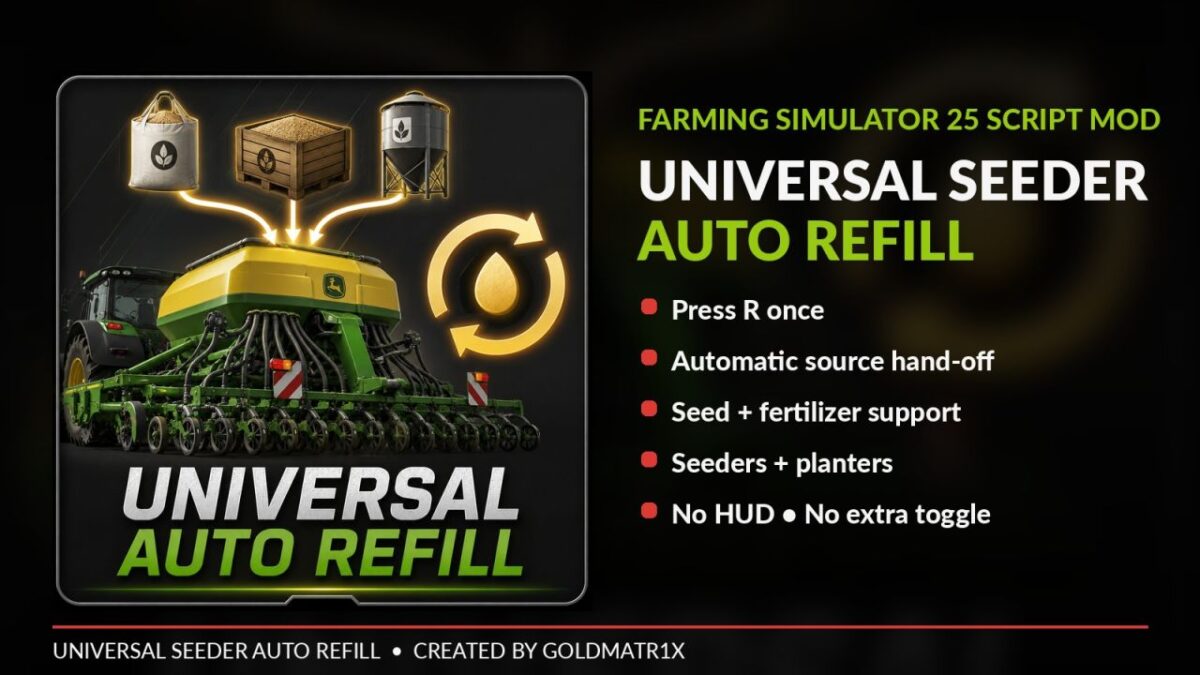
Universal Seeder Auto Refill adds automatic chained refilling to compatible seeders and planters in Farming Simulator 25 while keeping the game’s standard refill controls and interface.
WHY I MADE THIS MOD
The Auto Refill system originally started as a feature I created specifically for one of my seeder projects. After using it, I decided the feature was too useful to keep tied to just one machine.
I therefore rebuilt the idea as a standalone script mod so the same automatic refill functionality could be used with a much wider range of compatible seeders and planters across Farming Simulator 25.
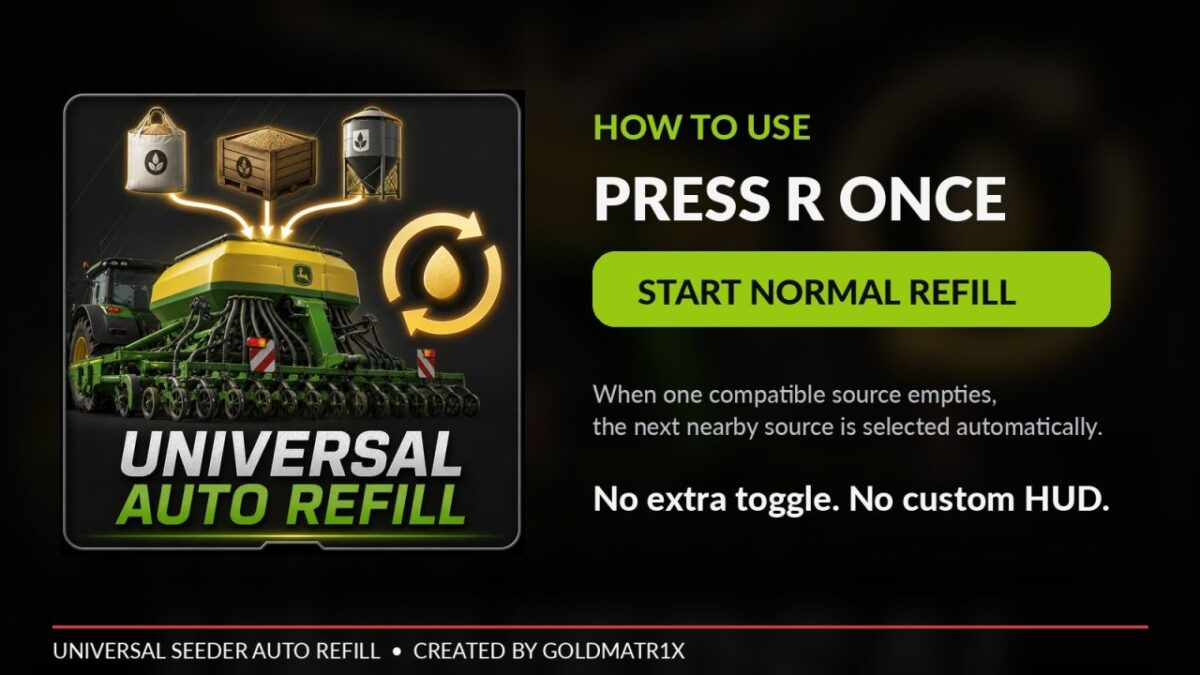
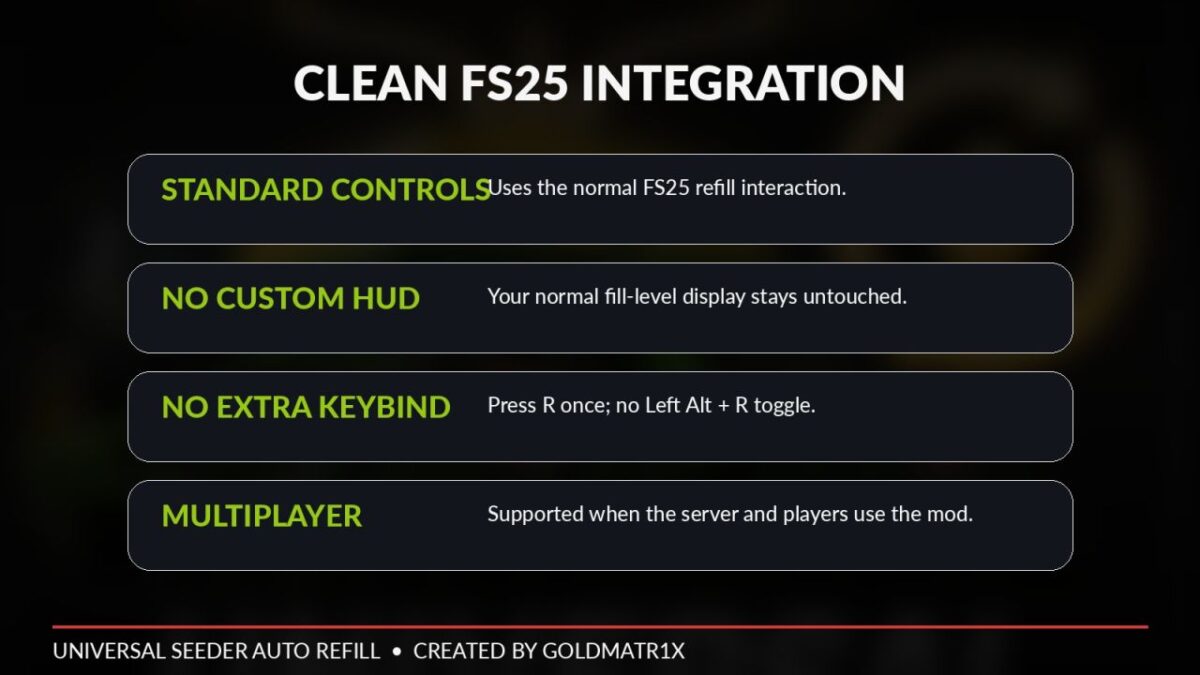
The goal was to keep the system simple: use the normal Farming Simulator refill controls, press R to begin filling, and let the mod handle the hand-off between compatible nearby refill sources automatically.
HOW IT WORKS
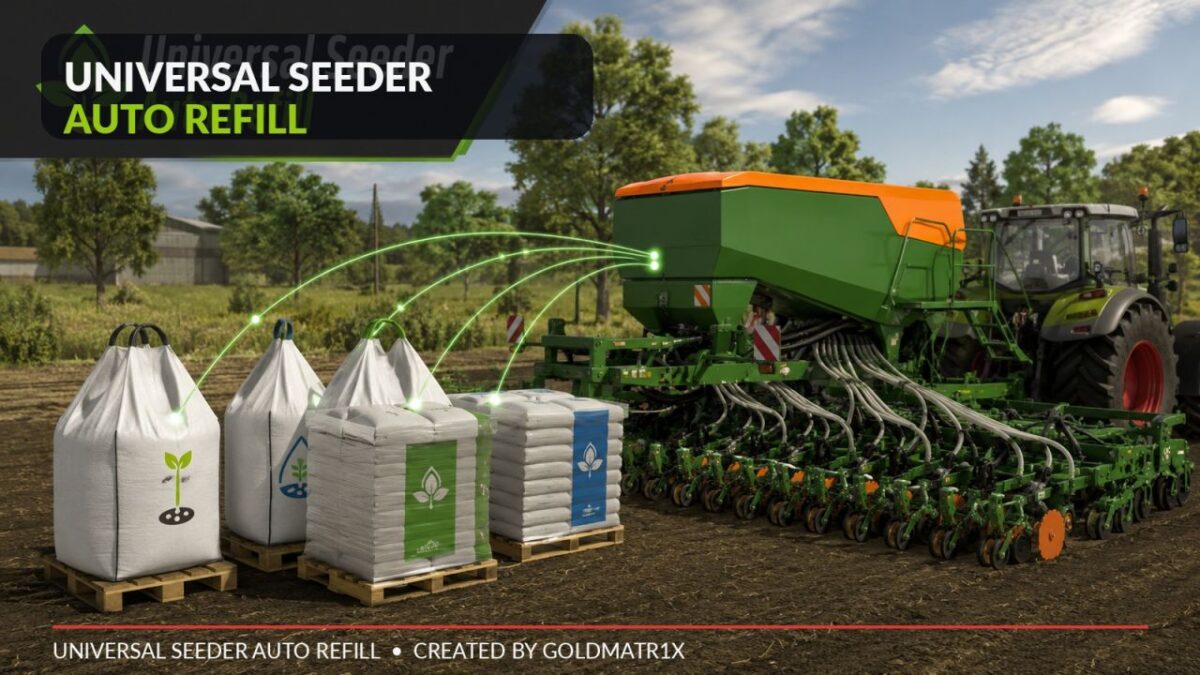
Press R to begin filling. When the current compatible seed or fertilizer bag/pallet is empty, the mod automatically attempts to continue with the next compatible nearby source already within the machine’s standard refill range.
FEATURES
– Standalone Auto Refill script mod
– Developed from an Auto Refill feature originally created for a single seeder project
– Compatible base-game seeders and planters
– Designed to support compatible modded seeders and planters
– Uses SowingMachine + FillUnit integration
– Seed and fertilizer support
– Automatic hand-off between compatible nearby bags/pallets
– Fast 80 ms restart/retry timing
– 8 second nearby-source grace period
– Uses Farming Simulator 25’s standard refill interface
– Multiplayer supported when the server and players use the same mod version
– No additional configuration required
HOW TO USE
1. Position a compatible seeder or planter within its normal refill range.
2. Place compatible seed or fertilizer bags/pallets nearby.
3. Press R to begin filling.
4. The mod automatically attempts to continue with the next compatible nearby source when the current source is empty.
5. The session ends normally when no compatible source is available within the grace period.
IMPORTANT
Universal Seeder Auto Refill does not enlarge the physical refill trigger radius of equipment. Each machine keeps its original Farming Simulator 25 refill range.
Compatibility with every third party machine cannot be guaranteed because some equipment mods use custom refill scripts or non standard Fill Unit behaviour.
Credits:
GOLDMATR1X