

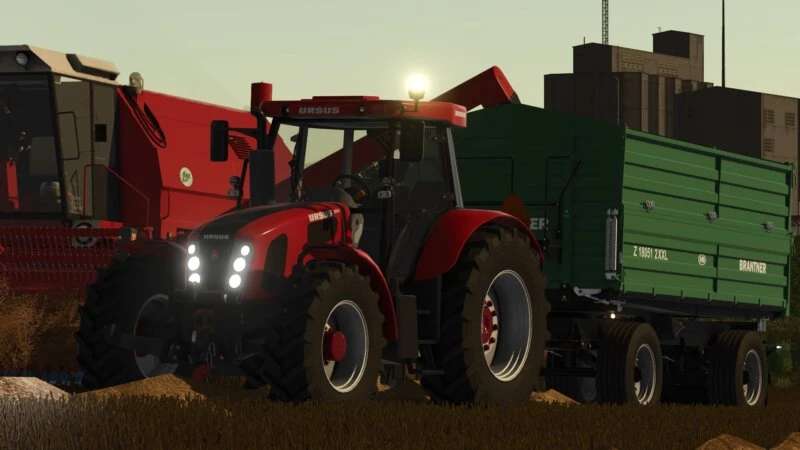
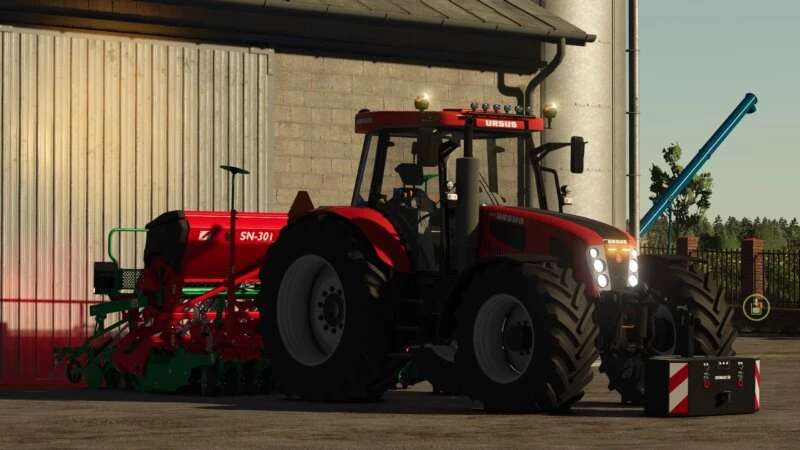
Ursus 15014 v 1.0.3.0


Price: 82,000
Power: 148205 HP
Speed: Base 40 km/h Turbo 45 km/h
Category: Medium Tractors
Version 1.0.3.0:
* The wheel hubs have been changed
* The plastic mudguards have been reduced to better fit
* Added the ability to change the hub color (Red, Black)
* The sounds have been changed to those from FS13 and reworked for FS25
* Added an animated joystick for the front loader
* Added working lights
* The warning triangles have been changed to different ones
* Added the ability to configure warning triangles
* Added new lights mounted on the front of the cab
* Changed the steering axle to a larger one, as recommended in FS25
* The beacons have been changed to different ones
* Added the ability to configure beacons
* Added strobe lights to the front of the tractor hood
* Added several new configurations (you’ll discover for yourself)
* Added missing linkages
* Fixed several errors that were displayed in Log
Credits:
Kaszuuu


