

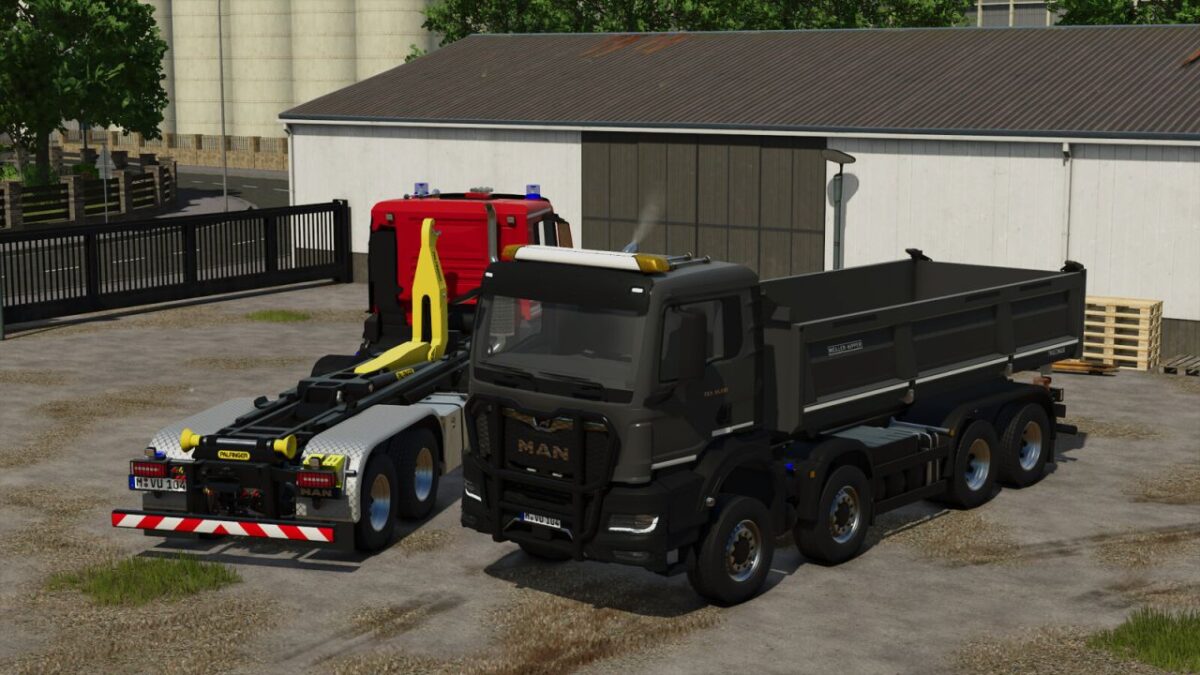
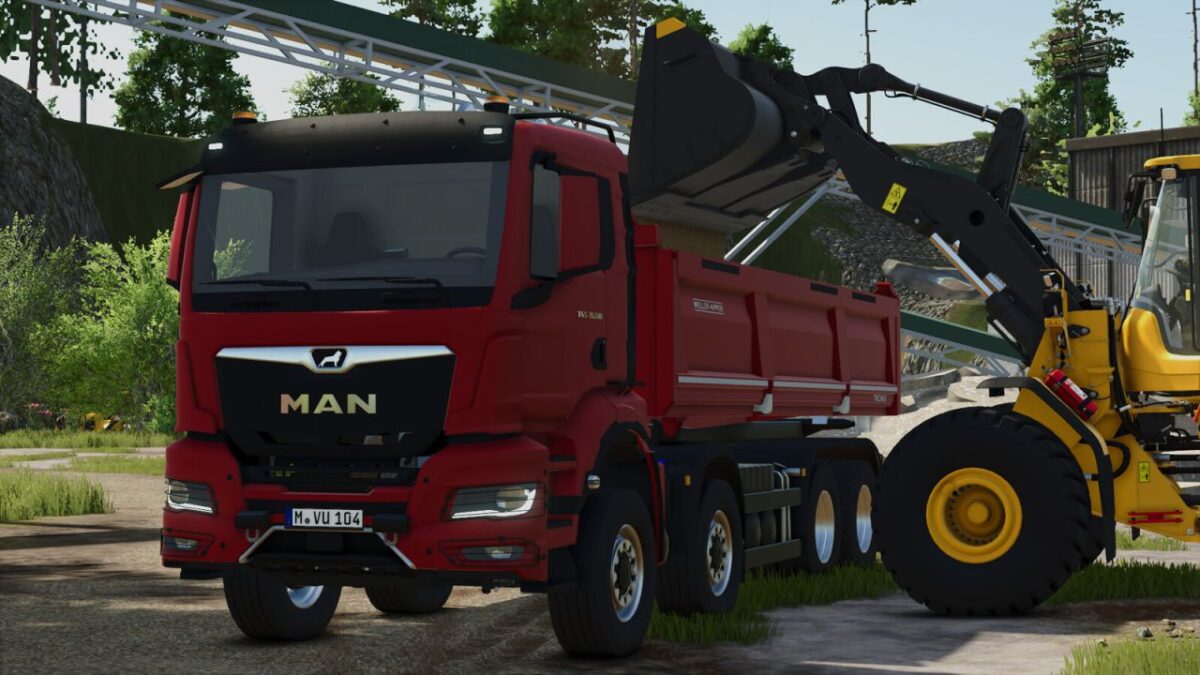
MAN TGS TG3 v 1.0.0.3


Configurations:
– Vehicle variant
– Tire variant
– Decals
– Reflector color
– Beacon color
– Roof attachment
– Front attachment
– Front flashers
– Rear beacons
– Door extension
– Stone guard
– Rim color
– Illuminated MAN logo
– Rear fenders
– Tipper reflectors
– Siren
Color Choices:
– Main color
– Bumper color
– Mirror cap color
– Hooklift or Tipper color
Functions:
– Hooklift can be extended/retracted using the “Unfold/Fold” key
– Tipper gates can be opened; tension belts are also available
– Doors can be opened via Interactive Control or Mouse Control
Technical Specs:
– Max Speed: 90 kph
– Price: 106,900$
– Power: 240 kW (321 hp)
– Category: Trucks
Fuel tank capacity: 400 L
Trough capacity: 21 m³
Version 1.0.0.3:
* Added vehicle assistance system functions (PC Only)
* Added halogen beacons
* Added additional front flasher positions
* Added front trailer hitch
* Fixed vehicle moving on its own (vehicle no longer moves)
* Adjusted engine power
* Changed front flasher sequence
* New store and mod icon
* Added Emergency Pack features
Credits:
T3mok Modding


