
FS25 Trucks

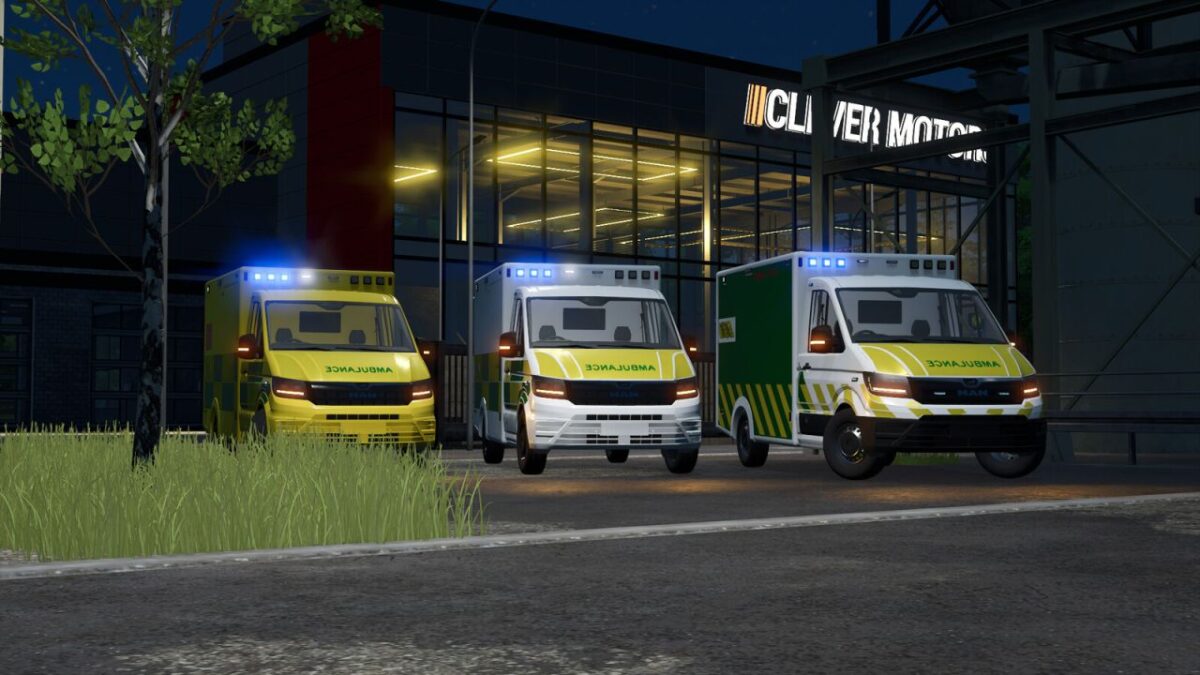
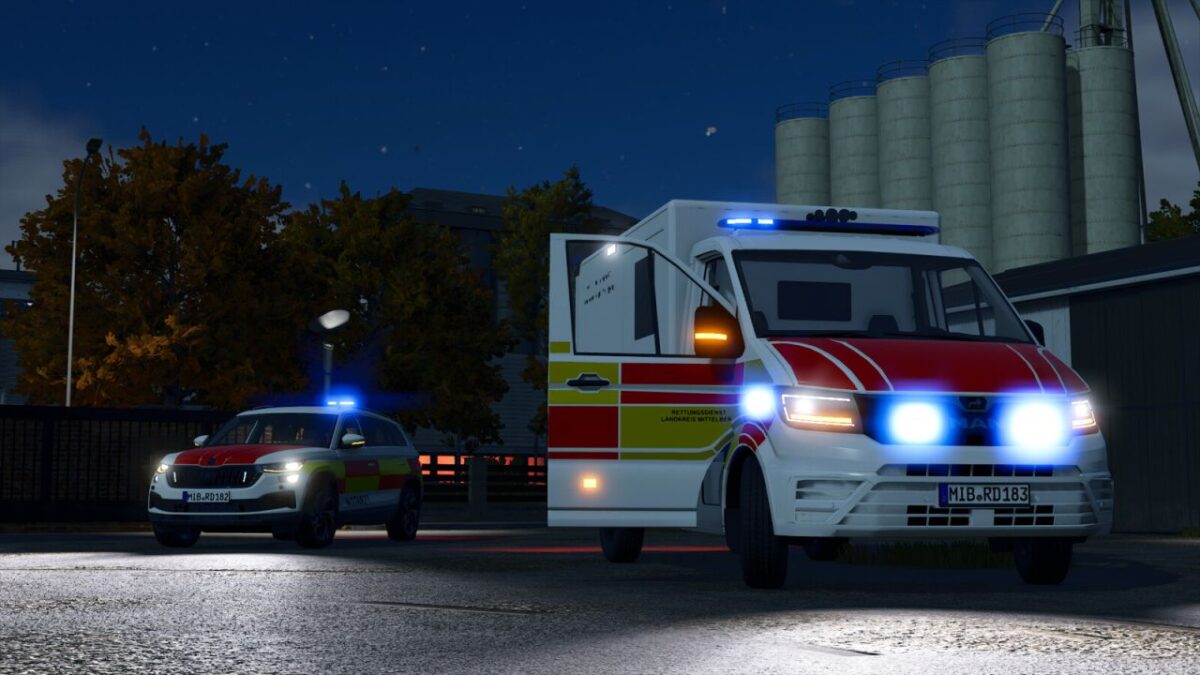
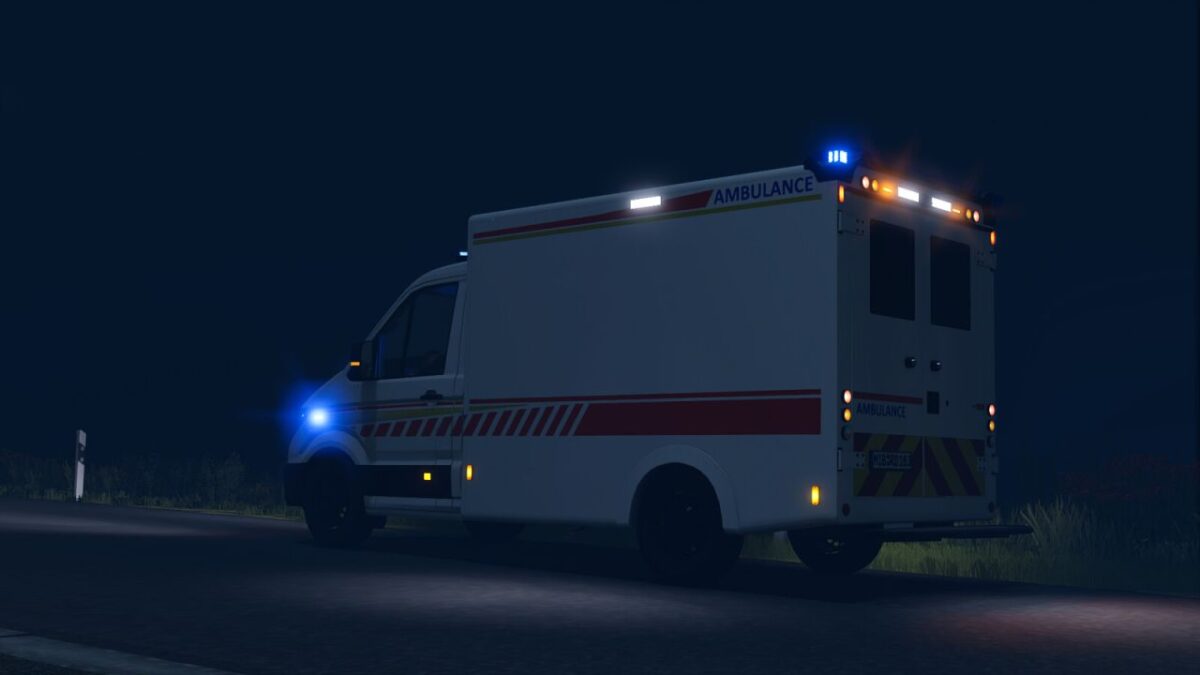
MAN TGE Ambulance v 1.0.0.3

MAN TGE Ambulance v 1.0.0.3

Configuration options:
Rim color
Bumper color
Wrapping designs
Left- and right-hand drive
Special signaling systems (front and rear)
Step board color
Front and side flashers

Functions:
– Horn can be activated by “Open Cover”
– Rear warning light can be activated by “Unfold”
– Doors can be opened via IC, or without IC with MouseControl
– RealGPS installed

Maximum speed: 150 km/h
Price: 154.000$
Power: 125kW (170 hp)
Category: “Vehicles / Cars”

Version 1.0.0.3:
* Added professional fire department decals (Berufsfeuerwehr)
* Added “Rettungsdienst” (Emergency Medical Services) lettering to the hood
* Improved visibility of the rear blue light module
* Added color choice
* Fixed minor errors
* Added Emergency Pack features

Credits:

T3mok Modding

How to install FS25 Trucks?
Firstly find a mod which you like and want to download. Then download a mod to your PC. Mods are usually in .zip format file. But sometimes it can be in .rar. If a mod file is a .zip format no needed additional actions. If a file is in .rar, then you must unarchive mod with software like WinRar or Zip7. Windows 10 users no need to use software for archives, Win10 itself has a feature to unarchive files.
The next step is to find mods folder in your PC. Usually, it is in Documents/My Games/Farming Simulator 25/2025. Open the "mods" folder and put downloaded .zip archive or unarchived .rar file to this folder.
Last step. Enjoy of FS25 mods!

Leave a Reply

Your email address will not be published. Required fields are marked *