

Clean Water Farm Map v 1.0


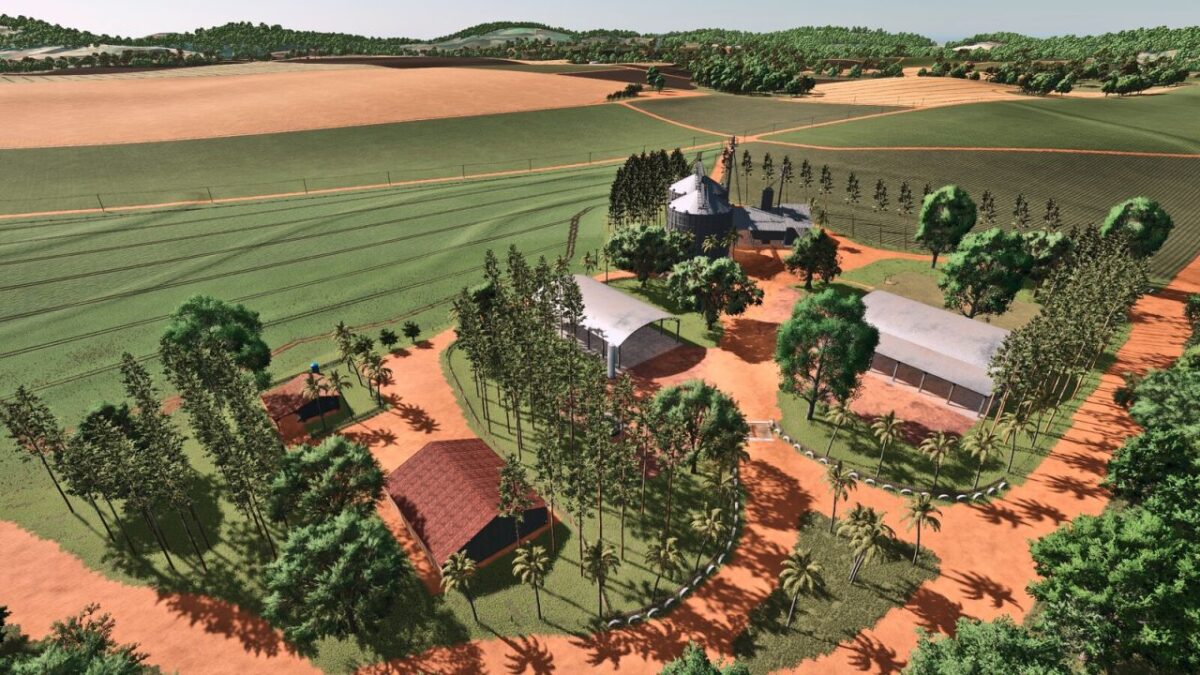
– The main farm headquarters has been recreated with a high level of accuracy using a real PDA as reference
– Several buildings, sheds, structures and objects have been modeled to closely match the real location
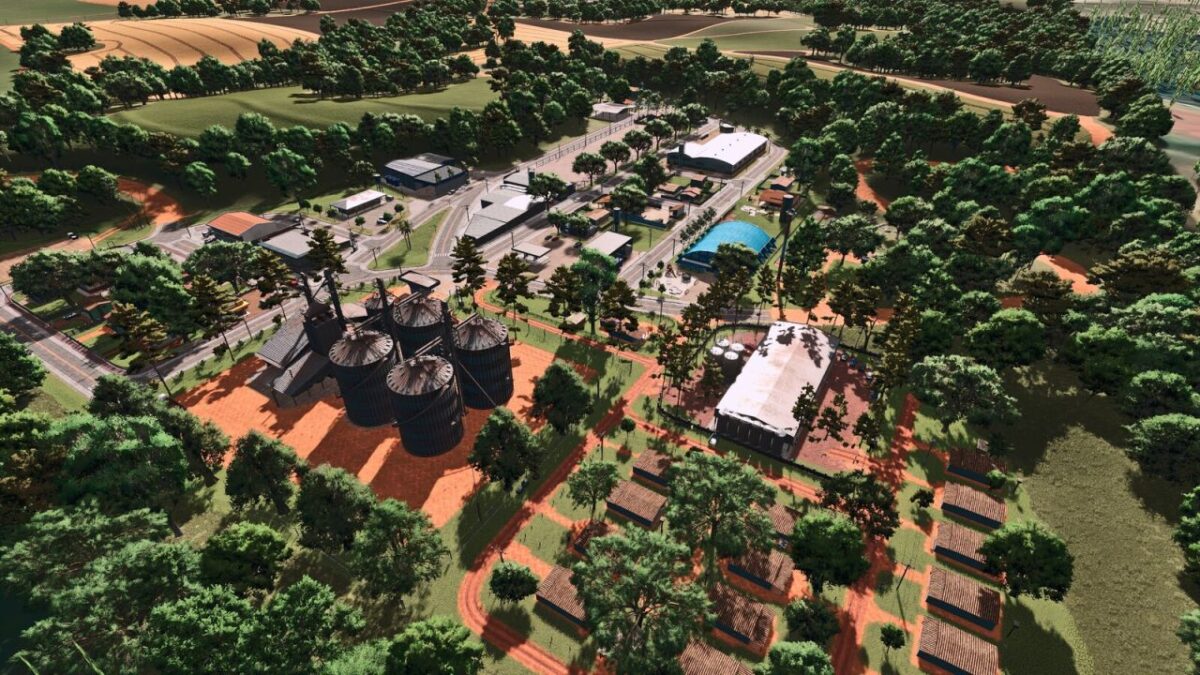
– The map also features a fictional town inspired by Primavera do Leste, including grain selling points, silos, a farmers market, machinery dealership, the Industrial Triângulo facility, animal market, bale selling points and other production chains
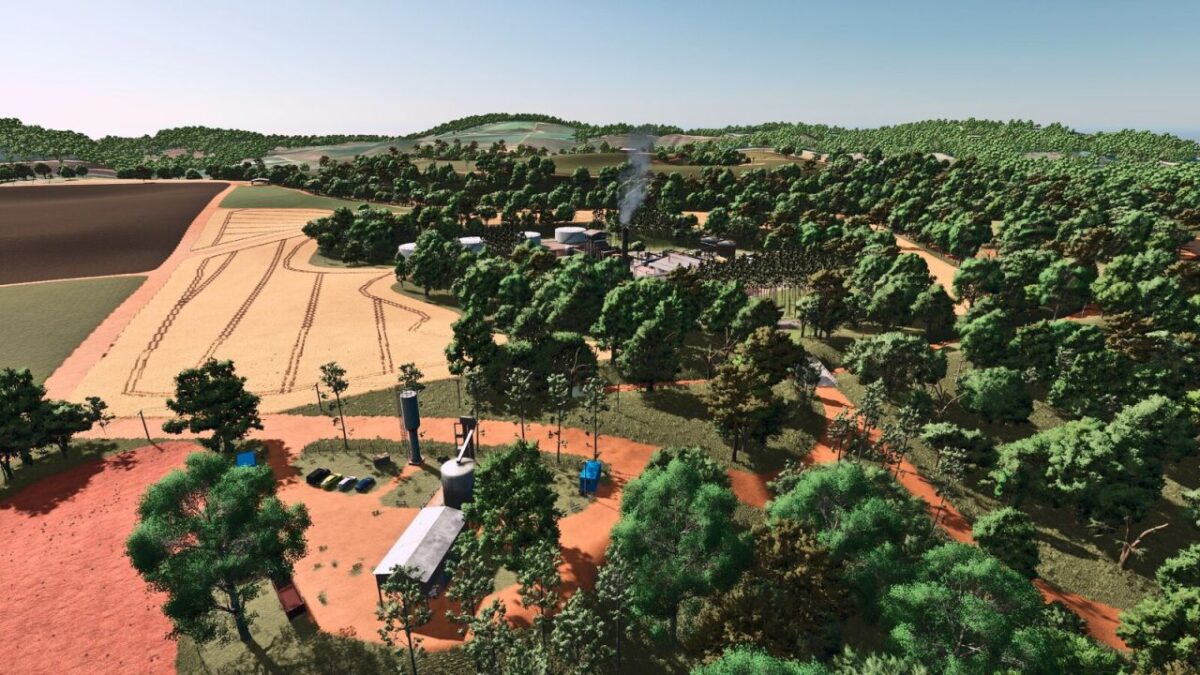
– A fully functional sugar mill is included, where players can sell sugarcane, produce sugar and obtain by products such as vinasse and filter cake, which can be used to fertilize fields
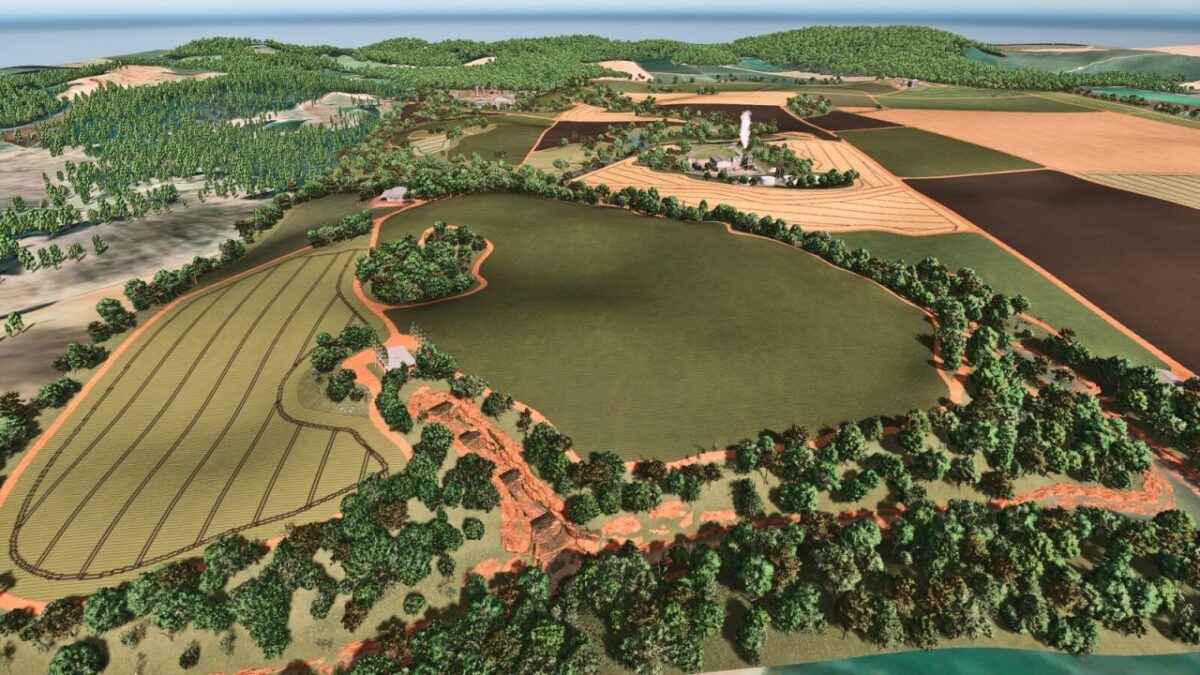
– The map offers medium and large fields inspired by the agricultural landscape of Mato Grosso, varied terrain, rivers, purchasable land and areas to build your own farm headquarters
– Designed to provide an immersive and realistic farming experience, Fazenda Água Limpa combines authenticity, productivity and freedom, allowing every player to experience Brazilian agriculture
Credits:
Andrade ML / Renegados Modding / ML Studio


